
Printer Guides
Comprehensive troubleshooting and setup guides for various printer models and common errors.
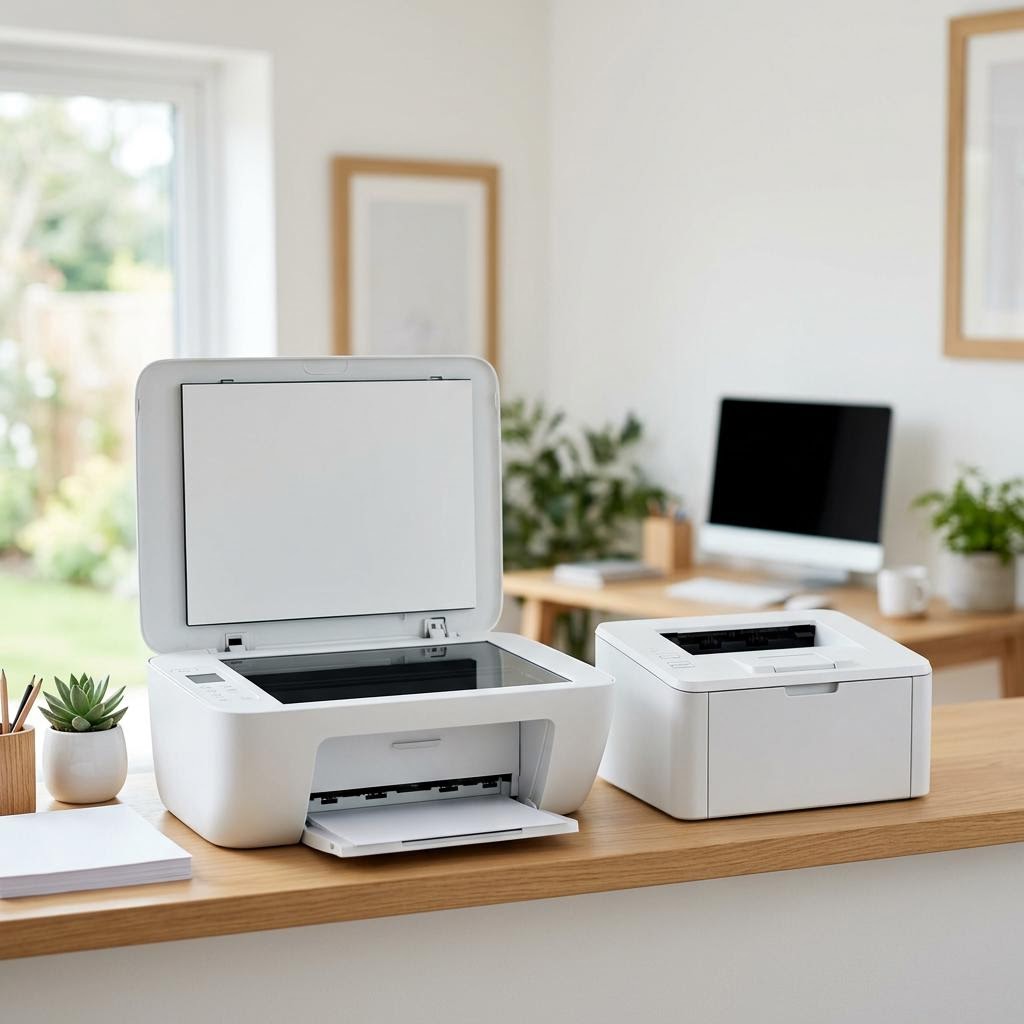
All-in-One vs Single-Function Printers: Which Do You Need?
Trying to decide between an all-in-one that prints, scans, and copies, or a simpler single-function printer that only prints? This beginner-friendly buying guide helps you work out whether you actually need scanning and copying, weighs the space, price, and reliability tradeoffs, explains the difference between an ADF and a flatbed scanner, and shows when a dedicated printer plus a phone-scanning app is all you really need.
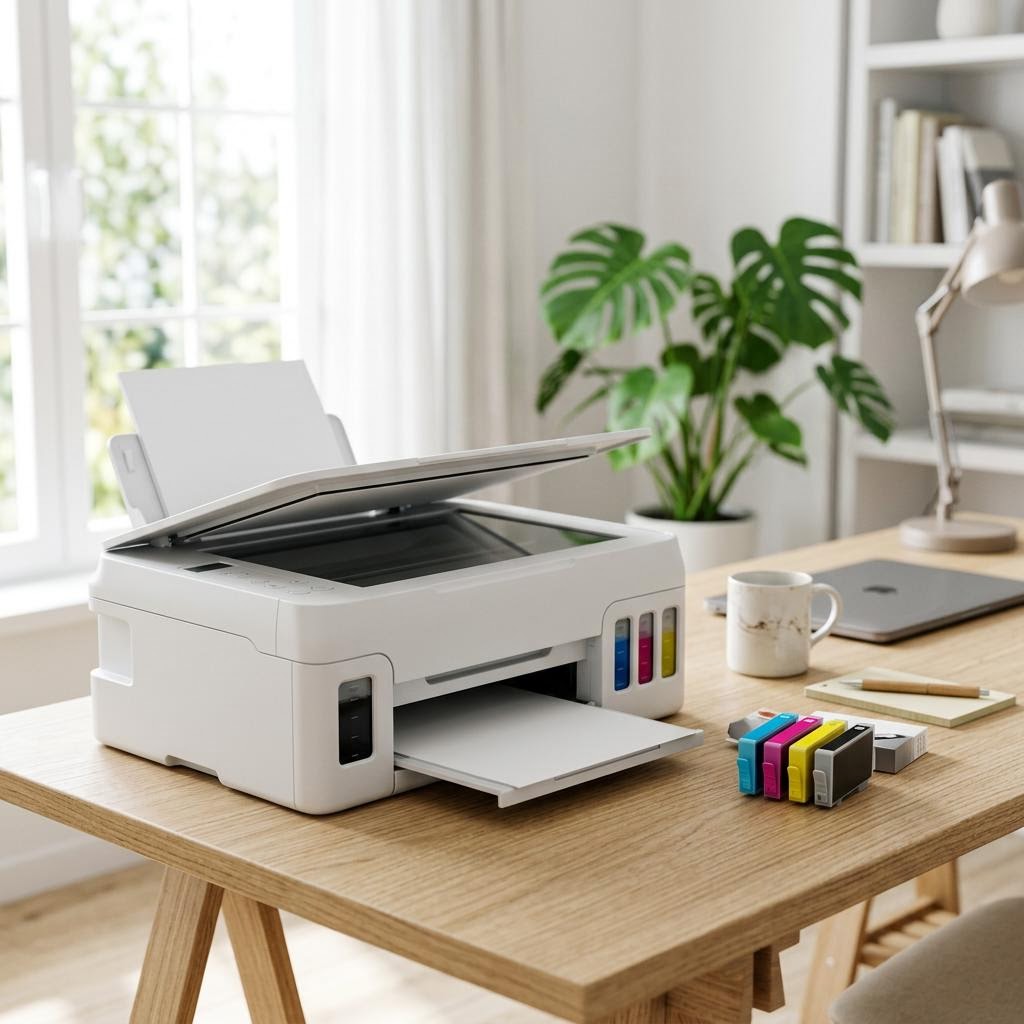
Ink Tank vs Cartridge Printers: The Real Cost of Ownership
Trying to decide between an ink tank printer and a traditional cartridge printer? This beginner-friendly buying guide breaks down total cost of ownership — the upfront price, the price of refills, and the cost-per-page math you can do yourself — so you can work out which one actually saves money for how much you print.
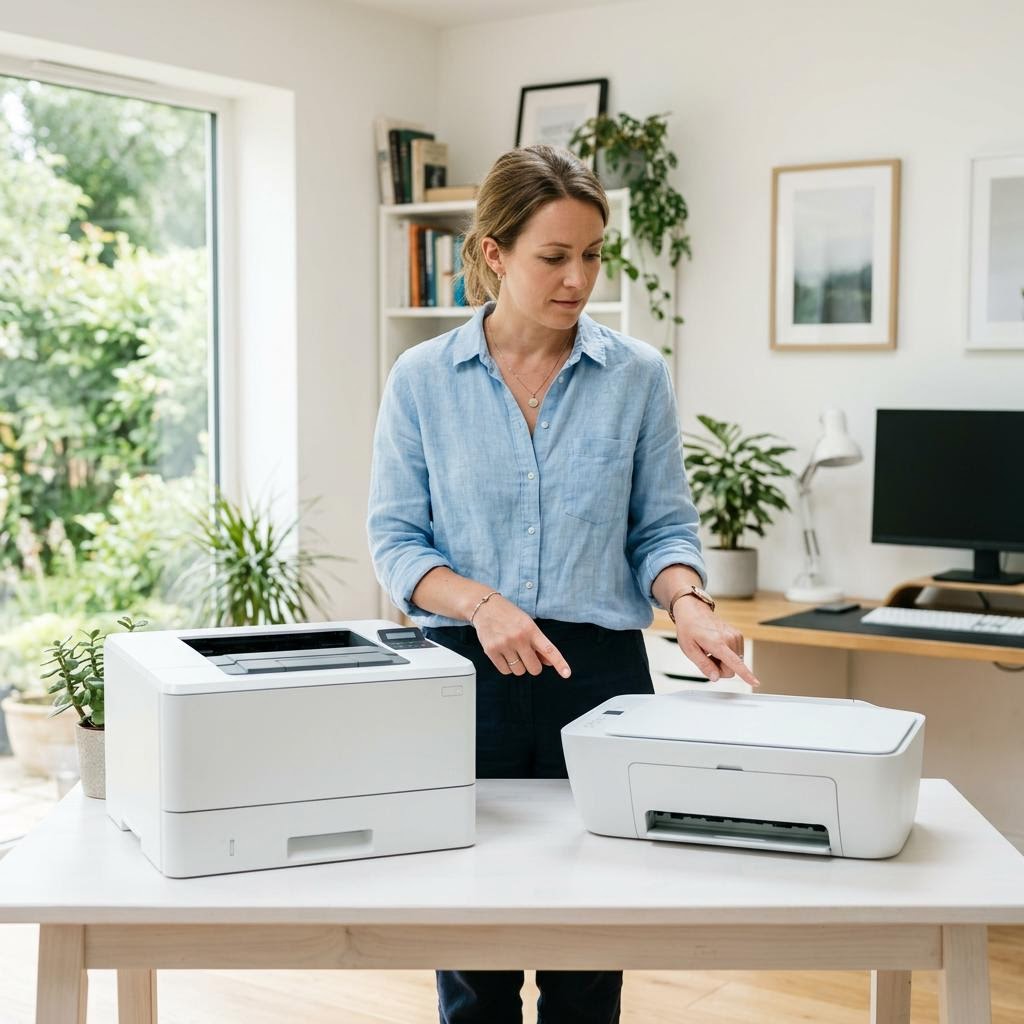
Inkjet vs Laser Printers: Which Should You Buy?
Torn between an inkjet and a laser printer? This beginner-friendly buying guide compares the two head to head — print volume, cost per page, photo versus text quality, speed, size, and the maintenance quirks of each — so you can match the right technology to how you actually print.

Printer Buying Checklist: What to Look for Before You Buy
Shopping for a printer for your home or home office and not sure what actually matters? This beginner-friendly checklist walks through the features worth checking before you buy — connectivity, duplex, paper handling, running costs, duty cycle, scanning needs, size, and warranty — so you choose a printer that fits how you really print.
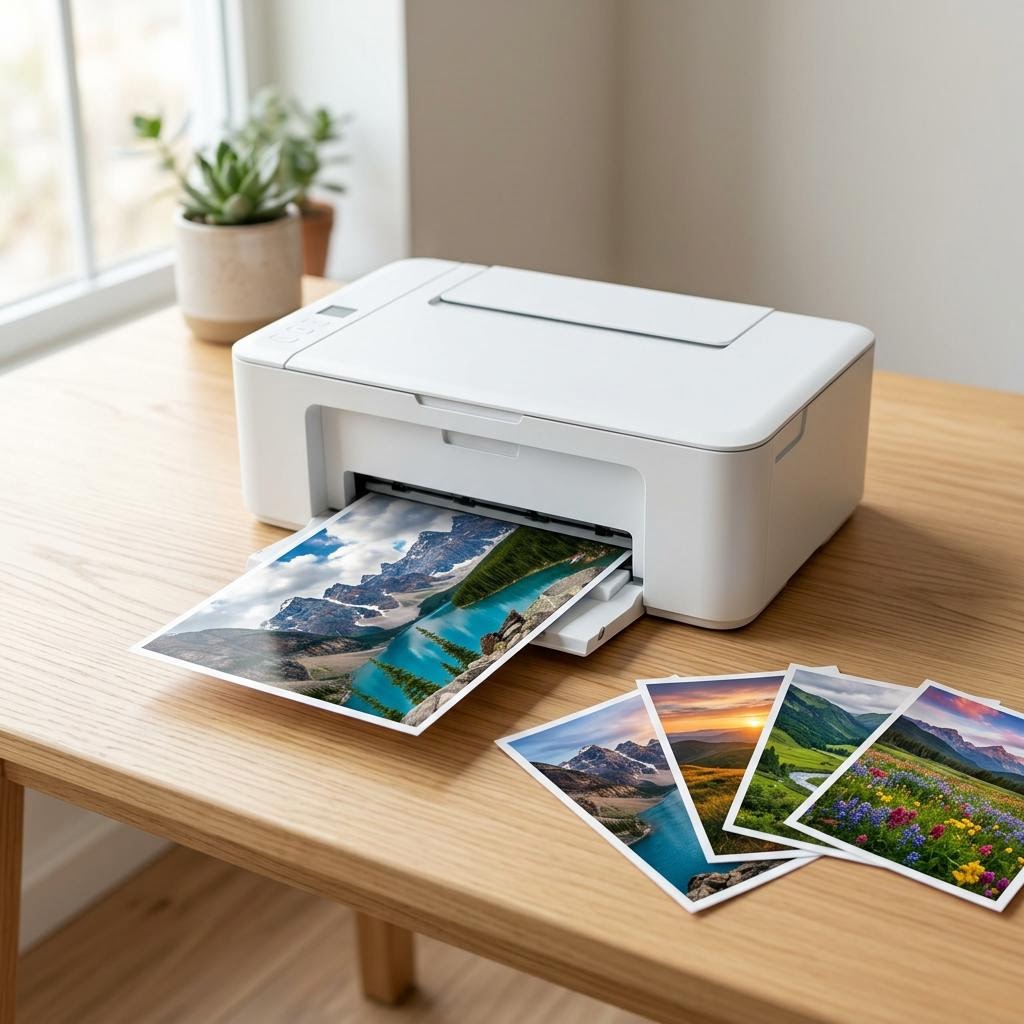
How to Choose a Photo Printer: What Actually Matters for Great Prints
Want prints that do your photos justice without overpaying? This beginner-friendly guide explains what really matters when choosing a photo printer — dye versus pigment ink in plain English, how many ink colours help, borderless printing, paper sizes and types, why more dpi stops mattering past a point, speed versus quality, dedicated photo printers versus photo-capable all-in-ones, the true cost per photo, colour accuracy basics, and when a print shop is simply cheaper.

Best Printer Setups for Students and Small Spaces: A Practical Guide
Living in a dorm, a shared house, or a small flat and need a printer that fits your space and your budget? This practical guide walks through choosing a printer for student life — compact size and where to put it, mono laser versus budget inkjet for essays and coursework, why the cheapest printer can cost the most, Wi-Fi versus USB in shared housing, duplex to save paper, and whether campus or library printing changes the maths.
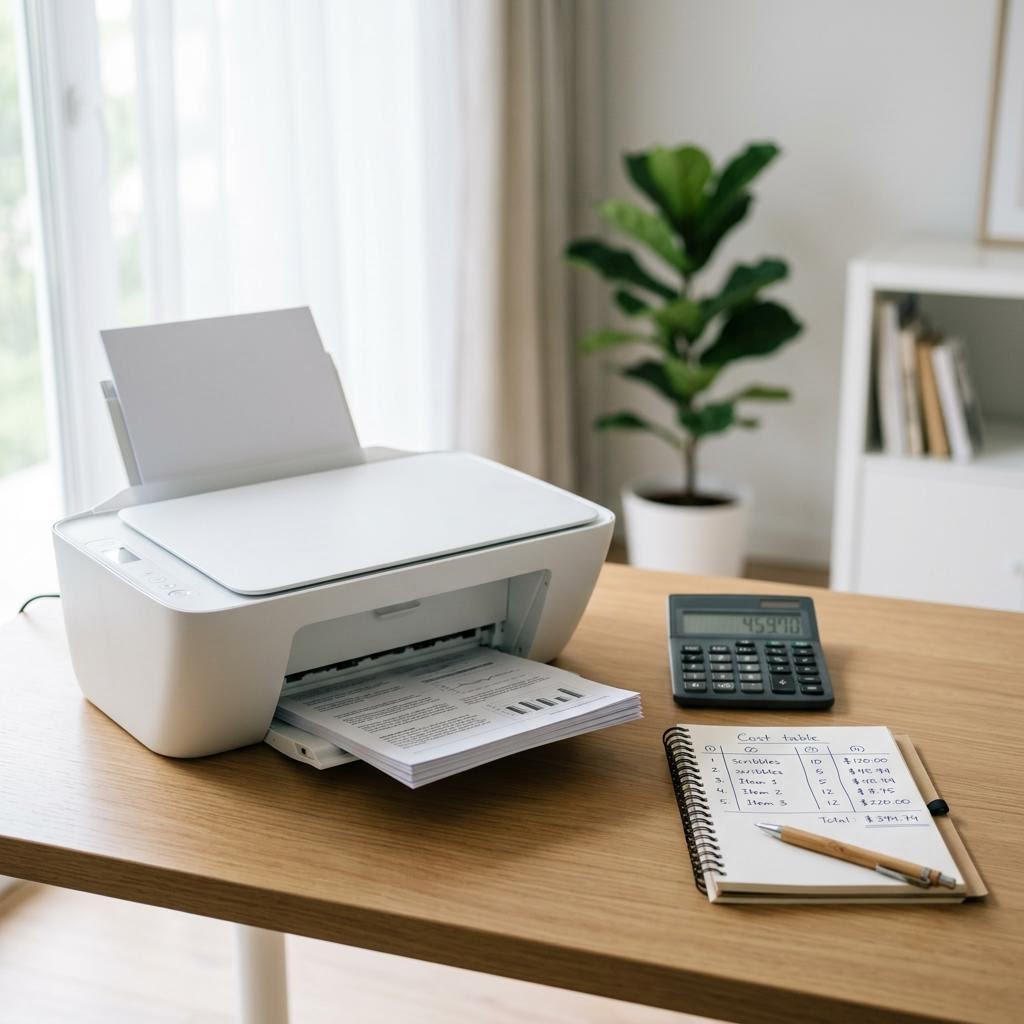
Understanding Cost per Page: The Real Price of Owning a Printer
The sticker price is only half the story — the other half is what every printed page costs you in ink or toner. This guide explains cost per page in plain language: how to read page-yield numbers, what the ISO yield standard really measures, the simple formula that turns a cartridge price into a per-page cost, and how to compare two printers over two or three years using round, hypothetical examples and a copyable worksheet.
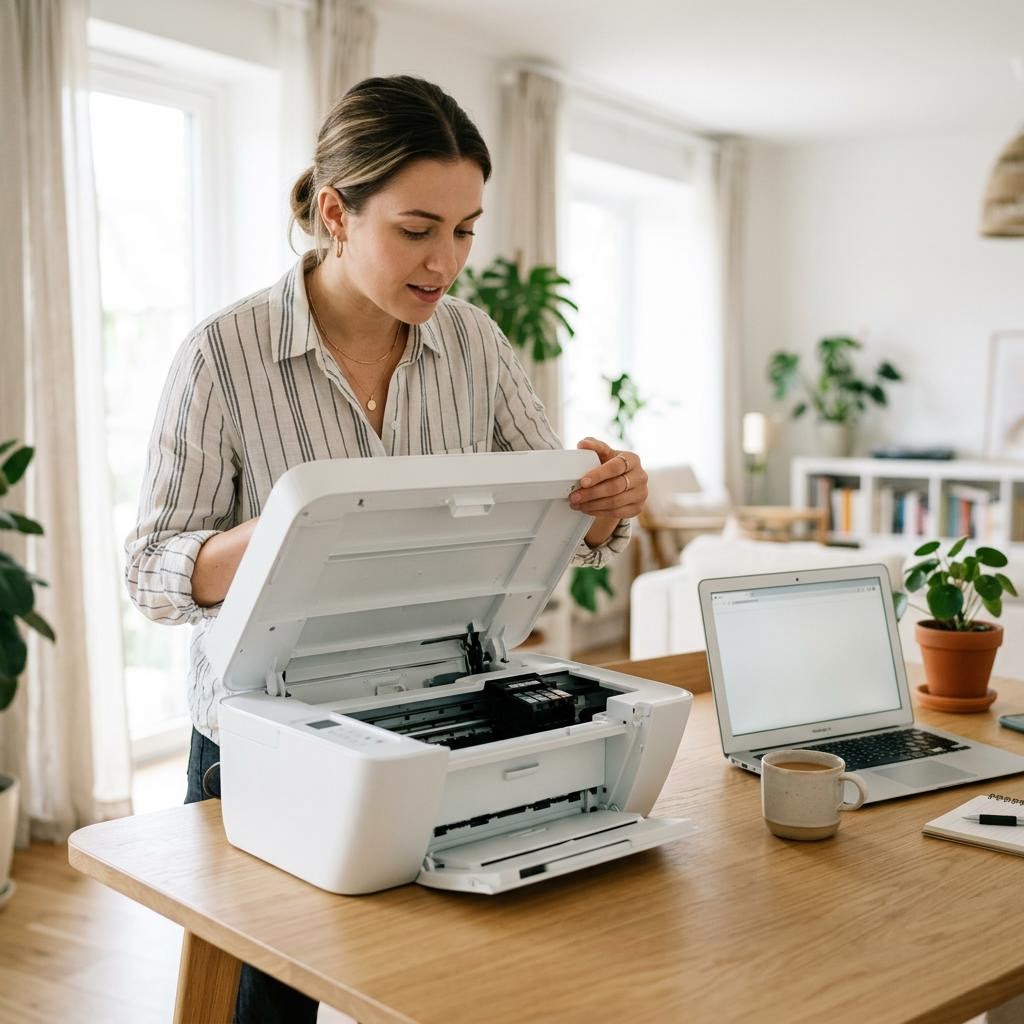
Buying a Used or Refurbished Printer Safely: What to Check First
Thinking about a second-hand or refurbished printer to save money? This beginner-friendly guide explains the difference between used, refurbished, and open-box, what a proper refurbishment should include, and exactly what to check before you buy — page count, print head and roller wear, test pages, consumable availability, driver support, wiping the previous owner’s data, and the red flags that mean walk away.
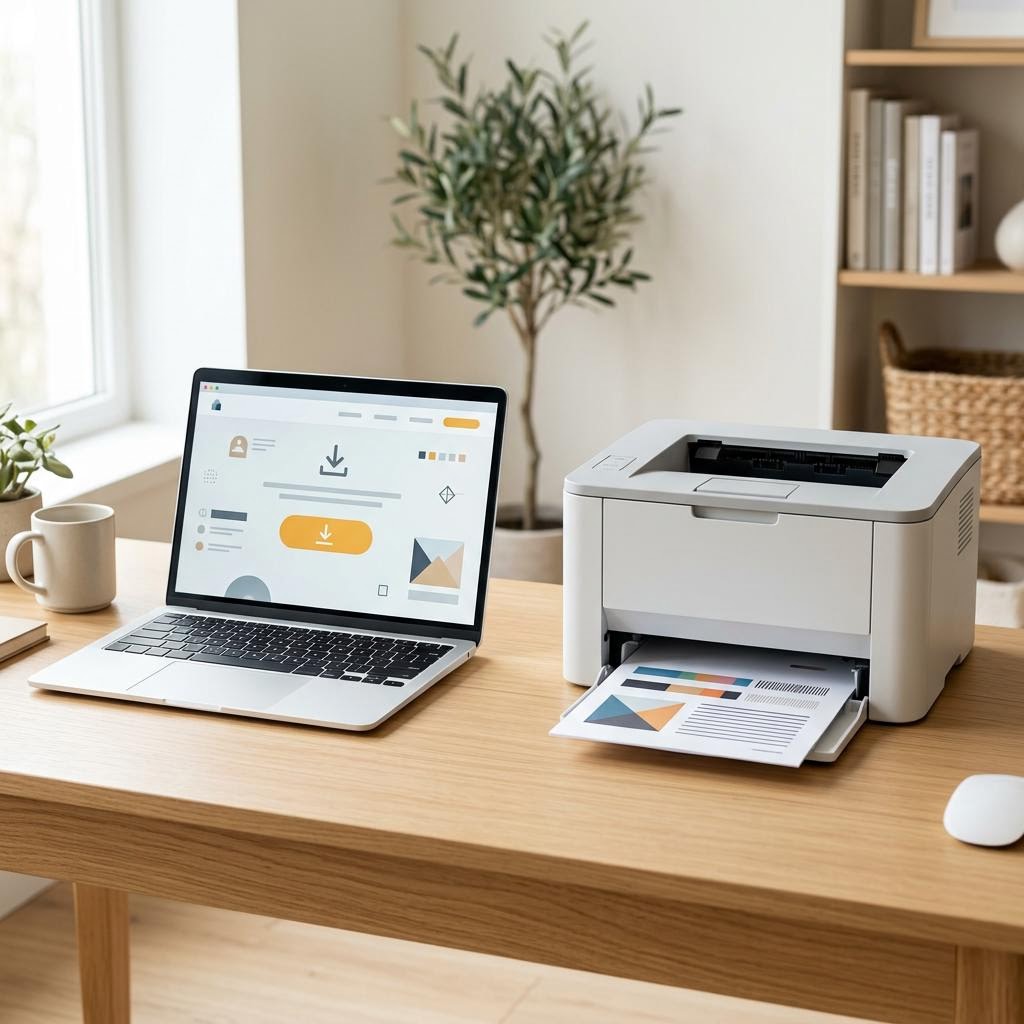
How to Uninstall and Reinstall a Printer Driver (Windows & Mac)
When a printer driver becomes corrupted or causes conflicts, a clean uninstall followed by a fresh install is the most reliable fix. This guide walks through fully removing an old driver on Windows and macOS, then installing a fresh copy from the manufacturer.
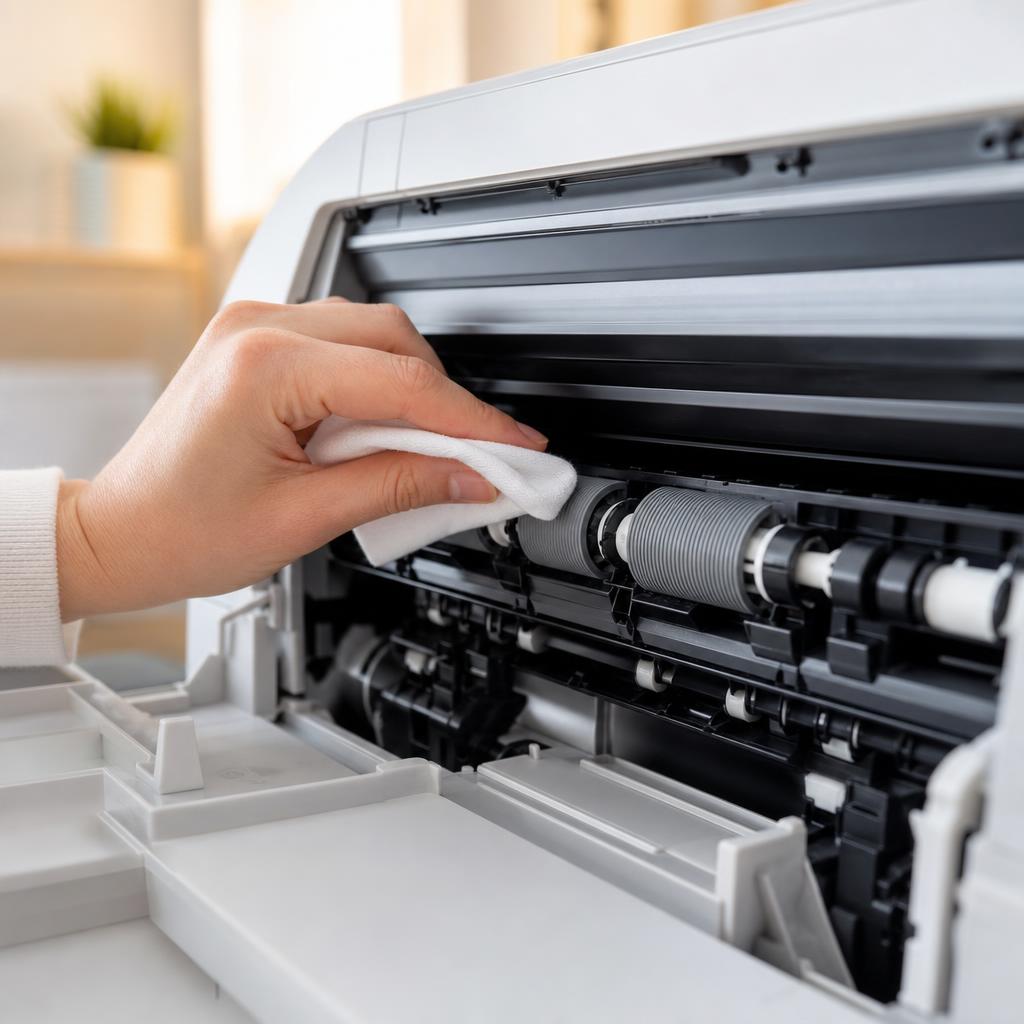
How to Clean Printer Rollers: Fix Paper Jams and Misfeeds
Dirty or glazed paper-feed rollers cause most repeat paper jams and misfeeds. This guide shows you how to locate the feed and pickup rollers on your printer, clean them safely without removing parts, and know when cleaning is no longer enough.

How to Manage Startup Programs on Windows 10 and 11
Every program that runs at startup slows down boot time and keeps RAM occupied for the entire session. This guide shows you how to see what is launching at startup, decide what to disable, and make those changes safely using Task Manager and Windows Settings — without removing any software.
Why Is My Printer Showing as Offline? Complete Fix Guide (Windows & Mac)
Your printer shows "Offline" even though it is powered on and connected. This guide explains every common cause and walks you through the fixes in order — from a quick restart to driver reinstallation.
Reconnecting a Printer That Shows Offline: Wi-Fi, USB & Spooler Fixes
A structured reconnection checklist for printers that show Offline — covering wireless dropouts, USB breaks, spooler stalls, IP address mismatches, and macOS printing system resets.
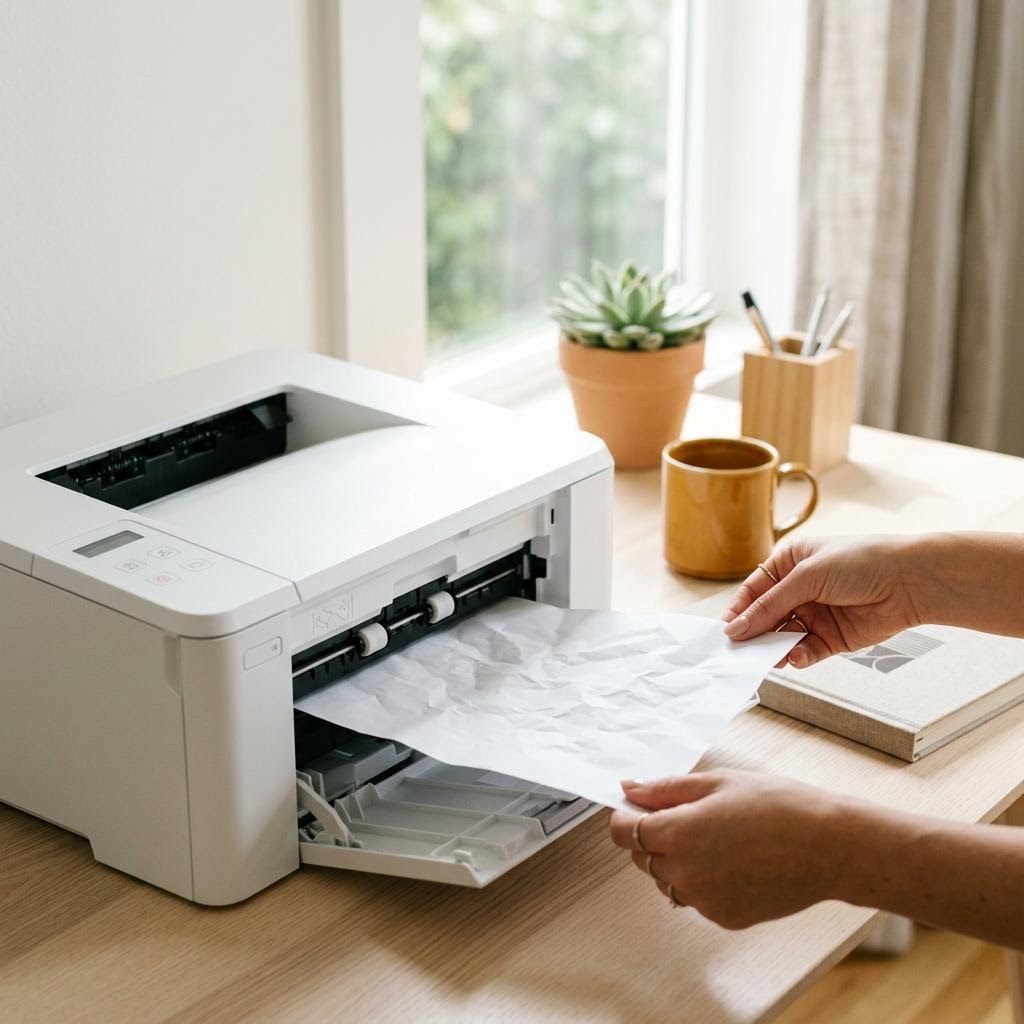
What Causes Paper Jams? The Science Behind the Crunch
A paper jam is not bad luck — it is physics. This explainer walks the paper path from tray to output, shows exactly where and why sheets snag, and separates the causes you control (paper, loading, humidity) from the ones that need maintenance (worn rollers, tired separation pads, sensor faults). Read this to understand why your printer jams, so the fixes in our step-by-step guides actually stick instead of the jam coming straight back.
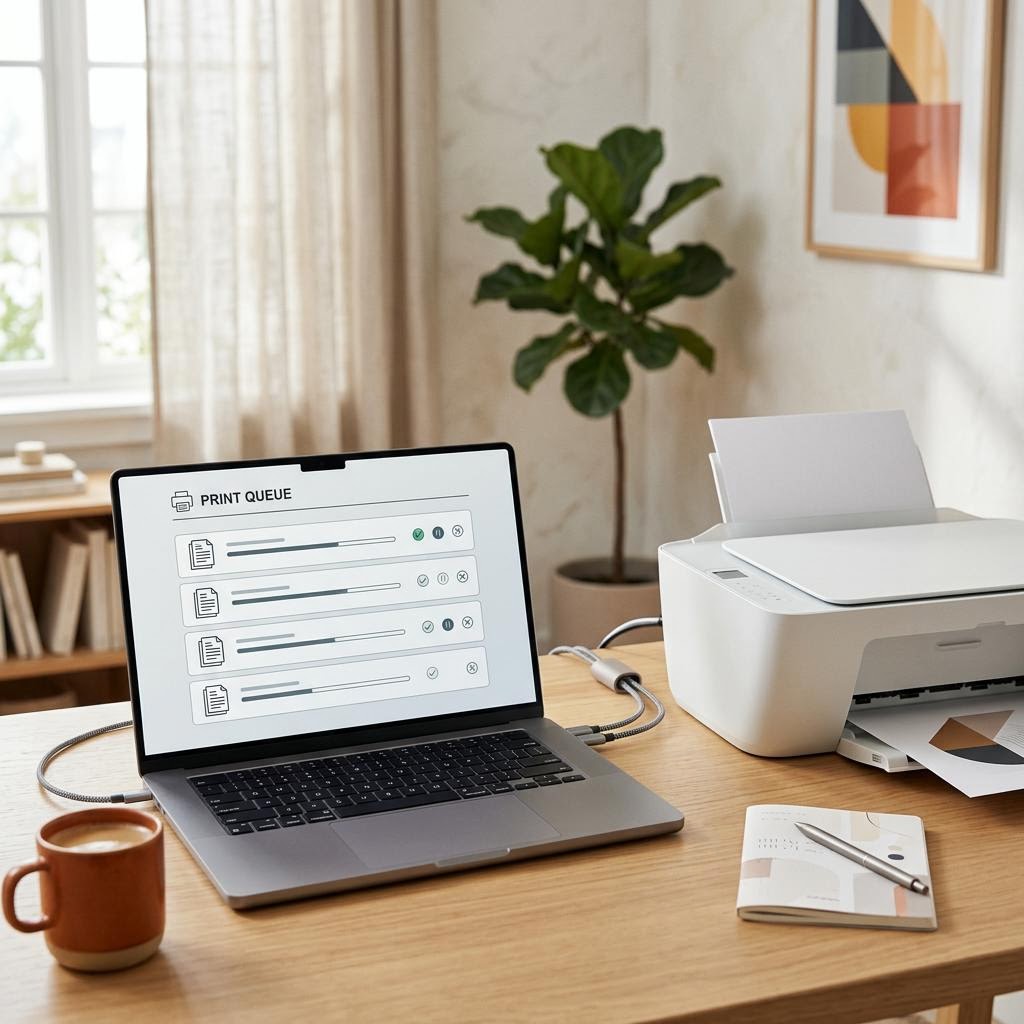
What Is a Print Spooler? The Queue Behind Every Print Job
A print spooler is the software middleman that catches your print jobs, lines them up in a queue and feeds them to the printer one at a time so your apps do not have to wait. This plain-English guide explains what the spooler does, why it exists, the stages a job passes through from click to paper, and how the queue behaves when jobs get stuck, pause or pile up. It is an educational explainer, not a specific fix — but understanding the spooler is the single best way to make sense of stuck jobs, offline printers and the classic "clear the queue and restart" advice you see everywhere.

How to Choose the Right Printer: A Decision Framework That Works
Choosing a printer is not about finding the "best" model — it is about matching a machine to how you actually print. This guide gives you a plain-English decision framework built around a handful of questions that genuinely change the answer: what you print and how much, colour versus black-only, inkjet versus laser, ink tank versus cartridges, the connections you need, and — crucially — the running cost rather than the sticker price. Work through it in order and you land on the right category first, then the right model, instead of guessing in a shop aisle or being swayed by a low box price that hides an expensive cartridge habit.

How to Improve Your Home Wi-Fi Signal: 8 Practical Fixes
Weak or patchy Wi-Fi? This guide walks through the most effective fixes — from repositioning your router to changing Wi-Fi channels — so every room gets a reliable signal.
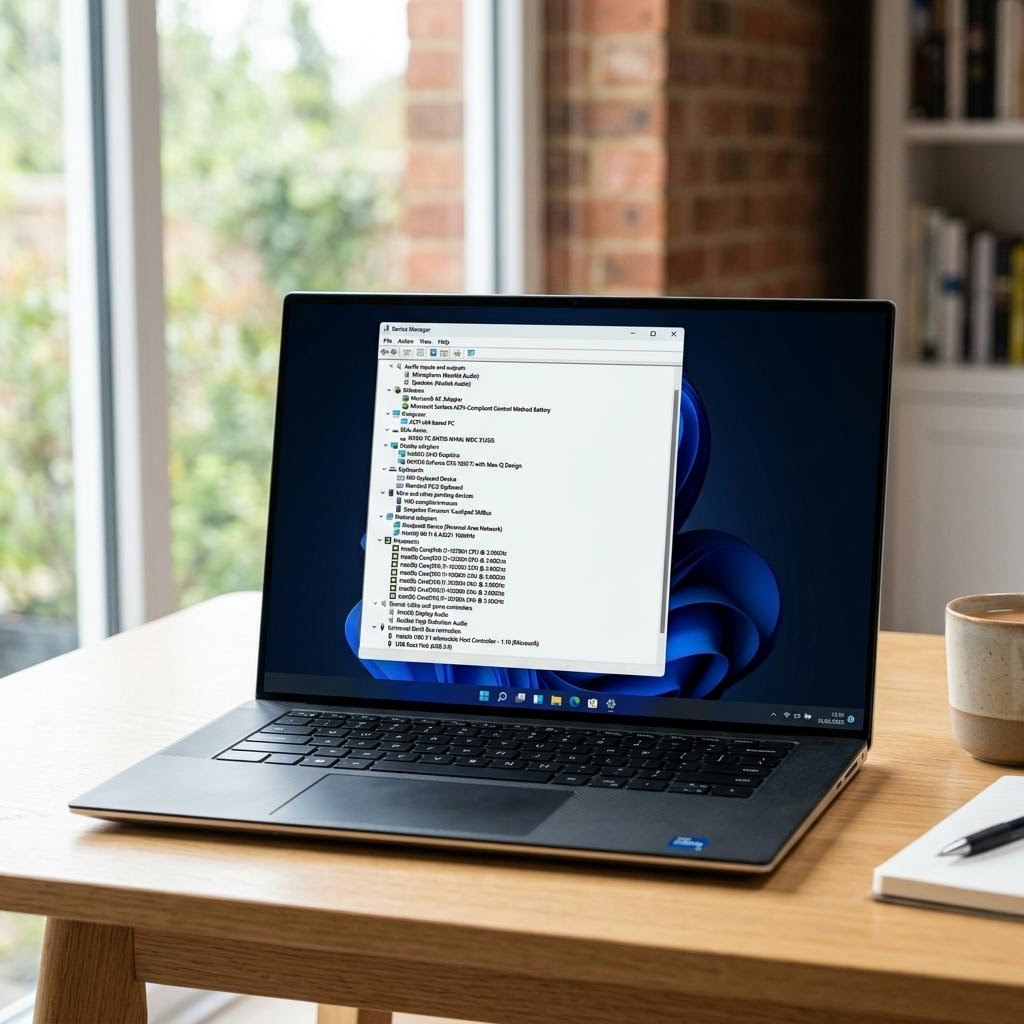
How to Update Device Drivers on Windows 10 and 11
Outdated drivers cause devices to malfunction, slow down, or stop working entirely. This guide shows you three ways to update drivers on Windows — through Windows Update, Device Manager, and the manufacturer's site — so you choose the right method for your situation.

How to Fix a Printer Printing Blank Pages
Your printer feeds the paper, hums through the motions, and hands you a completely blank sheet. This guide walks you from the quickest checks — ink levels and protective tape — through nozzle cleaning, driver settings, and laser toner faults, so pages come out with ink on them again.
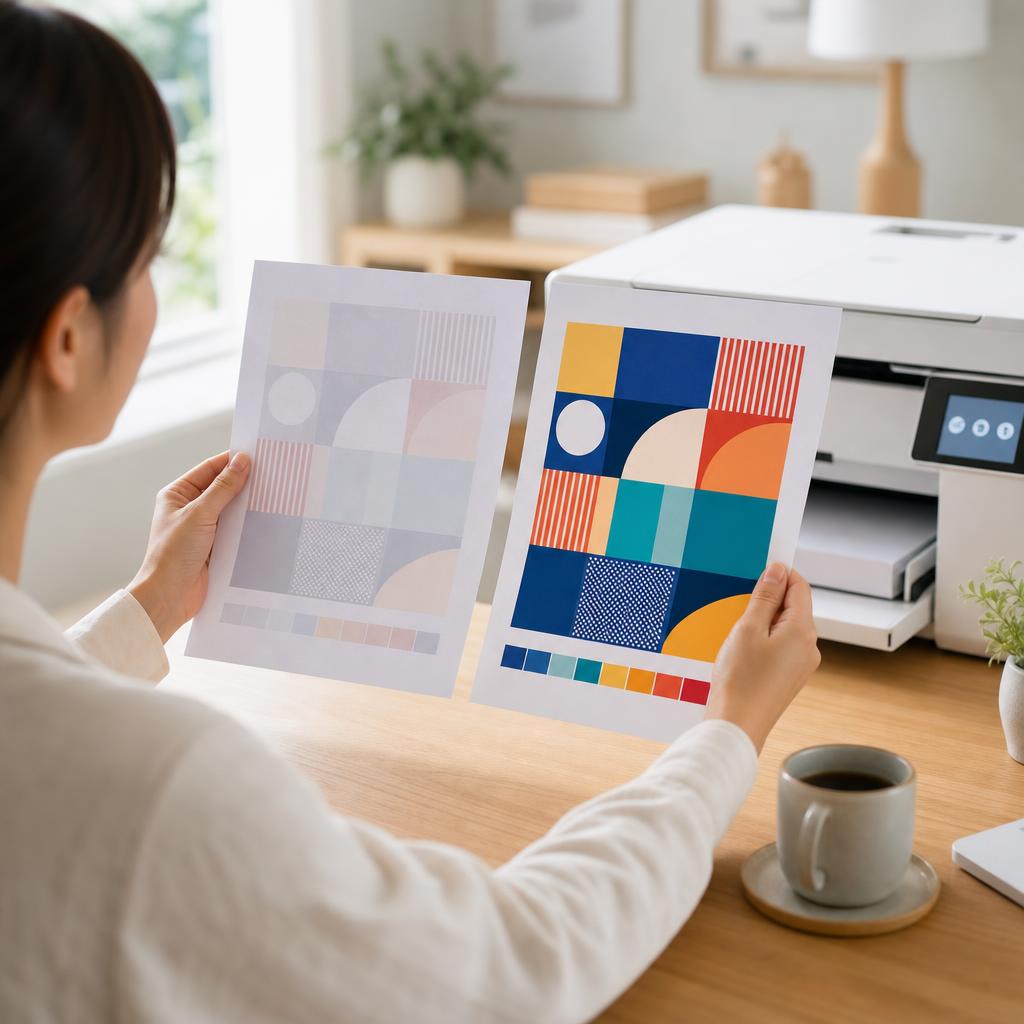
How to Fix a Printer Printing Faded or Light Pages
Pale, washed-out prints usually come down to low ink or toner, an economy print setting, a clogged printhead, or damp paper. This guide walks you through each cause in plain language, from the quickest checks to the deeper fixes, so your pages come out crisp and dark again.
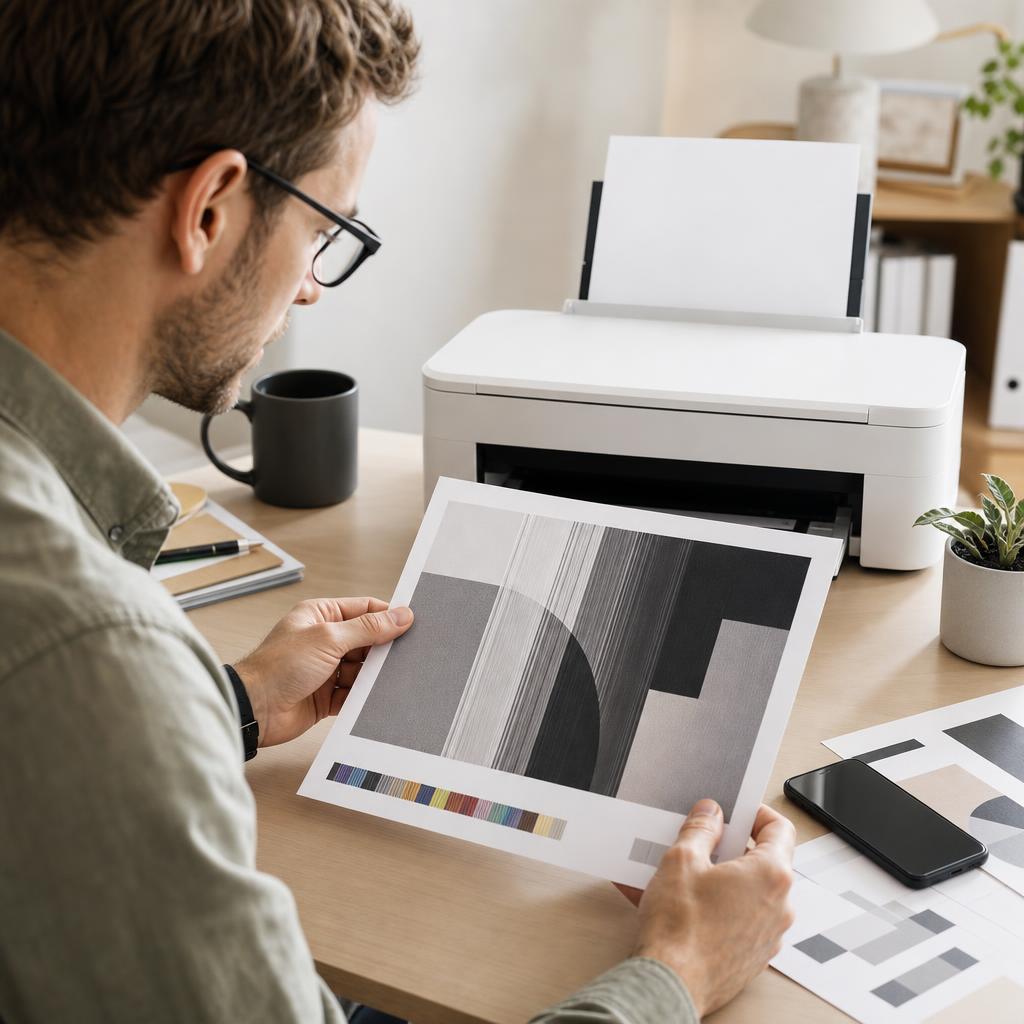
How to Fix Printer Streaks, Lines and Banding
Streaks, lines and banding across your prints almost always point to a clogged nozzle, a dirty paper path, or a worn drum — not a broken printer. This guide helps you read the pattern, clean the right part, and get back to crisp, even pages.
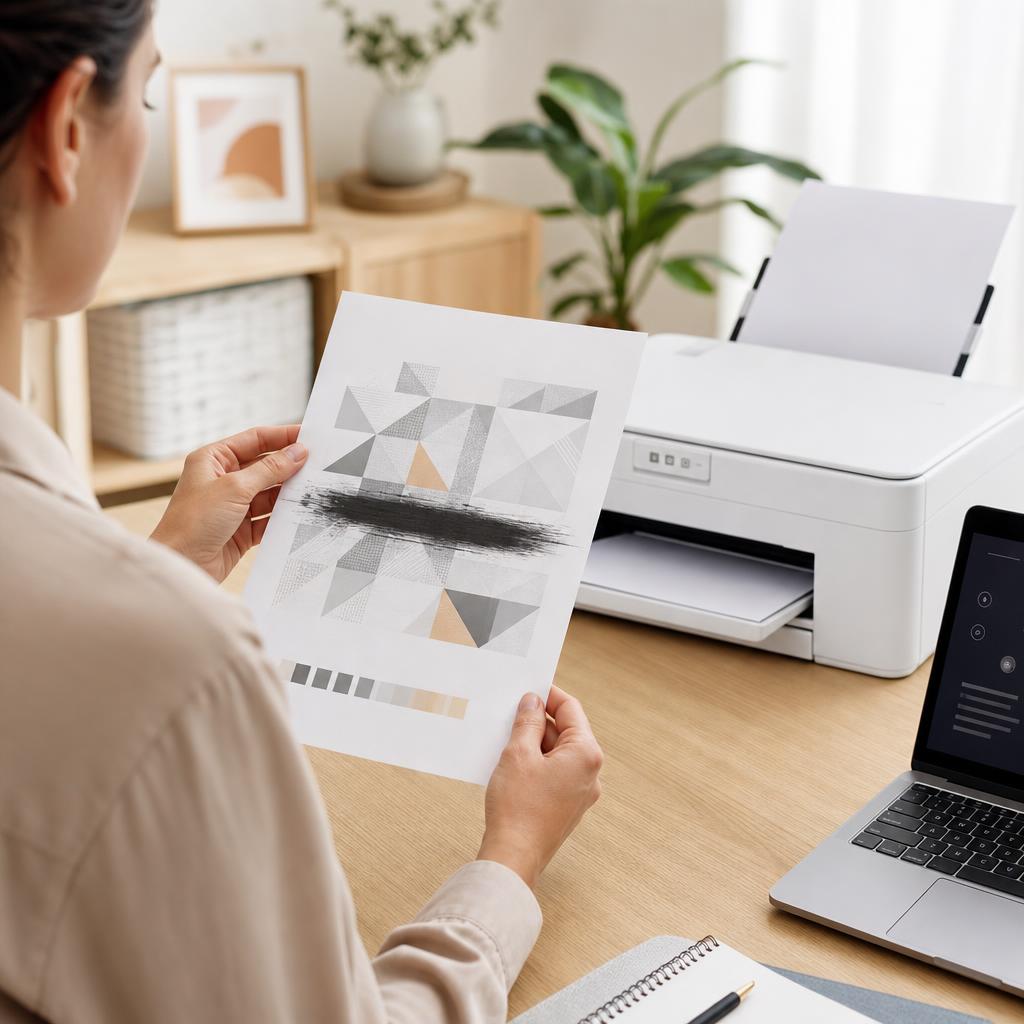
How to Fix Printer Smudges, Toner Marks and Ink Smears
Smudges, toner marks and wet ink smears usually come from ink that hasn’t dried, the wrong paper, or a dirty paper path rather than a broken printer. This guide walks you through drying times, paper choice, and cleaning the rollers, cartridge area and fuser safely so your pages come out crisp and clean.
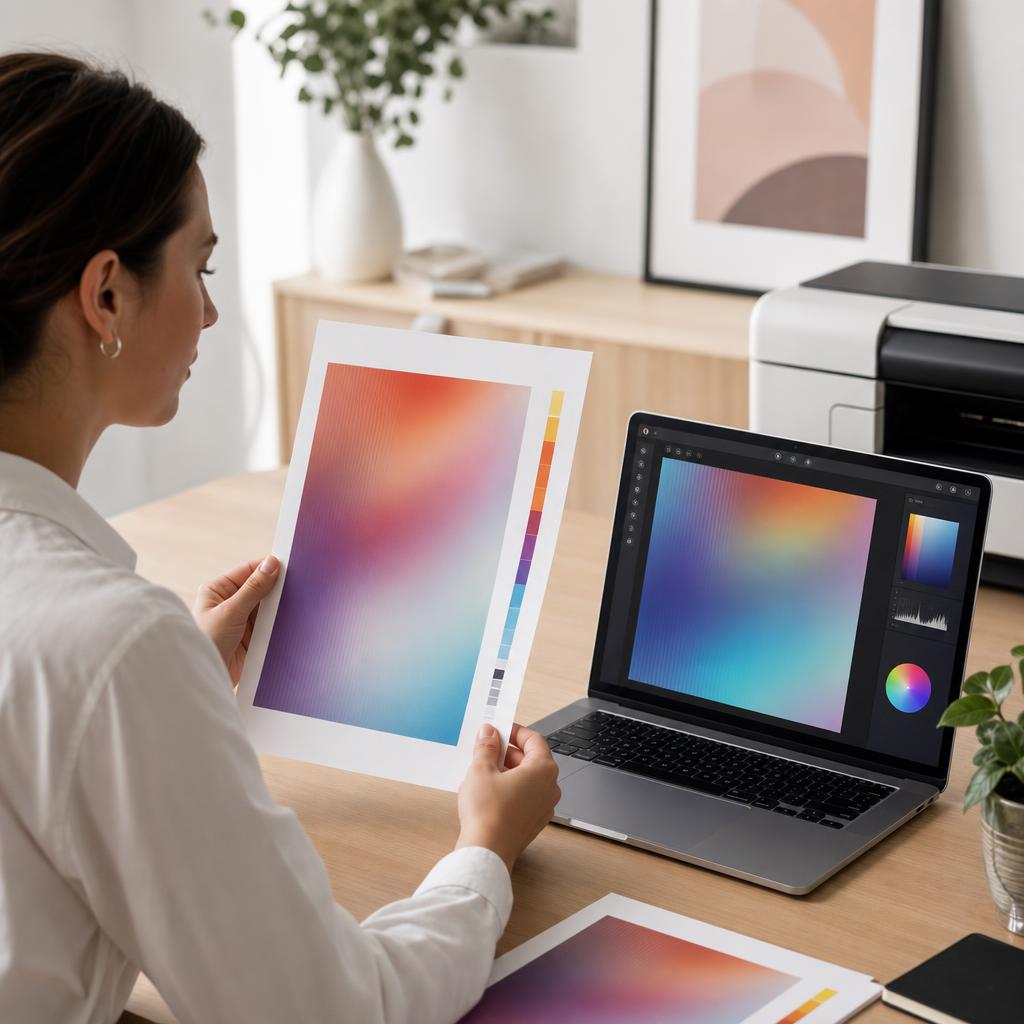
How to Fix Printer Colour Problems
When your prints come out with the wrong colours, a missing colour, or a shade that doesn’t match what’s on screen, the cause is usually simple — a low cartridge, a clogged nozzle, or a driver setting. This guide walks you through every check in plain language, from ink levels to colour calibration and alignment, so your prints look the way you expect.
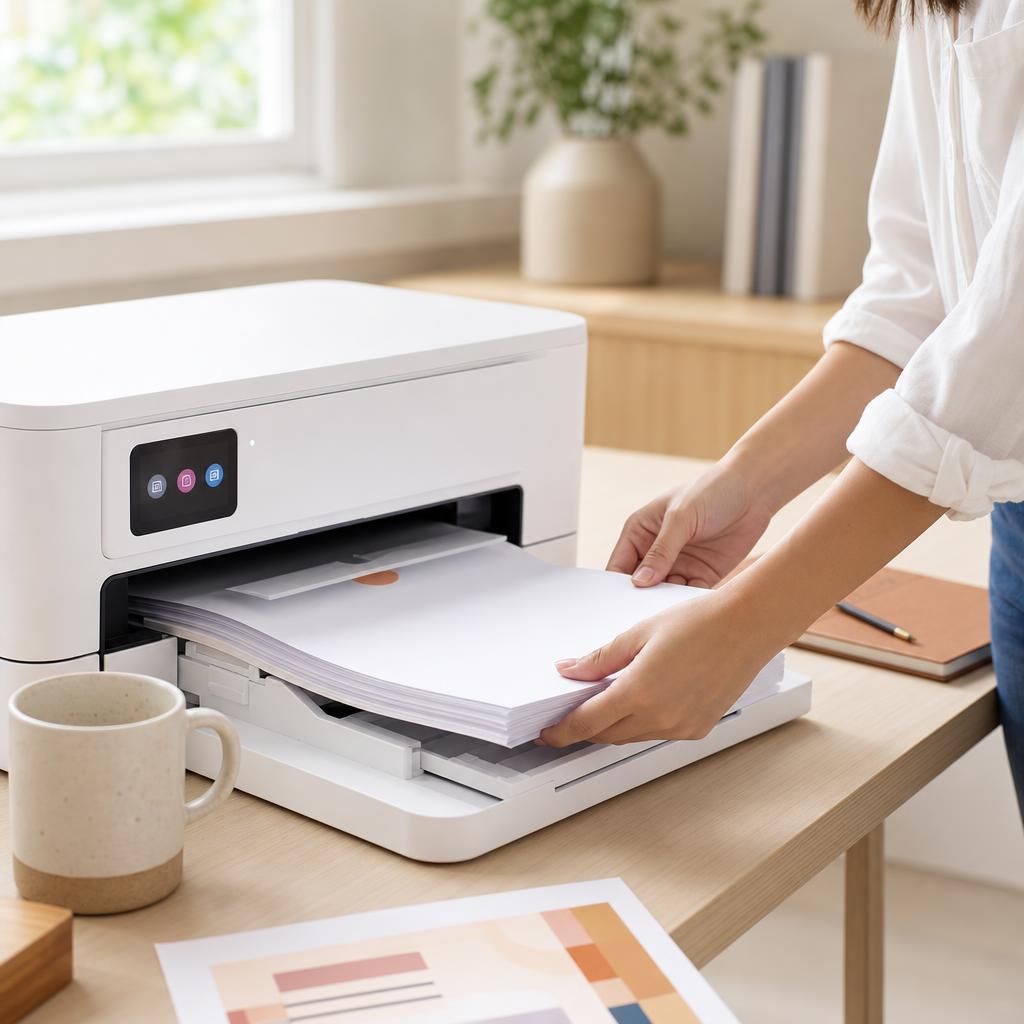
How to Fix Paper Feed Problems
When your printer won’t grab paper, pulls several sheets at once, or feeds pages crooked, the cause is nearly always the paper, the guides, or the pickup rollers. This guide walks you through fanning and squaring the stack, setting the guides, cleaning the rollers, and loading paper correctly so pages feed one at a time, straight and reliably.

How to Set Up a New Printer (First-Time Setup Guide)
A new printer works beautifully once it’s set up properly — but rushed unboxing, forgotten shipping tape, and a wrongly seated cartridge cause most first-day headaches. This guide walks you calmly through every step, from lifting the printer out of the box to installing ink or toner, loading paper, and printing a clean first test page, so your printer is ready before you ever connect it to a computer or phone.
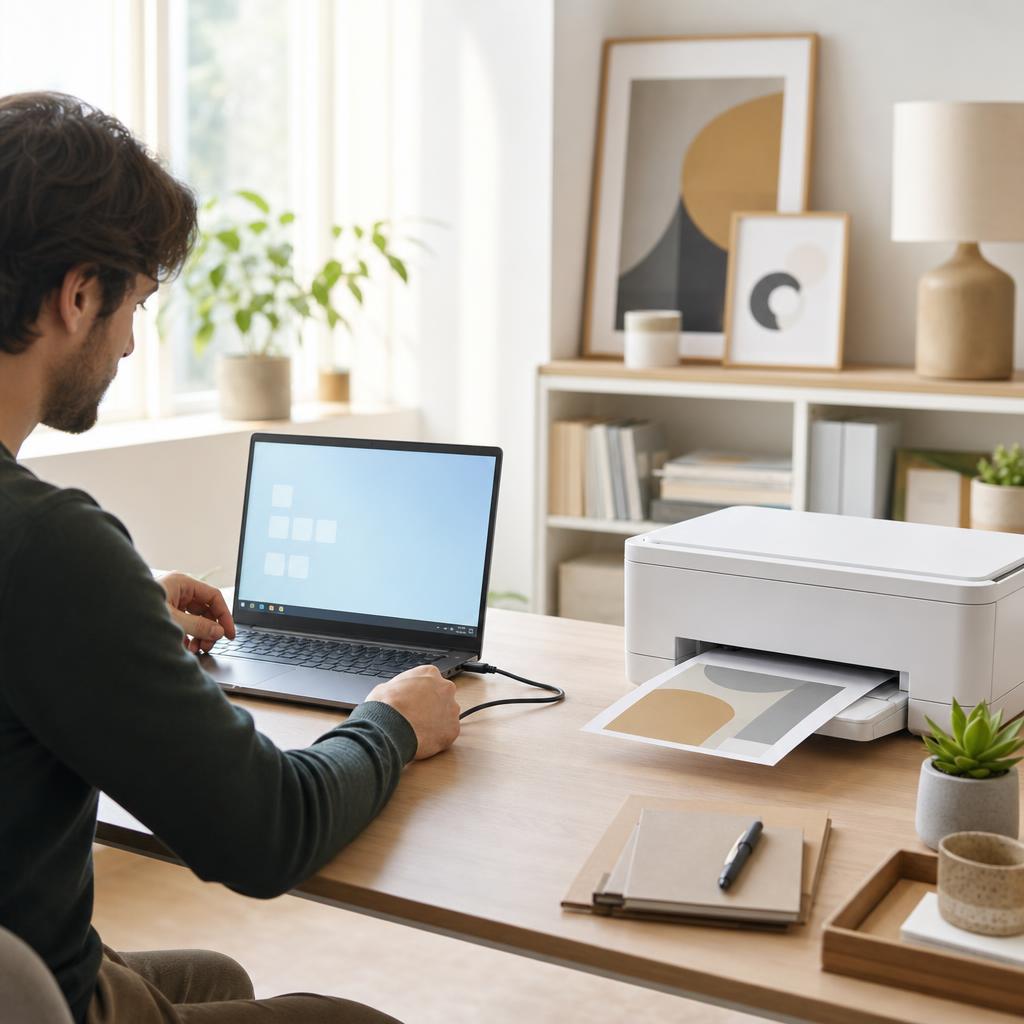
How to Connect a Printer to Windows 10 & 11
Getting a printer talking to a Windows PC should take a few minutes, whether you plug it in with a USB cable or add it over Wi-Fi. This guide walks you through both routes on Windows 10 and Windows 11, shows you exactly where the menus live, and covers what to do when the printer that you want isn’t listed — so you finish with a printer set as default and a clean test page in the tray.
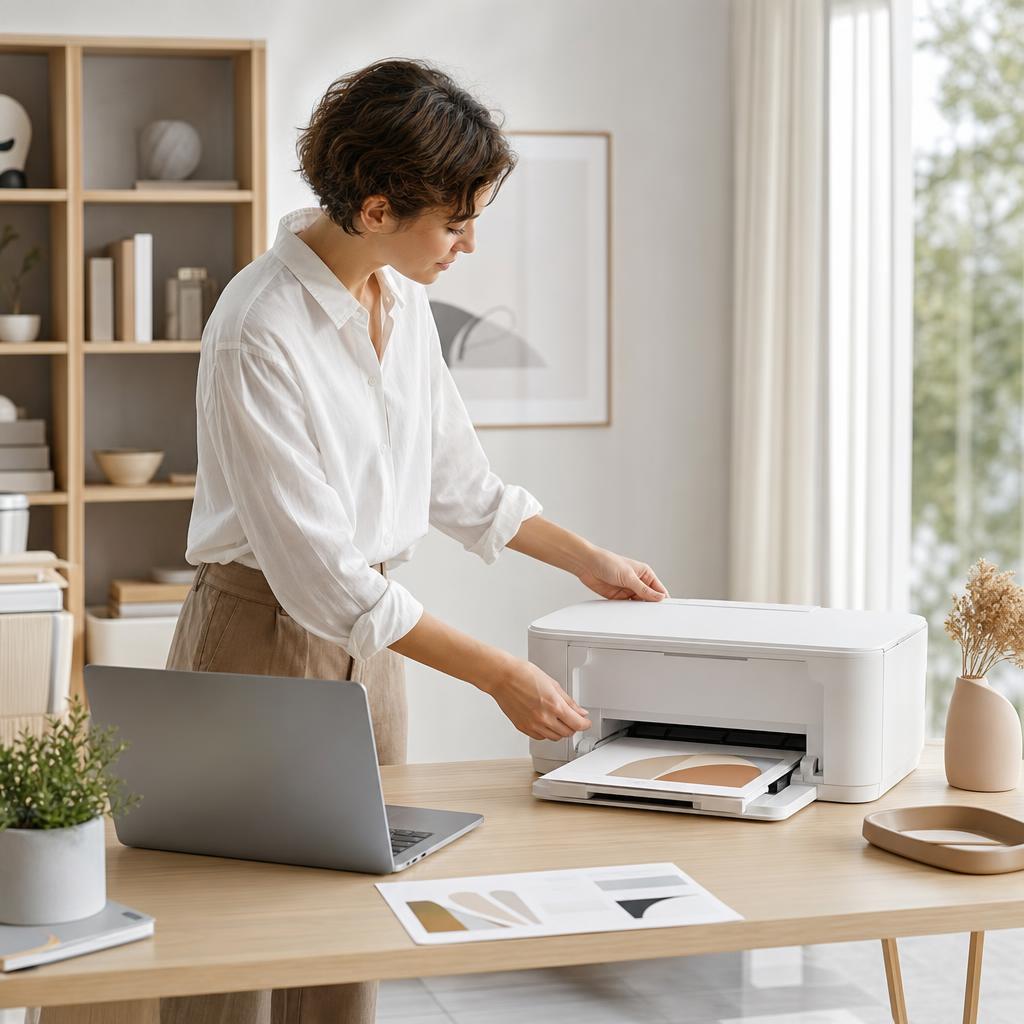
How to Connect a Printer to macOS (Mac Setup Guide)
Adding a printer to a Mac is usually far simpler than people expect — modern printers speak AirPrint, so your Mac often finds and sets them up in seconds with no driver to download. This guide walks you through every route (AirPrint, USB, and network printers by IP), shows you exactly where the settings live on both new and older macOS versions, and fixes the classic Mac printing snags like a paused queue or an “unable to communicate” message.
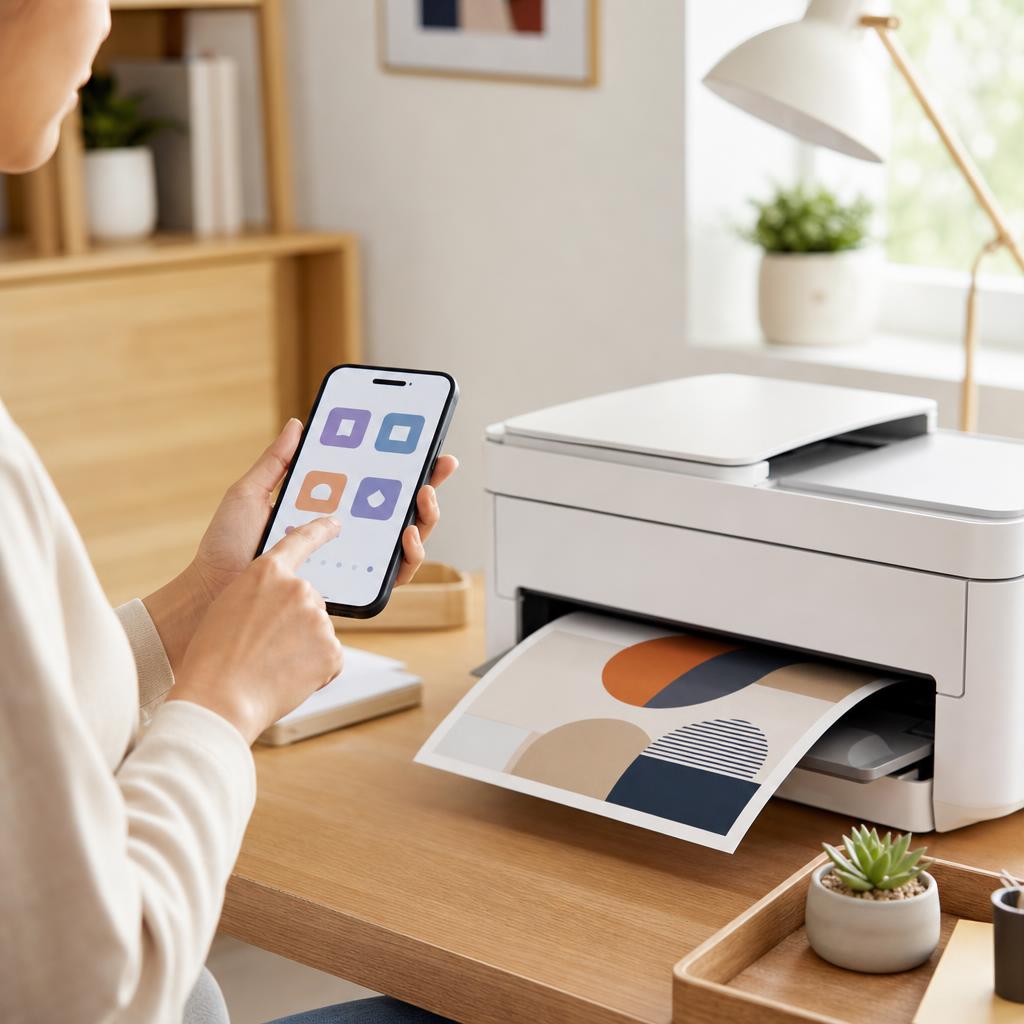
How to Print from an Android Phone or Tablet
Printing from an Android phone or tablet is usually a two-tap job once the groundwork is right — but only if your phone and printer share the same Wi-Fi network and the built-in print service is switched on. This guide walks you through Android’s Default Print Service, printing over Wi-Fi, when a manufacturer app such as HP Smart is worth installing, and how to fall back to Wi-Fi Direct, with clear fixes for when nothing appears.
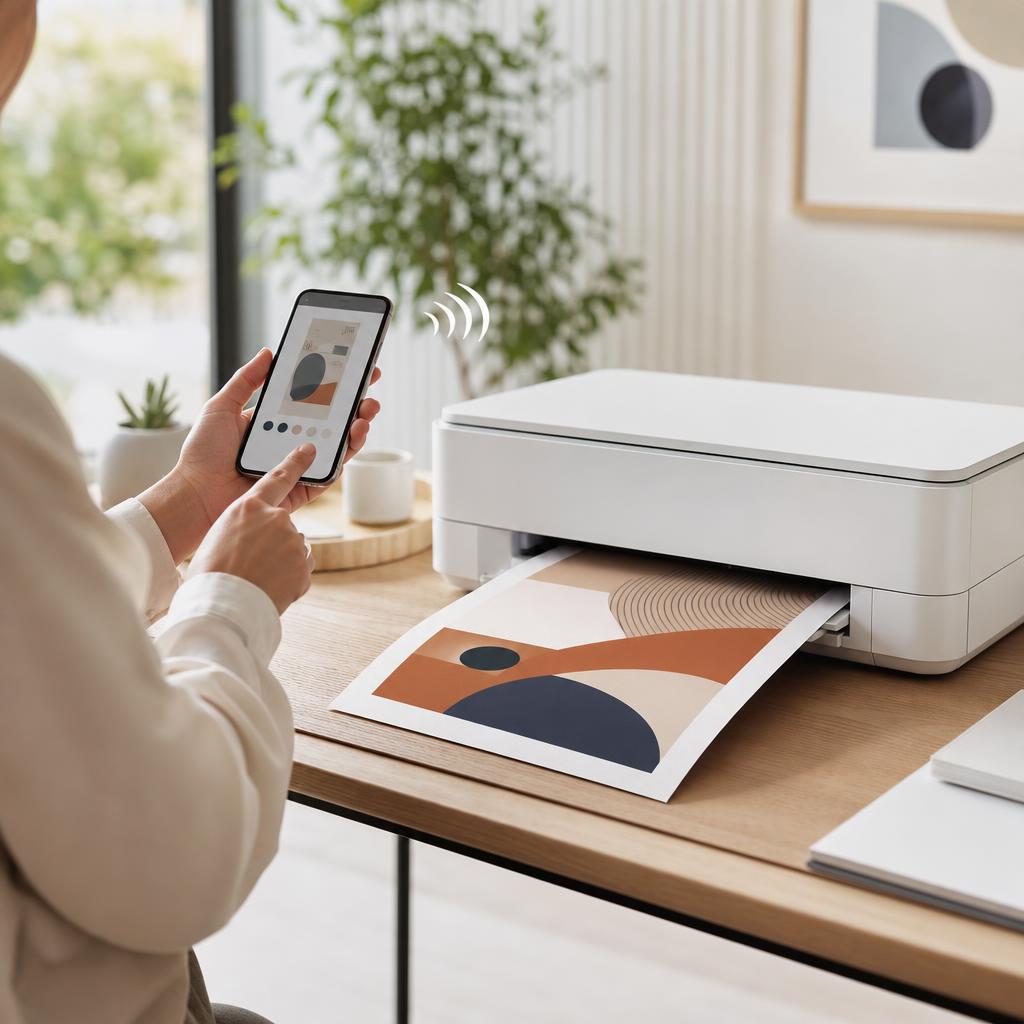
How to Print from an iPhone or iPad (AirPrint Guide)
Your iPhone and iPad can print to almost any modern Wi-Fi printer with no app, driver, or cable to install, thanks to a built-in feature called AirPrint. This guide shows you exactly how to print a photo, web page, or document from the Share sheet, how to find and choose your printer, and what to do when the “No AirPrint Printers Found” message appears.
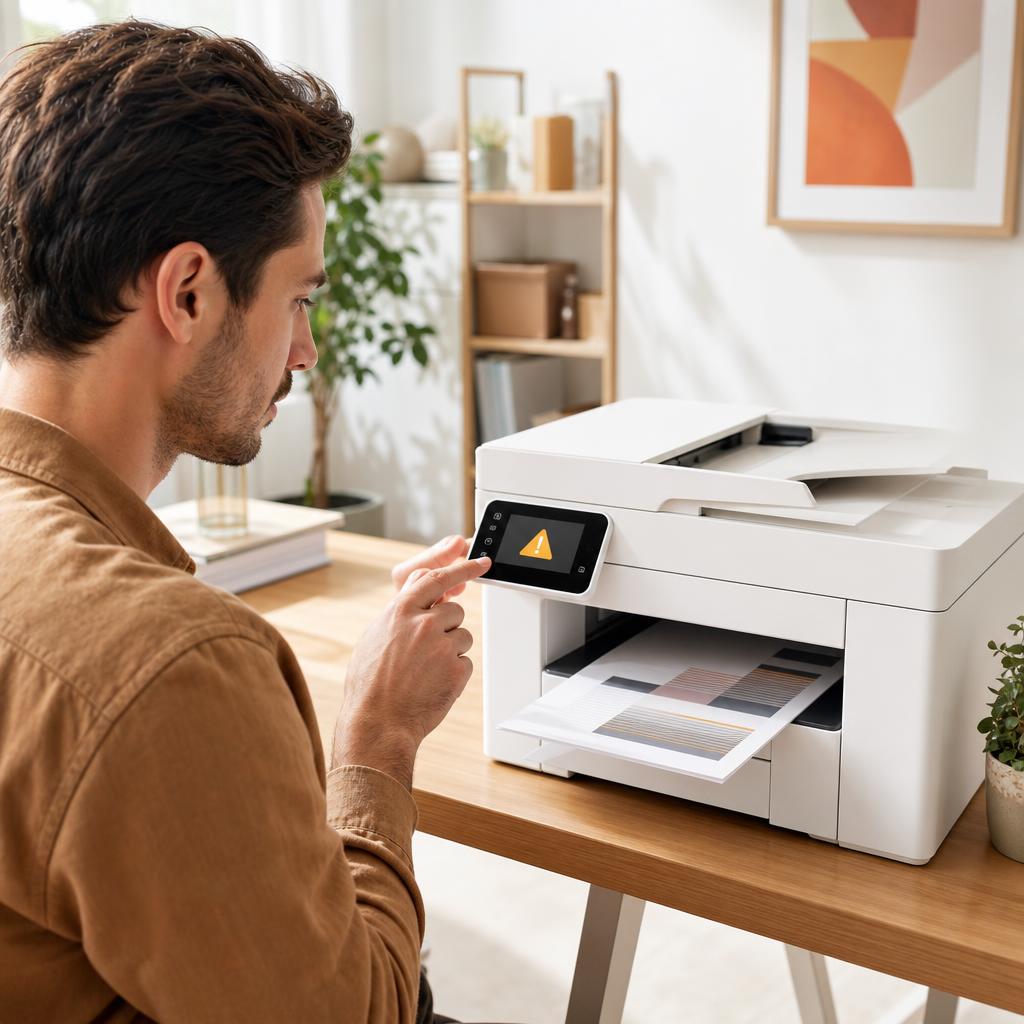
How to Fix Printer Error Codes (Complete Troubleshooting Guide)
A printer error code is simply your printer’s way of naming a fault it has run into — a jam, a cartridge it can’t read, a lost connection, or something deeper inside. Most codes are far less alarming than they look, and a calm, methodical routine clears the great majority of them. This guide shows you how to identify the exact code, work through a general fix that resolves most errors, and recognise the few codes that genuinely mean a repair is due.
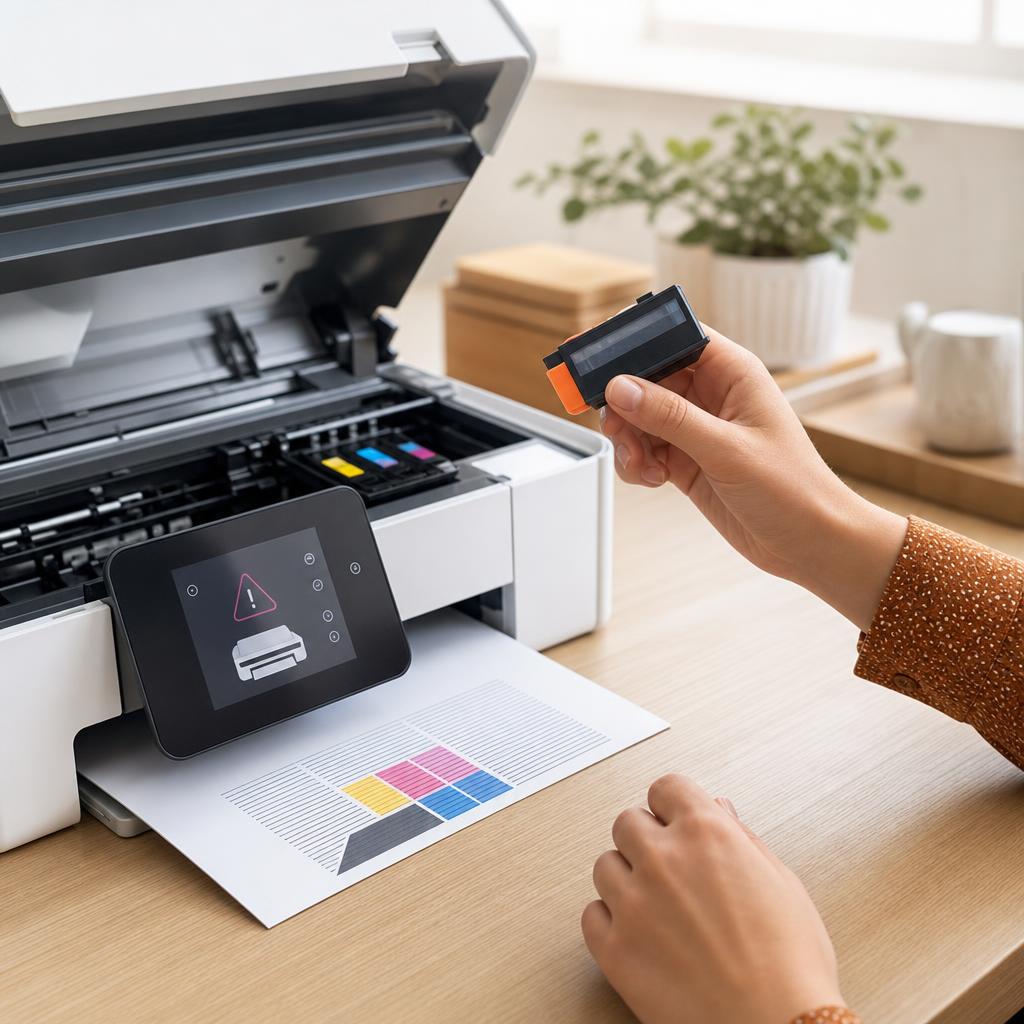
How to Fix a Printer That Says “Cartridge Not Recognized”
A “Cartridge Not Recognized” message means your printer can’t read a cartridge it should accept — usually because of a bit of protective tape left on, dirty electrical contacts, or a cartridge that hasn’t clicked fully into place. This guide walks you through inspecting, cleaning, and reseating both ink and toner cartridges safely, covers the firmware and compatibility catches that trip people up, and helps you tell the difference between a fixable fault and a genuinely dead cartridge.
How to Fix Low Ink or Low Toner Warnings
That “low ink” or “low toner” message is an estimate, not a fuel gauge — and it often appears long before your cartridge is genuinely empty. This guide explains how printers really work out those levels, how to check what’s actually left, and how to keep printing safely without wasting a cartridge that still has plenty of pages in it.

How to Print from Windows (Complete Windows Printing Guide)
Printing from Windows should be as simple as pressing Ctrl+P — and once you know your way around the print dialog, printing preferences, and the print queue, it usually is. This guide walks you through printing from any app on Windows 10 and Windows 11, choosing the right printer and settings, setting a sensible default, and managing jobs when they stack up, so a document goes from screen to paper on the first attempt.
How to Print from macOS (Complete Mac Printing Guide)
Printing on a Mac looks simple until an option is hidden, a preset is missing, or a document quietly slips into a paused queue. This complete guide walks you through the macOS print dialog and its expanded view, how to save presets you can reuse in one click, what AirPrint really does, how to drive the print queue, and how to fix the everyday snags — including the honest truth about resetting the printing system.
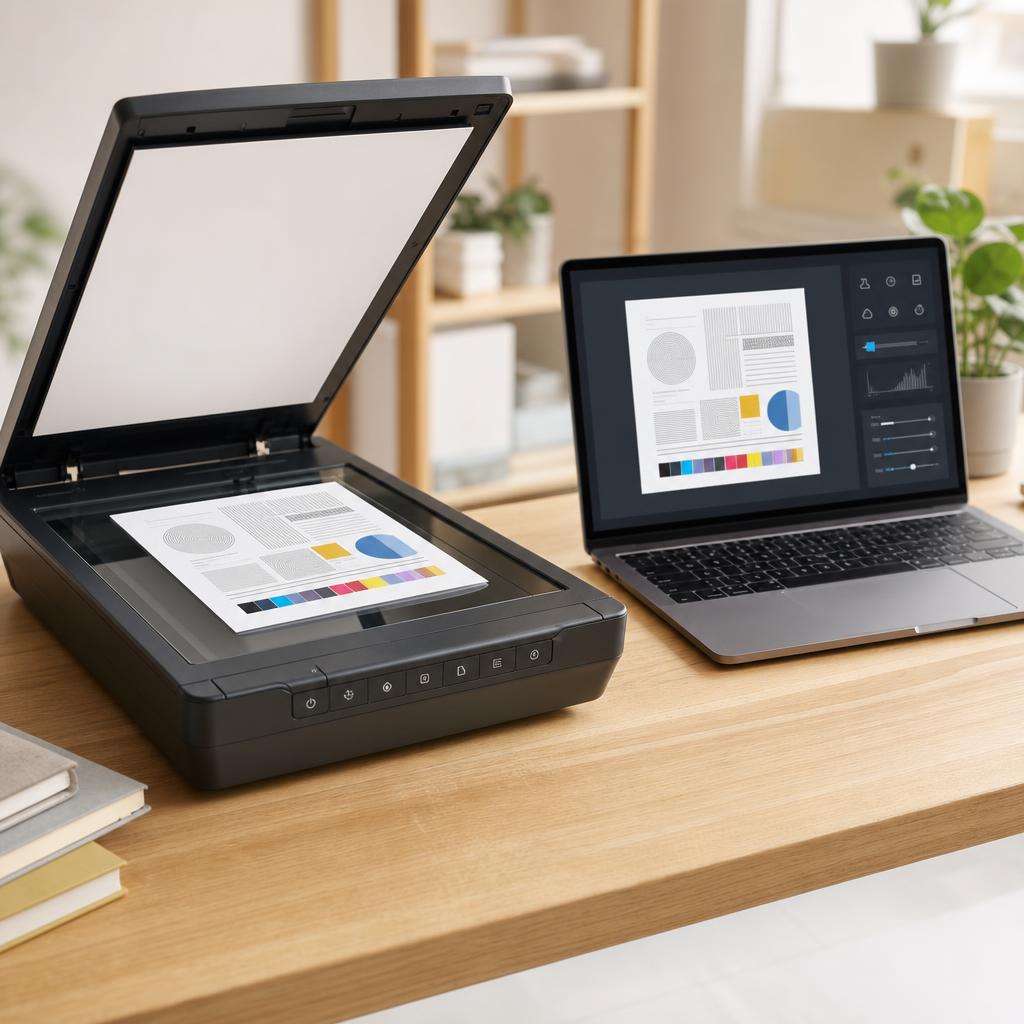
How to Scan Documents to PDF
Turning a paper document into a clean, shareable PDF is one of the most useful things an all-in-one printer can do — yet the results range from a crisp, readable file to a blurry, bloated one depending on a handful of settings most people never touch. This guide walks you through scanning to PDF on both Windows and macOS, choosing resolution and colour honestly, keeping file size sensible, and naming and filing your scans so you can actually find them again.
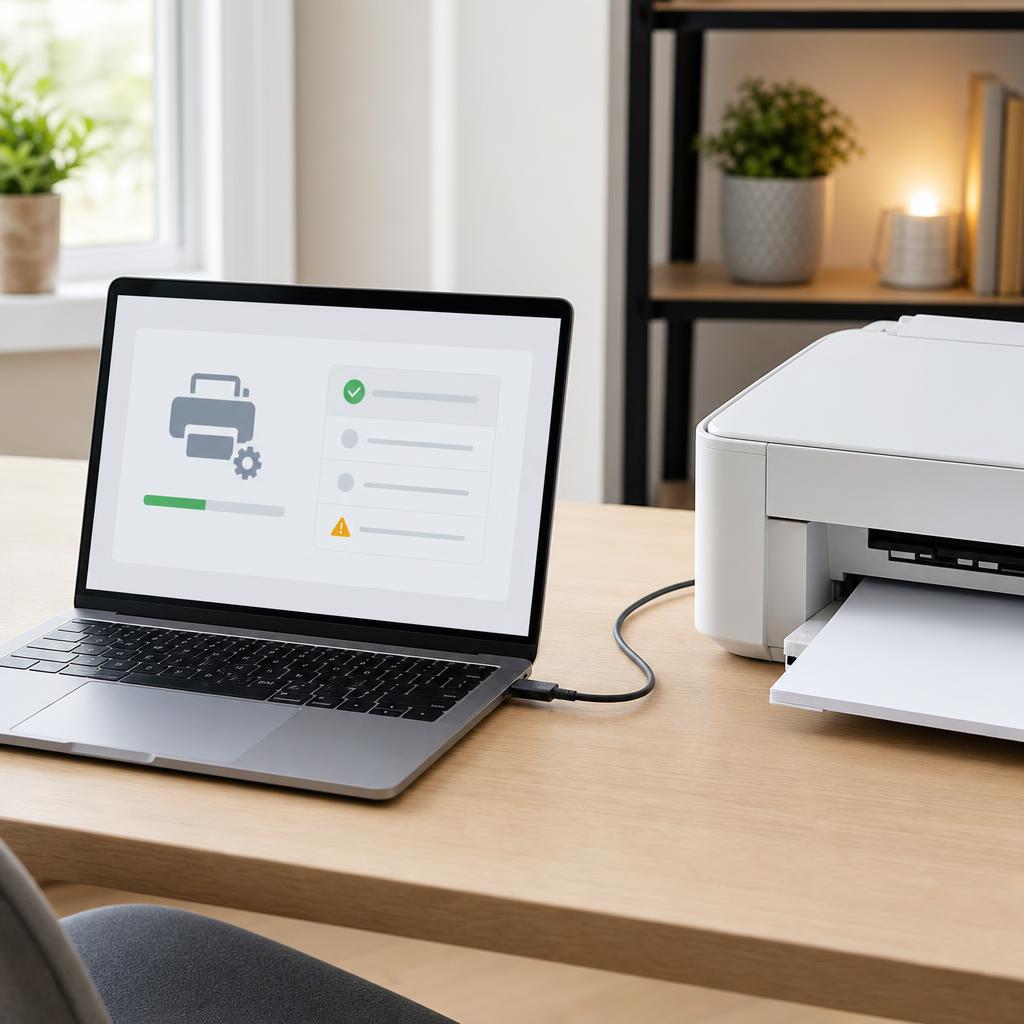
How to Install or Update a Printer Driver (Complete Driver Installation & Troubleshooting Guide)
Installing a printer for the first time, updating an old driver, or fixing one that won’t work? This beginner-friendly guide walks through installing, updating, and reinstalling a printer driver on Windows and macOS — and troubleshooting the problems that stop a printer being detected.
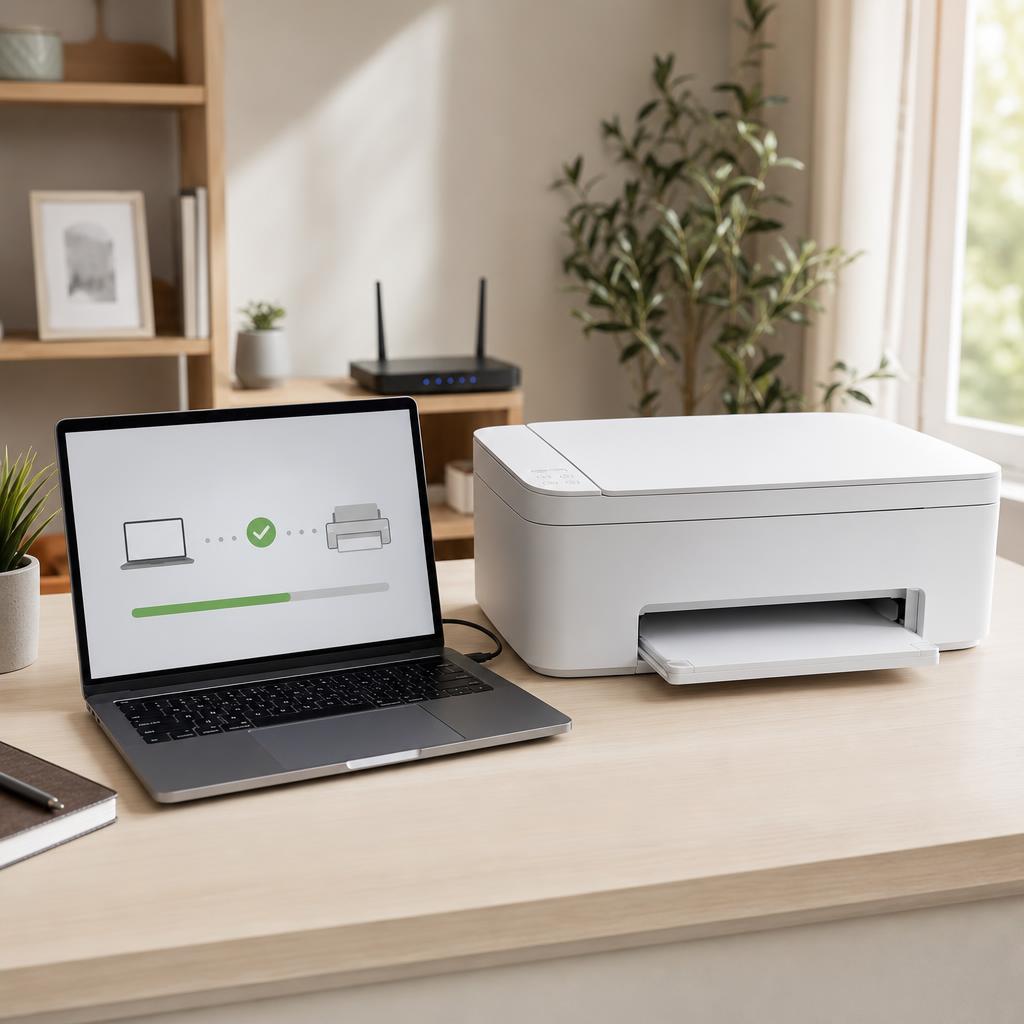
How to Fix a Printer That Is Not Detected (Complete Detection & Recognition Troubleshooting Guide)
When your computer or phone simply can’t find your printer, printing grinds to a halt. This beginner-friendly guide explains why detection fails and walks you through fixing an undetected USB, wireless, or network printer on Windows and macOS — from the quickest checks to advanced network fixes.
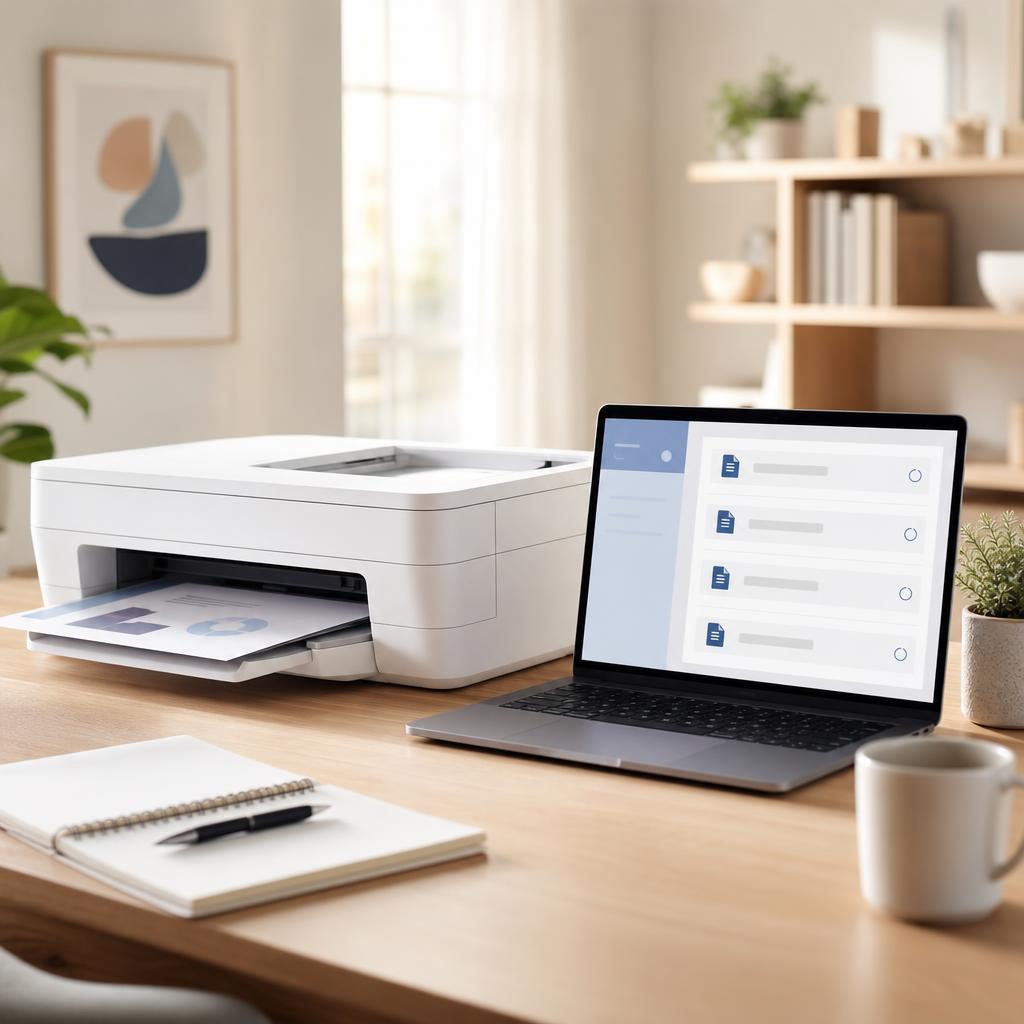
How to Fix a Stuck Printer Queue (Complete Print Queue & Print Spooler Troubleshooting Guide)
When documents pile up and refuse to print, a stuck print queue is almost always to blame. This beginner-friendly guide explains what the queue and print spooler do, why jobs get stuck, and how to clear them for good on Windows and macOS — from a quick cancel to a full spooler reset.
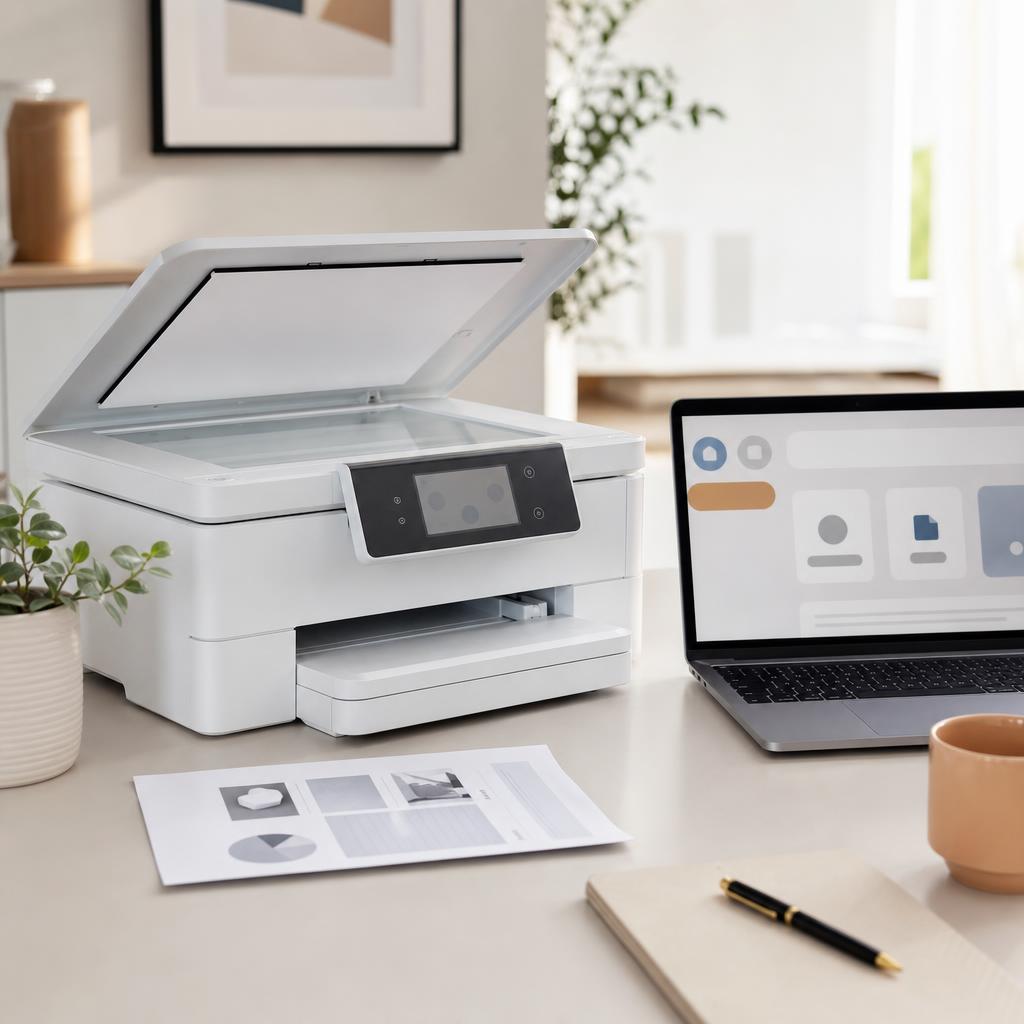
How to Fix a Scanner That Is Not Working (Complete Scanner Troubleshooting & Setup Guide)
When your scanner won’t scan or your computer can’t find it, the cause is almost always the connection, the driver, or the scanning software. This beginner-friendly guide explains how printer scanners work and walks you through fixing a scanner that isn’t detected, won’t scan, or produces poor-quality images on Windows and macOS.
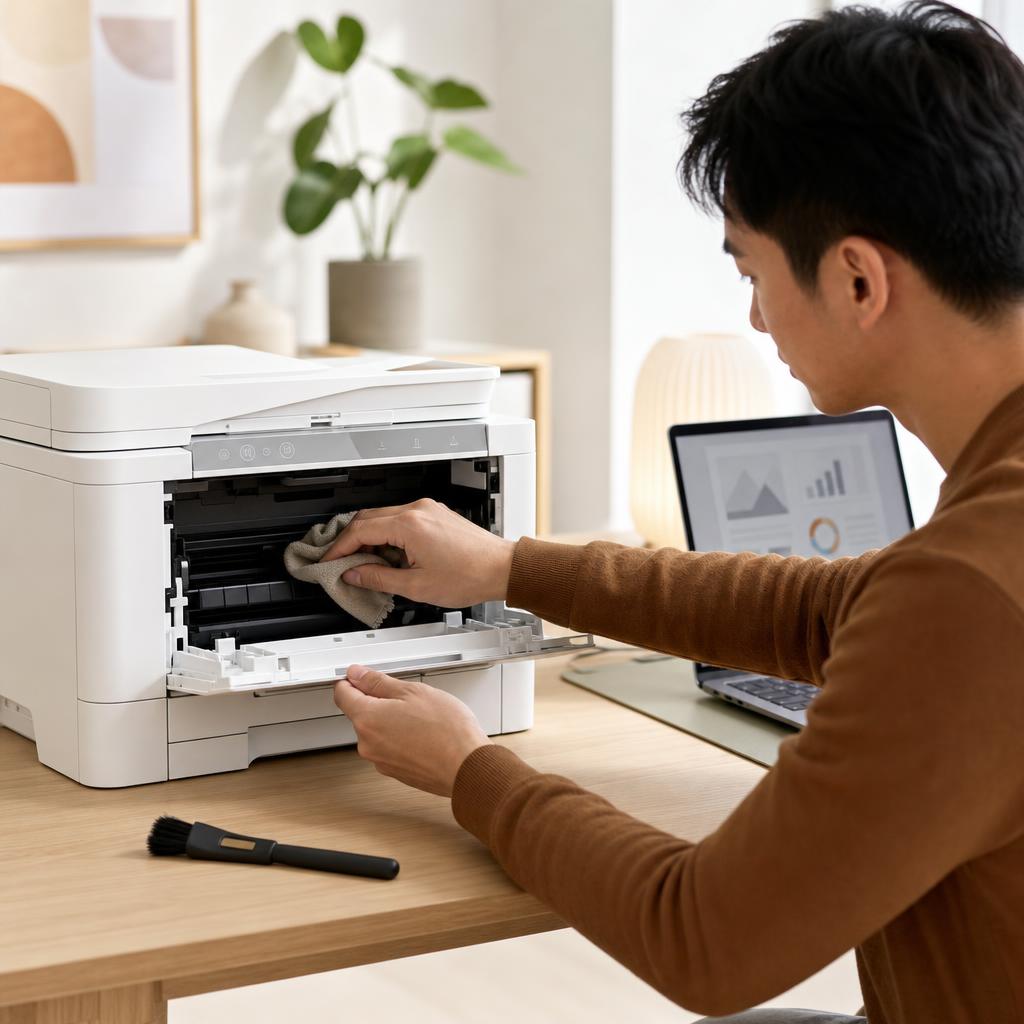
How to Clean and Maintain Your Printer (Complete Printer Maintenance Guide)
A little regular cleaning keeps a printer reliable, prints sharp, and paper feeding smoothly. This beginner-friendly guide walks you through safe, routine maintenance for both inkjet and laser printers — from wiping the outside and cleaning the rollers to printhead cleaning, toner care, and a simple upkeep schedule.
How to Connect Any Printer to Wi-Fi
A universal guide to connecting any wireless printer to a Wi-Fi network — using the printer's touchscreen menu, WPS button, manufacturer app, or a USB setup assistant — with troubleshooting for the most common connection failures.
Common Wi-Fi Problems and How to Fix Them
A practical guide to the most common home Wi-Fi problems — slow speeds, devices that disconnect, no internet despite a Wi-Fi connection, dead zones, and forgotten passwords — with clear step-by-step fixes for each.

Why Computers Slow Down Over Time and What to Do About It
A plain-English explanation of why computers become slower over time — from accumulated startup programs and background apps to fragmented storage, bloated registries, outdated drivers, and aging hardware. Understanding the real causes makes the fix obvious and prevents the slowdown from creeping back.

Windows Update Basics: What It Does and Why It Matters
A plain-English explanation of what Windows Update actually does, why Microsoft releases updates, and why keeping your PC current matters for security, stability, and performance.

How to Fix Windows Updates That Are Stuck or Pending
Step-by-step fixes for Windows updates that refuse to download, stay stuck at a percentage, or sit in "Pending" state indefinitely — from the built-in troubleshooter to manual component resets.