
Understanding Cost per Page: The Real Price of Owning a Printer
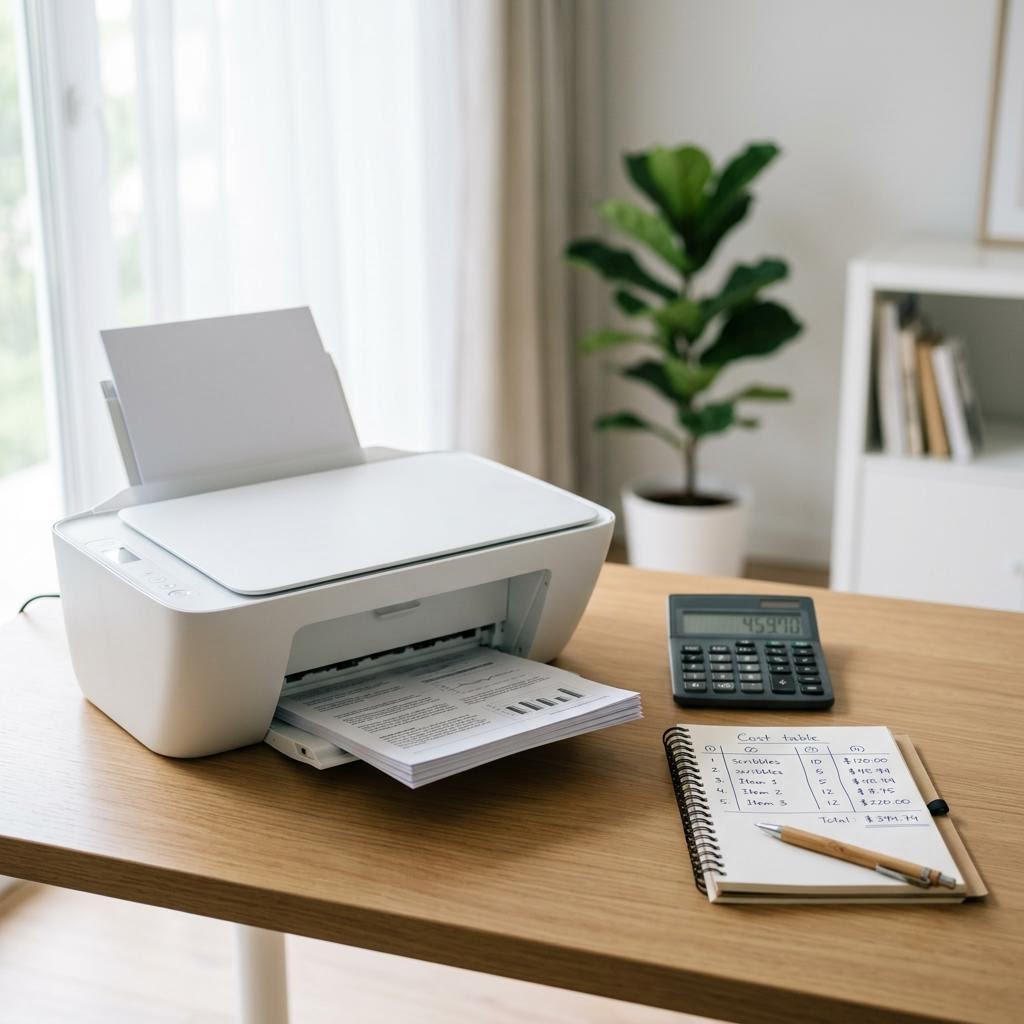
The sticker price is only half the story — the other half is what every printed page costs you in ink or toner. This guide explains cost per page in plain language: how to read page-yield numbers, what the ISO yield standard really measures, the simple formula that turns a cartridge price into a per-page cost, and how to compare two printers over two or three years using round, hypothetical examples and a copyable worksheet.
Applies to: Inkjet printers, Laser printers, Ink tank printers, All-in-one printers
Quick summary
- The problem
- A printer that looks cheap on the shelf can be expensive to feed, because the real cost of ownership is spread across years of buying ink or toner, and most shoppers never work out what a single printed page actually costs.
- The fix
- Learn one simple formula — cost per page equals cartridge price divided by page yield — then apply it to each printer on your shortlist, add hidden costs like setup cartridges and maintenance parts, and compare the total over two or three years using a short worksheet.
- Applies to
- Anyone comparing printers on running cost, whether inkjet, ink tank, laser, or all-in-one, who wants to know the true price of ownership before buying.
On this page Show
Understanding the problem
Every printer has two prices. The first is the number on the box, which you pay once. The second is the cost per page — the small amount of ink or toner used every time you press print — which you pay again and again for as long as you own the machine. Because that second price is quiet and spread out, it is easy to ignore at the checkout, yet it is usually the number that decides which printer is genuinely cheaper to live with.
Cost per page sounds technical, but it comes down to simple arithmetic: take what a cartridge costs, divide by how many pages it is rated to print, and you have the cost of a single page. The catch is in the details. Page-yield figures rest on an assumed amount of ink used per page, colour and black pages cost different amounts, and several costs never appear in the headline number at all — setup cartridges, waste-ink collection, drum units on some lasers, and the paper itself.
This guide unpacks all of it in plain English. It explains how to read yield numbers and what the ISO yield standard measures, walks through the cost-per-page formula with round hypothetical examples, compares colour against mono and cartridges against ink tanks and toner, lists the hidden costs to add on, and finishes with a copyable worksheet that lets you compare two printers over a realistic two-to-three-year window. No brands, no real prices presented as fact — just the method you can apply to any model you are considering.
Best practice
Keep firmware up to date
Installing firmware updates from the manufacturer can fix bugs and improve compatibility. Keep the printer powered on throughout the update.
Signs you're in the right place
If you're seeing any of these, this guide is for you.
-
You were surprised by ink or toner costs before
A previous printer was cheap to buy but expensive to refill, and you want to avoid that trap this time.
-
Two printers cost about the same to buy
Your shortlist is priced similarly, so the deciding factor is which one costs less to run over the years.
-
The yield numbers confuse you
Listings quote a page yield and sometimes an ISO figure, and you are not sure what those numbers really mean.
-
You print enough for running cost to matter
You print regularly, so even a small difference in cost per page adds up to real money over time.
-
You are weighing cartridges against tanks or toner
You have seen ink tank and laser models and want to understand whether their economics actually pay off.
-
You want a total-cost number, not a guess
You would like a concrete figure for what a printer will cost you over two or three years before you commit.
What's usually behind it
The most common reasons this happens, so the fix makes sense.
Judging a printer by its sticker price
The purchase price is a one-off, while ink or toner is paid repeatedly, so a low box price can hide a high lifetime cost.
Not knowing what page yield measures
A yield figure only holds at a standard amount of ink per page, so heavier pages use more and reach the rated count sooner than expected.
Comparing colour and mono costs as if they were the same
A colour page draws on several inks at once and almost always costs more than a plain black page, which skews any single average.
Overlooking the hidden costs
Setup cartridges, waste-ink pads, drum or maintenance units, and paper never show up in the cost-per-page headline but still add to the bill.
Ignoring how much you actually print
Cost per page only turns into real money when multiplied by your monthly volume, so a low per-page cost matters far more to heavy printers.
Assuming higher-priced supplies are always worse value
A dearer high-yield cartridge can cost less per page than a cheaper standard one, so the price tag alone does not reveal value.
Skipping the multi-year comparison
Looking only at the first purchase misses the fact that the cheaper machine to buy is often the dearer machine to own over two or three years.
What you'll need
Have these on hand before you start for a smooth fix.
-
A rough monthly page count
Estimate how many pages you print in a typical month, since cost per page only becomes real money once you multiply it by your volume.
-
Your colour vs. black-and-white split
Know roughly how many pages are colour and how many are plain black, because the two cost very different amounts per page.
-
Cartridge or toner prices for each model
Note the price of the ink or toner used by each printer on your shortlist, ideally for both standard and high-yield supplies where they exist.
-
The published page-yield figures
Find the rated page yield for each cartridge or toner, and check whether it is an ISO figure so you are comparing like for like.
-
A calculator or a simple spreadsheet
You only need division and multiplication, but a calculator or a spreadsheet makes the comparison quicker and easier to redo.
-
A realistic ownership window
Decide how long you expect to keep the printer — two or three years is a sensible span for comparing total cost.
How to fix it
Work through these in order — they run from the quickest checks to the more advanced fixes.
-
Step 1: Learn what page yield actually measures
Read the page-yield figure as the number of pages a cartridge or toner is rated to print before it runs out, under a standard set of assumptions.
Look for a note that the yield follows the ISO standard, which measures yield using a fixed set of test pages so different products can be compared fairly.
Remember that the standard assumes a typical amount of ink or toner per page, so pages heavier than the test pages will use more and reach the rated count sooner.
Why this works: The whole cost-per-page calculation rests on the yield number, so it helps to know what it does and does not promise. An ISO yield is a fair, repeatable figure for comparison, not a guarantee for your exact documents, because your pages may be lighter or heavier than the standard test pages.
Expected result: You understand that page yield is a comparison figure based on a standard coverage assumption, not a fixed count for every document.
You can explain in a sentence why a page yield is only accurate at a standard amount of coverage.
-
Step 2: Apply the cost-per-page formula
Take the price of the cartridge or toner and divide it by its rated page yield to get the cost of one page.
As a worked example, suppose a black cartridge costs sixty units of currency and is rated for 600 pages: sixty divided by 600 gives ten cents per page.
As a second example, suppose a higher-yield version of the same cartridge costs ninety units and is rated for 1,500 pages: ninety divided by 1,500 gives six cents per page — cheaper per page despite costing more up front.
Why this works: This single formula — cartridge price divided by page yield — is the heart of comparing running costs. Working through round examples shows why a pricier high-yield supply can be better value, and gives you a repeatable method you can apply to any cartridge or toner.
Expected result: You can turn any cartridge price and yield into a cost per page.
All the prices here are hypothetical round numbers used to show the method — always plug in the real figures for the models you are considering.
You have calculated a cost per page for at least one supply on your shortlist.
-
Step 3: Work out colour cost separately from mono
Calculate the black-and-white cost per page from the black cartridge or toner alone, as in the previous step.
For colour, add together the per-page cost of each colour supply the printer uses, since a colour page draws on several at once.
As a worked example, suppose three colour cartridges each cost forty units and are each rated for 400 pages: each contributes ten cents, so a full-colour page costs about thirty cents plus the black portion.
Why this works: A single average cost per page can be misleading because colour pages almost always cost several times more than plain black ones. Splitting the two lets you match the calculation to your real mix of documents and photos, which is where the money actually goes.
Expected result: You have separate cost-per-page figures for black-and-white and for colour printing.
You can state both a mono and a colour cost per page for each shortlisted printer.
-
Step 4: Blend the two into your personal cost per page
Estimate what share of your printing is colour and what share is plain black — for example, eight in ten pages black and two in ten colour.
Multiply each cost per page by its share, then add the results to get a blended cost per page that reflects how you really print.
As a worked example, suppose black costs ten cents and colour costs forty cents: eighty percent of ten cents plus twenty percent of forty cents gives a blended sixteen cents per page.
Why this works: The headline cost per page a listing quotes may assume a mix that is nothing like yours. Building a blended figure from your own colour-to-mono ratio produces a number that reflects your household, so comparisons between printers are grounded in your actual habits.
Expected result: You have a single blended cost per page for each printer that matches your printing mix.
Your blended figure sits between your mono and colour costs, weighted toward whichever you print more.
-
Step 5: Compare cartridge, ink tank, and toner economics
For standard cartridge inkjets, expect a higher cost per page but a lower purchase price, which suits light or occasional printing.
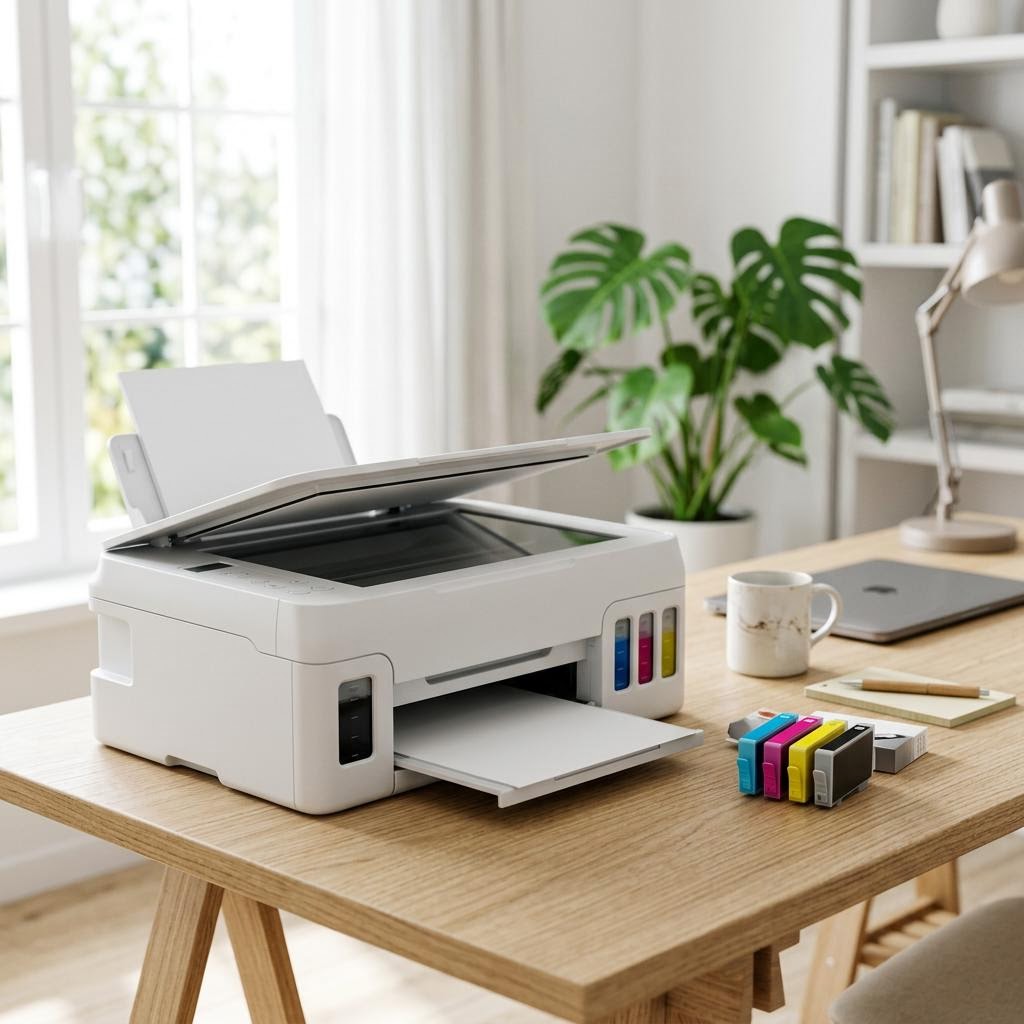
For ink tank printers, expect a higher purchase price but a much lower cost per page, because a bottle of ink refills the tanks for a large number of pages.
For laser or toner printers, expect low mono cost per page and fast text printing, which suits heavier black-and-white work.
As a worked example, suppose one printer costs ten cents a page and another costs two cents a page: over 5,000 pages that is a difference of four hundred units of currency, which can outweigh a higher up-front price.
Why this works: Different technologies trade up-front price against running cost in different ways, and the right balance depends entirely on how much you print. Seeing the trade-off as numbers rather than impressions is what tells you when a pricier machine pays for itself. Our inkjet versus laser and ink tank versus cartridge guides go deeper on this.
Expected result: You understand how each printer type balances purchase price against cost per page for your volume.
The break-even point depends on how many pages you print, so the same two printers can favour different buyers.
-
Step 6: Add the hidden costs the headline number leaves out
Account for setup cartridges: some printers ship with starter supplies that hold less ink or toner than the full ones you buy later, so the first refill comes sooner.
On many inkjets, factor in a maintenance or waste-ink component that collects surplus ink and is eventually replaced or serviced.
On many laser printers, remember that a drum or imaging unit is a separate part with its own lifespan and replacement cost, on top of the toner.
Add the cost of paper, and remember that automatic two-sided printing roughly halves paper use for documents.
Why this works: Cost per page captures only the ink or toner, yet real ownership includes several other consumables and parts. Adding setup cartridges, waste-ink handling, drum units, and paper turns a tidy per-page figure into an honest picture of what the printer will actually cost you.
Expected result: Your cost estimate now includes the consumables and parts beyond the main ink or toner.
You have noted every extra consumable each shortlisted printer needs, not just the primary cartridge or toner.
-
Step 7: Project the total cost over two or three years
Multiply your blended cost per page by your monthly page count, then by twelve, to get a rough yearly ink or toner cost.
Multiply that yearly figure by the number of years you expect to keep the printer to get the running cost over your ownership window.
Add the purchase price and the hidden costs from the previous step to reach a total cost of ownership.
As a worked example, suppose sixteen cents a page at 200 pages a month is about thirty-two units a month, roughly 384 a year, or about 1,150 over three years before adding the printer price.
Why this works: A cost per page is abstract until you scale it to your volume and your timeframe. Projecting over two or three years converts small per-page differences into the large totals that actually decide which printer is cheaper to own, which is the number that should guide the purchase.
Expected result: You have a total cost of ownership figure for each printer across your chosen window.
You can quote a single multi-year total for each shortlisted printer, purchase price and consumables combined.
-
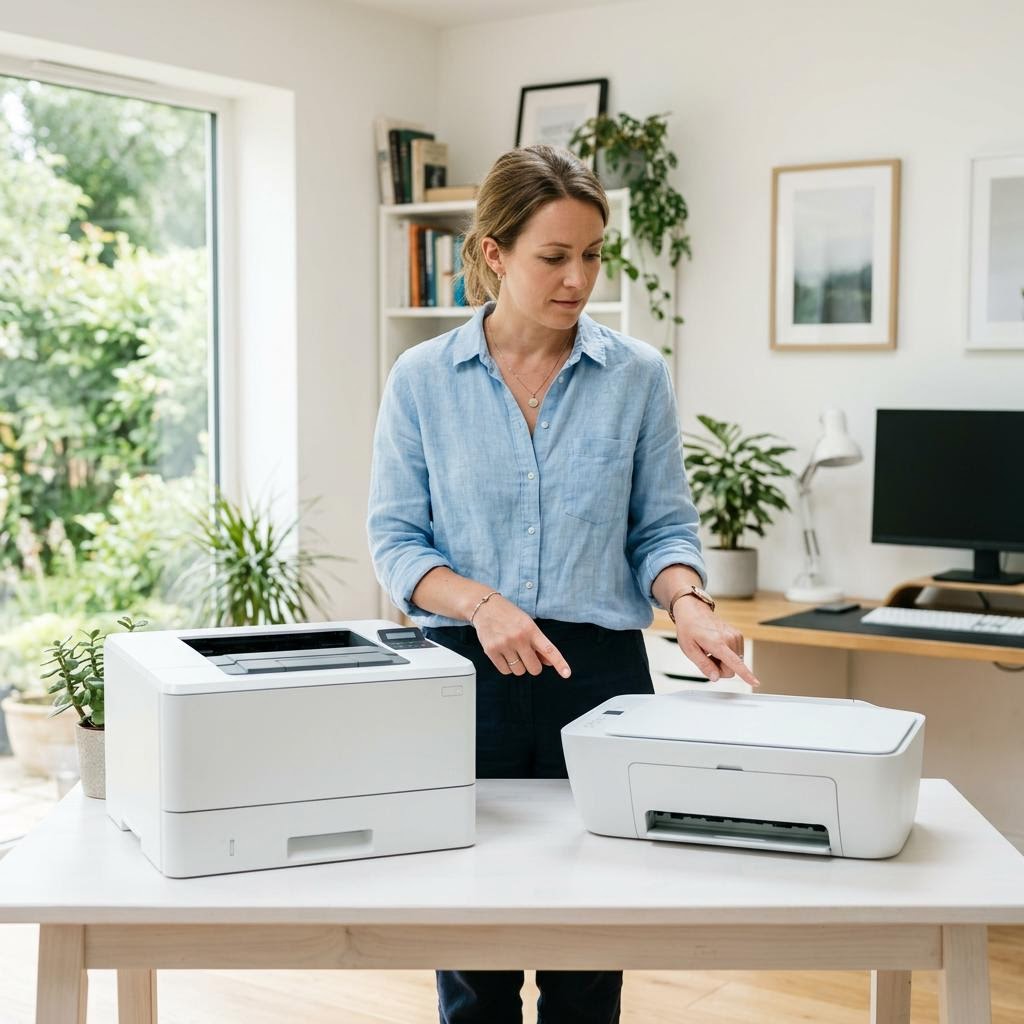
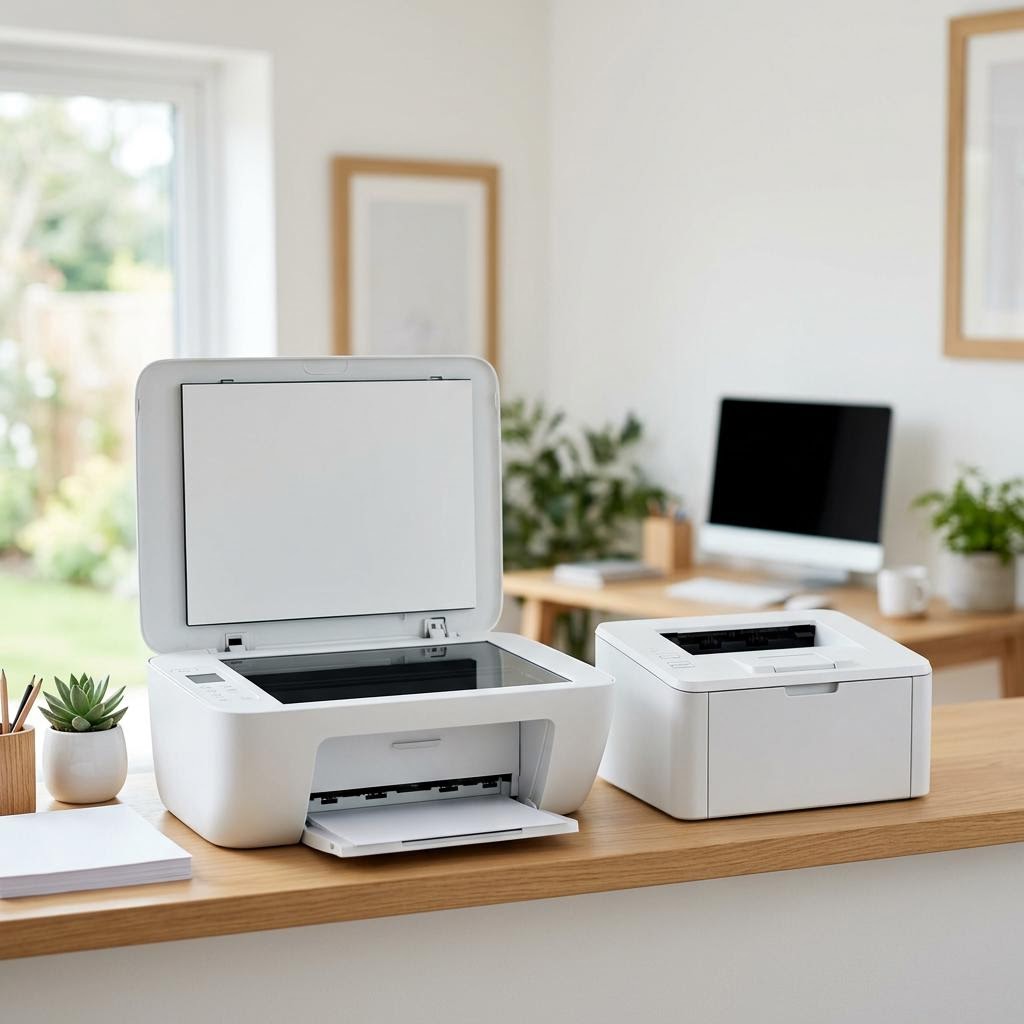
Step 8: Compare two printers side by side
Lay the two printers next to each other with their purchase price, blended cost per page, hidden costs, and multi-year total in the same columns.
Check where the cheaper-to-buy printer overtakes the cheaper-to-run one, so you know at roughly what volume the more economical machine pays for itself.
Choose the printer with the lower total for your real volume, not the one with the lower box price, unless the totals are close enough that other features decide it.
Why this works: Putting both printers into the same layout removes guesswork and makes the trade-offs obvious at a glance. It also reveals the break-even volume, so if your printing is lighter or heavier than expected you can see how the answer changes rather than being locked into one assumption.
Expected result: You can point to the printer that costs less to own for your usage and explain why.
Your decision is based on the multi-year total, with the break-even volume clearly in view.
-
Step 9: Copy a simple total-cost worksheet
Write one row for each printer with these columns: purchase price, mono cost per page, colour cost per page, blended cost per page, monthly pages, yearly running cost, hidden costs, and years kept.
Fill in the blended cost per page, then compute yearly running cost as blended cost per page times monthly pages times twelve.
Compute total cost of ownership as purchase price plus hidden costs plus yearly running cost times years kept, and compare the totals.
Keep the worksheet so you can redo it with new figures if a price changes or your printing volume turns out different.
Why this works: A reusable worksheet turns a one-off calculation into a tool you can trust and revisit. Because every input is visible, you can adjust any assumption — a price, your volume, the years kept — and instantly see how the comparison shifts, which is exactly the flexibility a buying decision needs.
Expected result: You have a small, reusable worksheet that produces a total cost of ownership for any printer.
You can drop a new printer into the worksheet and get a comparable total in a couple of minutes.
Tip
Printer Tip
Always calculate cost per page before buying, not just the purchase price.
Other solutions to try
If the steps above didn't do it, these fixes resolve the less common cases.
If you print only occasionally
For light or infrequent printing, keep the up-front cost low and worry less about cost per page.
- Favour a lower purchase price, since a high cost per page barely matters when you print few pages.
- Watch for setup-cartridge and waste-ink costs, which can dominate the bill when your overall volume is small.
- Consider that ink can dry out in inkjets that sit unused for long stretches, which quietly raises your effective cost per page.
- Standard cartridges are usually fine at low volumes, since you may never buy enough refills for high-yield supplies to pay off.
If you print in high volumes
For heavy printing, prioritise the lowest cost per page and durable, high-capacity supplies.
- Put the blended cost per page first, because at high volumes it dwarfs the difference in purchase price.
- Weigh ink tank or laser models, which typically deliver a much lower cost per page for regular printing.
- Choose high-yield cartridges or toner where available, since they usually lower the cost per page for steady use.
- Budget for drum or maintenance units on lasers and waste-ink parts on inkjets, which come up more often the more you print.
Confirm it's working
Tick these off to be sure the problem is fully resolved.
Keep it from happening again
A few habits that stop this problem coming back.
- Always calculate cost per page before buying, not just the purchase price.
- Compare like with like by using ISO yield figures and the same colour-to-mono mix across models.
- Include the hidden costs — setup cartridges, waste ink, drum units, and paper — in every estimate.
- Scale cost per page to your real monthly volume, since that is what turns pennies into real money.
- Check whether high-yield supplies exist, as they often lower the cost per page for regular printing.
- Keep your total-cost worksheet so you can re-run the numbers whenever a price or your usage changes.
Frequently asked questions
Was this guide helpful?
Your feedback helps us keep these steps accurate.
Thanks for your feedback!
Written by
The Guts Guide Editorial Team · Technology Writers
Reviewed by
The Guts Guide Editorial Team · Technical Review
Last updated
2026-08-02
Continue Reading
Pick up where you left off with the next guide in your troubleshooting journey.
Related Guides
More troubleshooting walkthroughs you may find useful.


Buying Guides
Plain-English comparisons and pre-purchase checklists — find the right printer before you buy.