
Inkjet vs Laser Printers: Which Should You Buy?
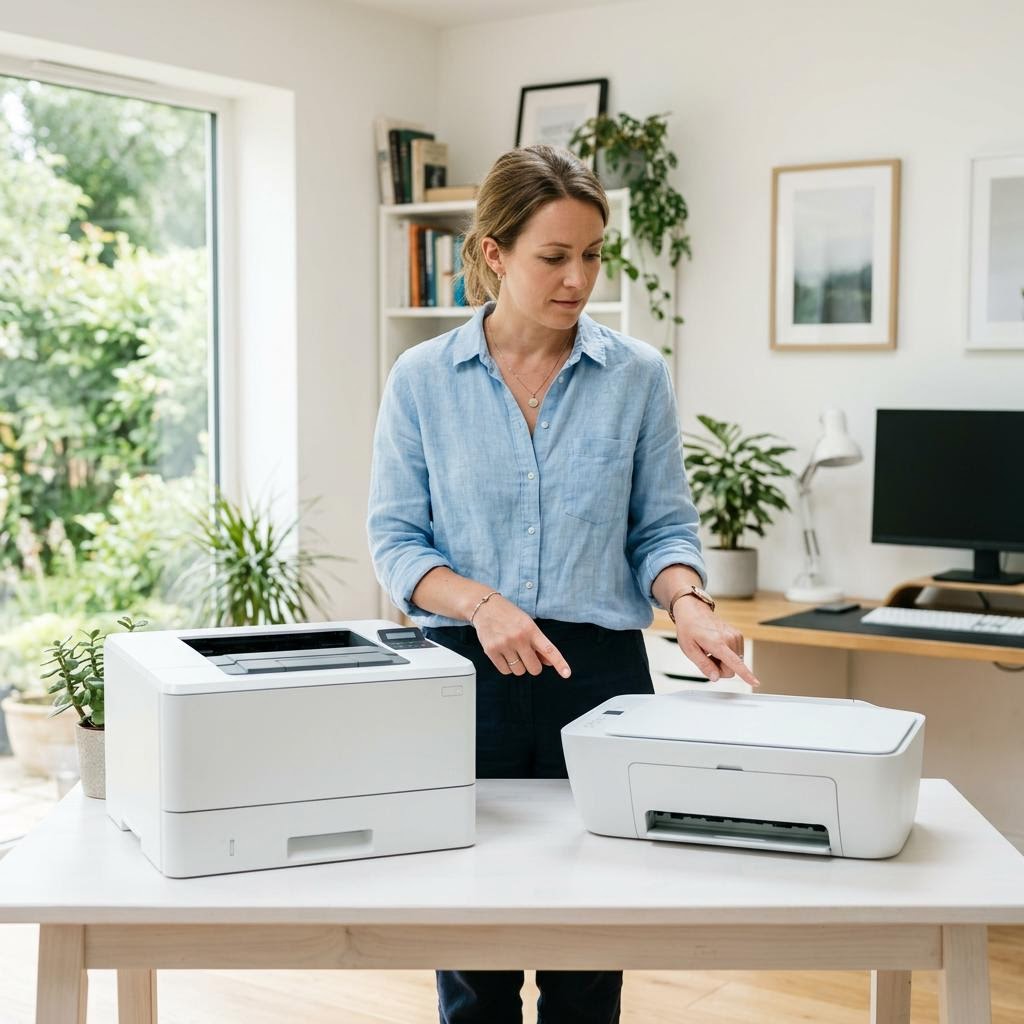
Torn between an inkjet and a laser printer? This beginner-friendly buying guide compares the two head to head — print volume, cost per page, photo versus text quality, speed, size, and the maintenance quirks of each — so you can match the right technology to how you actually print.
Applies to: Inkjet printers, Laser printers, Ink tank printers, All-in-one printers
Quick summary
- The problem
- You need a new printer but can’t tell whether an inkjet or a laser model fits your needs — the two look similar in the store, yet they cost, print, and behave very differently over time.
- The fix
- Match the technology to your workload: choose an inkjet (especially an ink tank model) if you print photos or colour documents regularly, and choose a laser if you mostly print black-and-white text — including only occasionally, since toner does not dry out between print jobs the way ink can.
- Applies to
- Home users, students, families, and small or home offices choosing between an inkjet and a laser printer.
On this page Show
Understanding the problem
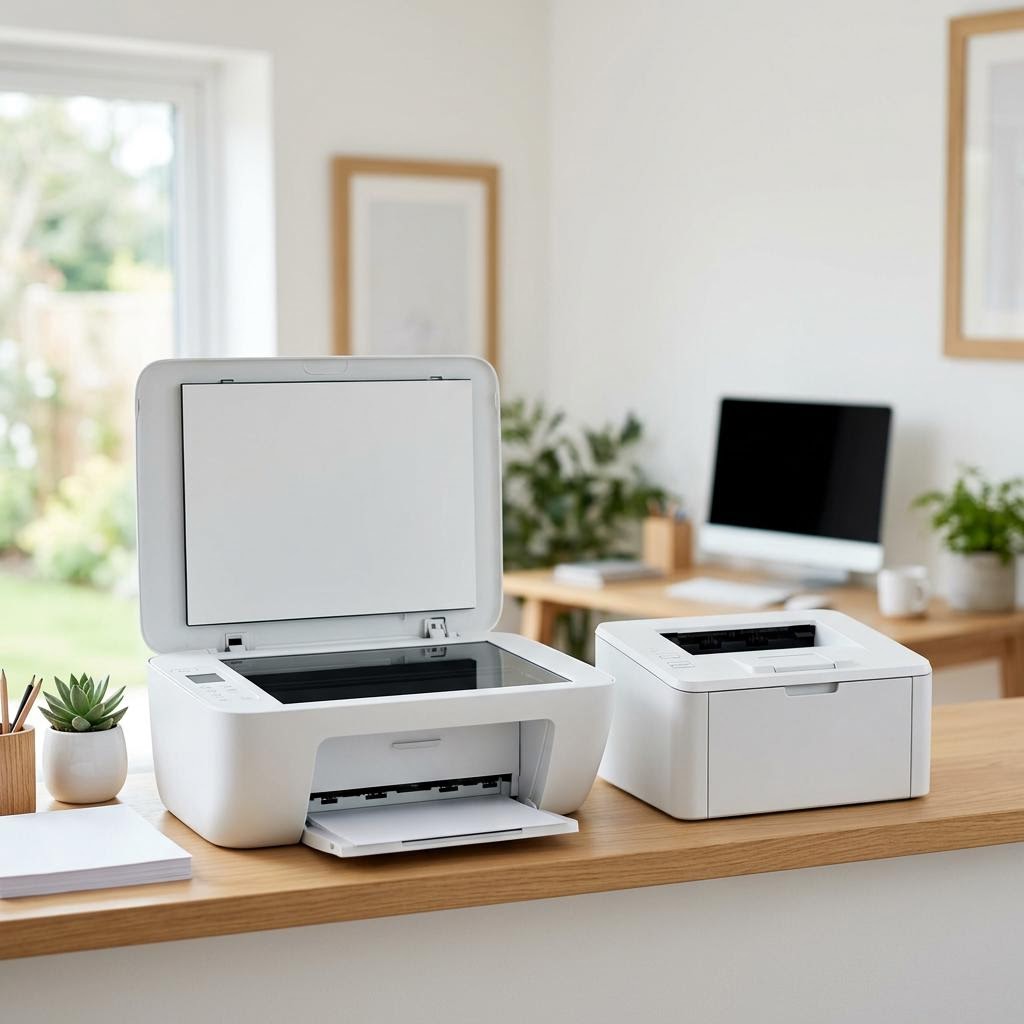
Inkjet and laser printers both put words and images on paper, but they do it in completely different ways — and that difference shapes almost every part of ownership. An inkjet sprays tiny droplets of liquid ink onto the page, which makes it excellent at blending colours and rendering photos, and generally cheaper to buy up front. A laser printer uses a laser, a rotating drum, and powdered toner that is fused to the paper with heat, which makes it fast, crisp on text, and very low-maintenance for high volumes.
Because of those mechanics, the two technologies suit different people. Someone printing the occasional recipe, a few colour photos, and school worksheets has very different needs from someone printing dozens of invoices or reports every week. Buying the wrong type usually means either paying too much for consumables you burn through quickly, or paying up front for speed and volume you never use.
This guide walks through the head-to-head trade-offs that matter when you shop: how much you print, what you print, ongoing cost per page, speed and size, and the maintenance habits each type rewards. By the end you should be able to say confidently which technology fits your home or office — and roughly what to look for on the spec sheet before you buy.
Terminology
What DPI actually means
DPI stands for dots per inch and measures how finely a printer places dots on paper. A higher DPI shows more detail, which matters most for photos.
Signs you're in the right place
If you're seeing any of these, this guide is for you.
-
You print colour photos or graphics
You want to print family photos, artwork, or colourful documents where smooth blends and rich colour matter.
-
You print mostly text, in high volume
Your printing is mainly black-and-white documents — letters, reports, invoices — and there are a lot of them.
-
You print only occasionally
The printer will sit idle for days or weeks between jobs, then handle a small burst when you need it.
-
You care most about running cost
You want to keep ongoing cost per page as low as possible over the life of the printer, not just the sticker price.
-
You have limited desk or shelf space
Size and weight matter because the printer has to fit a small home or a tight office corner.
-
You need fast output on demand
When you press print you want pages quickly, with little warm-up and steady speed on long jobs.
What's usually behind it
The most common reasons this happens, so the fix makes sense.
Judging by the purchase price alone
A cheap printer can be the most expensive to own once you count consumables — the sticker price rarely tells the full story.
Ignoring cost per page
Many buyers never compare the running cost of ink or toner, which over a few years usually dwarfs the price of the printer itself.
Overestimating how much colour you print
People often buy a photo-focused inkjet, then discover they mostly print plain black-and-white text a laser would handle more cheaply.
Underestimating occasional-use problems
A printer left unused for long stretches can behave very differently from one used every day, and buyers rarely factor this in.
Assuming laser means colour is bad
Colour laser models exist, but people assume laser equals black-and-white only, or that colour laser matches inkjet photo quality — neither is a safe assumption.
Forgetting about size and heat
Laser printers tend to be larger and heavier, and buyers sometimes overlook whether one physically fits their space.
Skipping the spec sheet
Choosing on brand or looks rather than checking speed, capacity, and consumable yield often leads to buyer’s remorse.
What you'll need
Have these on hand before you start for a smooth fix.
-
Your rough monthly page count
Estimate how many pages you print in a typical month — this is the single most useful number for choosing.
-
The split between text and photos
Know roughly what share of your printing is plain text versus colour, photos, or graphics.
-
Your up-front and ongoing budget
Separate what you can spend on the printer itself from what you’re willing to spend on ink or toner over time.
-
The space available
Measure the desk, shelf, or floor spot where the printer will live, including room to open trays.
-
A sense of how often you’ll use it
Decide whether it will run most days or sit idle for long stretches — this steers you toward or away from certain inkjets.
-
Whether you need extra functions
Note if you also want scanning, copying, or faxing, since that points toward an all-in-one in either technology.
How to fix it
Work through these in order — they run from the quickest checks to the more advanced fixes.
-
Step 1: Estimate how much you print each month
Add up a typical month of printing — school work, documents, forms, tickets, photos — to get a rough page count.
Sort that into light (a handful of pages a week), moderate (a few hundred a month), or heavy (many hundreds or more).
Compare your estimate to the "recommended monthly volume" printers list on their spec sheets, and stay well below the maximum.
Why this works: Volume is the biggest single factor. Laser printers are built for high, steady output and get cheaper per page the more you print, while inkjets are happier at lower volumes. Knowing your number keeps you from over- or under-buying.
Expected result: You have a light, moderate, or heavy volume estimate to guide the rest of your choice.
You can state roughly how many pages you print per month.
-
Step 2: Decide what you mostly print
Work out what share of your printing is plain black-and-white text versus colour documents, graphics, or photos.
If photos and rich colour matter most, lean toward inkjet, which blends colour and renders images better than most laser models.
If it’s mostly crisp black text — letters, reports, forms — lean toward laser, which produces sharp, smudge-resistant text quickly.
Why this works: The two technologies have genuine strengths: inkjets excel at photos and colour blends, lasers excel at fast, razor-sharp text. Matching the printer to your content is what gives you output you’re actually happy with.
Expected result: You know whether your needs point more toward inkjet or laser on quality grounds.
Colour laser models exist and are great for colour documents, but they generally don’t match a good inkjet for glossy photo prints.
-
Step 3: Compare cost per page, not just the price tag
For each printer you’re considering, find the yield of its ink or toner (pages per cartridge or bottle) on the spec sheet.
Divide the cost of the consumable by its page yield to get a rough cost per page, and do this for both black and colour where relevant.
Multiply that cost per page by your monthly volume to see the real ongoing cost, then add it to the purchase price over a few years.
Why this works: A cheap printer can quietly be the most expensive to run. Cost per page, multiplied by how much you print, usually matters far more than the sticker price over the life of the machine.
Expected result: You can compare printers on their true total cost, not just their up-front price.
You’ve worked out a rough cost per page for each option.
-
Step 4: Weigh ink tank inkjets against traditional cartridges
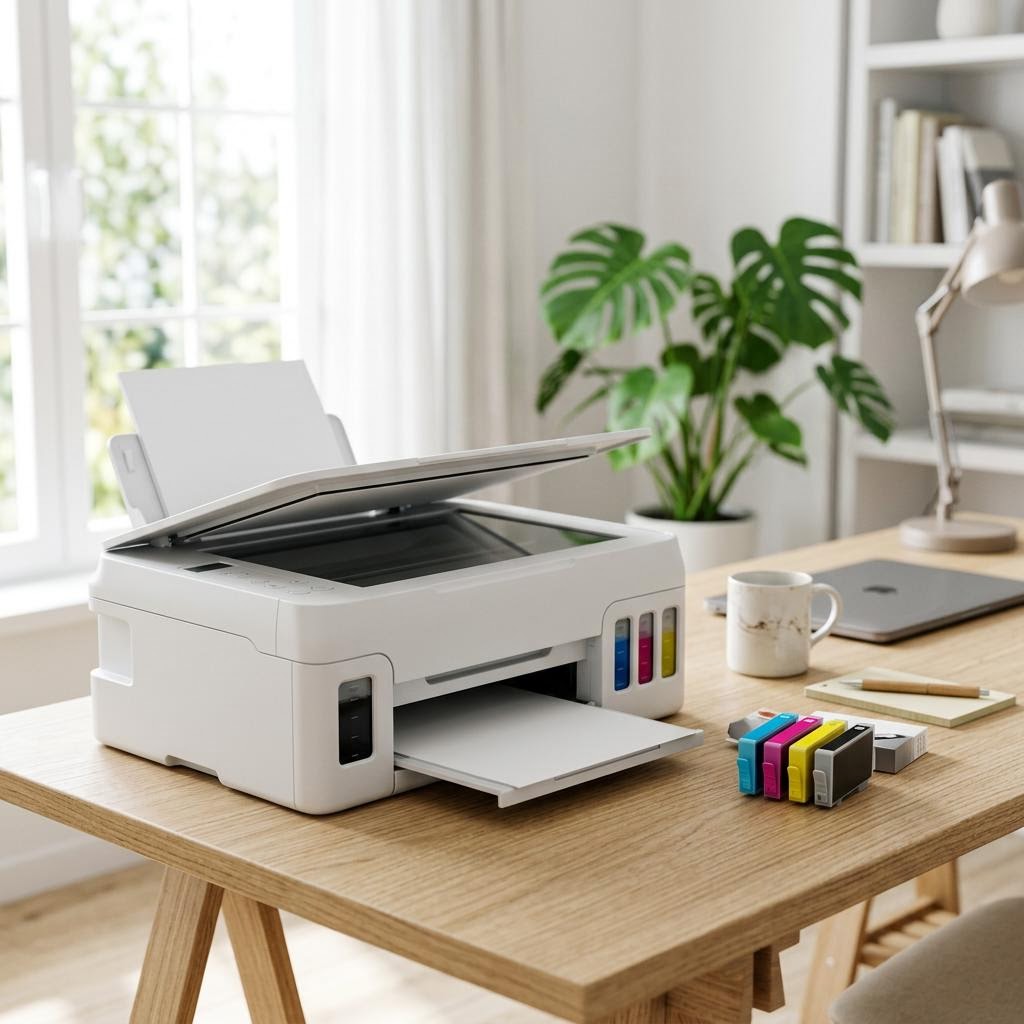
If you like inkjet quality but worry about running costs, look at ink tank models, which use refillable bottles instead of small cartridges.
Compare the higher up-front price of an ink tank printer against its typically much lower cost per page over time.
For low-volume users, weigh whether a cheaper cartridge inkjet makes more sense than paying more up front for tanks you’ll fill slowly.
Why this works: Ink tank printers have reshaped the inkjet side of this decision. They cost more to buy but can bring ink costs down dramatically, making inkjet competitive with laser on running cost for many households.
Expected result: You know whether an ink tank, a cartridge inkjet, or a laser best fits your budget pattern.
The Guts Guide has a separate ink tank versus cartridge cost guide if you want to dig deeper into that comparison.
-
Step 5: Factor in speed, warm-up, and size
Check the rated pages-per-minute if you print long documents and want them finished quickly.
Consider that many laser printers need a short warm-up but then run fast and steadily, which suits big jobs.
Measure your space and check the printer’s dimensions and weight — laser models are often larger and heavier than inkjets.
Why this works: Speed and size are easy to overlook in the store but felt daily at home. A fast laser is a joy for volume, while a compact inkjet may be the only thing that fits a small desk — the spec sheet tells you which is which.
Expected result: You know the printer you want is fast enough and physically fits your space.
-
Step 6: Think about maintenance and how often you’ll use it
If the printer will sit idle for long stretches, be aware that inkjet ink can dry and clog the print head, sometimes needing cleaning cycles that use ink.
If you print rarely and mostly text, consider that laser toner is a dry powder that doesn’t dry out, so laser handles long gaps between jobs well.
If you choose an inkjet for occasional use, plan to print something small every week or two, and read the maintenance guide to keep the head clear.
Why this works: Occasional-use behaviour is a real difference between the two. Inkjets reward regular use and can waste ink recovering from long idle spells, while laser toner simply waits — matching this to your habits avoids frustration.
Expected result: You understand the upkeep each type asks for and how it fits your usage pattern.
The Guts Guide has a dedicated guide on cleaning and maintaining your printer that covers head cleaning in detail.
-
Step 7: Confirm the extras you need before buying
Decide whether you also want scanning, copying, or other functions, which points to an all-in-one in either technology.
Check for connectivity you care about, such as Wi-Fi or mobile printing, on the spec sheet rather than assuming it’s included.
Look at paper handling — tray capacity and whether it prints on both sides automatically — if that matters for your workload.
Why this works: The inkjet-versus-laser choice is the core decision, but the right features turn a good technology fit into a printer you’ll actually enjoy using every day. Confirming them up front prevents disappointment after purchase.
Expected result: You’ve settled on the technology and the specific features you need before you buy.
You have a shortlist that matches your volume, content, budget, space, and feature needs.
Tip
Printer Tip
Always compare cost per page and total cost of ownership, not just the purchase price.
Other solutions to try
If the steps above didn't do it, these fixes resolve the less common cases.
When an inkjet is usually the better choice
Inkjets tend to win for colour, photos, occasional use, and a low up-front price — with ink tank models closing the running-cost gap.
- You print photos, colour documents, or graphics where smooth colour matters.
- You print at low to moderate volume and want a lower purchase price.
- You want a compact, lighter printer for a small space.
- You choose an ink tank model to keep running costs down while keeping inkjet quality.
When a laser is usually the better choice
Laser printers tend to win for high-volume black-and-white text, speed, sharp documents, and low upkeep during idle spells.
- You print mainly black-and-white text in moderate to heavy volume.
- You want fast output and steady speed on long documents.
- You value low maintenance and a printer that copes with long gaps between jobs.
- You choose a colour laser if you need colour documents at volume but not glossy photo prints.
Confirm it's working
Tick these off to be sure the problem is fully resolved.
Keep it from happening again
A few habits that stop this problem coming back.
- Always compare cost per page and total cost of ownership, not just the purchase price.
- Buy for how you actually print today, not for an occasional job you rarely do.
- If you print little and choose an inkjet, use it regularly to keep the print head from clogging.
- Check the consumable yield on the spec sheet before buying so running costs hold no surprises.
- Measure your space first so the printer, and its open trays, genuinely fit.
- If most of your printing is plain text in volume, don’t overpay for photo quality you won’t use.
- Read a printer buying checklist before you commit, so no important feature is overlooked.
Frequently asked questions
Was this guide helpful?
Your feedback helps us keep these steps accurate.
Thanks for your feedback!
Written by
The Guts Guide Editorial Team · Technology Writers
Reviewed by
The Guts Guide Editorial Team · Technical Review
Last updated
2026-08-02
Continue Reading
Pick up where you left off with the next guide in your troubleshooting journey.

Related Guides
More troubleshooting walkthroughs you may find useful.

Buying Guides
Plain-English comparisons and pre-purchase checklists — find the right printer before you buy.