
Printer Buying Checklist: What to Look for Before You Buy
Shopping for a printer for your home or home office and not sure what actually matters? This beginner-friendly checklist walks through the features worth checking before you buy — connectivity, duplex, paper handling, running costs, duty cycle, scanning needs, size, and warranty — so you choose a printer that fits how you really print.
Applies to: Inkjet printers, Laser printers, All-in-one printers, Ink tank printers
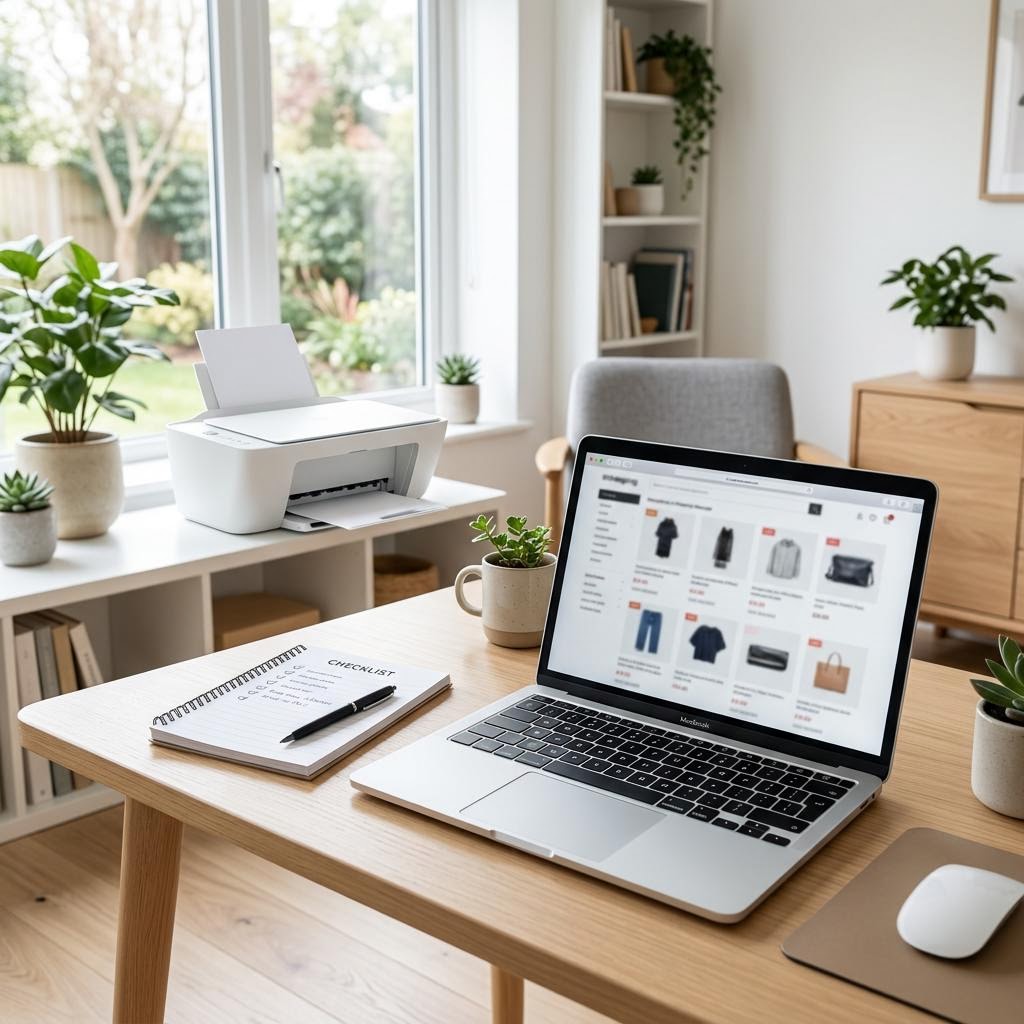
Quick summary
- The problem
- There are dozens of printers at every price point, each listing different specs, and it is hard to tell which features actually matter for how you print at home or in a home office.
- The fix
- Work through a short checklist before you buy: estimate your monthly page count and colour needs, then check connectivity, duplex, paper handling, running cost per page, duty cycle, scanning, size, warranty, and how easy consumables are to buy — and pick the model that matches your real usage, not the flashiest spec.
- Applies to
- Home users and home-office shoppers choosing an inkjet, laser, ink tank, or all-in-one printer.
On this page Show
Understanding the problem
Buying a printer looks simple until you start comparing models. Two printers can sit at the same price yet cost wildly different amounts to run, print at very different speeds, or handle very different amounts of paper before they wear out. The specification sheet is full of numbers — pages per minute, monthly duty cycle, resolution, sheet capacity — but very few of them matter equally to every shopper. The trick is knowing which ones matter to you.
A printer is really two purchases in one. There is the price on the box, and there is the cost of keeping it fed with ink or toner and paper for years afterward. A cheap printer with expensive consumables can end up costing far more than a pricier model that sips ink. That is why the smartest buying decisions start with how much and what you actually print, not with the sticker price. A checklist turns a confusing wall of specs into a handful of clear questions.
This guide is that checklist. It walks through connectivity, two-sided printing, paper handling, running costs, duty cycle, scanning and copying needs, physical size and placement, warranty, and the long-term availability of ink or toner. Work through it before you buy and you will avoid the two classic regrets: buying more printer than you need, and buying a bargain that turns out to be expensive to live with.
Tip
Match the paper setting to the paper
Choosing the correct paper type in the print dialog changes how much ink is used and can noticeably improve print quality.
Signs you're in the right place
If you're seeing any of these, this guide is for you.
-
You are replacing an ageing printer
Your current printer is slow, unreliable, or no longer supported, and you want to choose the next one more carefully.
-
You are setting up a home office
You need something that can handle regular documents, and possibly scanning and copying, without a trip to a print shop.
-
You are worried about running costs
You have been burned before by expensive ink or toner and want to understand cost per page this time.
-
You are overwhelmed by the spec sheets
The listings are full of numbers and you are not sure which ones actually affect your day-to-day printing.
-
You print a mix of things
Some documents, the odd photo, school or work forms — and you want one printer that covers all of it well enough.
-
You have limited desk or shelf space
You need to be sure a printer will physically fit and leave room to open trays and lids.
What's usually behind it
The most common reasons this happens, so the fix makes sense.
Buying on sticker price alone
The cheapest printer often has the most expensive ink or toner, so the true cost over a few years can be much higher than a dearer model.
Ignoring how much you actually print
Choosing a printer without estimating your monthly page count usually leads to either an underpowered model or one you paid too much for.
Overlooking cost per page
Shoppers rarely check how much each printed page costs in ink or toner, which is the number that adds up most over time.
Assuming every printer connects the same way
Connectivity varies widely — some models skip Wi-Fi, mobile printing, or a second USB option — so a printer may not fit how you want to send jobs to it.
Forgetting about paper handling
A small input tray or the lack of automatic two-sided printing can be a daily annoyance that never shows up in the headline specs.
Paying for features you will never use
High photo resolution, fax, or a large-format tray add cost, and many home users never touch them.
Not checking consumable availability
Choosing a model whose ink or toner is hard to find, or being discontinued, can leave you stuck when it is time to refill.
Skipping the physical measurements
Buying without measuring the space can mean a printer that does not fit, or one you cannot open fully to load paper or clear jams.
What you'll need
Have these on hand before you start for a smooth fix.
-
A rough monthly page count
Estimate how many pages you print in a typical month — even a ballpark of "under 50", "a few hundred", or "lots" shapes the whole decision.
-
Your colour vs. black-and-white split
Know whether you print mostly plain documents, need colour regularly, or print photos, since this points toward different printer types.
-
A realistic budget for the year, not just the box
Think about what you can spend up front plus what you are comfortable spending on ink or toner and paper over time.
-
The space where the printer will live
Measure the width, depth, and height, and leave clearance to open trays and the top lid on a scanner.
-
How you want to print
Decide whether you need Wi-Fi, USB, printing from phones and tablets, or all three.
-
Whether you need to scan or copy
If you handle forms, receipts, or documents, an all-in-one saves buying a separate scanner.
How to fix it
Work through these in order — they run from the quickest checks to the more advanced fixes.
-
Step 1: Estimate how much and what you print
Add up a rough monthly page count — think about work documents, school papers, forms, tickets, and any photos.
Split that estimate into black-and-white pages versus colour pages, and note whether photos are part of the mix.
Decide whether your printing is steady all year or comes in bursts, such as around tax time or school terms.
Why this works: Almost every other decision flows from how much and what you print. A light document user has very different needs from someone printing hundreds of colour pages a month, and matching the printer to real usage is what prevents both overspending and frustration.
Expected result: You have a rough monthly volume and a sense of your colour and photo needs.
You can describe your printing in one sentence, such as "about a hundred mostly black-and-white pages a month with the occasional photo".
-
Step 2: Check the connectivity options
Confirm the printer offers the connections you want — Wi-Fi for wireless printing, USB for a direct wired link, and a wired network port if you prefer that.
If you want to print from a phone or tablet, look for mobile printing support on the spec sheet; many models support printing straight from mobile devices, but not all do.
If several people will use it, favour a networked printer so everyone can print over Wi-Fi rather than passing one cable around.
Why this works: Connectivity decides how convenient a printer is to live with. A model that only connects by USB can be limiting in a household, while good wireless and mobile support lets everyone print from wherever they are working.
Expected result: You know the printer supports every way you plan to send jobs to it.
Wireless features vary by model, so check the spec sheet rather than assuming every printer includes Wi-Fi and mobile printing.
-
Step 3: Look for automatic two-sided printing and check paper handling
Check whether the printer offers automatic duplex (two-sided) printing if you print a lot of documents — it saves paper and effort.
Look at the input tray capacity: a larger tray means fewer refills, which matters more the more you print.
Confirm it handles the paper sizes and types you use, such as standard letter or A4, envelopes, labels, or photo paper.
Why this works: Paper handling is one of those quiet features that affects you every day. Automatic two-sided printing halves paper use, and a bigger tray means you are not constantly topping it up — small conveniences that add up over years of use.
Expected result: The printer handles your paper sizes and offers the tray capacity and duplex behaviour you want.
You have confirmed the tray size and whether two-sided printing is automatic or manual.
-
Step 4: Compare the running cost, not just the purchase price
Look up the cost per page for ink or toner where it is published, and compare it across the models on your shortlist.
For higher-volume printing, weigh ink tank or laser models, which typically cost less per page than standard cartridge inkjets, against their higher up-front price.
Estimate a rough yearly cost by multiplying your monthly page count by the cost per page, then add the printer price spread over a few years.
Why this works: The purchase price is only part of the story. A printer with cheap consumables can save far more over its life than the difference in sticker price, so comparing the total cost of ownership is what protects your budget in the long run.
Expected result: You can see which shortlisted printer is cheapest to run for your volume, not just cheapest to buy.
Exact cost per page varies by model and by whether you use standard or high-yield supplies, so treat published figures as a guide and compare like for like.
-
Step 5: Match speed and duty cycle to your volume
Check the pages-per-minute rating if you often print long documents and do not want to wait around.
Look at the recommended monthly volume or duty cycle, which shows how much printing the model is built to handle comfortably.
Choose a printer whose recommended volume comfortably covers your monthly page count, with some headroom for busy months.
Why this works: Print speed matters most to people who print a lot at once, and the duty cycle tells you whether a printer is built for your workload. A model pushed near its limit month after month tends to wear out sooner, so matching the rating to your volume helps it last.
Expected result: The printer is fast enough for your needs and rated for at least your monthly volume.
Your estimated monthly pages sit well within the printer’s recommended volume.
-
Step 6: Decide whether you need scanning, copying, or single-function
If you regularly scan documents, copy pages, or need to send the odd fax, an all-in-one covers all of it in one device.
If you only ever print, a single-function printer is usually smaller, simpler, and can print more cheaply for the same money.
If you scan multi-page documents often, look for an automatic document feeder rather than a flatbed alone.
Why this works: Buying the right type avoids both waste and inconvenience. Paying for a scanner you never use is money wasted, while discovering you cannot copy a form when you need to is its own kind of frustration — so match the device type to the tasks you actually do.
Expected result: You have chosen between an all-in-one and a single-function printer based on your real tasks.
Our related guides on all-in-one versus single-function printers and inkjet versus laser printers go deeper if you are still weighing this up.
-
Step 7: Check size, warranty, and consumable availability
Compare the printer’s dimensions against the space you measured, allowing room to open trays and lift the scanner lid.
Check the warranty length and what it covers, and note whether the maker offers support resources for setup and maintenance.
Confirm the ink or toner for the model is widely available and reasonably priced, and looks likely to stay in production.
Why this works: These final checks catch the practical problems that spec sheets gloss over. A printer that does not fit, has a short warranty, or uses hard-to-find supplies can turn a good deal into a headache, so it pays to confirm them before you buy.
Expected result: The printer fits your space, comes with an acceptable warranty, and uses supplies you can easily buy for years.
You have confirmed the dimensions, warranty terms, and consumable availability for your final choice.
Tip
Printer Tip
Always estimate your monthly page count before shopping, so you buy for how you actually print.
Other solutions to try
If the steps above didn't do it, these fixes resolve the less common cases.
If you are on a tight budget
When money is limited, focus on the total cost over a few years rather than the lowest sticker price.
- Estimate your yearly running cost and compare it against a slightly pricier model with cheaper consumables — the dearer printer often wins over time.
- For low volumes, a simple single-function printer keeps the up-front cost down and still covers basic needs.
- Check whether high-yield ink or toner is available for the model, since it usually lowers the cost per page for regular printing.
- Avoid the very cheapest printers if you print often, as their consumables are frequently the most expensive per page.
If you print in higher volumes
For heavier printing, prioritise low running cost, capacity, and durability over the initial price.
- Weigh ink tank or laser models, which typically deliver a much lower cost per page for regular, high-volume printing.
- Look for a larger paper tray and a higher recommended monthly volume so the printer keeps up without constant refills or strain.
- Favour automatic two-sided printing and a document feeder if you handle lots of multi-page work.
- Check the duty cycle carefully and leave headroom above your busiest month so the printer lasts.
Confirm it's working
Tick these off to be sure the problem is fully resolved.
Keep it from happening again
A few habits that stop this problem coming back.
- Always estimate your monthly page count before shopping, so you buy for how you actually print.
- Compare total cost over a few years — printer price plus consumables — rather than the sticker price alone.
- Check the cost per page and consumable availability before committing to a model.
- Measure your space and confirm the printer fits with room to open trays and lift the lid.
- Only pay for features you will use, and skip extras like fax or high photo resolution if they do not apply to you.
- Read a couple of independent reviews focused on reliability and running cost, not just first impressions.
Frequently asked questions
Was this guide helpful?
Your feedback helps us keep these steps accurate.
Thanks for your feedback!
Written by
The Guts Guide Editorial Team · Technology Writers
Reviewed by
The Guts Guide Editorial Team · Technical Review
Last updated
2026-08-02
Continue Reading
Pick up where you left off with the next guide in your troubleshooting journey.

Related Guides
More troubleshooting walkthroughs you may find useful.
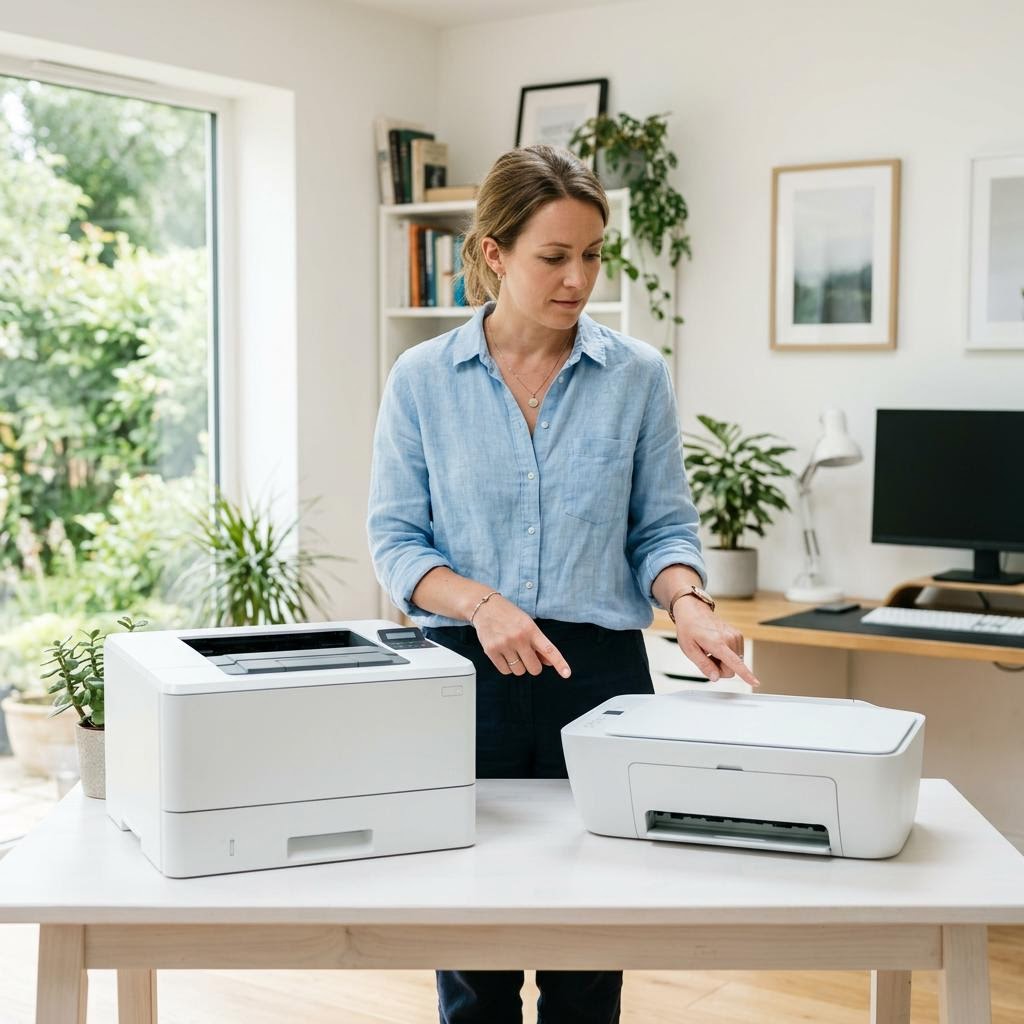
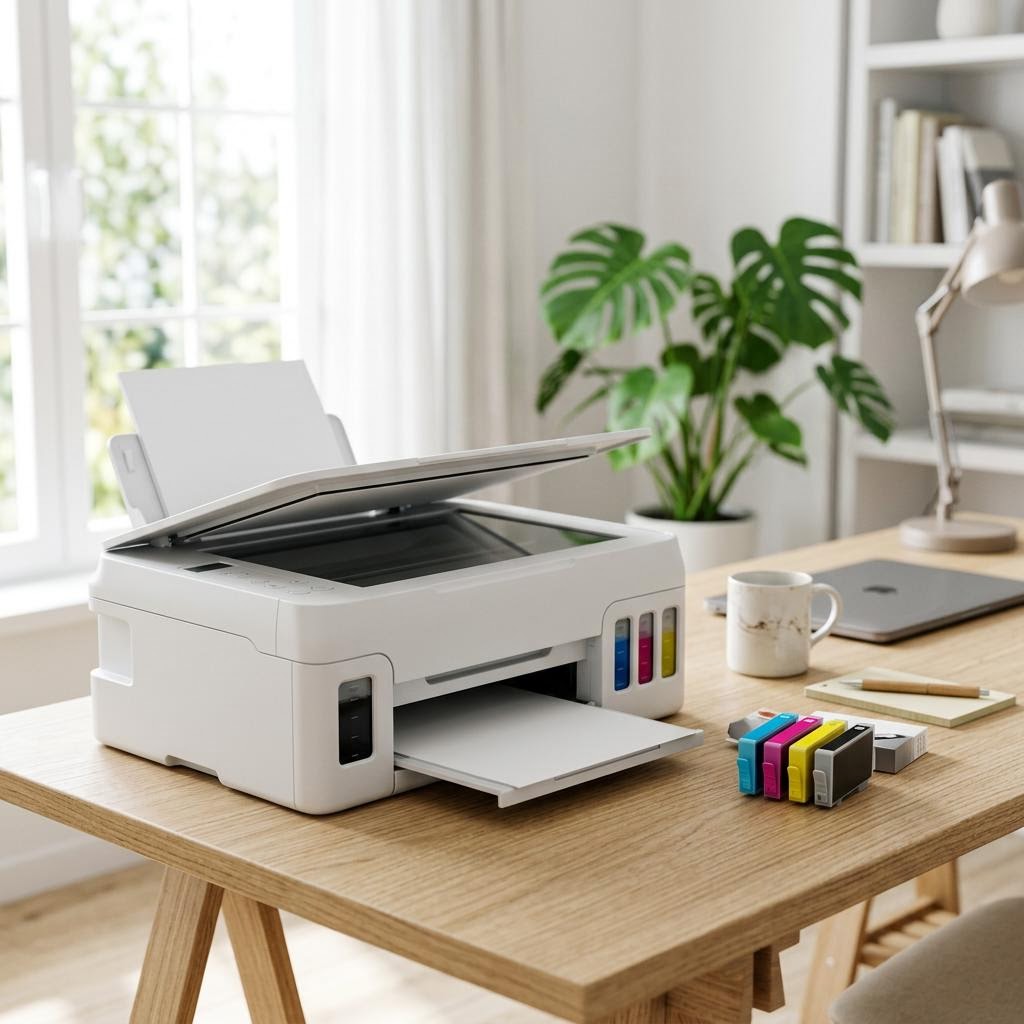
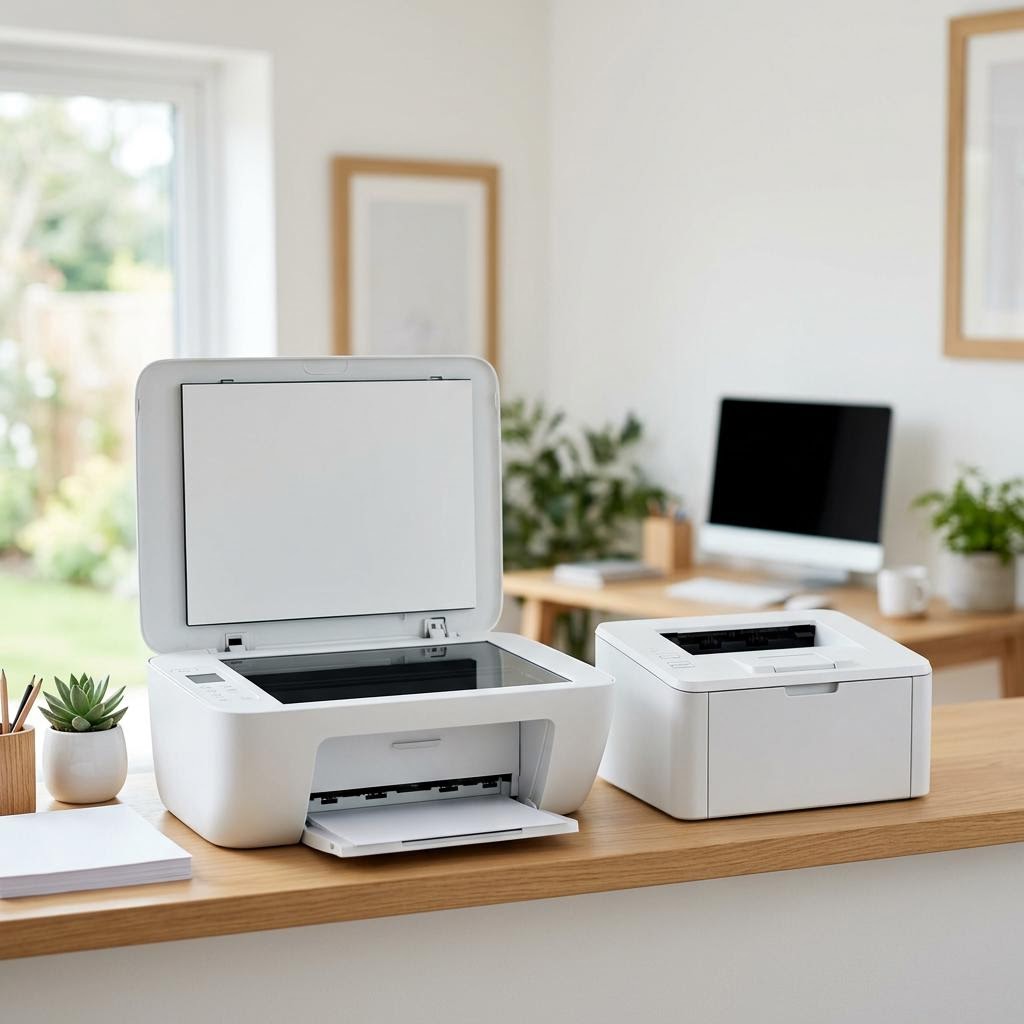

Buying Guides
Plain-English comparisons and pre-purchase checklists — find the right printer before you buy.