
Ink Tank vs Cartridge Printers: The Real Cost of Ownership
Trying to decide between an ink tank printer and a traditional cartridge printer? This beginner-friendly buying guide breaks down total cost of ownership — the upfront price, the price of refills, and the cost-per-page math you can do yourself — so you can work out which one actually saves money for how much you print.
Applies to: Inkjet printers, Ink tank printers, Cartridge printers, All-in-one printers
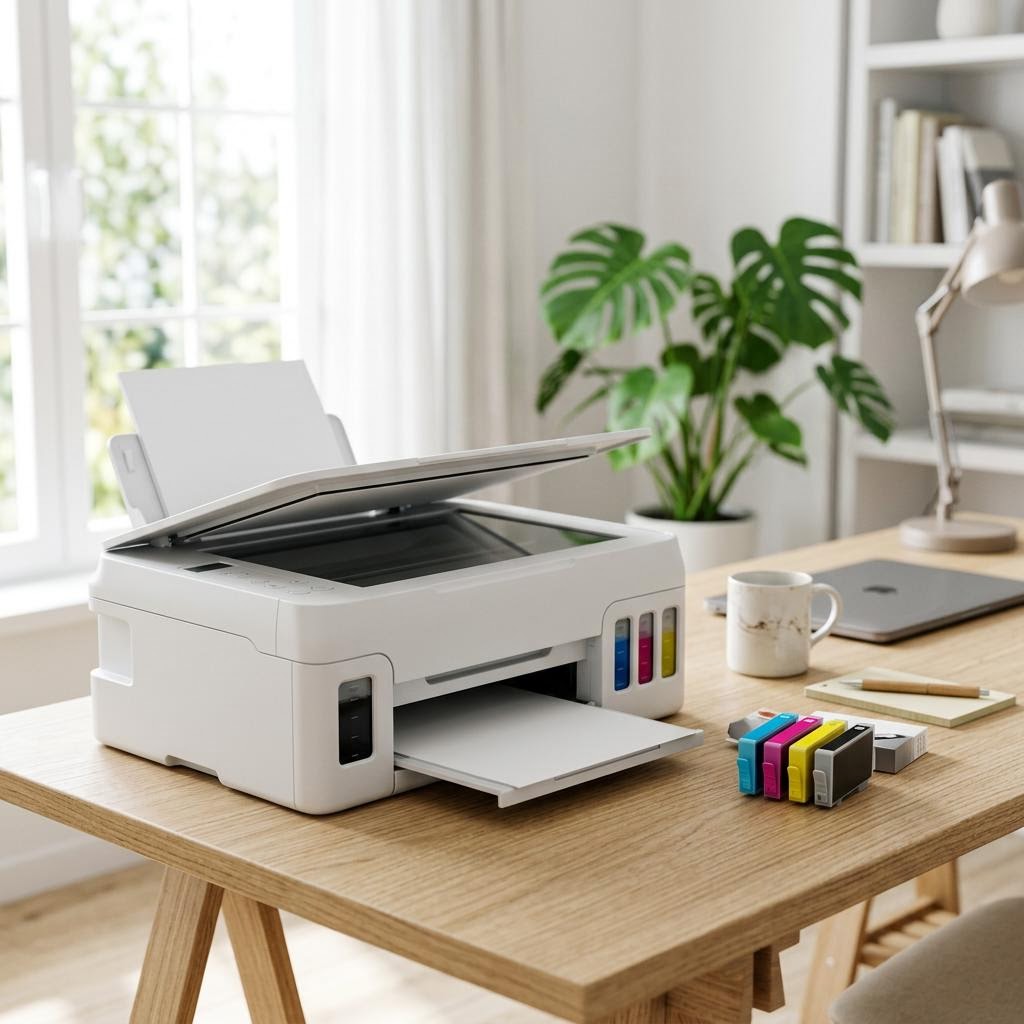
Quick summary
- The problem
- Ink tank printers usually cost more to buy but far less to refill, while cartridge printers are cheaper up front but can cost a lot per page — and it is hard to tell which one saves you money over the years you will actually own it.
- The fix
- Estimate how many pages you print per month, then compare the total cost over three to four years — the printer price plus refills — instead of just the sticker price. Higher, steady volume usually favors ink tanks; low or occasional printing often favors cartridges.
- Applies to
- Anyone buying a home, home-office, or small-office inkjet printer and deciding between a refillable ink tank model and a traditional replaceable-cartridge model.
On this page Show
Understanding the problem
Two inkjet printers can look almost identical on a shelf and yet cost wildly different amounts to live with. The difference comes down to how they hold their ink. A cartridge printer uses sealed plastic cartridges that you swap out when empty. An ink tank printer has refillable reservoirs built into the body that you top up from bottles. That single design choice changes both the price you pay at checkout and the price you pay every time you run out of ink.
The trap most shoppers fall into is judging a printer by its sticker price alone. Cartridge printers are often cheap to buy, sometimes strikingly so, because much of the manufacturer’s money is made later on ink. Ink tank printers usually cost more up front, but the ink they use is typically far cheaper per page. Which one actually saves you money depends almost entirely on one thing you can estimate today: how much you print.
This guide reframes the decision around total cost of ownership — the real, all-in cost of buying the printer and keeping it fed for the years you plan to use it. You will learn the simple cost-per-page math you can do yourself, how to think about the break-even point by monthly page count, and the situations where a cartridge printer is still the smarter buy. No brands, no sales pitch — just the numbers and how to reason about them.
Quick fact
Duplex means double-sided
Duplex printing prints on both sides of the paper automatically. If your printer lacks it, you can print odd pages, flip the stack, and print the even ones.
Signs you're in the right place
If you're seeing any of these, this guide is for you.
-
You print a lot and refills feel expensive
You go through cartridges often and the running cost has started to feel like a subscription you never signed up for.
-
You keep a printer for years
You are not replacing hardware often, so the long-term cost of ink matters more to you than a low sticker price.
-
You print for a home office or study
Regular documents, worksheets, or reports mean steady monthly volume rather than the odd page here and there.
-
You only print occasionally
A few pages a month, maybe a boarding pass or a form, and you are unsure whether a pricier printer is worth it.
-
You want to compare true cost, not sticker price
You suspect the cheap printer is not really the cheap option and you want a way to check.
-
You print photos or color-heavy pages
Color and photo printing burns through ink quickly, so cost per page is a bigger deal for you.
What's usually behind it
The most common reasons this happens, so the fix makes sense.
Judging the printer by its purchase price alone
A low sticker price can hide a high running cost. The cheapest printer to buy is often one of the most expensive to keep supplied with ink.
Ignoring how much you actually print
Cost-per-page savings only add up if you print enough pages. Buying for a volume you will never reach means paying extra up front for nothing.
Assuming ink tanks are always cheaper overall
The lower cost per page is real, but the higher purchase price has to be earned back. For light printing, that can take years — or never happen.
Overlooking that ink can dry out
Inkjet ink, in tanks or cartridges, can dry or clog if the printer sits unused for long stretches. Very occasional printing can waste ink either way.
Comparing capacity instead of cost per page
A bigger tank or a high-yield cartridge is only cheaper if the price per page is lower. Always divide the price by the pages it prints, not just the volume.
Forgetting color prints cost far more than black text
Photos and color-heavy documents use much more ink per page than plain text, so a printer that looks cheap for documents may not be for photos.
What you'll need
Have these on hand before you start for a smooth fix.
-
A rough estimate of pages you print per month
Split it into black-and-white pages and color or photo pages if you can — they cost very different amounts.
-
How long you expect to keep the printer
Total cost adds up over years, so a three-to-four-year view usually reveals the real winner.
-
Your budget for the printer itself
Know what you can spend up front, since ink tanks typically cost more to buy than cartridge models.
-
What you mostly print
Text documents, color reports, or photos each change which printer is cheapest to run.
-
A calculator or a note on your phone
The cost-per-page math is simple division — you just need somewhere to jot the numbers.
-
Whether the printer will sit idle for long spells
Long gaps between prints affect both types, so it is worth knowing your real usage pattern.
How to fix it
Work through these in order — they run from the quickest checks to the more advanced fixes.
-
Step 1: Estimate how many pages you print each month
Think back over a typical month and count roughly how many pages you print, then round to a sensible figure like 20, 100, or 300.
Separate that into plain black-and-white pages and color or photo pages, because they use very different amounts of ink.
If you are not sure, print for a week and multiply by four, or check any print history your computer keeps.
Why this works: Monthly page count is the single most important number in this decision. Every cost comparison that follows depends on it, and it is the factor most shoppers skip entirely.
Expected result: You have a realistic monthly page estimate, ideally split by black-and-white and color.
You can state, roughly, how many pages a month you print and what kind they are.
-
Step 2: Learn the simple cost-per-page formula
Take the price of an ink refill — a bottle for a tank printer or a cartridge for a cartridge printer.
Find its rated page yield, which is the number of pages the manufacturer says it prints; this is on the spec sheet or packaging.
Divide the refill price by the page yield to get the cost per page. For example, a refill priced at a certain amount that prints 4,000 pages costs that amount divided by 4,000 per page.
Why this works: Cost per page turns confusing prices and yields into a single number you can compare directly between any two printers. It is the fairest way to see which ink is genuinely cheaper.
Expected result: You know how to calculate a per-page cost for any ink refill.
Rated yields are measured under standard test conditions, so treat them as a comparison tool rather than a promise for your exact documents.
You can turn any refill price and page yield into a cost per page.
-
Step 3: Compare cost per page for both printer types
For a cartridge printer, look up the cost per page for its standard and high-yield cartridges using the formula.
For an ink tank printer, do the same with its refill bottles, remembering that tank ink is typically much cheaper per page.
Do this separately for black-and-white and for color, since color pages usually cost several times more than plain text.
Why this works: This is where the difference between the two designs shows up in plain numbers. As of recent years, ink tank printers typically deliver a far lower cost per page than cartridge models, but seeing your own figures makes the gap concrete.
Expected result: You have a cost per page for each printer type, split by black-and-white and color.
High-yield cartridges usually cost less per page than standard ones, so compare against the high-yield option for a fair fight.
You can see, in cents or your local currency, how much a page costs on each printer.
-
Step 4: Add up the total cost over the years you will own it
Multiply your monthly page count by 12, then by the number of years you expect to keep the printer, to get total lifetime pages.
Multiply those total pages by each printer’s cost per page to get its total ink cost.
Add each printer’s purchase price to its total ink cost to get the full cost of ownership for each option.
Why this works: Total cost of ownership is the only fair comparison, because it combines the upfront price and the running cost into one figure. It reveals cases where a pricier printer is actually the cheaper choice — and vice versa.
Expected result: You have one all-in cost figure for each printer over your ownership period.
You can say which printer costs less in total over the years you plan to use it.
-
Step 5: Find your break-even point
Subtract the cheaper purchase price from the pricier one to find the extra you would pay up front for the ink tank model.
Subtract the ink tank’s cost per page from the cartridge printer’s cost per page to find how much you save per page.
Divide that upfront difference by the per-page saving to get the number of pages at which the ink tank pays for itself.
Why this works: The break-even point tells you exactly how much printing it takes for the more expensive printer to become the cheaper one. Comparing it to your own volume removes the guesswork.
Expected result: You know how many pages, and roughly how many months, it takes for an ink tank to pay back its higher price.
If your monthly volume means break-even lands within a year or two, higher-volume printers usually favor the ink tank; if it takes many years, a cartridge printer may make more sense.
You can compare the break-even page count to how much you actually print.
-
Step 6: Weigh the non-cost trade-offs
Consider convenience: cartridges are a quick swap, while tanks are refilled from bottles, which is cheap but can be a little messy.
Consider idle time: if the printer will sit unused for long stretches, check whether the model has features to reduce clogging, and remember both types can dry out.
Consider features you need, such as scanning, wireless printing, or automatic double-sided printing, and check the spec sheet for each.
Why this works: Cost is the biggest factor but not the only one. A printer that saves money yet frustrates you daily, or lacks a feature you rely on, is not the right buy.
Expected result: You have factored convenience, usage pattern, and features alongside the raw cost.
Your shortlist fits both your budget and how you actually print.
-
Step 7: Make the decision that fits your printing
If you print steadily and in higher volume, lean toward the ink tank printer, whose low cost per page repays its higher price over time.
If you print occasionally or in low volume, lean toward a cartridge printer, whose lower purchase price you may never earn back with an ink tank.
If you are in between, let your break-even figure and your ownership period settle it, and factor in whether you print much color.
Why this works: The right choice is the one your own numbers point to, not the one with the best marketing. Matching the printer to your real volume is what avoids overpaying either up front or over time.
Expected result: You have chosen the printer type that costs you the least for how you actually print.
You can explain your choice in terms of your page count, ownership period, and break-even point.
Tip
Printer Tip
Always compare total cost of ownership, not the sticker price, before you buy.
Other solutions to try
If the steps above didn't do it, these fixes resolve the less common cases.
When an ink tank printer usually wins
For steady, higher-volume printing over several years, the low cost per page typically outweighs the higher purchase price.
- You print regularly for a home office, study, or a small business with steady document volume.
- Your break-even math shows the printer paying back its extra cost within a year or two.
- You print a fair amount of color, where the per-page savings add up fastest.
- You plan to keep the printer for several years, giving the running-cost savings time to accumulate.
When a cartridge printer still makes sense
For light or occasional printing, the lower upfront price often makes a cartridge printer the cheaper overall choice.
- You print only a handful of pages a month and would take many years to reach break-even.
- Your budget for the printer itself is tight and the upfront saving matters most right now.
- You want the simplicity of swapping a sealed cartridge rather than refilling from bottles.
- You expect to replace or upgrade the printer before an ink tank would pay for itself.
Confirm it's working
Tick these off to be sure the problem is fully resolved.
Keep it from happening again
A few habits that stop this problem coming back.
- Always compare total cost of ownership, not the sticker price, before you buy.
- Base your decision on how much you honestly print, not how much you imagine you will.
- Check the cost per page for both standard and high-yield refills, since high-yield is usually cheaper per page.
- Look up refill prices and availability for a model before buying, not after.
- Remember color and photo pages cost far more per page than plain black text.
- If the printer will sit idle often, choose a model built to resist clogging and print a page now and then to keep ink flowing.
- Re-run the simple cost-per-page math whenever refill prices change, so you always know your real running cost.
Frequently asked questions
Was this guide helpful?
Your feedback helps us keep these steps accurate.
Thanks for your feedback!
Written by
The Guts Guide Editorial Team · Technology Writers
Reviewed by
The Guts Guide Editorial Team · Technical Review
Last updated
2026-08-02
Continue Reading
Pick up where you left off with the next guide in your troubleshooting journey.
Related Guides
More troubleshooting walkthroughs you may find useful.


Buying Guides
Plain-English comparisons and pre-purchase checklists — find the right printer before you buy.