
How to Choose the Right Printer: A Decision Framework That Works
Choosing a printer is not about finding the "best" model — it is about matching a machine to how you actually print. This guide gives you a plain-English decision framework built around a handful of questions that genuinely change the answer: what you print and how much, colour versus black-only, inkjet versus laser, ink tank versus cartridges, the connections you need, and — crucially — the running cost rather than the sticker price. Work through it in order and you land on the right category first, then the right model, instead of guessing in a shop aisle or being swayed by a low box price that hides an expensive cartridge habit.
Applies to: All inkjet printers, All laser printers, Ink tank and cartridge printers, Home and small-office all-in-ones

Quick summary
- The problem
- You need a printer and the choices — inkjet or laser, tank or cartridge, colour or mono, cheap or premium — are overwhelming, and you do not want to regret it after the first expensive refill.
- The fix
- Answer six questions in order: what do you print, how much, in colour or not, how do you connect, how much upkeep will you tolerate, and — the one most people skip — what does a page actually cost to print over the printer's life. The answers point you to a category first, then to a shortlist of models. Judge on total cost of ownership, not the shelf price.
- Applies to
- Anyone buying a printer for home, study or a small office — inkjet or laser, single-function or all-in-one, ink tank or cartridge. The framework is brand-agnostic; running costs and feature availability always vary by exact model.
On this page Show
Understanding the problem
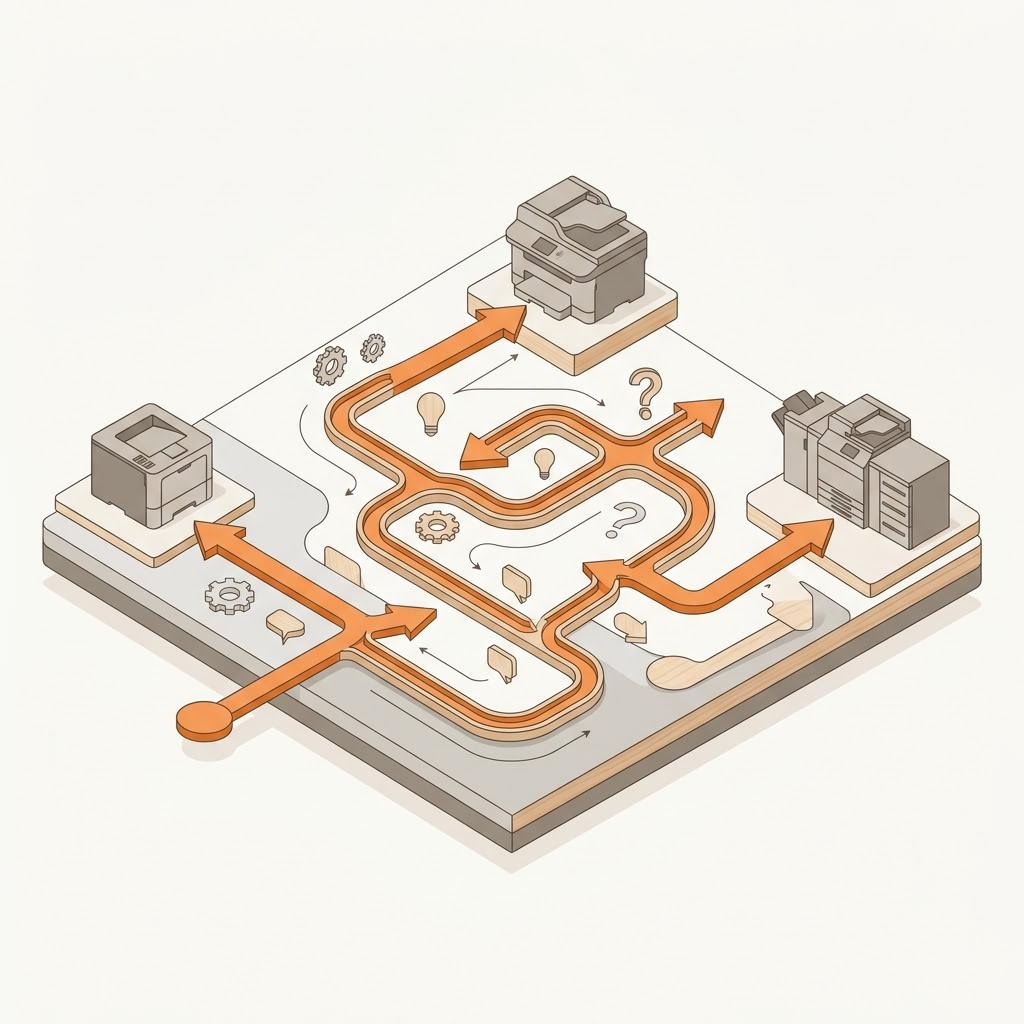
Almost every printer regret traces back to the same mistake: buying on the sticker price instead of on how the printer will actually be used. A cheap printer with expensive ink can cost far more over a couple of years than a pricier machine that sips consumables — and a fast office laser is wasted money for someone who prints a school form once a month. The good news is that a small set of questions reliably separates the right category from the wrong one, and once you have the category, picking a model is easy.
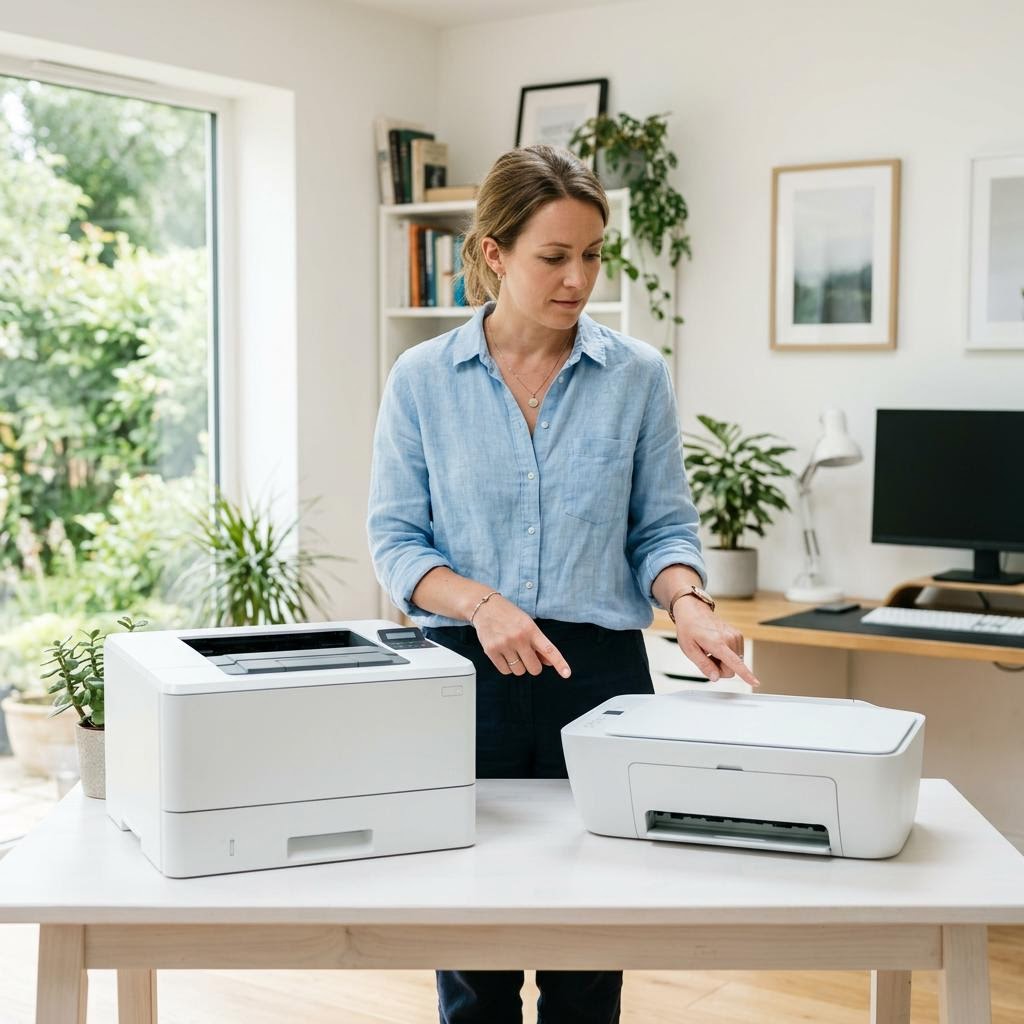
The most important split is inkjet versus laser. Inkjets spray liquid ink and are strong on colour and photos, cheaper to buy, and compact; they suit lower-volume home use but can clog if left unused for weeks. Lasers fuse toner powder onto the page, are faster and cheaper per page for text at volume, and shrug off long idle periods — but colour lasers cost more and rarely match an inkjet for photographs. Neither is "better"; they are built for different jobs.
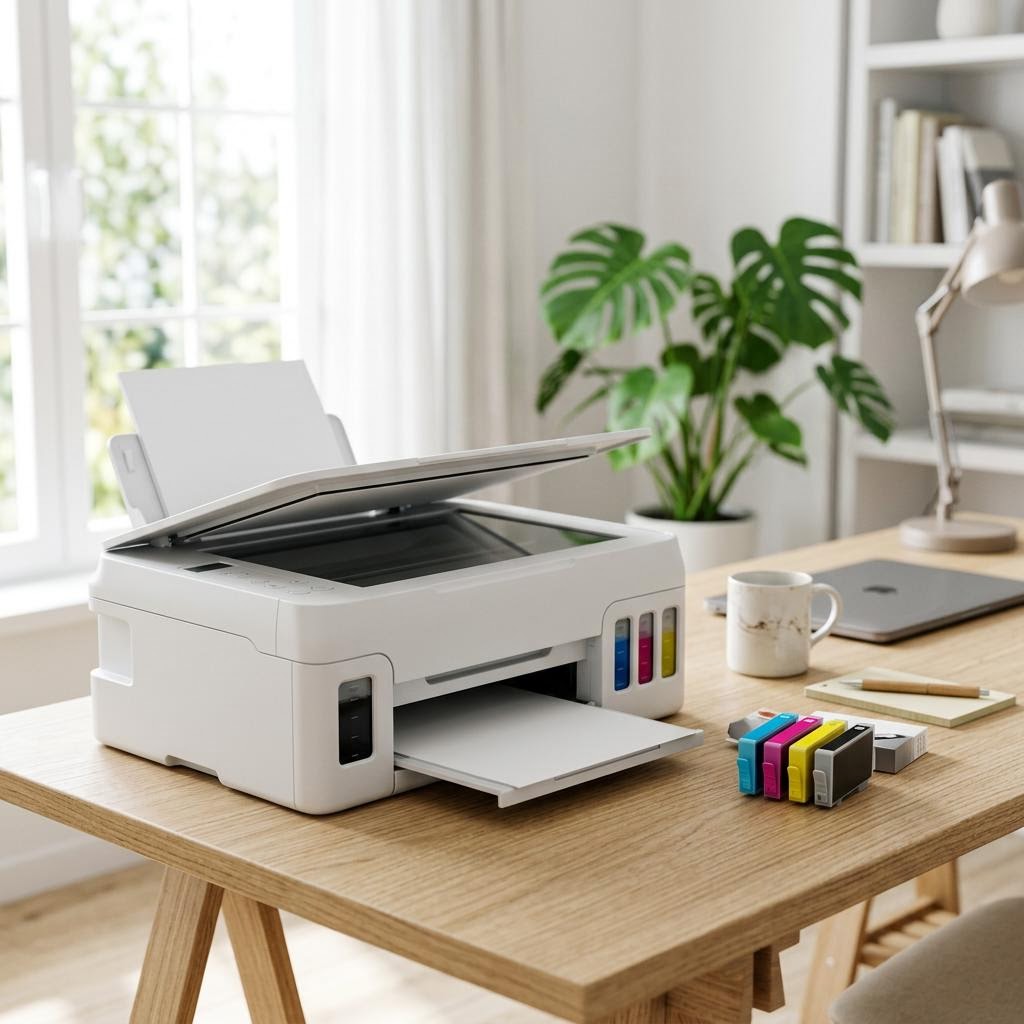
The second split is how you buy your consumables. Traditional cartridge printers are cheap to buy but the ink or toner is where the manufacturer makes its money, so cost per page can be high. Ink tank printers (Epson EcoTank, Canon MegaTank, HP Smart Tank and similar) cost more up front but you refill from cheap bottles, dropping the cost per page dramatically — a genuinely better deal if you print a lot. Which wins depends entirely on your monthly page count.
Colour is the third question, and it is more consequential than it looks. If you only ever print black text — letters, forms, study notes — a monochrome laser is faster, cheaper to run and lower-maintenance than any colour machine. If you print photos, marketing pages or anything where colour matters, you need colour, and usually an inkjet. Many people buy colour "just in case" and pay for capability they never use.
Connectivity and features are the fourth layer. Most modern printers are wireless-first and support standards such as Apple AirPrint and Mopria Print Service for phone and tablet printing, but you should still confirm the connection you actually need — Wi-Fi, Wi-Fi Direct, Ethernet or plain USB. Then decide whether you need a scanner and copier (an all-in-one), automatic two-sided printing (duplex), or an automatic document feeder. Every extra you do not need is money spent and another thing to go wrong.
Finally, and this is the part shops never help with, weigh total cost of ownership over the life of the printer — the purchase price plus the ink or toner you will realistically buy — rather than the price on the shelf. A printer is one of the few products where the cheap option is frequently the expensive one. Work through the framework below and you will choose a machine that fits how you print and keeps fitting it, which is the only definition of the "right" printer that matters. If you ever hit a fault after buying, our error-code library at /error-codes can help decode what a panel is telling you.
Quick fact
Duplex means double-sided
Duplex printing prints on both sides of the paper automatically. If your printer lacks it, you can print odd pages, flip the stack, and print the even ones.
At-a-glance comparison
How the options stack up on the factors that matter most.
Inkjet vs Laser: which suits your printing
The core technology choice, compared across the factors that most affect the decision.
| Factor | Inkjet | Laser |
|---|---|---|
| Best for | Colour, photos, low-to-moderate volume | Text, higher volume, black-and-white |
| Purchase price | Typically lower | Typically higher |
| Cost per text page | Higher on cartridge models | Usually lower at volume |
| Speed (text) | Slower to moderate | Faster |
| Photo quality | Excellent on photo models | Limited; text-focused |
| Idle tolerance | Can clog if left unused | Handles long idle periods well |
| Size | Often compact | Often larger and heavier |
Typical differences only — exact price, speed and cost per page vary by model, settings and page coverage.
Ink tank vs cartridge inkjets
For inkjet buyers, the consumable model is often where most of the long-term cost is decided.
| Factor | Cartridge inkjet | Ink tank inkjet |
|---|---|---|
| Purchase price | Lower up front | Higher up front |
| Refill method | Replaceable cartridges | Refill from ink bottles |
| Cost per page | Higher | Much lower |
| Best for | Light, occasional printing | Moderate to heavy printing |
| Pays back over time | Fine if you rarely buy ink | Faster the more you print |
| Examples | Many entry-level home inkjets | Epson EcoTank, Canon MegaTank, HP Smart Tank |
Payback depends on your real page count; cost-per-page and pricing are typical ranges that vary by model and region.
Matching a printer type to how you print
A quick map from common usage profiles to the printer category the framework points toward.
| Your situation | Likely best fit | Why |
|---|---|---|
| Occasional home printing | Cheap colour inkjet (cartridge) | Low purchase price; ink rarely bought |
| High-volume home or study | Ink tank inkjet | Low cost per page repays higher price |
| Mostly black text | Monochrome laser | Fast, cheap per page, low upkeep |
| Small shared office | Laser or high-capacity tank | Speed, duty cycle and low cost per page |
| Photos are the priority | Dedicated photo inkjet | Wider ink set and photo-paper support |
A general guide only — the right model still depends on your exact volume, features needed and total cost of ownership.
Signs you're in the right place
If you're seeing any of these, this guide is for you.
-
You print occasionally at home and want low fuss
A form now and then, a boarding pass, the odd photo. You want something cheap, compact and easy that prints when you need it — not an office machine.
-
You print a lot and running costs are stinging
You reprint often for study, a side business or a busy household, and the price of ink or toner has started to feel like the real cost of the printer.
-
You are outfitting a small office or team
Several people share one machine, print volume is steady, and speed, reliability and a low cost per page matter more than a bargain box price.
-
You mainly print black text and rarely need colour
Letters, invoices, notes and forms make up almost everything you print, and you are paying for colour capability you barely touch.
-
You want to print from a phone or tablet
Most of your printing starts on a mobile device, so easy wireless printing through AirPrint or Mopria Print Service matters as much as the print engine.
-
You were burned by a cheap printer before
A past bargain printer clogged, cost a fortune in ink, or was too slow — and this time you want to choose on how you actually print, not on price alone.
What's usually behind it
The most common reasons this happens, so the fix makes sense.
Cost per page (the figure that really matters)
The true cost of a printer is dominated by ink or toner, not the purchase price. Cost per page — how much a single printed sheet costs in consumables — varies enormously between technologies and refill systems, and it is the single biggest driver of long-term satisfaction or regret.
Print volume — how much you print each month
Everything else keys off this. A few dozen pages a month points to a cheap inkjet or cartridge machine; hundreds or thousands point to an ink tank printer or a laser, where a higher purchase price is repaid by a far lower cost per page.
Colour versus monochrome need
Whether you genuinely need colour, and how often, decides half the shortlist. Print-only-black users are almost always better served by a mono laser; anyone printing photos or colour documents needs a colour machine, usually an inkjet.
Print technology — inkjet versus laser
Inkjets win on colour, photos, size and purchase price; lasers win on text speed, cost per text page at volume, and tolerance of long idle spells. This choice flows directly from what and how much you print.
Speed and reliability under load
Measured in pages per minute (ppm), speed barely matters for light home use but is decisive for an office. Duty cycle — how many pages a machine is built to handle per month — matters just as much for shared or high-volume printing.
Upkeep and idle tolerance
Inkjets need light, regular use or their printheads can clog; lasers happily sit unused for weeks. If your printer will spend long stretches idle, that alone can steer you toward laser or an ink tank model with robust printhead design.
What you'll need
Have these on hand before you start for a smooth fix.
-
An honest estimate of your monthly page count
Roughly how many pages you print in a typical month, and whether they are mostly black text or colour. This one number shapes almost every other decision, so guess high rather than low if you are unsure.
-
A clear list of what you actually print
Documents, photos, forms, labels, the occasional glossy page — plus whether you also need to scan or copy. Knowing this stops you paying for features you will never use.
-
The connections and devices you print from
Whether you need Wi-Fi, Wi-Fi Direct, Ethernet or USB, and whether you print from phones and tablets (which makes AirPrint and Mopria Print Service support worth confirming).
-
A realistic budget that includes ink or toner
Not just the shelf price — set aside what you expect to spend on consumables over a year or two, because that is where the real cost of a printer lives.
How to fix it
Work through these in order — they run from the quickest checks to the more advanced fixes.
-
Step 1: Step 1 — Estimate your real print volume
Start with the single most important number: roughly how many pages you print in a typical month. Do not guess low. Think about work or study documents, household paperwork, kids' assignments and the occasional photo, and round up — most people under-estimate.
Sort that volume into rough bands. Under about 50 pages a month is light home use. Fifty to a few hundred is moderate. Several hundred or more is heavy or small-office territory. These bands are approximate and vary by household, but they are enough to point you at a category.
Note the mix too: what share is plain black text versus colour or photos. A user who prints 200 black pages a month has very different needs from one printing 200 photos, even though the page count is identical.

Before you shop, jot down your real monthly page count and what you print. This one page of notes prevents most printer regrets. Why this works: Volume drives cost. At low volume a cheap cartridge printer is fine because you rarely buy ink; at high volume the cost per page dominates, and a machine with cheap consumables (ink tank or laser) pays back its higher purchase price quickly. Get this number honest and the rest of the framework falls into place.
Expected result: You can place yourself in a volume band — light, moderate or heavy — and say roughly how much of your printing is colour versus black.
If your volume is genuinely unpredictable, plan for the higher end. It is far cheaper to own a slightly over-specified printer than to feed a cheap one with expensive cartridges every few weeks.
-
Step 2: Step 2 — Decide colour or monochrome
Ask honestly whether you need colour, and how often. If almost everything you print is black text — letters, invoices, forms, study notes — a monochrome machine will be faster, cheaper to run and lower-maintenance than any colour printer.
If you regularly print photos, marketing material, charts or anything where colour carries meaning, you need a colour printer, and for photos that almost always means an inkjet. Colour lasers are excellent for colourful documents but rarely match an inkjet for photographs.
Resist buying colour "just in case". Colour capability adds cost, more consumables to replace, and — on inkjets — more printheads that can clog from disuse. If you truly only need occasional colour, an inexpensive colour inkjet alongside a workhorse mono laser is sometimes cheaper than one do-everything machine.
Why this works: Colour is one of the biggest cost and maintenance multipliers in a printer. Choosing mono when you only print text removes whole categories of expense and upkeep, while choosing colour when you need it saves you from a machine that cannot do the job at all.
Expected result: You know whether you are shopping for a monochrome or a colour printer, and roughly how important photo quality is to you.
Even a "colour" household often prints 90% black text. If that is you, seriously weigh a mono laser as the main machine — the running-cost savings are large and consistent.
-
Step 3: Step 3 — Choose inkjet or laser
Combine your volume and colour answers. Light-to-moderate home use with colour and photos points to an inkjet. Steady text volume, especially black-only, points to a laser. Heavy colour-document volume in an office can point to a colour laser.
Weigh the trade-offs plainly. Inkjets are cheaper to buy, compact, and best for colour and photos, but can clog if idle and often have a higher cost per page on cartridge models. Lasers cost more up front, are faster for text, cheaper per text page at volume, and tolerate long idle periods without fuss.
Factor in idle time specifically. If the printer will sit unused for weeks between jobs, a laser or a well-designed ink tank model handles that far better than a cheap cartridge inkjet, whose printhead can dry out and clog.
Why this works: Inkjet versus laser is the fork that determines the shape of every remaining choice — cost per page, speed, size, photo capability and upkeep all follow from it. Matching the technology to your usage is what separates a printer you are happy with for years from one you replace in frustration.
Expected result: You have settled on inkjet or laser (and mono or colour laser, if relevant), narrowing the field to one broad technology.
There is no universally "better" technology. A photographer and an accountant should buy completely different printers, and both are right.
-
Step 4: Step 4 — Pick your consumable model: tank or cartridge
If you landed on inkjet, decide between traditional cartridges and a refillable ink tank system (such as Epson EcoTank, Canon MegaTank or HP Smart Tank). Cartridge printers are cheap to buy but the ink is pricey per page; tank printers cost more up front but refill from inexpensive bottles for a much lower cost per page.
Use your volume band to break the tie. Light printers who rarely buy ink often do fine — and spend less overall — on a cheap cartridge printer. Moderate-to-heavy printers usually save a lot with an ink tank machine, whose higher purchase price is repaid by cheap refills within its life.
For lasers, the equivalent question is standard versus high-yield toner. If you print a lot, buying high-yield cartridges lowers your cost per page, so check that high-yield toner exists for any laser you are considering.
Why this works: This is where most of the long-term cost is decided. The same "inkjet" label covers machines whose cost per page differs several-fold, so choosing the right consumable model for your volume is often worth more money than choosing the right brand.
Expected result: You know whether to shop for a cartridge or an ink tank inkjet — or, for lasers, whether high-yield toner is available for your shortlist.
Watch the "bundled starter cartridge" trap: many cheap printers ship with a low-capacity cartridge that runs out fast, making the first replacement a nasty surprise. Check the yield of the included consumable, not just the box price.
-
Step 5: Step 5 — Confirm connectivity and features
Pin down how you will connect. Most modern printers are wireless-first and join your home or office Wi-Fi, but confirm the specific connection you need — Wi-Fi, Wi-Fi Direct for router-free printing, Ethernet for a wired network, or plain USB for a single computer.
If you print from phones or tablets, check for the standards that make that painless: Apple AirPrint for iPhone, iPad and Mac, and Mopria Print Service for Android. Most current printers support both, but it is worth confirming on the exact model rather than assuming.
Only then choose your features. Decide whether you need an all-in-one (scanner and copier), automatic two-sided printing (duplex), and an automatic document feeder for multi-page scanning. Each is genuinely useful for some people and dead weight for others — buy the ones your workflow actually uses.
Why this works: A printer that prints beautifully but will not connect the way you work is the wrong printer. Confirming connectivity and choosing only the features you need keeps you from both under-buying (no scanner when you needed one) and over-buying (paying for a document feeder you will never touch).
Expected result: You have a clear list of must-have connections and features, and you have ruled out extras you do not need.
On a home network, printing from phones over AirPrint or Mopria Print Service usually needs the printer and the device on the same Wi-Fi. Many home printers use the 2.4 GHz band, so confirm supported bands if your router splits 2.4 GHz and 5 GHz networks.
-
Step 6: Step 6 — Judge on total cost of ownership, not shelf price
Now build a shortlist within your chosen category and compare them on total cost of ownership: the purchase price plus the ink or toner you will realistically buy over the printer's life, based on the monthly volume you estimated in Step 1.
Look up the printer's cost per page (many manufacturers and independent reviews publish it) and multiply by your annual volume. A machine that costs more up front but far less per page will often be cheaper within a year or two of moderate use — the classic ink tank versus cartridge maths.
Only after the running-cost comparison should you use reviews, warranty, size, noise and brand support to break ties between the finalists. By this point every printer on your list already fits how you print; you are just choosing the best-built one.
Why this works: A printer is one of the few products where the cheapest option is frequently the most expensive to own. Comparing total cost of ownership rather than the sticker price is the step that turns this whole framework into a decision you will still be happy with years later.
Expected result: You can name the single printer (or two finalists) that best fits your usage and costs the least to own over time — a confident, evidence-based choice.
Cost-per-page figures are typical estimates and vary with page coverage, settings and consumable choice, so treat them as a comparison tool between models rather than an exact bill. When two printers are genuinely close on cost, favour the one with better reviews for reliability and easier ongoing support.
Tip
Printer Tip
Always calculate cost per page against your real annual volume before buying — it is the number that decides whether a printer is cheap or expensive to own.
Other solutions to try
If the steps above didn't do it, these fixes resolve the less common cases.
When you need photo-quality prints
If photographs are your priority rather than an occasional extra, the usual "any colour inkjet" advice does not go far enough — the machine, ink type and paper all matter.
- Choose an inkjet designed for photos, ideally one with more than the basic four inks (added greys or extra colours widen the tonal range), rather than a general-purpose office inkjet.
- Budget for photo paper and the matching paper-type setting; photo output depends as much on paper as on the printer, and the right setting changes how the printer lays down ink.
- Remember that a photo inkjet is a poor choice as a high-volume text machine — if you also print a lot of documents, a mono laser alongside it is often cheaper than forcing one printer to do both.
When the printer will sit idle for long stretches
Holiday homes, occasional-use offices and light households break the standard inkjet advice, because inkjet printheads can clog when left unused for weeks.
- Lean toward a laser if your printing is black text — toner is a dry powder that does not dry out, so a laser tolerates months of inactivity far better than a cartridge inkjet.
- If you need colour but print rarely, choose an ink tank model with a robust printhead design over a cheap cartridge inkjet, and commit to printing a small colour-and-black test page every week or two to keep the nozzles clear.
- Whatever you buy, always shut it down with its own power button so an inkjet printhead parks and caps properly between uses.
When several people share one printer
A shared or small-office printer changes the priorities from price toward speed, capacity and reliability under sustained load.
- Check the monthly duty cycle — the volume the machine is built to handle — and pick one comfortably above your team's real usage, not right at the limit.
- Prioritise speed in pages per minute (ppm), a larger paper tray, automatic duplex, and network connectivity such as Ethernet so everyone can reach it reliably.
- Favour a laser or high-capacity ink tank machine for the low cost per page that shared, higher-volume printing demands.
Confirm it's working
Tick these off to be sure the problem is fully resolved.
Keep it from happening again
A few habits that stop this problem coming back.
- Always calculate cost per page against your real annual volume before buying — it is the number that decides whether a printer is cheap or expensive to own.
- Check the yield of the bundled starter cartridge or toner; a low-capacity starter can make the first replacement an unpleasant surprise.
- Buy only the features you will actually use — every unused scanner, feeder or colour engine is money spent and another part that can fail.
- If you print little and irregularly, favour a laser or a well-built ink tank model over a cheap cartridge inkjet that can clog from disuse.
- Confirm the exact connection and mobile-printing support (AirPrint, Mopria Print Service) on the specific model, since features vary even within a family.
- Keep your final shortlist to machines that already fit your usage, then break ties on reviews, warranty and support reputation rather than price.
Frequently asked questions
Was this guide helpful?
Your feedback helps us keep these steps accurate.
Thanks for your feedback!
Written by
The Guts Guide Editorial Team · Home Printing & Setup Editor
Reviewed by
Daniel Owens · Print & Network Technician
Last updated
Jul 15, 2026
Continue Reading
Pick up where you left off with the next guide in your troubleshooting journey.
Related Guides
More troubleshooting walkthroughs you may find useful.
Buying Guides
Plain-English comparisons and pre-purchase checklists — find the right printer before you buy.
Helpful Resources
References and tools to help you go further.
-
Apple — About AirPrint
Apple's official guide to AirPrint, the standard that lets iPhone, iPad and Mac print without extra drivers — useful for confirming mobile support before you buy.
-
Mopria Alliance
The official Mopria Alliance site, home of Mopria Print Service for Android, with a directory of certified printers to check against your shortlist.
-
Microsoft Learn — Printing in Windows
Microsoft's official documentation on how Windows printing and the print spooler work, helpful background when weighing driver and connectivity needs.
-
HP Support
Manufacturer support portal with specifications, supported connections and consumable details for HP printers — the kind of official source to check per model.
-
Epson Support
Epson's official support site, useful for confirming EcoTank ink tank specifications, cost-per-page details and connectivity on the exact model you are considering.