
Best Printer Setups for Students and Small Spaces: A Practical Guide
Living in a dorm, a shared house, or a small flat and need a printer that fits your space and your budget? This practical guide walks through choosing a printer for student life — compact size and where to put it, mono laser versus budget inkjet for essays and coursework, why the cheapest printer can cost the most, Wi-Fi versus USB in shared housing, duplex to save paper, and whether campus or library printing changes the maths.
Applies to: Inkjet printers, Laser printers, All-in-one printers, Ink tank printers

Quick summary
- The problem
- Student rooms and small flats have little desk space, tight budgets, and irregular printing needs, which makes it hard to know whether to buy a printer at all and, if so, which type will not become an expensive, cluttered mistake.
- The fix
- Estimate how much you really print and how often, then choose a compact model that matches it: a small mono laser suits mostly text-based essays and coursework, a budget inkjet suits occasional colour, and either should offer automatic two-sided printing to save paper. Weigh running costs, not just the sticker price, and check whether cheap campus or library printing means you barely need a printer at home.
- Applies to
- Students and anyone in a dorm, shared house, or small flat choosing a compact inkjet, laser, ink tank, or all-in-one printer.
On this page Show
Understanding the problem
Printing as a student sounds simple until you try to fit a printer into a small room and a smaller budget. Space is tight, the desk is already crowded with a laptop and books, and money spent on a printer is money not spent on other essentials. On top of that, student printing is famously uneven — quiet for weeks, then a frantic burst of essays, lab reports, and coursework before a deadline. A printer that suits that pattern is very different from one built for a busy office.
The other trap is cost. A printer is really two purchases: the price on the box and the years of ink or toner and paper that follow. For students this matters even more, because the cheapest printer on the shelf often has the most expensive ink per page, and low, occasional use can cause budget inkjets to clog and waste ink cleaning themselves. A bargain that dries out between essays can quietly become the most expensive choice you make.
This guide walks through the decisions that actually matter in a small space: how big the printer is and where it can go, whether a mono laser or a budget inkjet fits your work, why the sticker price is misleading, how connectivity works in shared housing, how two-sided printing saves paper, the clogging risk of low-volume inkjet use, noise, and whether cheap campus or library printing means you barely need a printer at all. Work through it and you will avoid both a cluttered desk and a printer you regret.
Common mistake
Installing several drivers at once
Adding multiple drivers for the same printer can cause conflicts and duplicate entries. Remove old drivers before installing a fresh one.
Signs you're in the right place
If you're seeing any of these, this guide is for you.
-
You are moving into a dorm or small flat
You need a printer that fits a cramped desk or shelf and does not dominate the room, ideally with somewhere sensible to put it.
-
You print mostly essays and coursework
Your printing is largely black-and-white text — assignments, readings, and reports — with only the occasional need for colour.
-
You are on a tight student budget
Every pound counts, and you want to avoid a cheap printer that turns into a steady drain on your money for ink or toner.
-
You print in bursts, then not at all
Weeks pass with no printing, then a deadline hits — and you worry a printer left idle will clog or waste supplies.
-
You live in shared housing
The Wi-Fi is shared with housemates and you want to understand the simplest, most private way to connect a printer.
-
You already have campus printing nearby
The library or a computer room offers cheap printing, and you are not sure whether a home printer is worth it at all.
What's usually behind it
The most common reasons this happens, so the fix makes sense.
Buying the cheapest printer on the shelf
The lowest-priced models usually have the most expensive ink or toner per page, so a student who prints regularly can pay far more over a year than the sticker price suggests.
Ignoring how irregular student printing is
Choosing a printer without considering long idle spells and sudden bursts often leads to clogged inkjets before deadlines or a device that is bigger than the workload needs.
Overlooking the printer’s footprint
Picking a model without measuring the desk or shelf can leave no room to open trays or lift a lid in an already cramped room.
Assuming a colour inkjet is always the right call
Many students print mostly plain text, where a mono laser is cheaper per page and far less prone to drying out than a budget colour inkjet used only now and then.
Not thinking about connectivity in shared housing
A printer joined to a shared house network may be visible to housemates, and some models skip the simpler USB or direct wireless options that keep things private.
Forgetting two-sided printing and paper cost
Without automatic duplex, a term of single-sided essays burns through twice the paper, which adds up on a student budget.
Underestimating noise in a small room
A loud printer is far more noticeable in a bedroom or shared study space, especially when printing late before a deadline.
Overlooking cheap campus or library printing
If nearby printing is cheap and convenient, buying any home printer may be unnecessary, or a very simple one may be all that is needed.
What you'll need
Have these on hand before you start for a smooth fix.
-
A rough sense of how much you print
Estimate a typical term or month — even a ballpark of "just a few essays", "a stack most weeks", or "loads" shapes the whole decision.
-
Your black-and-white vs. colour split
Know whether your work is almost all plain text or whether you regularly need colour for slides, diagrams, or images.
-
The exact space where it will live
Measure the width, depth, and height of the desk, shelf, or under-bed spot, and leave clearance to open trays and lift a scanner lid.
-
A realistic budget for the year, not just the box
Think about what you can spend up front plus what you are comfortable spending on ink or toner and paper over a term or two.
-
How you want to connect in your housing
Decide whether you will use USB, a private wireless link, or a shared house network, and whether you need to print from a phone or laptop.
-
What campus or library printing costs nearby
Check the price and convenience of printing at your library or computer rooms, since cheap nearby printing can change whether you need one at all.
How to fix it
Work through these in order — they run from the quickest checks to the more advanced fixes.
-
Step 1: Work out whether you even need a printer at home
Find out what printing costs at your campus library or computer rooms, and how easy it is to get there when a deadline looms.
Estimate how often you actually need a printed page rather than a digital file, since many submissions and readings stay on screen.
Weigh the convenience of printing at home late at night against the up-front and running cost of owning a printer.
Why this works: For some students, cheap and nearby campus printing covers everything they need, and buying a printer just adds clutter and cost. Settling this first stops you spending money and desk space on a device you would rarely switch on.
Expected result: You have decided whether a home printer is genuinely worth it or whether campus printing will do.
You can say why you do or do not need a printer, based on nearby printing costs and how often you really print.
-
Step 2: Estimate how much and what you print
Add up a rough figure for a busy term — essays, readings, lab reports, forms, and the odd set of slides or images.
Split that into black-and-white pages versus colour pages, and be honest about how often you truly need colour.
Note the pattern too: whether you print a little each week or almost nothing until a deadline, then a large burst.
Why this works: Almost every other choice flows from how much, what, and how often you print. A student printing mostly text in occasional bursts has very different needs from one printing colour slides most weeks, and matching the printer to reality prevents both overspending and clogged, wasted ink.
Expected result: You have a rough volume, a colour-versus-mono split, and a sense of how bursty your printing is.
You can describe your printing in one sentence, such as "mostly black-and-white essays in bursts around deadlines, colour only now and then".
-
Step 3: Measure your space and pick where the printer will go
Measure the width, depth, and height of the desk, shelf, or corner you have in mind, and leave clearance above and behind for trays and cables.
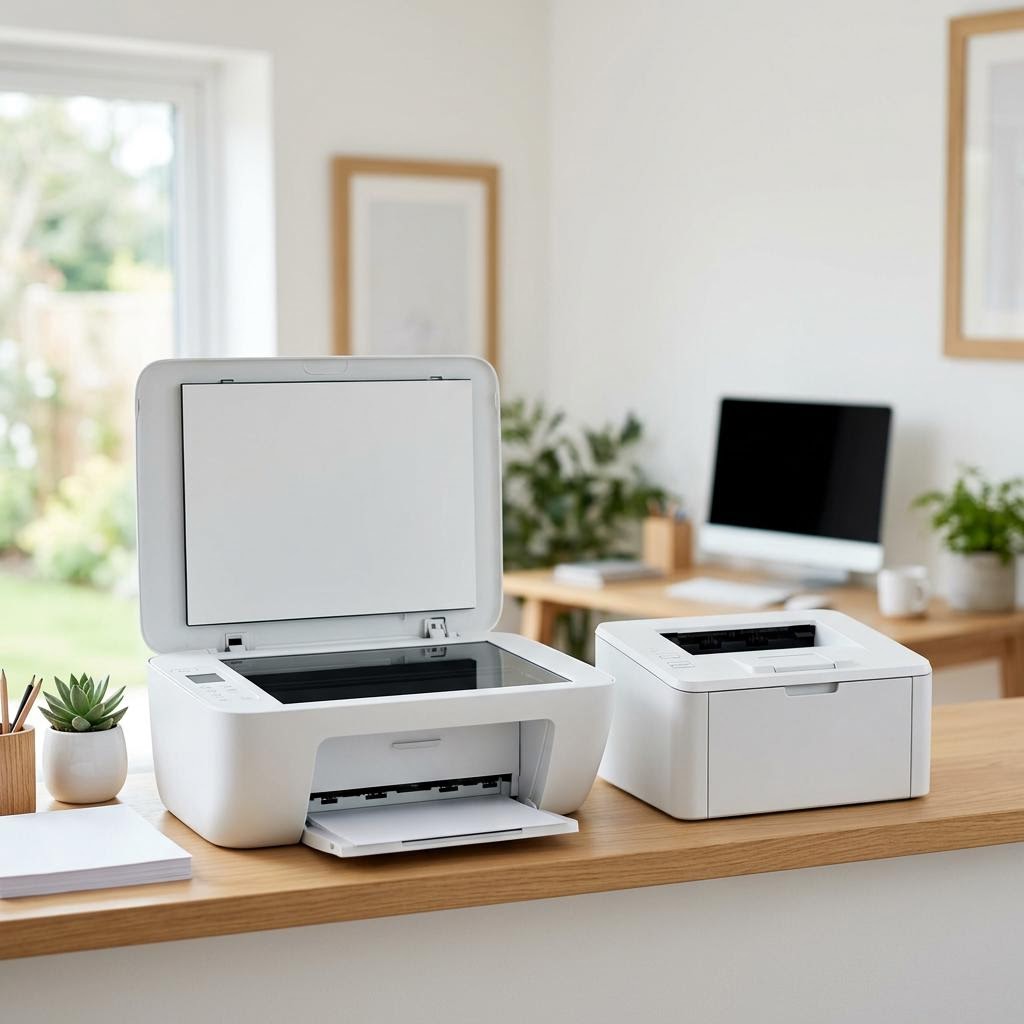
Check that you can fully open the paper tray and lift the top lid on any model with a scanner, since these need extra room in front and above.
Favour a compact, single-function or small all-in-one model if space is very tight, and consider a shelf or under-desk spot to keep the desk clear.
Why this works: In a dorm or small flat, footprint is often the deciding factor. A printer that does not physically fit, or that you cannot open to load paper and clear jams, becomes a daily frustration no matter how good its specs are.
Expected result: You know the maximum size that fits and have a realistic spot for the printer with room to use it.
Manufacturers list dimensions with trays closed, so allow extra depth and height for the tray and lid when open.
-
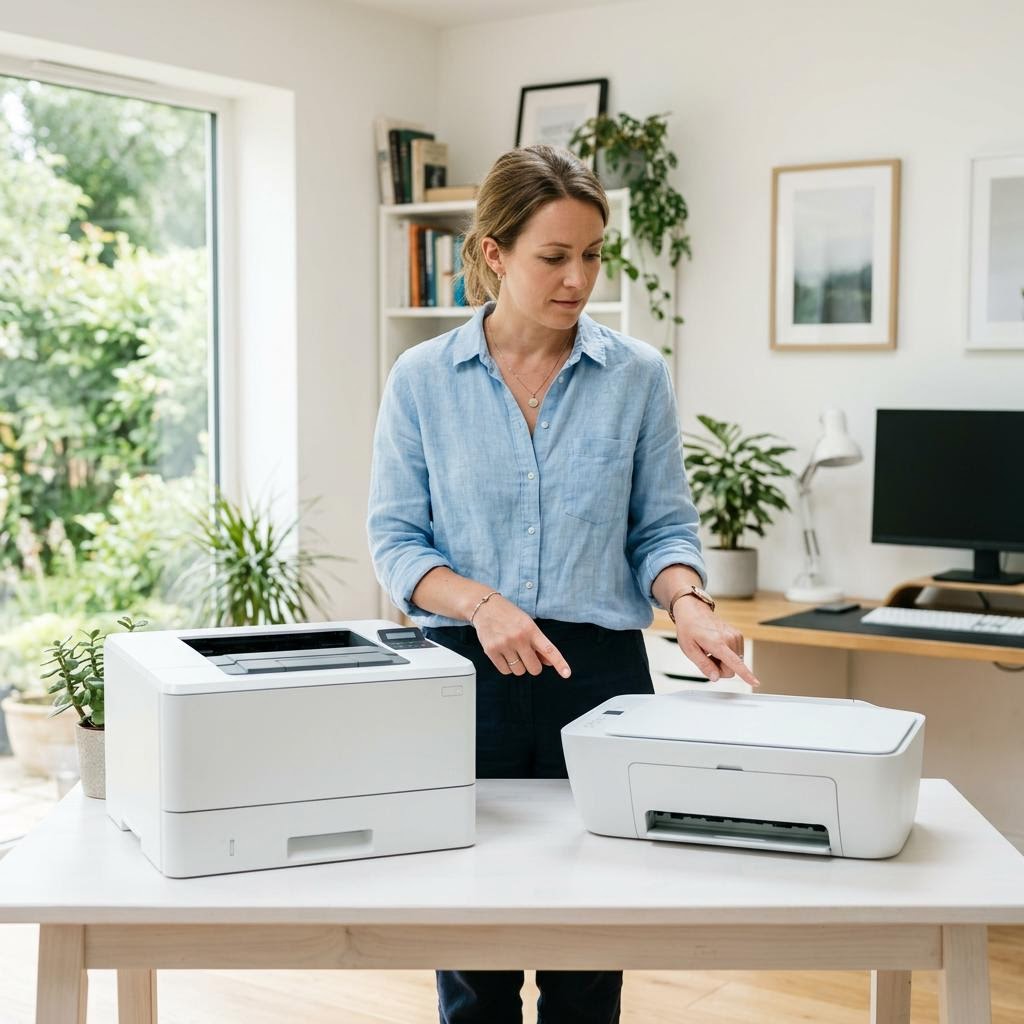
Step 4: Choose between a mono laser and a budget inkjet
If your work is mostly black-and-white text, favour a small mono laser, which prints crisp pages cheaply and does not dry out between uses.
If you regularly need colour for slides, diagrams, or images, look at a budget colour inkjet or an ink tank model instead.
If you need only occasional colour, consider printing those few pages on campus and keeping a mono laser at home for everything else.
Why this works: The type of printer matters more than the brand or the price tag. A mono laser is a natural fit for essay-heavy study because it is economical per page and shrugs off long idle spells, while an inkjet earns its place only if you genuinely print colour often enough to keep it healthy.
Expected result: You have chosen the printer type that matches your colour needs and your bursty usage.
Our inkjet versus laser guide goes deeper if you are still weighing the two.
-
Step 5: Compare the running cost, not just the purchase price
Look up the cost per page for the ink or toner of each model on your shortlist, not just the price on the box.
Multiply a rough termly or yearly page count by the cost per page to see what each printer really costs to feed.
Be wary of the very cheapest printers, whose consumables are often the most expensive per page and can outweigh the low sticker price.
Why this works: For a student budget, the true cost is what adds up over terms, not the one-off price. A slightly dearer printer with cheap toner can cost far less over a year than a bargain model with pricey ink, so comparing total cost protects your money where it matters.
Expected result: You can see which shortlisted printer is cheapest to run for your volume, not just cheapest to buy.
Cost per page varies by model and by whether you use standard or high-yield supplies, so treat published figures as a guide and compare like for like.
-
Step 6: Plan for low, irregular use so an inkjet does not clog
If you choose an inkjet but print only occasionally, expect it to run cleaning cycles that use ink, and print a page every week or two to keep the nozzles clear.
If long idle spells are unavoidable, lean toward a laser, which does not dry out the way an inkjet can when left unused.
Whatever you choose, keep a spare set of supplies only if you print enough to use it before it expires, since unused ink can degrade over time.
Why this works: Low-volume use is the classic pitfall for student inkjets. A printer that sits idle for weeks can clog, wasting ink on cleaning or forcing repairs right when you need to print. Planning for your real pattern keeps a printer reliable at deadline time.
Expected result: You understand the clogging risk for your usage and have a plan to avoid wasted ink or a dead printer before a deadline.
You have either chosen a laser for long idle spells or set a habit to print a maintenance page regularly on an inkjet.
-
Step 7: Sort out connectivity for shared housing
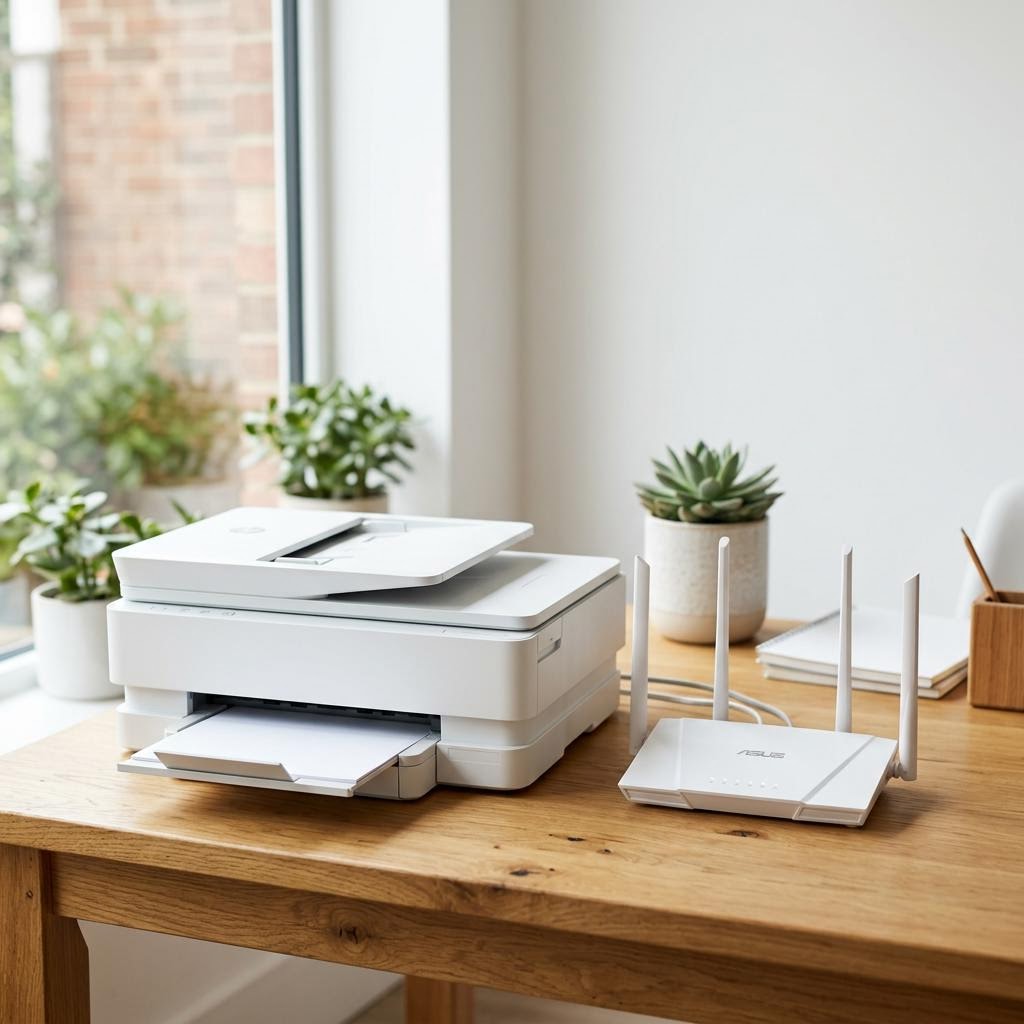
Decide how you will connect: a direct USB cable is simplest and most private, a printer’s own direct wireless mode links your laptop or phone without the house network, and joining the shared Wi-Fi is convenient but makes the printer visible to housemates.
If you use the shared house network, set a printer password or PIN where the model allows it, so others cannot print to it or change its settings.
If you want to print from a phone or tablet, confirm the model supports mobile printing, since many do but not all.
Why this works: In shared housing, connectivity is also a privacy question. A printer on the house Wi-Fi can be seen and used by everyone on it, so choosing USB or a direct wireless link, or locking down a networked printer, keeps your printing yours.
Expected result: You have a connection method that suits your housing and keeps your printer reasonably private.
Wireless and mobile-printing features vary by model, so check the spec sheet rather than assuming every printer includes them. See our guide on connecting a printer to Wi-Fi for the setup steps.
-
Step 8: Prioritise duplex, quiet running, and simple upkeep
Look for automatic two-sided printing so a term of essays uses roughly half the paper, saving money and desk clutter.
Check any quoted noise level or reviews if the printer will share a bedroom or study space, since a loud model is far more noticeable at night.
Favour a model whose supplies are easy to buy locally or online and likely to stay in production, so you are never stuck before a deadline.
Why this works: These everyday details decide how pleasant a printer is to live with in a small space. Two-sided printing saves paper and money, quiet running keeps the peace in a shared room, and easy-to-find supplies mean the printer is ready when you are.
Expected result: Your shortlisted printer offers automatic duplex, acceptable noise, and supplies you can reliably get hold of.
You have confirmed whether two-sided printing is automatic and that the supplies are easy to buy.
-
Step 9: Make your final choice and confirm the practical details
Compare your top two models on footprint, running cost, connectivity, and duplex, and pick the one that best matches your real study printing.
Double-check the dimensions against your measured space one more time, allowing for open trays and lids.
Confirm the warranty terms and that setup and maintenance guidance is available, so you can get printing quickly and keep it running.
Why this works: A final pass catches the practical problems that are easy to miss in the excitement of buying. Confirming size, cost, and connectivity together ensures the printer suits your room, your budget, and the way you actually study.
Expected result: You have chosen a printer that fits your space, your budget, and your printing pattern, with the details confirmed.
Your final choice ticks every box on your verification checklist below.
Tip
Printer Tip
Check campus or library printing costs before buying, since cheap nearby printing may mean you need little or nothing at home.
Other solutions to try
If the steps above didn't do it, these fixes resolve the less common cases.
If you barely print at all
When you only need a printed page now and then, the cheapest and simplest option may be no home printer at all.
- Rely on cheap campus or library printing for the occasional essay or form, and keep files digital until they truly need to be on paper.
- If you do want something at home, choose a compact mono laser, which sits idle for weeks without clogging and is ready when a deadline hits.
- Avoid budget colour inkjets for very low use, since they can waste ink on cleaning cycles and dry out between prints.
- Keep the printer somewhere out of the way, such as a shelf, so it does not crowd a small desk.
If you print colour or images regularly
For coursework with slides, diagrams, or photos, prioritise a healthy colour printer that keeps running costs sensible.
- Consider a budget colour inkjet or an ink tank model, which can deliver a much lower cost per page for regular colour printing.
- Print a small colour page every week or two to keep an inkjet’s nozzles clear and avoid clogging.
- Look for automatic two-sided printing and a decent tray so busy weeks do not mean constant refills.
- Check that colour supplies are affordable and easy to buy, since colour inks are used faster than you might expect.
Confirm it's working
Tick these off to be sure the problem is fully resolved.
Keep it from happening again
A few habits that stop this problem coming back.
- Check campus or library printing costs before buying, since cheap nearby printing may mean you need little or nothing at home.
- Measure your space first and confirm the printer fits with room to open trays and lift the lid.
- Match the printer type to your real work — a mono laser for text-heavy essays, an inkjet only if you print colour often.
- Compare total cost over a term or two, not just the sticker price, and avoid the very cheapest models if they use pricey ink.
- If you use an inkjet lightly, print a page every week or two to keep the nozzles from clogging.
- Keep printing private in shared housing by using USB or a direct wireless link, or by locking down a networked printer.
Frequently asked questions
Was this guide helpful?
Your feedback helps us keep these steps accurate.
Thanks for your feedback!
Written by
The Guts Guide Editorial Team · Technology Writers
Reviewed by
The Guts Guide Editorial Team · Technical Review
Last updated
2026-08-02
Continue Reading
Pick up where you left off with the next guide in your troubleshooting journey.

Related Guides
More troubleshooting walkthroughs you may find useful.
Buying Guides
Plain-English comparisons and pre-purchase checklists — find the right printer before you buy.