
Printer Technology
Understand how printers work — inkjet, laser, printheads, and more.
This hub explains how printers actually work, without the jargon.
Learn the difference between inkjet and laser, what printheads and toner do, and what specifications like DPI and PPM really mean.
Understanding the technology makes every setup and troubleshooting task easier.
Featured Guides
Hand-picked starting points for this hub.
Where This Fits
These hub topics sit within the wider learning path. Follow it in order or dip into the step that matters to you.
-
1
Understand Printers
Learn the basics of how printers work and the terms you will meet along the way.
-
2
Set Up Your Printer
Unbox, power on, and get a new printer ready for its first job.
-
3
Connect to Wi-Fi
Join your printer to a wireless network so any device can reach it.
-
4
Install Drivers
Add the right driver software so your computer can talk to the printer.
-
5
Print Your First Document
Send a test page and print from Windows, macOS, or your phone.
-
6
Maintain Your Printer
Keep things running with simple cleaning and routine care.
-
7
Troubleshoot Common Problems
Fix offline errors, paper jams, and print-quality issues when they appear.
-
8
Explore Advanced Topics
Go deeper with networking, duplex printing, firmware, and security.
Guides in This Hub
More guides related to this topic, newest first.

Related Topics
Broader entry points connected to this hub.
Related Collections
Hand-grouped sets of guides that fit this hub.
Recommended for Beginners
Plain-language guides to start with.
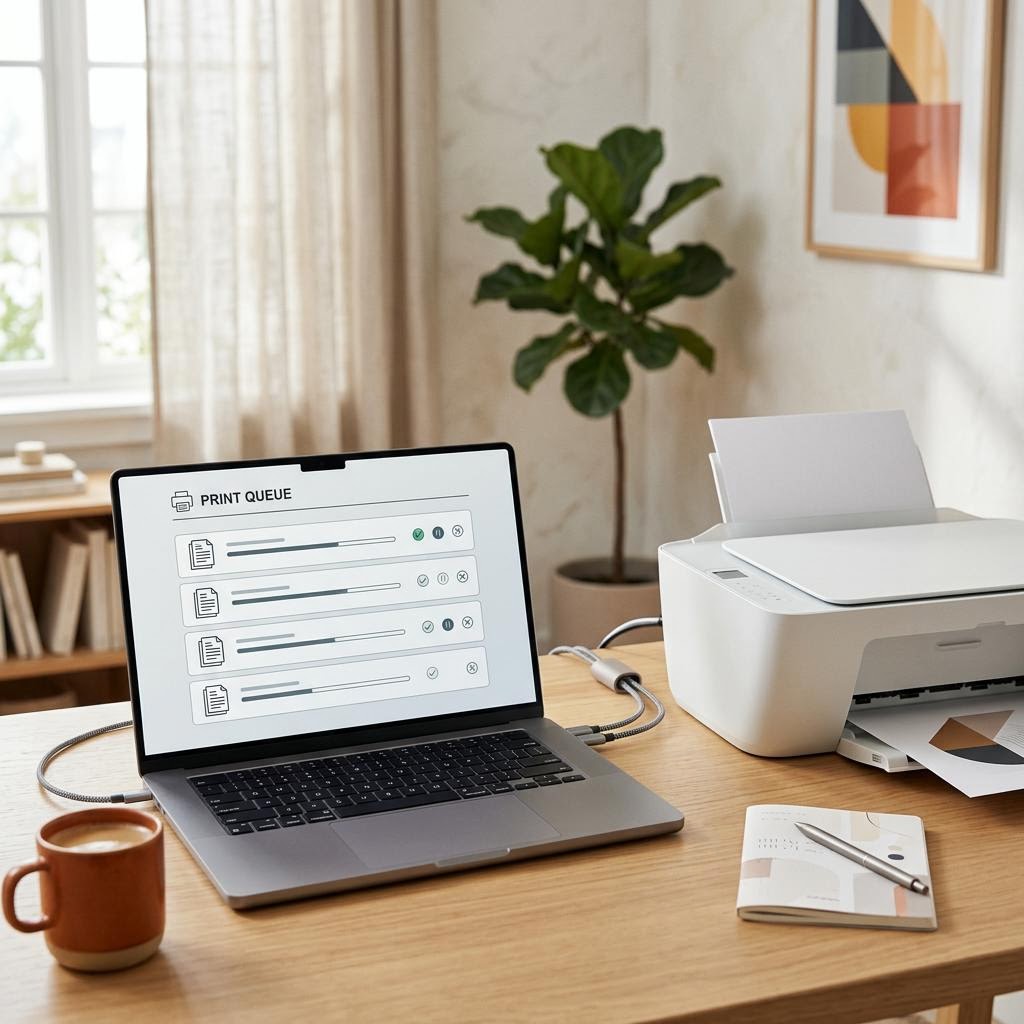
What Is a Print Spooler? The Queue Behind Every Print Job
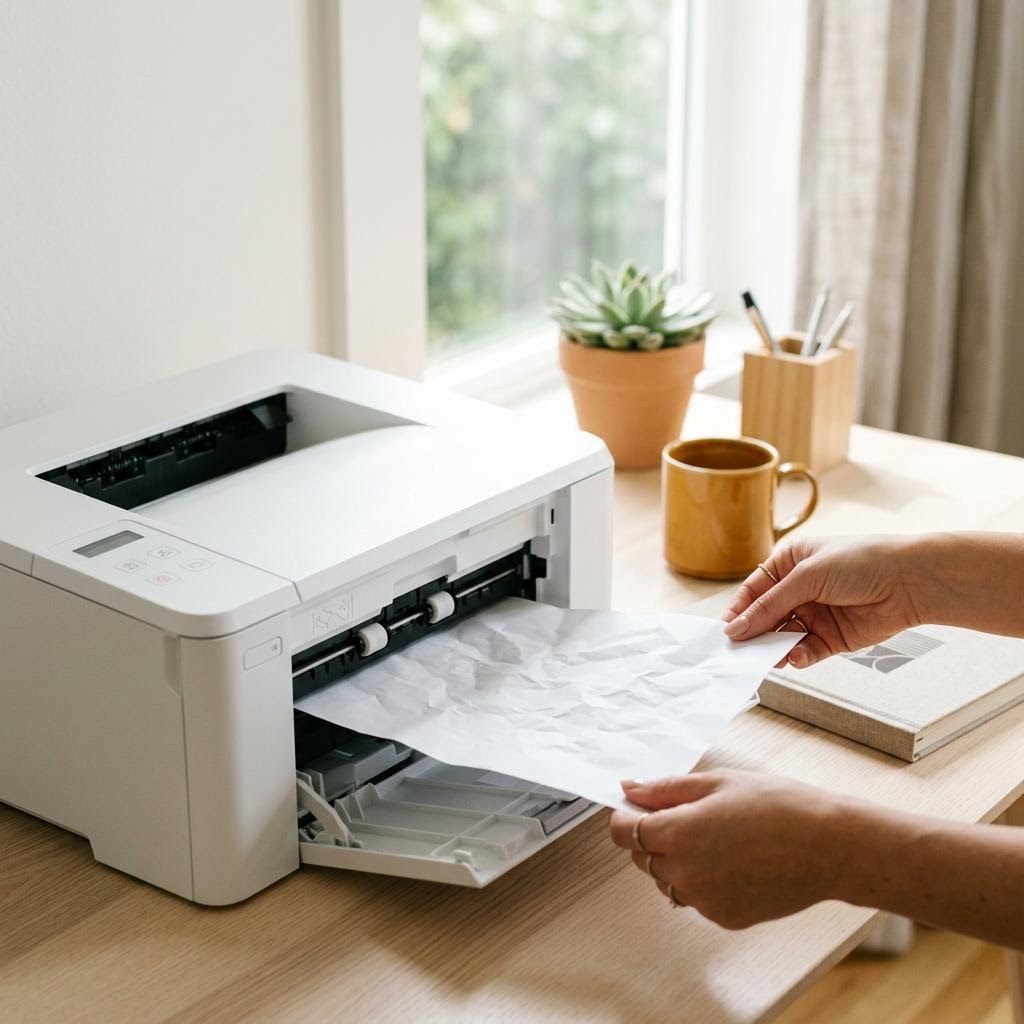
What Causes Paper Jams? The Science Behind the Crunch

How to Choose the Right Printer: A Decision Framework That Works

Why Computers Slow Down Over Time and What to Do About It
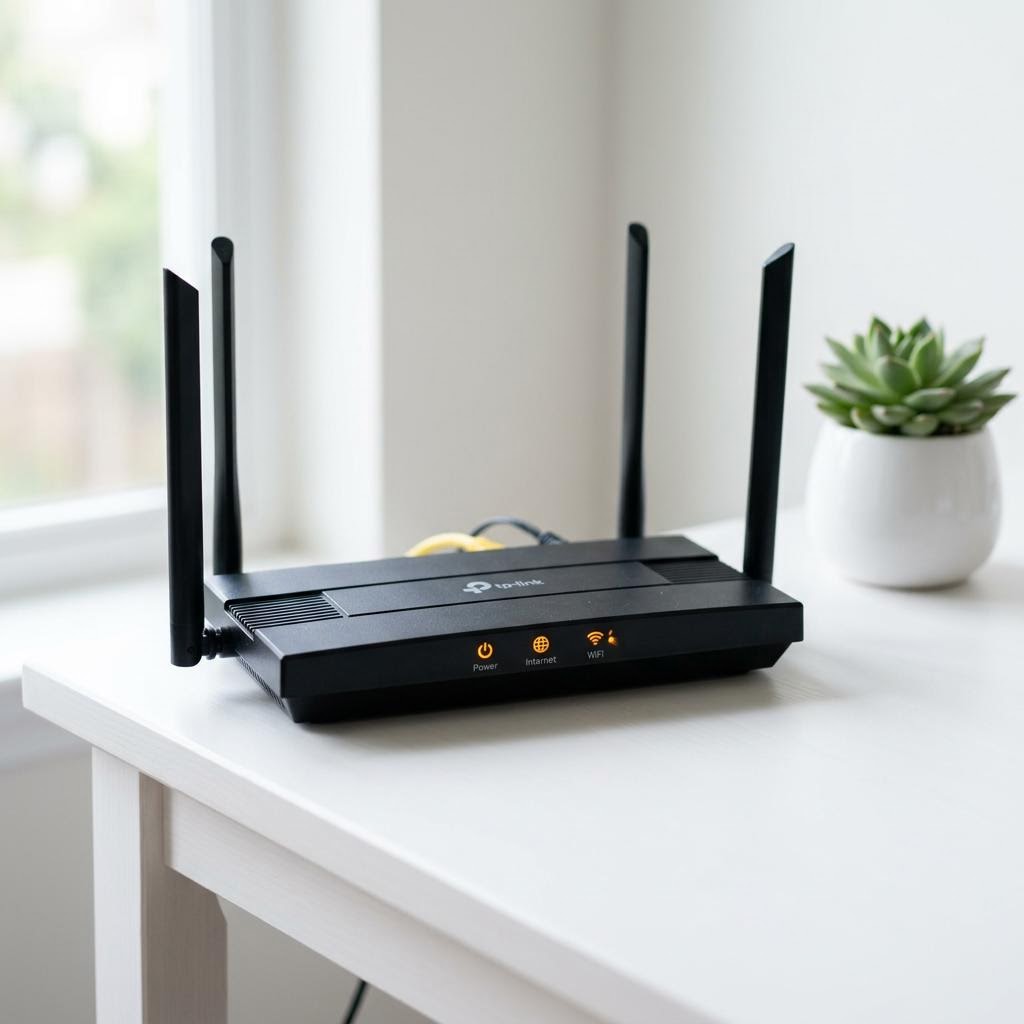
Common Wi-Fi Problems and How to Fix Them
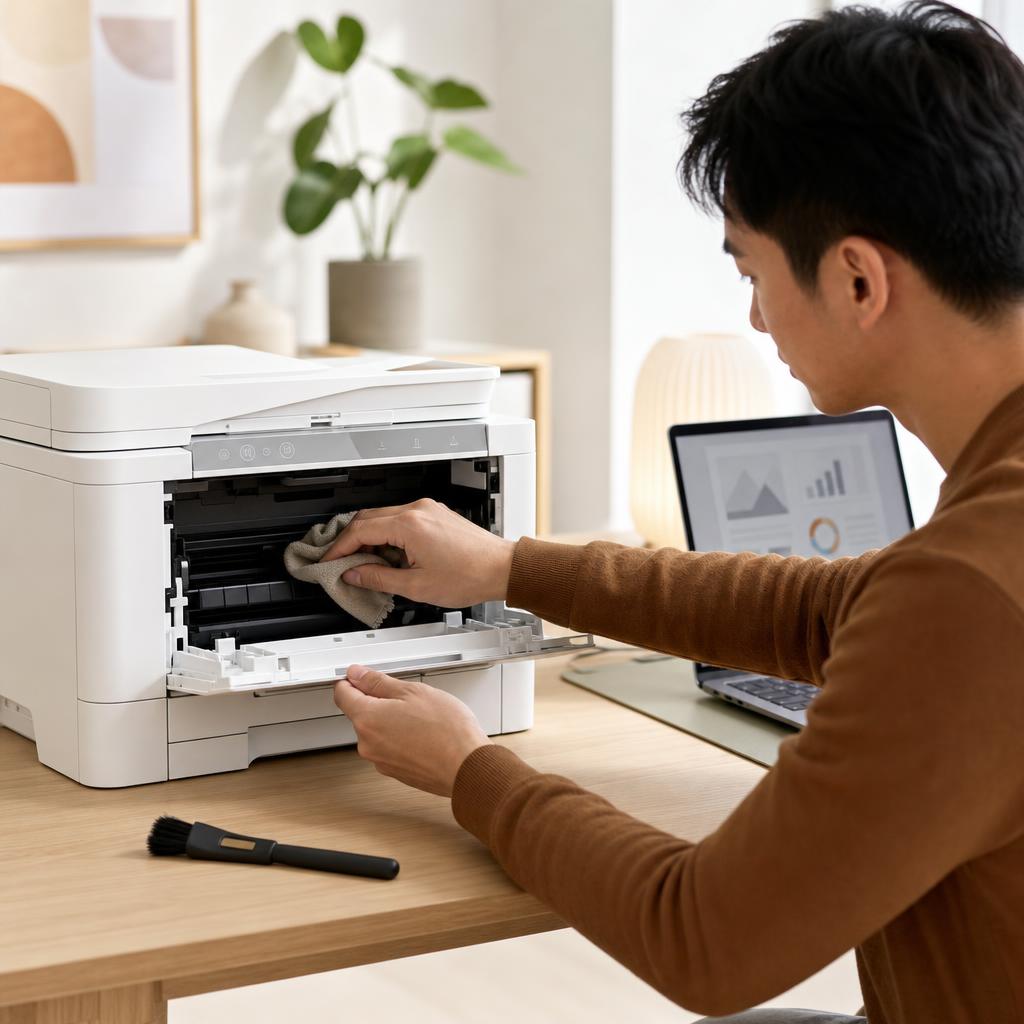
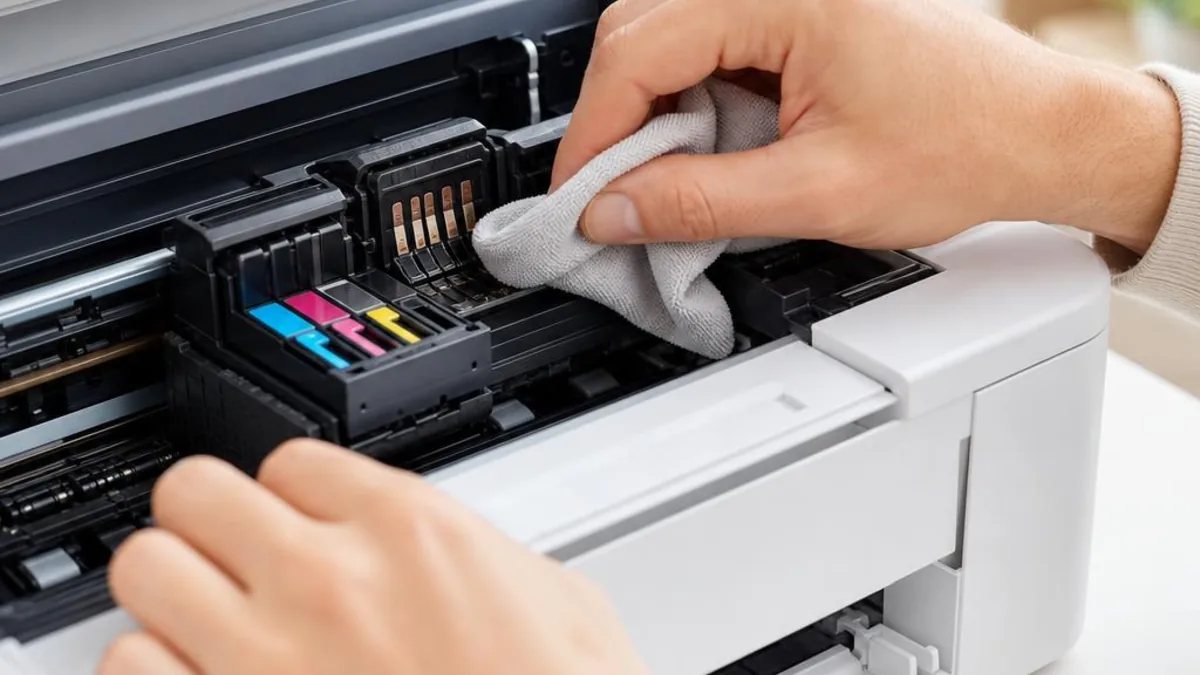
How to Clean and Maintain Your Printer (Complete Printer Maintenance Guide)
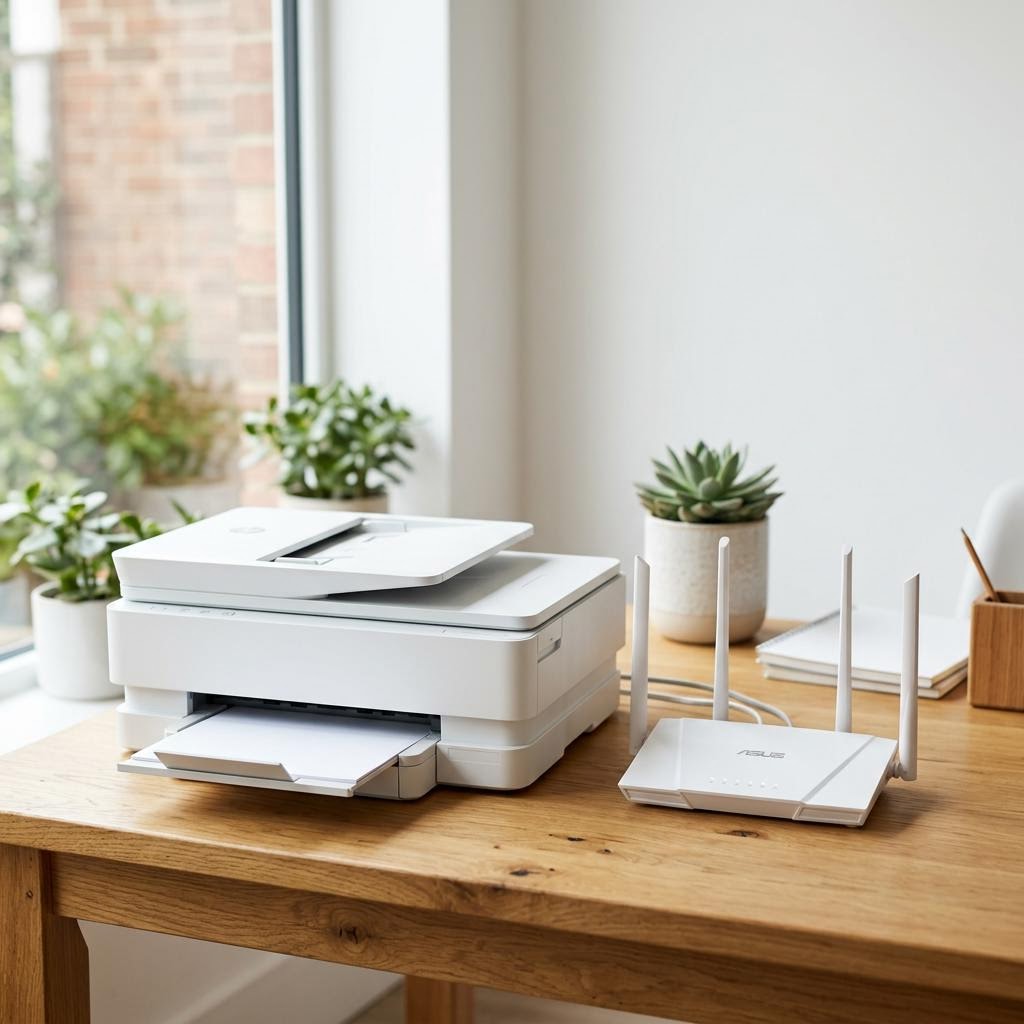
How to Connect Any Printer to Wi-Fi
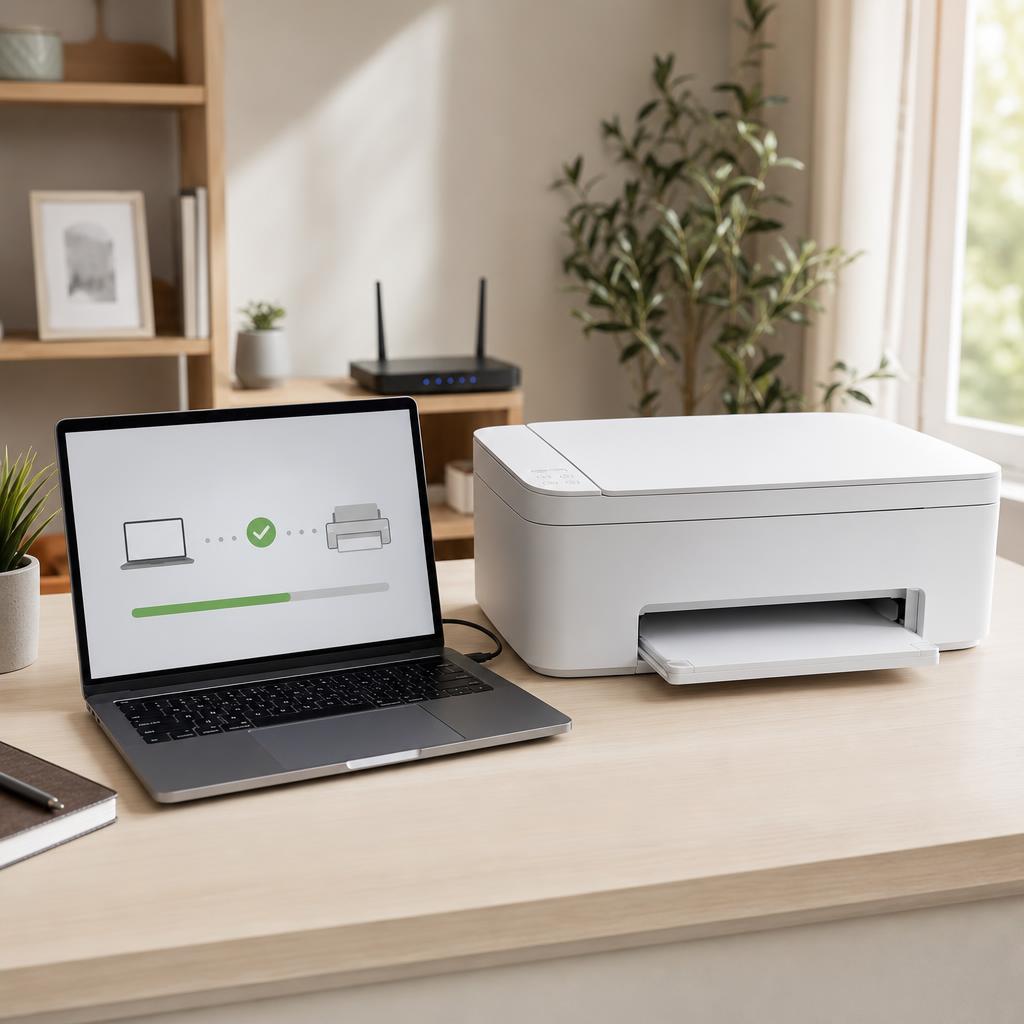
How to Fix a Printer That Is Not Detected (Complete Detection & Recognition Troubleshooting Guide)
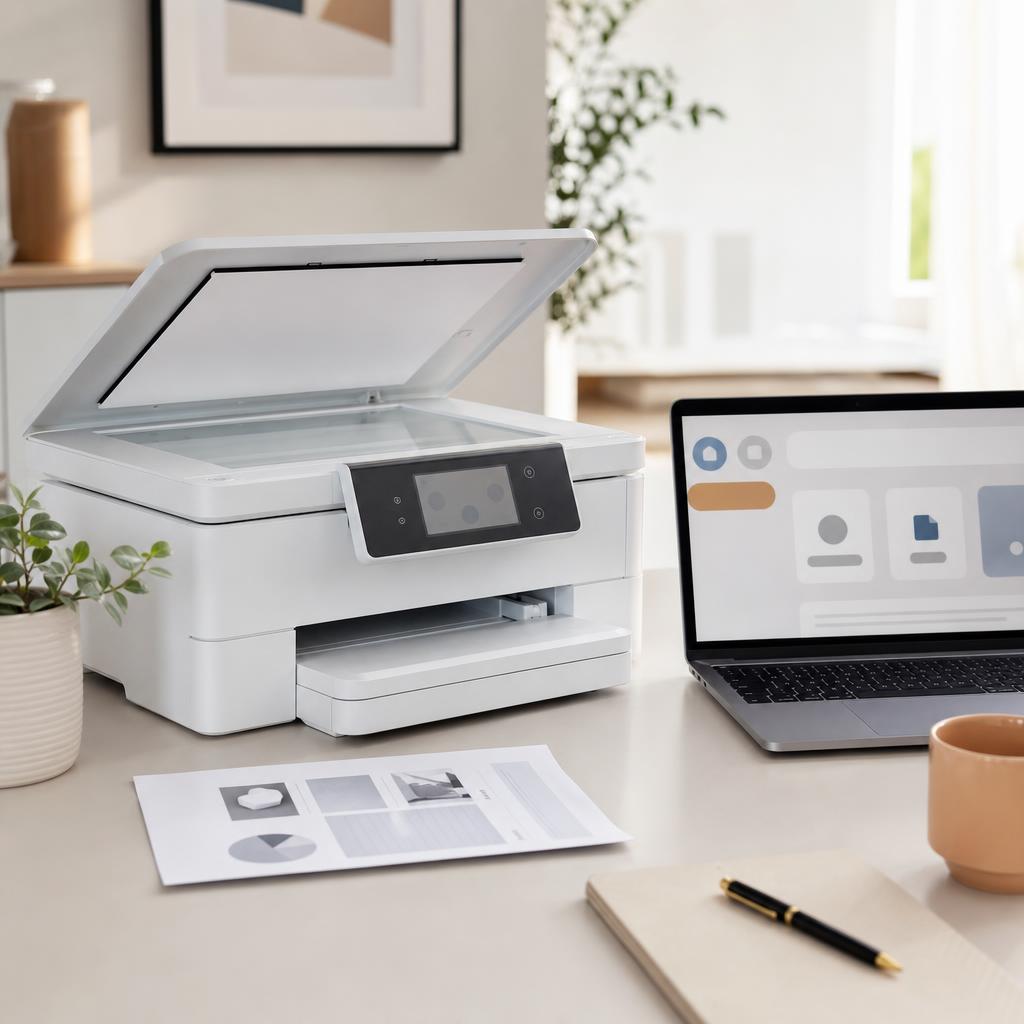
How to Fix a Scanner That Is Not Working (Complete Scanner Troubleshooting & Setup Guide)
How to Fix a Stuck Printer Queue (Complete Print Queue & Print Spooler Troubleshooting Guide)
Frequently Asked Questions
Common questions about printer technology.
Continue Exploring
Move on to another hub, or dive straight into the full library.
Ready to find a specific fix?
Browse every guide in the library or explore the full set of troubleshooting categories.