
Maintenance
Keep your printer clean, calibrated, and reliable over time.
A little routine care keeps a printer working reliably for years.
This hub covers cleaning, cartridge changes, safe resets, and firmware updates.
Follow the maintenance schedule and you will run into far fewer problems.
Featured Guides
Hand-picked starting points for this hub.
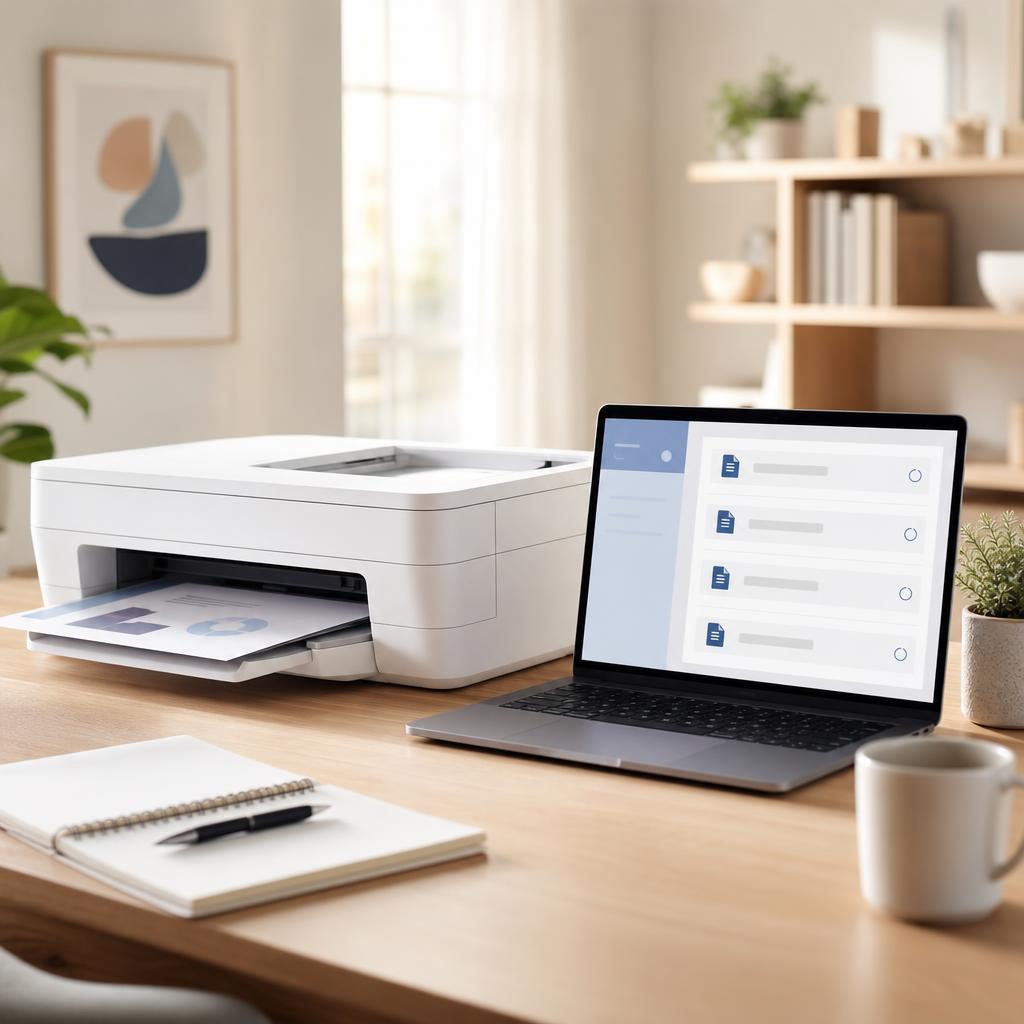

Common Workflows
Follow these ordered steps for the tasks people reach for most, then open the full guide when you need more detail.
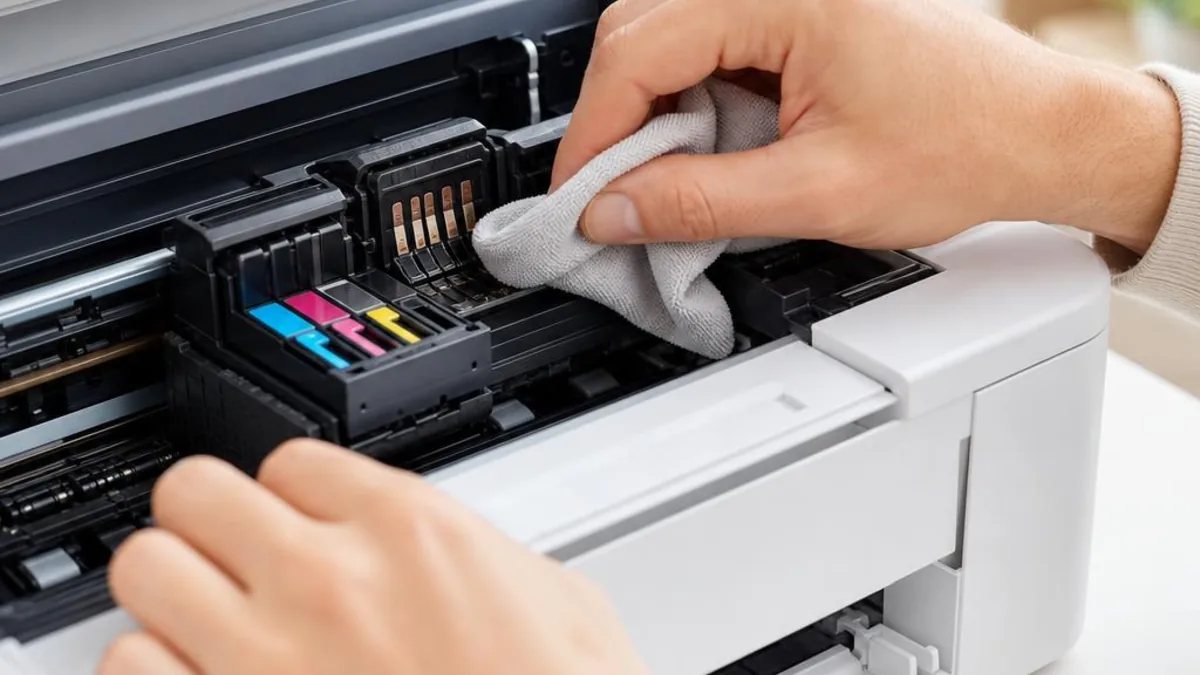
Routine Cleaning
Keep the paper path and printhead clear.
- 1 Power off & unplug
- 2 Wipe exterior
- 3 Clear paper path
- 4 Run one clean cycle
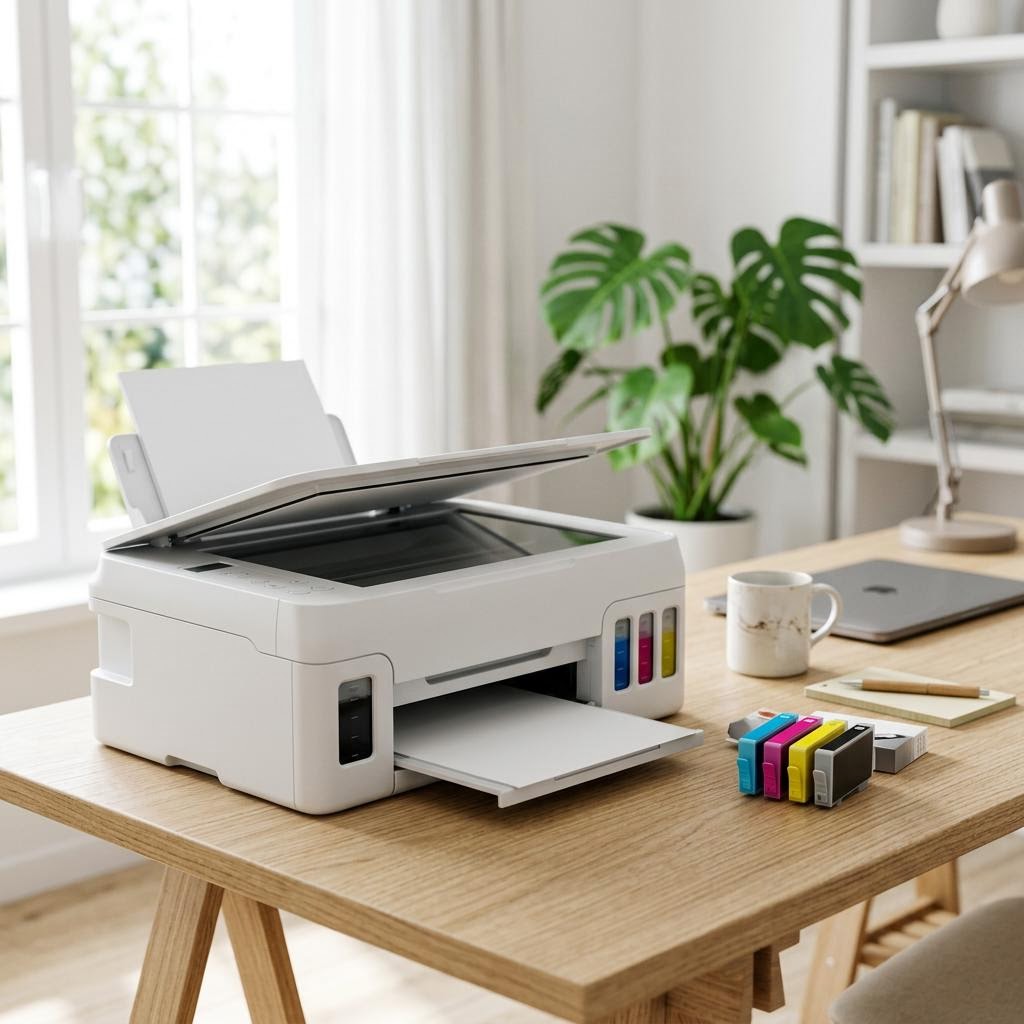
Replace Ink or Toner
Swap a spent cartridge safely.
- 1 Open the access door
- 2 Remove old cartridge
- 3 Insert the new one
- 4 Print a test page
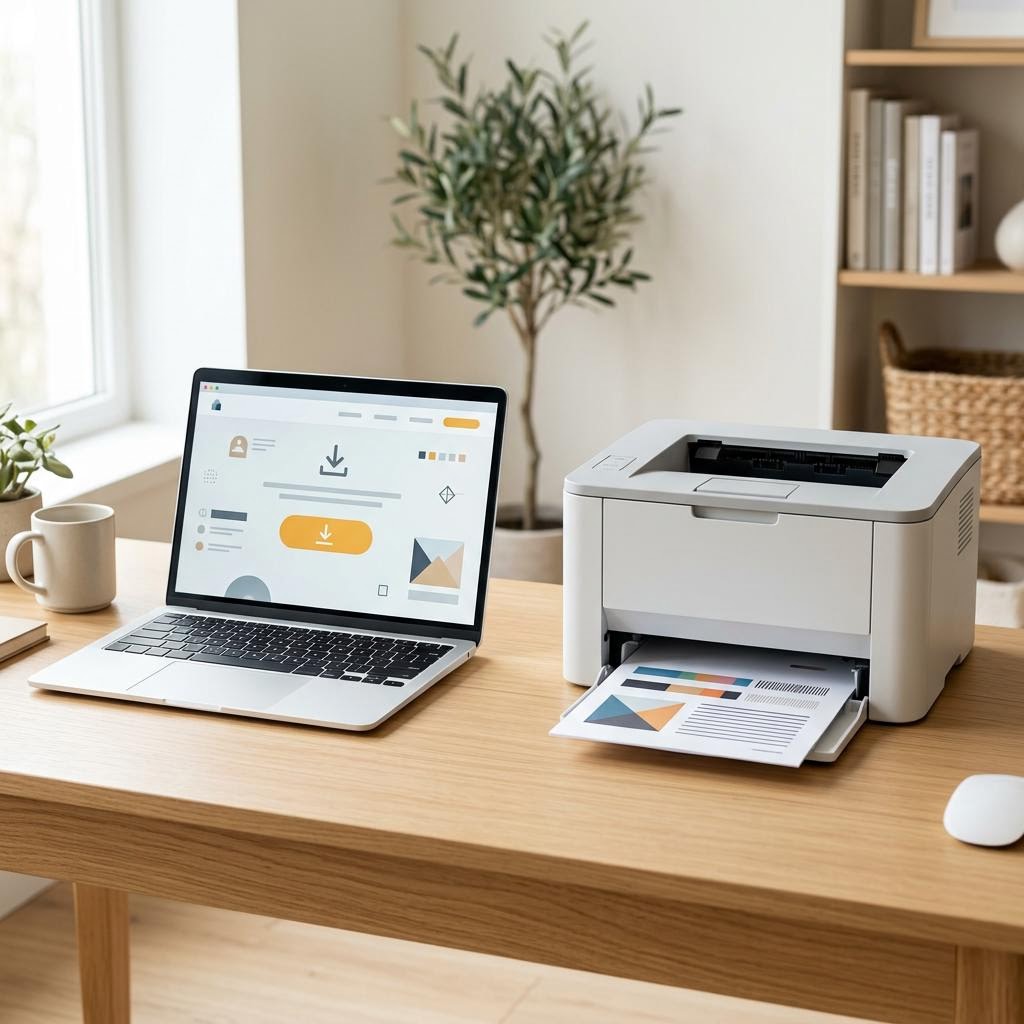
Update Firmware Safely
Apply an update without interrupting it.
- 1 Use the official tool
- 2 Keep printer powered
- 3 Wait for completion
- 4 Restart the printer
Guides in This Hub
More guides related to this topic, newest first.


Related Topics
Broader entry points connected to this hub.
Related Categories
Jump into the troubleshooting categories this hub draws from.
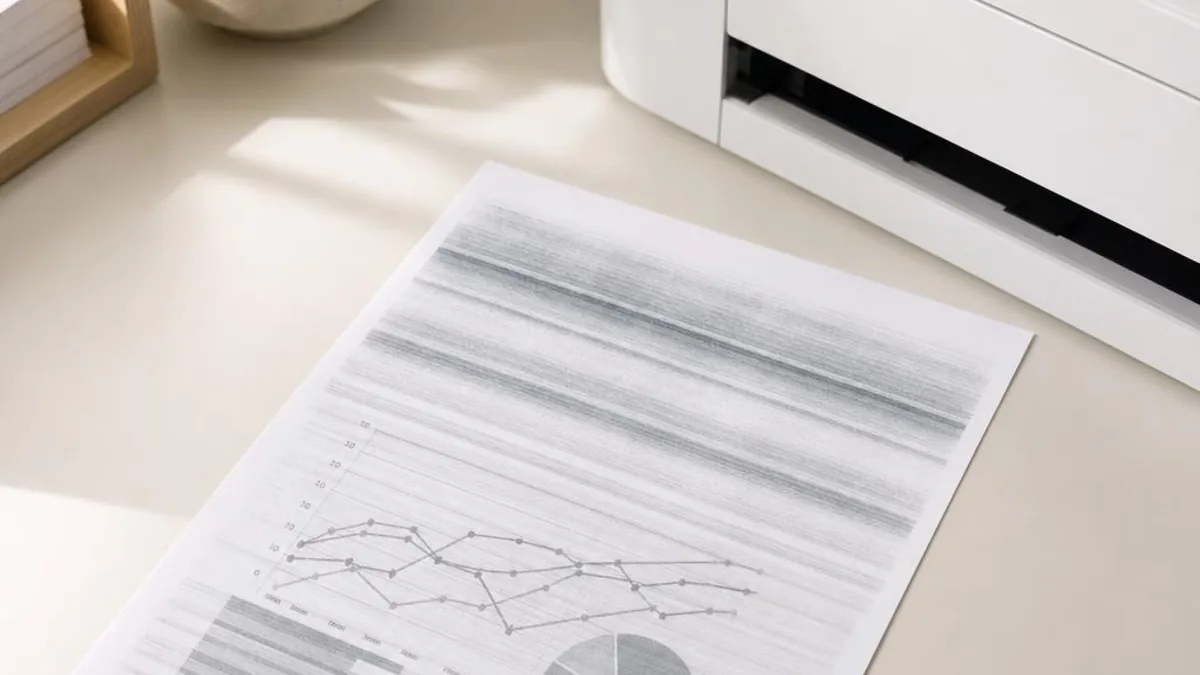
Related Collections
Hand-grouped sets of guides that fit this hub.
Printer Maintenance
Simple care that prevents problems.
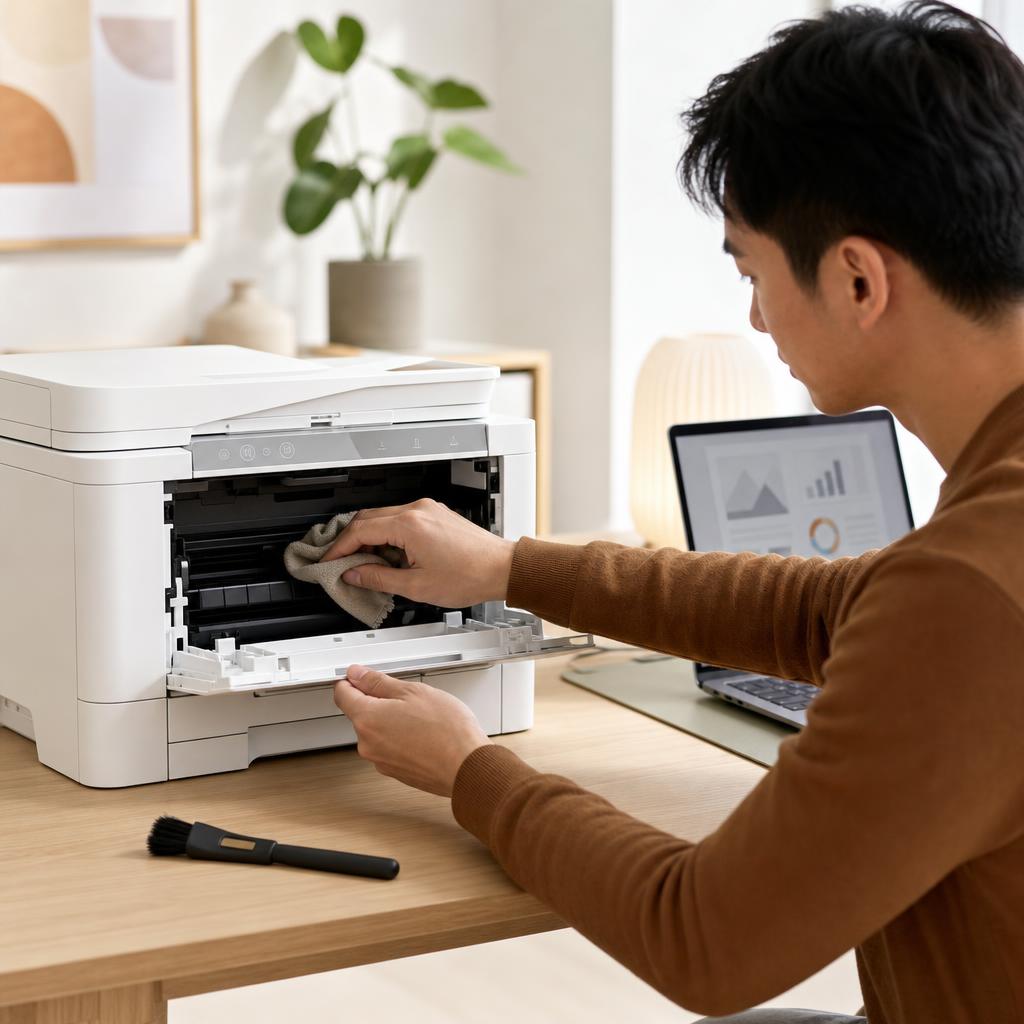
How to Clean and Maintain Your Printer (Complete Printer Maintenance Guide)
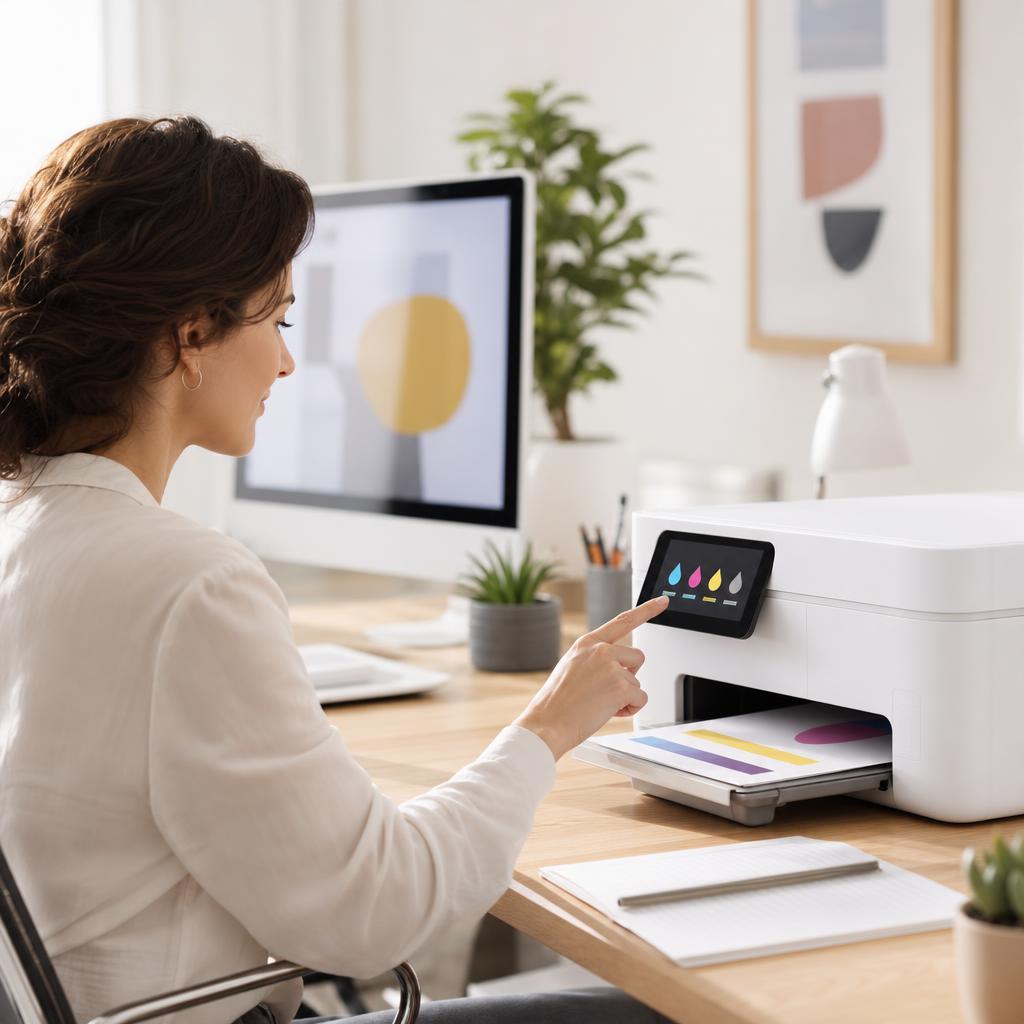
How to Fix Low Ink or Low Toner Warnings
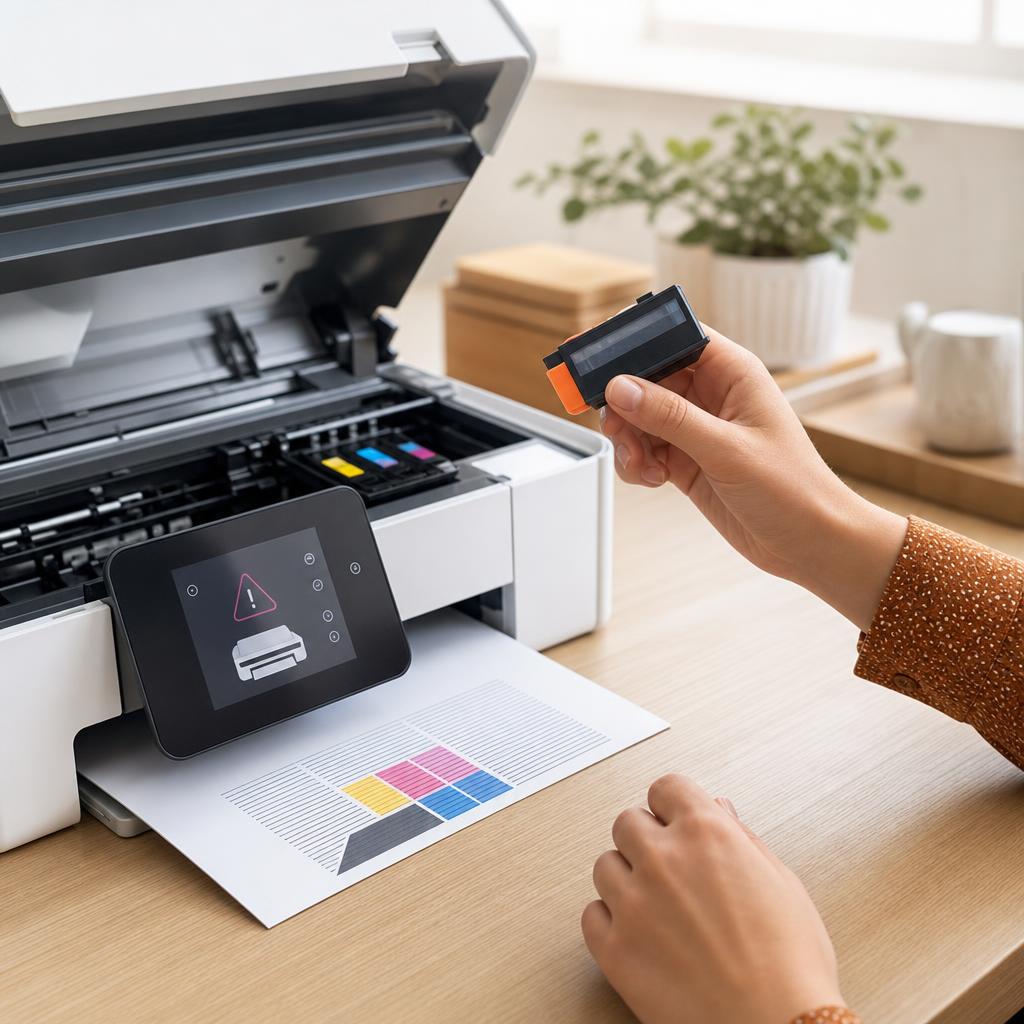
How to Fix a Printer That Says “Cartridge Not Recognized”
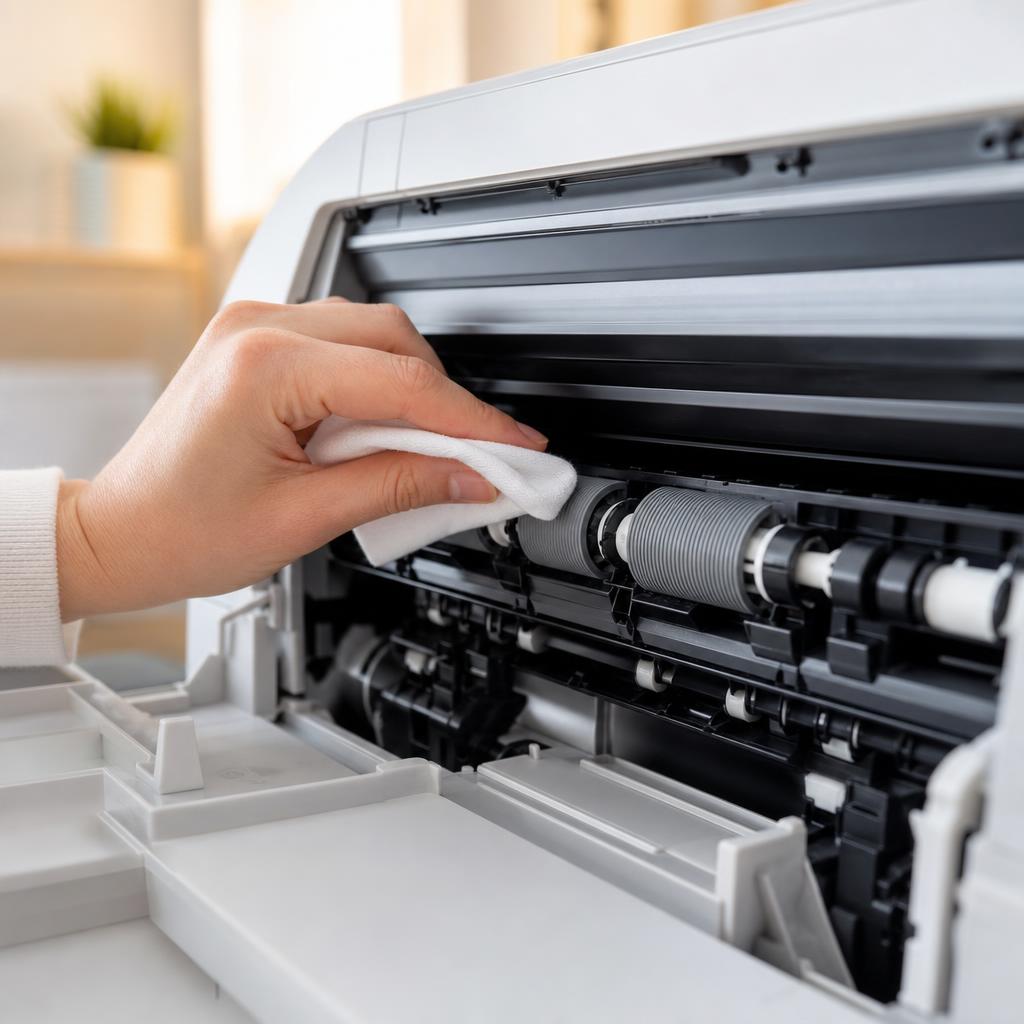
How to Clean Printer Rollers: Fix Paper Jams and Misfeeds
Frequently Asked Questions
Common questions about maintenance.
Continue Exploring
Move on to another hub, or dive straight into the full library.
Ready to find a specific fix?
Browse every guide in the library or explore the full set of troubleshooting categories.