
Driver Installation & Updates
The right driver makes your printer work as intended; the wrong one causes half its problems. Install and update drivers the clean way.

Install the correct driver, cleanly
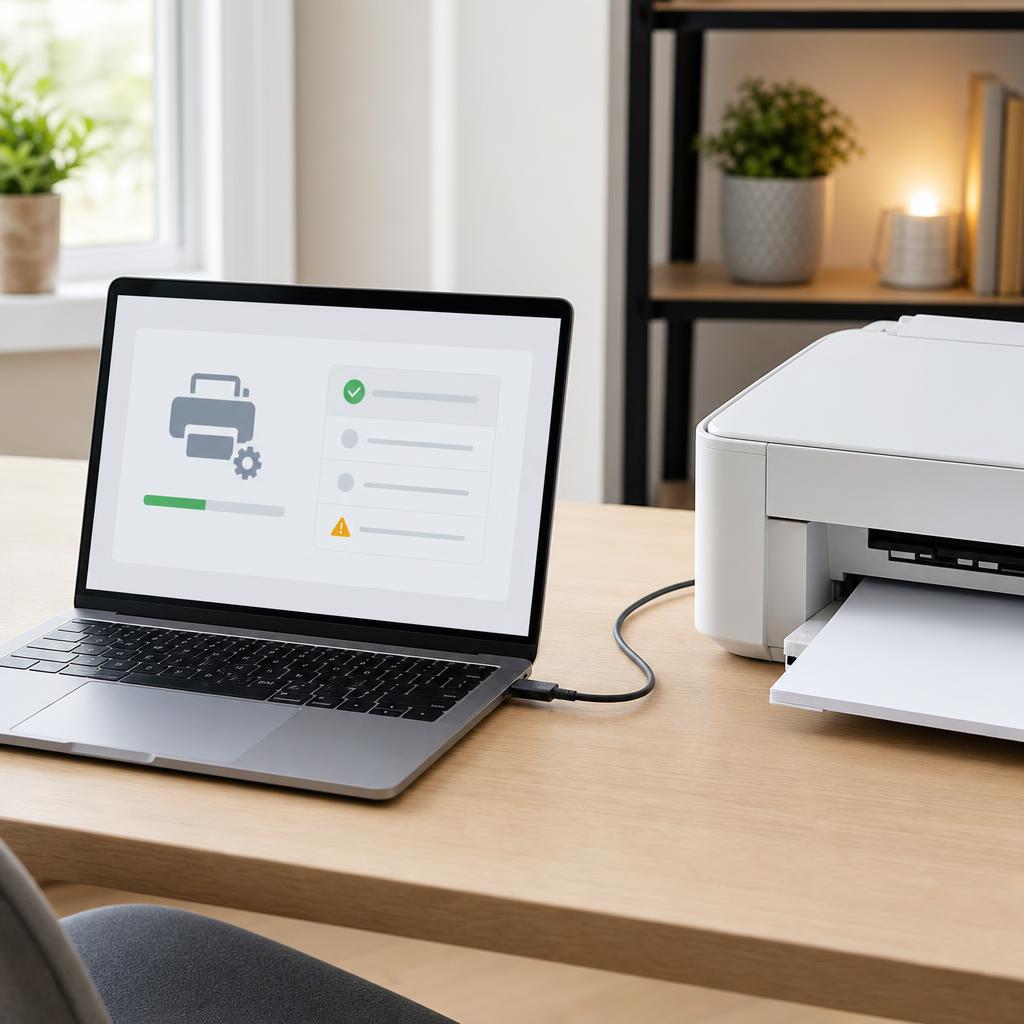
A printer driver is the translator between your computer and your printer. When it is the correct, current version, everything works. When it is outdated, mismatched, or corrupted, you get missing features, garbled output, or a printer that never appears in the list at all.
These guides help you find the exact driver for your model and operating system, remove old or conflicting versions first, and complete a clean installation. They also cover the update routines that fix bugs and restore compatibility after an OS upgrade.
What you'll learn
- Match the driver to your exact model and OS version
- Fully remove old drivers before installing new ones
- Fix "printer not showing up" after an install
- Recover from a failed or interrupted driver update
All Driver Installation Guides
Every guide we've published on driver installation — from quick fixes to in-depth walkthroughs.
Common Problems
The issues readers run into most with driver installation — and where to start.
Featured Guides
Hand-picked walkthroughs covering this category in depth.
Buying Guides
Plain-English comparisons and pre-purchase checklists — find the right printer before you buy.
Frequently Asked Questions
Common questions about driver installation.
Helpful Resources
General knowledge to help you get the most from your printer.