
Wi-Fi & Connectivity
From first-time pairing to a printer that keeps dropping off the network, these guides keep your printer reliably online.
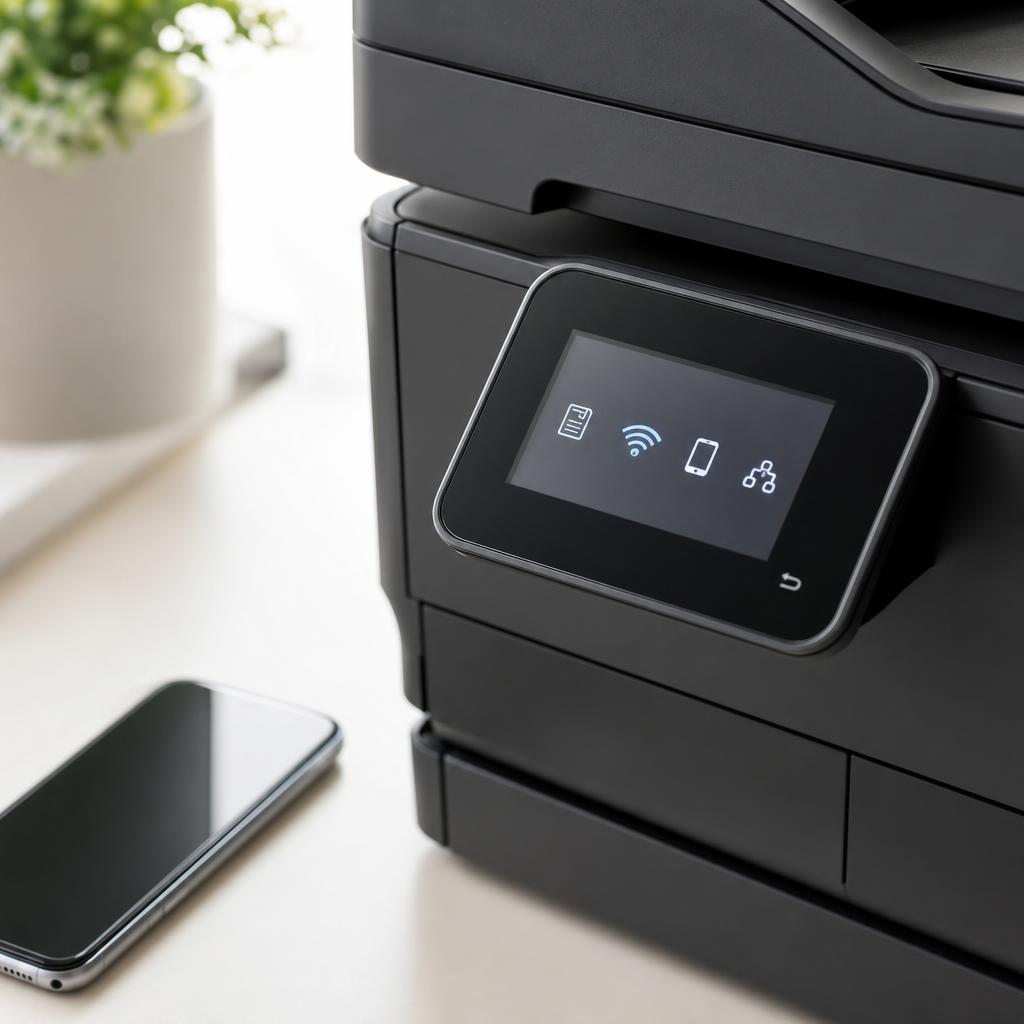
Get connected and stay connected
Wireless printing is wonderfully convenient — until the printer joins the wrong band, loses the network after a router change, or refuses to pair with a new phone. Most connectivity trouble comes down to network mismatches and signal strength rather than a faulty printer.
These guides cover the full connectivity journey: joining a 2.4 GHz network, using Wi-Fi Direct and AirPrint, fixing frequent drop-offs, and switching cleanly between wireless and USB. Follow them to build a connection that simply stays put.
What you'll learn
- Connect to the correct 2.4 GHz band most printers require
- Set up AirPrint, Wi-Fi Direct, and mobile printing
- Stop a printer that keeps disconnecting from the network
- Switch between Wi-Fi and USB without conflicts
All Wi-Fi & Connectivity Guides
Every guide we've published on wi-fi & connectivity — from quick fixes to in-depth walkthroughs.
Common Problems
The issues readers run into most with wi-fi & connectivity — and where to start.
Featured Guides
Hand-picked walkthroughs covering this category in depth.

Buying Guides
Plain-English comparisons and pre-purchase checklists — find the right printer before you buy.

Frequently Asked Questions
Common questions about wi-fi & connectivity.
Helpful Resources
General knowledge to help you get the most from your printer.