
Printer Setup Guides
New printer, no stress. Follow a clear path from unboxing to your first clean page on any computer or phone.
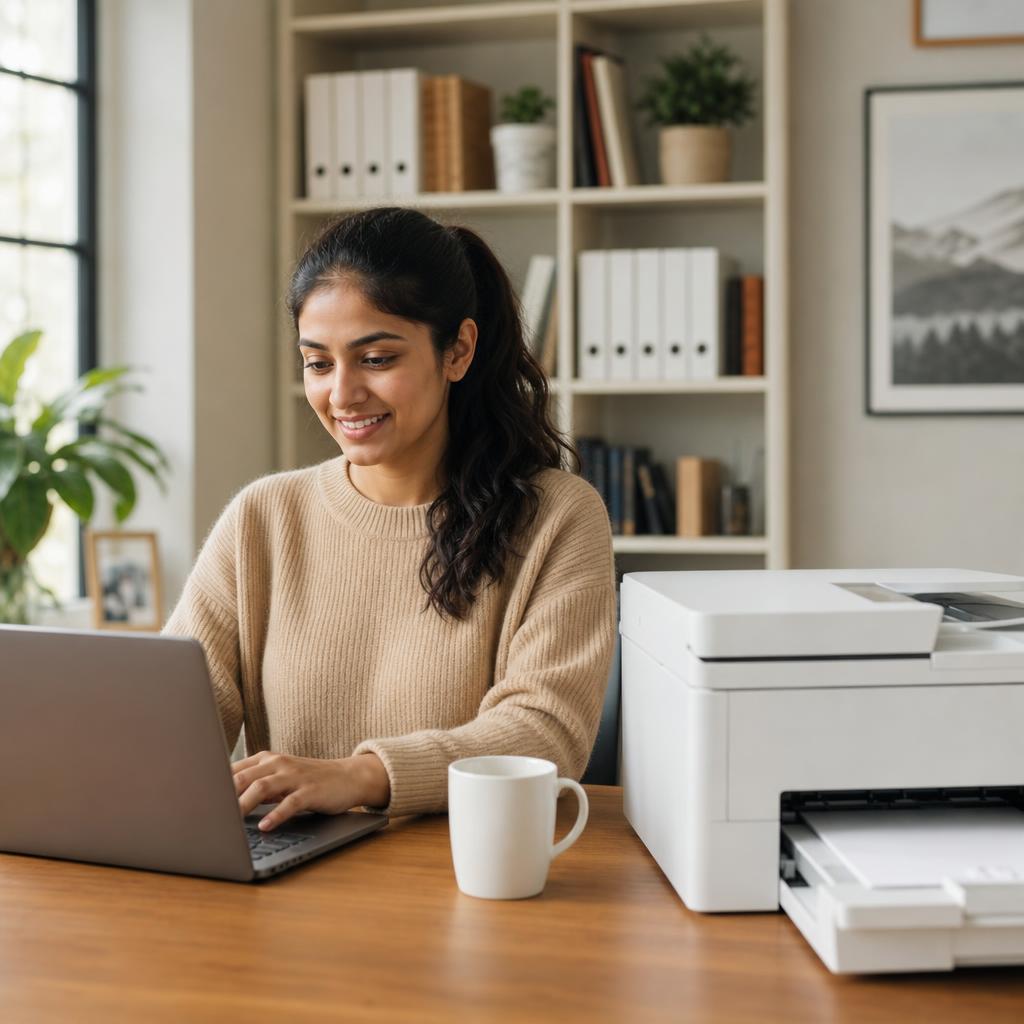
From box to first page, the right way
A careful setup prevents most of the problems people run into later. Removing every packing strip, seating the cartridges properly, and choosing the correct connection method the first time saves hours of troubleshooting down the line.
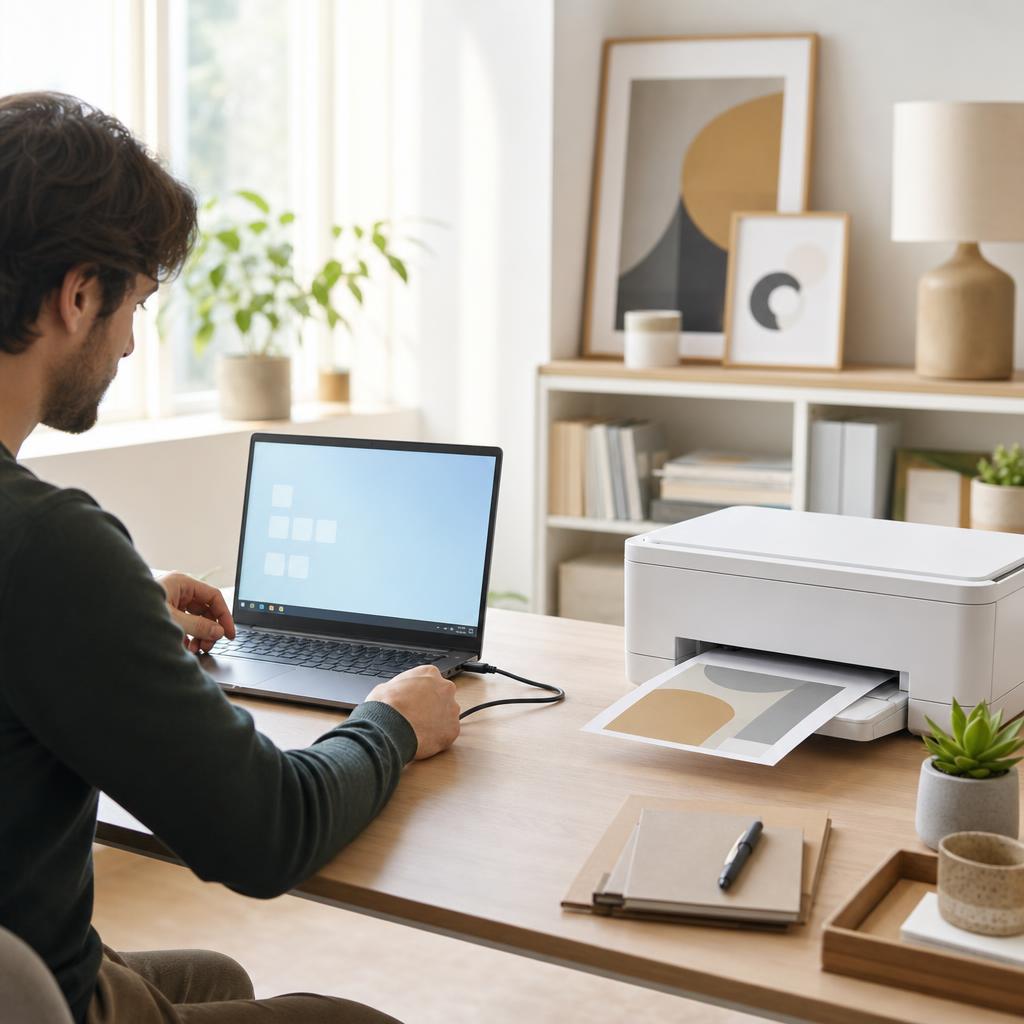
These guides walk you through unboxing, connecting over Wi-Fi or USB, installing the right software, and printing a test page — for Windows, macOS, and mobile. Whether it is your first printer or your fifth, you will be up and running quickly.
What you'll learn
- Remove all packing material and seat cartridges correctly
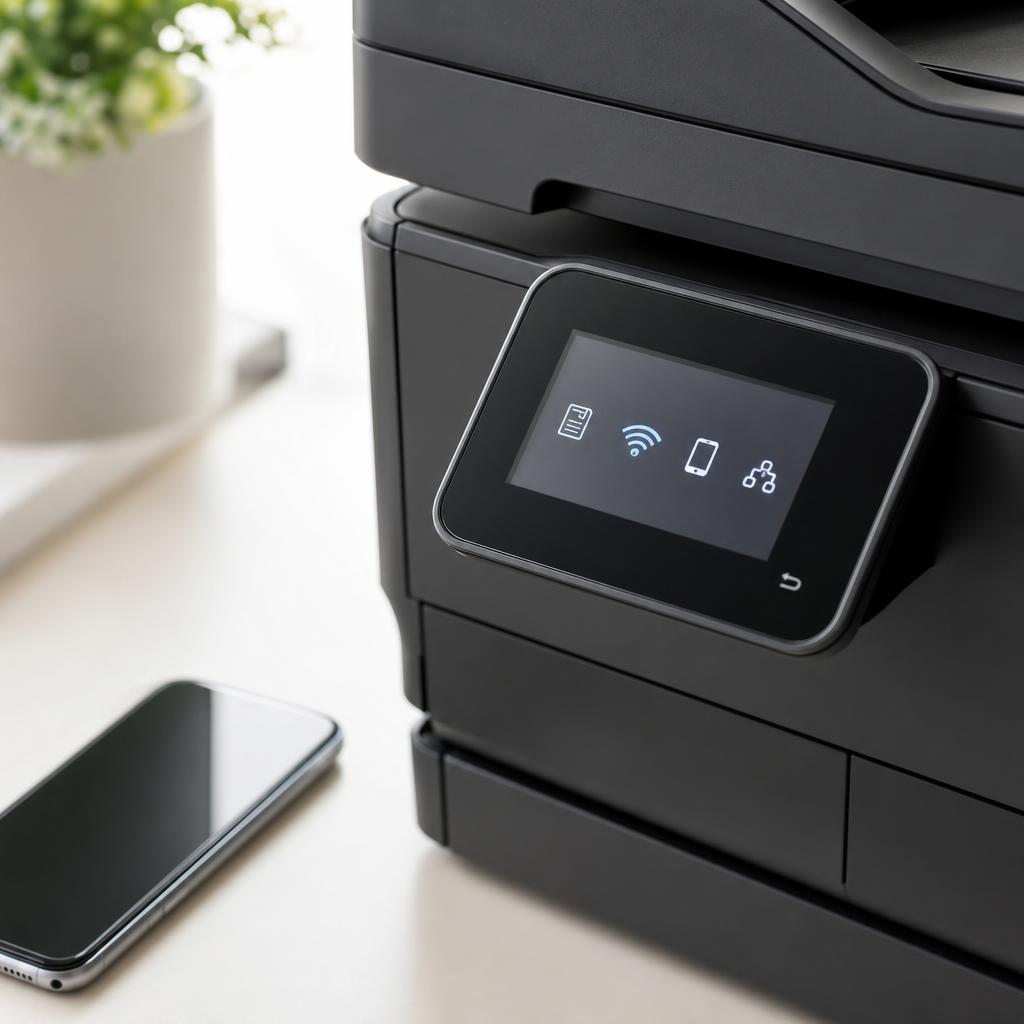
- Choose the best connection: Wi-Fi, USB, or Ethernet
- Install the right software for full features
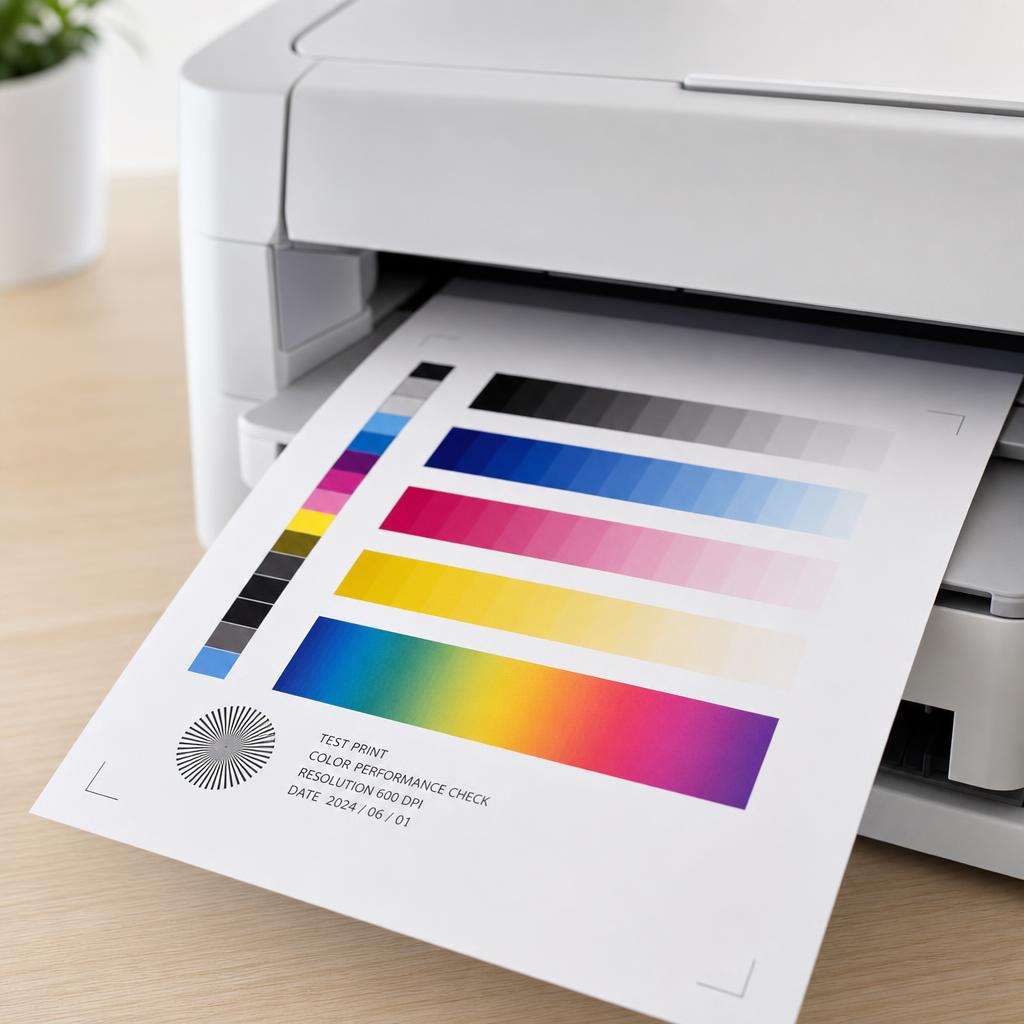
- Print a test page and confirm alignment
All Printer Setup Guides
Every guide we've published on printer setup — from quick fixes to in-depth walkthroughs.
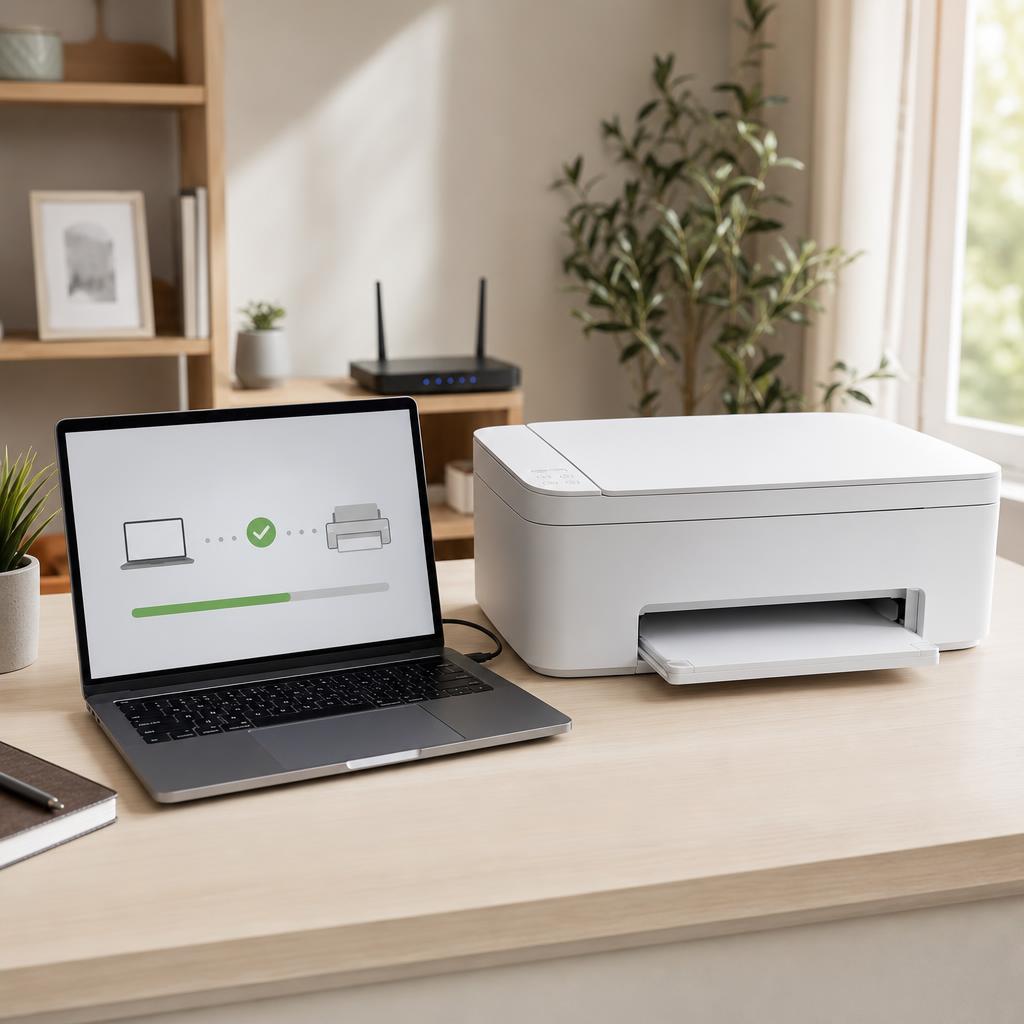
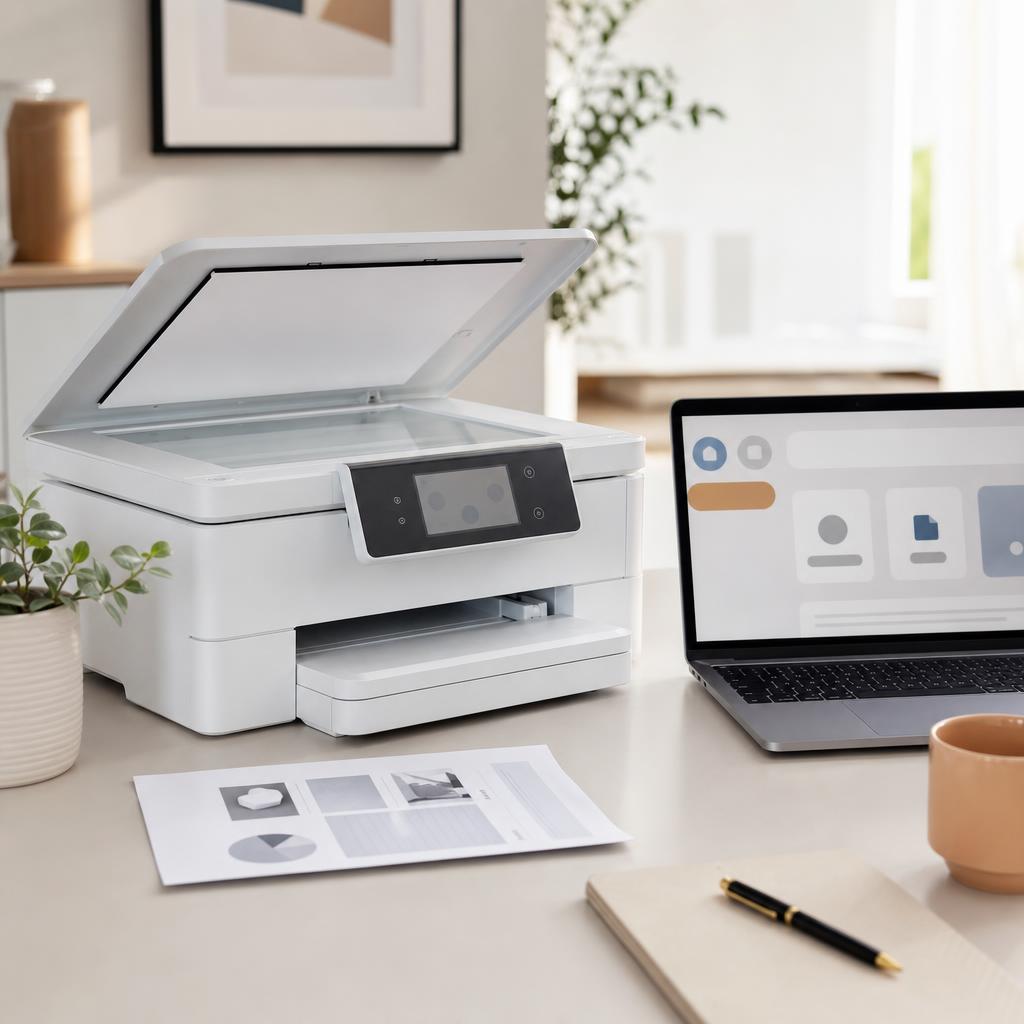
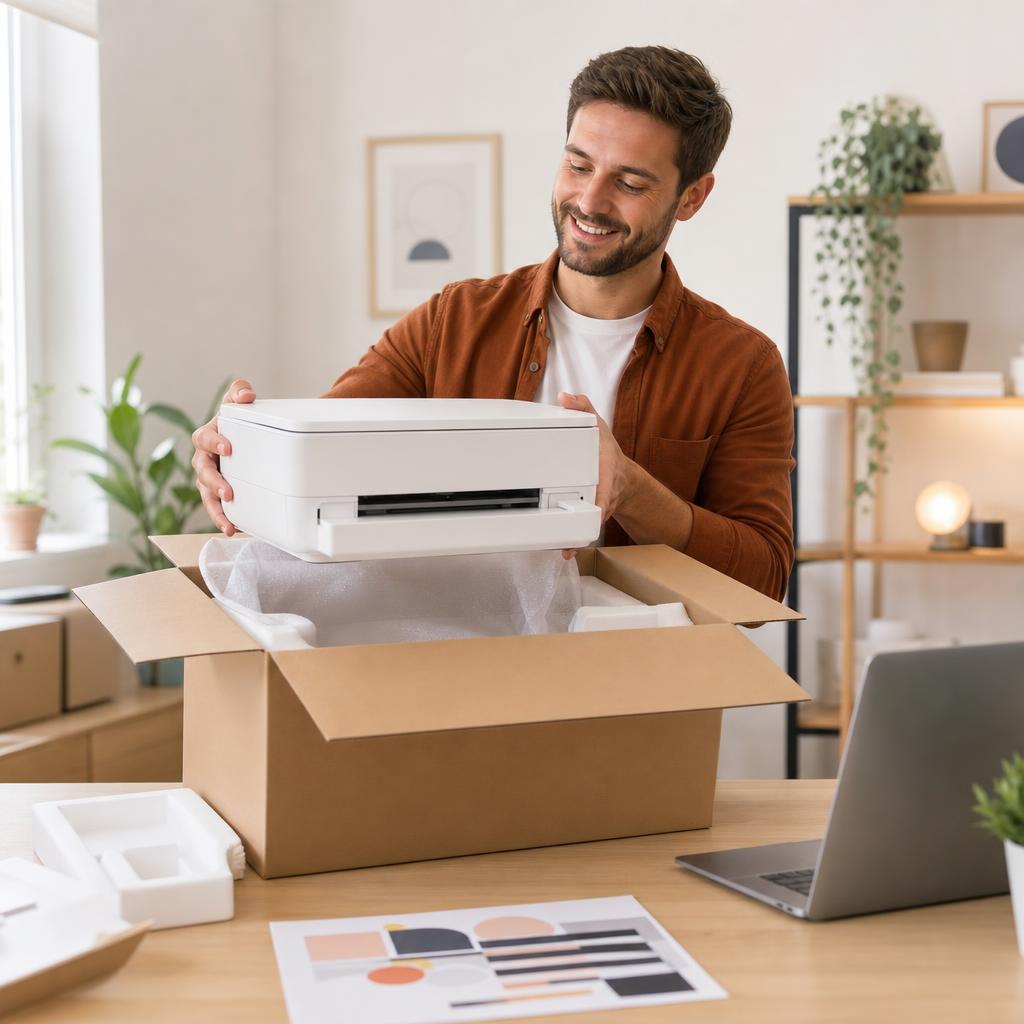


Common Problems
The issues readers run into most with printer setup — and where to start.
Featured Guides
Hand-picked walkthroughs covering this category in depth.
Buying Guides
Plain-English comparisons and pre-purchase checklists — find the right printer before you buy.
Frequently Asked Questions
Common questions about printer setup.
Helpful Resources
General knowledge to help you get the most from your printer.