
Printer Shows Offline
Your printer is plugged in and powered on, but your computer insists it is offline. These guides get the two talking again.
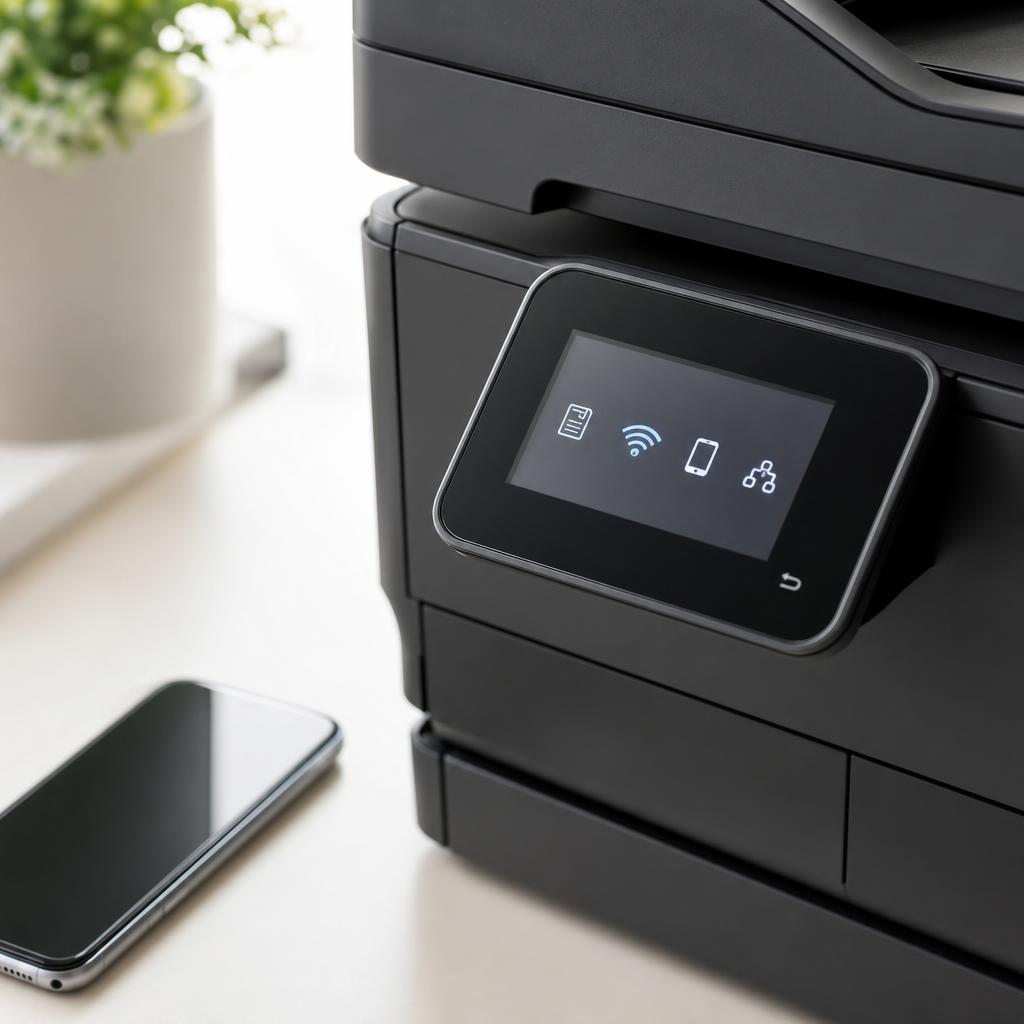
Reconnect a printer that dropped off the radar
"Offline" almost never means your printer is broken. It means the communication path between your device and the printer has been interrupted — often by a changed Wi-Fi network, a new IP address, or a stalled print spooler quietly holding up the queue.
The fixes here follow a logical order: confirm the physical connection, restart the spooler, verify the network address, and set the correct default printer. Working through them top to bottom resolves the vast majority of offline states in a few minutes.
What you'll learn
- Restart the print spooler service on Windows and clear the queue
- Check for IP address changes after a router reboot
- Turn off "Use Printer Offline" mode when it gets stuck on
- Set the right default printer so jobs stop misrouting
All Printer Offline Guides
Every guide we've published on printer offline — from quick fixes to in-depth walkthroughs.
Common Problems
The issues readers run into most with printer offline — and where to start.
Featured Guides
Hand-picked walkthroughs covering this category in depth.

Buying Guides
Plain-English comparisons and pre-purchase checklists — find the right printer before you buy.
Frequently Asked Questions
Common questions about printer offline.
Helpful Resources
General knowledge to help you get the most from your printer.