
Print Quality Problems
Streaks, faded text, wrong colours, and banding all have specific causes. Diagnose what you are seeing and restore crisp output.
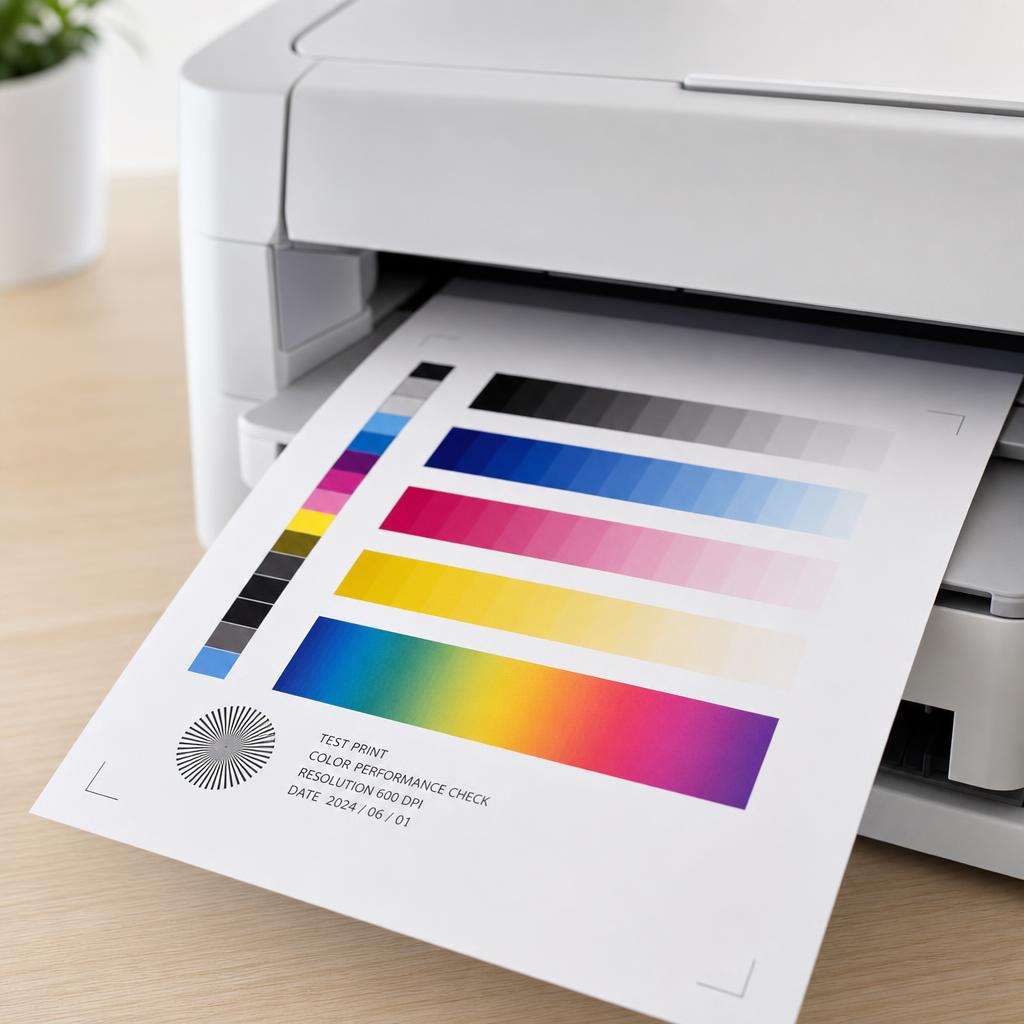
Match the symptom to the right fix
Print quality issues are readable clues. Horizontal streaks usually mean a clogged printhead or dirty drum; faded output points to low ink, an eco setting, or a failing cartridge; and colours that look wrong often need alignment or calibration rather than new supplies.
This category helps you diagnose by symptom, then apply the least invasive fix first — a maintenance cycle before a deep clean, alignment before replacement. You will also learn the habits that keep a printhead from clogging in the first place.
What you'll learn
- Read streaks, banding, and fading as specific, fixable symptoms
- Run printhead cleaning and alignment cycles correctly
- Calibrate colour so prints match what is on screen
- Prevent clogs by printing regularly and storing ink well
All Print Quality Guides
Every guide we've published on print quality — from quick fixes to in-depth walkthroughs.


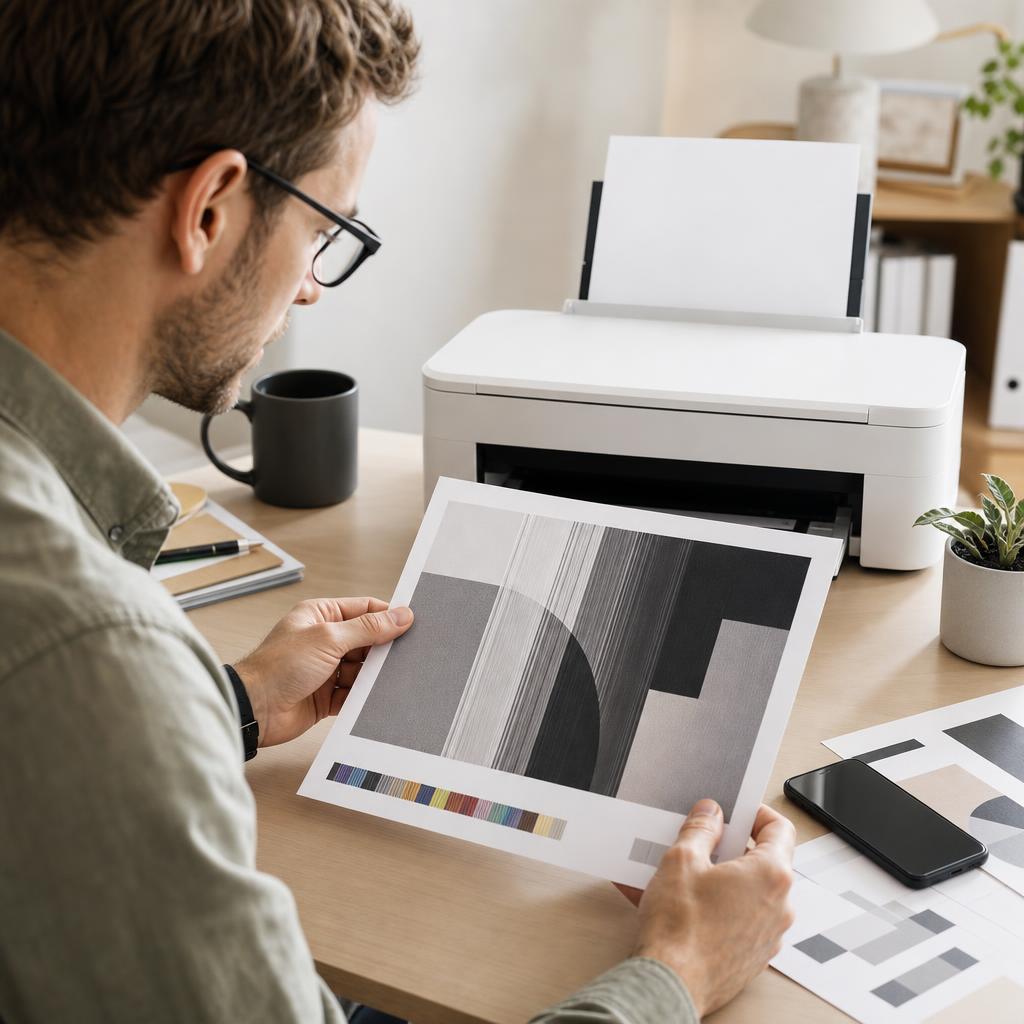
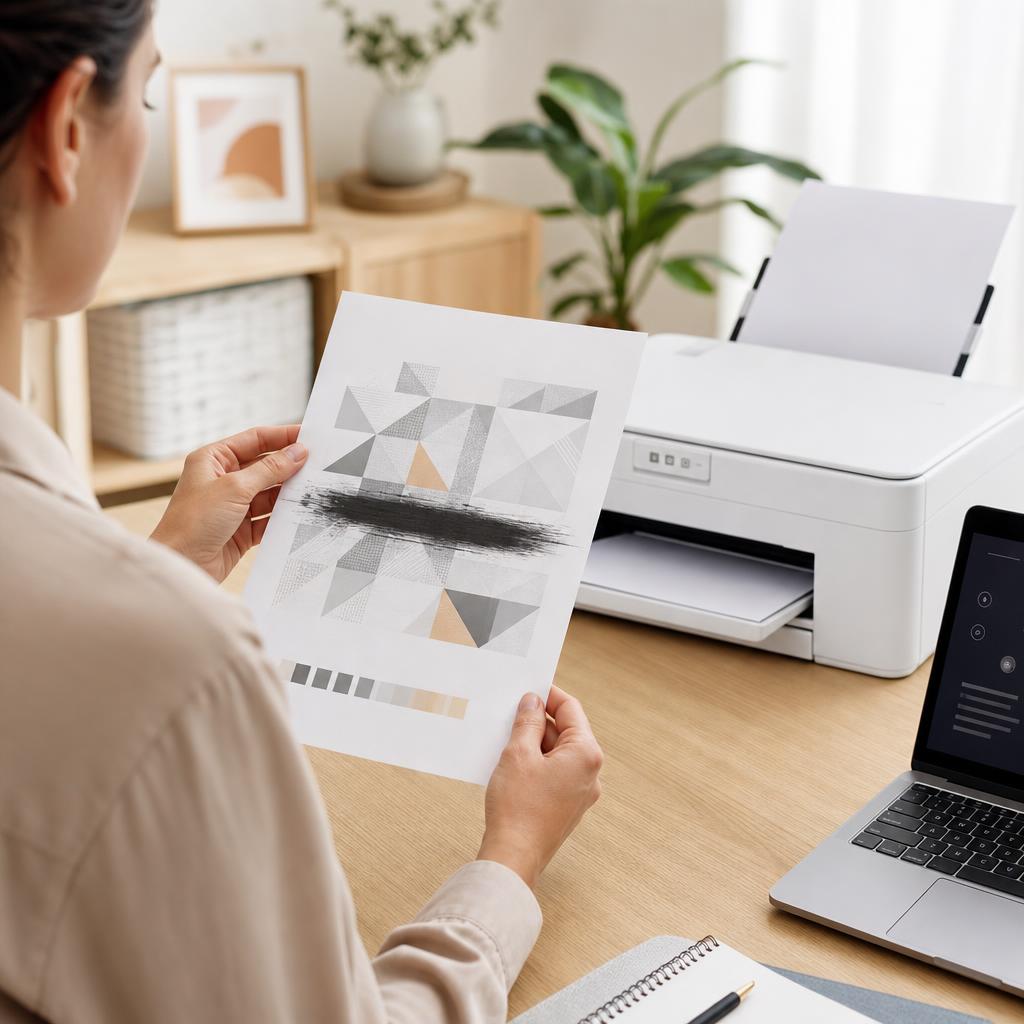
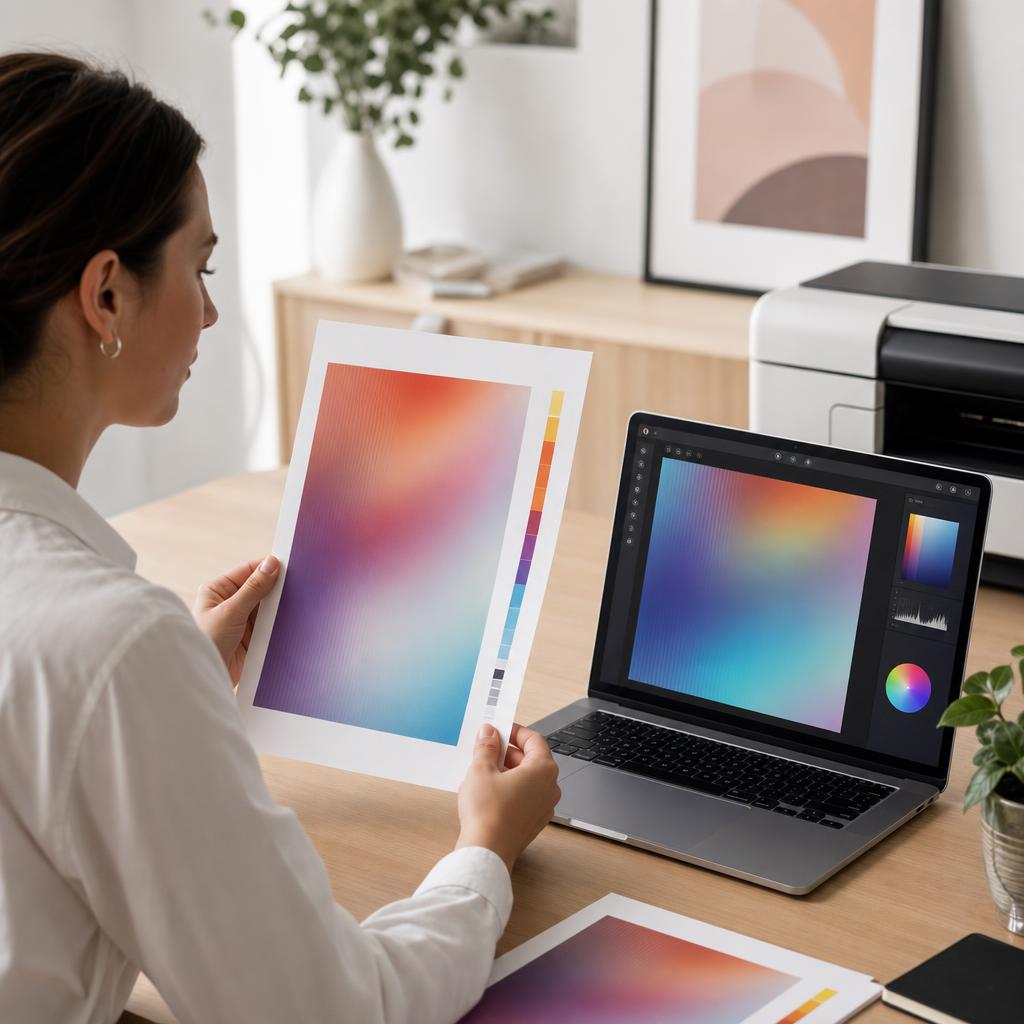
Common Problems
The issues readers run into most with print quality — and where to start.
Featured Guides
Hand-picked walkthroughs covering this category in depth.
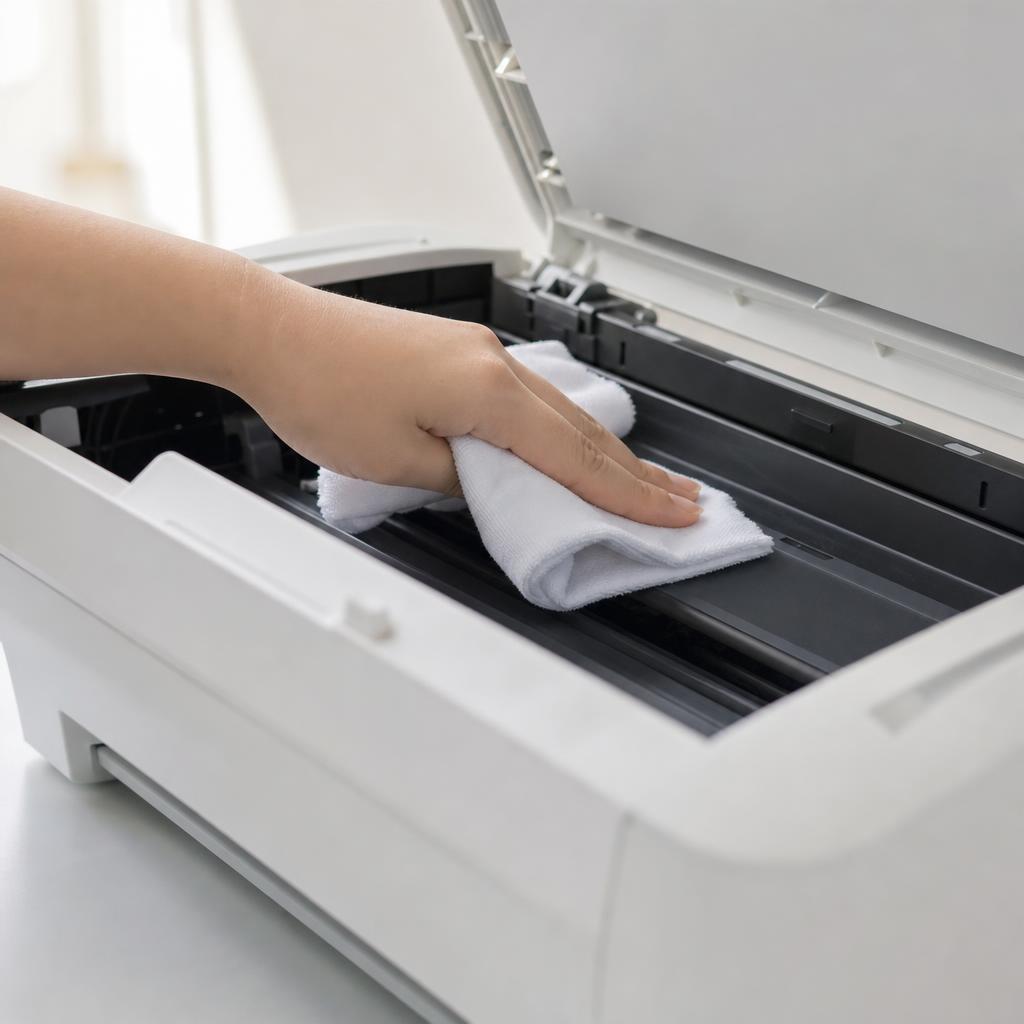
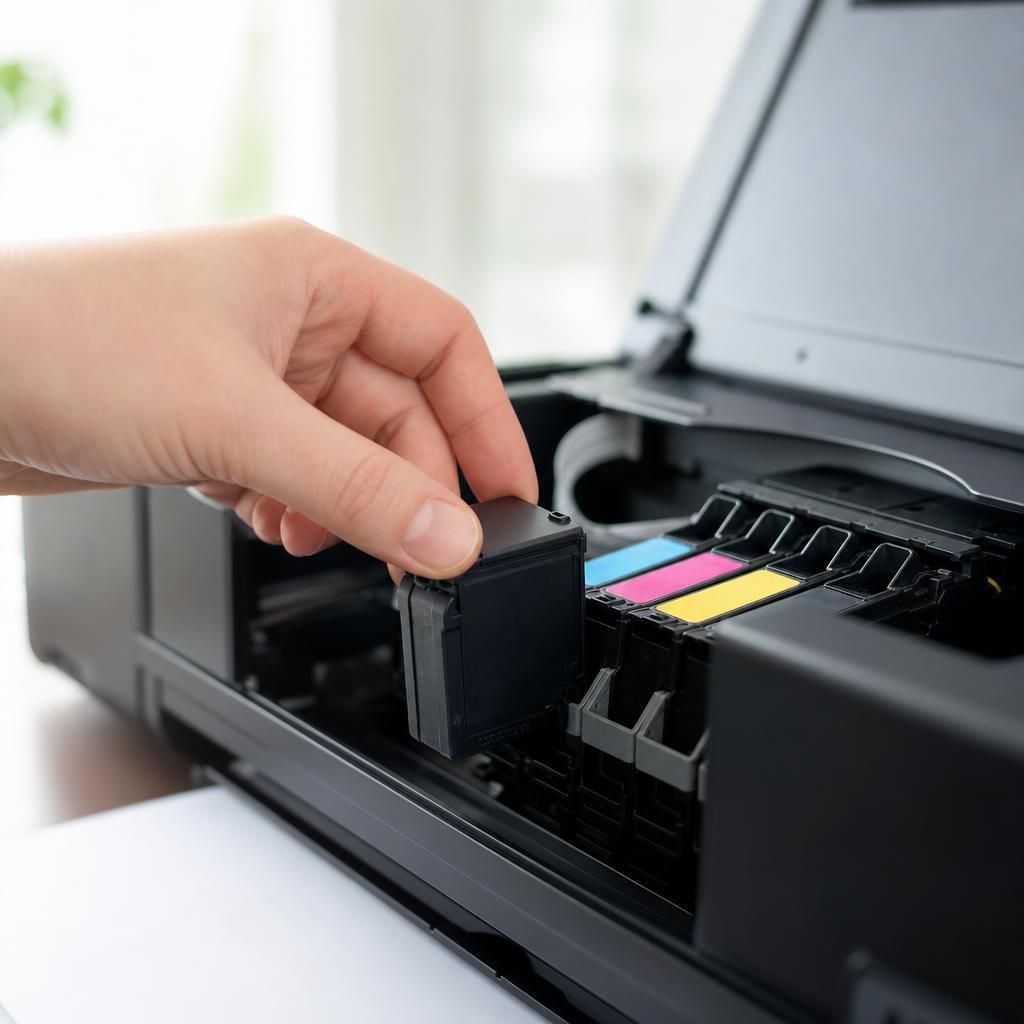
Buying Guides
Plain-English comparisons and pre-purchase checklists — find the right printer before you buy.

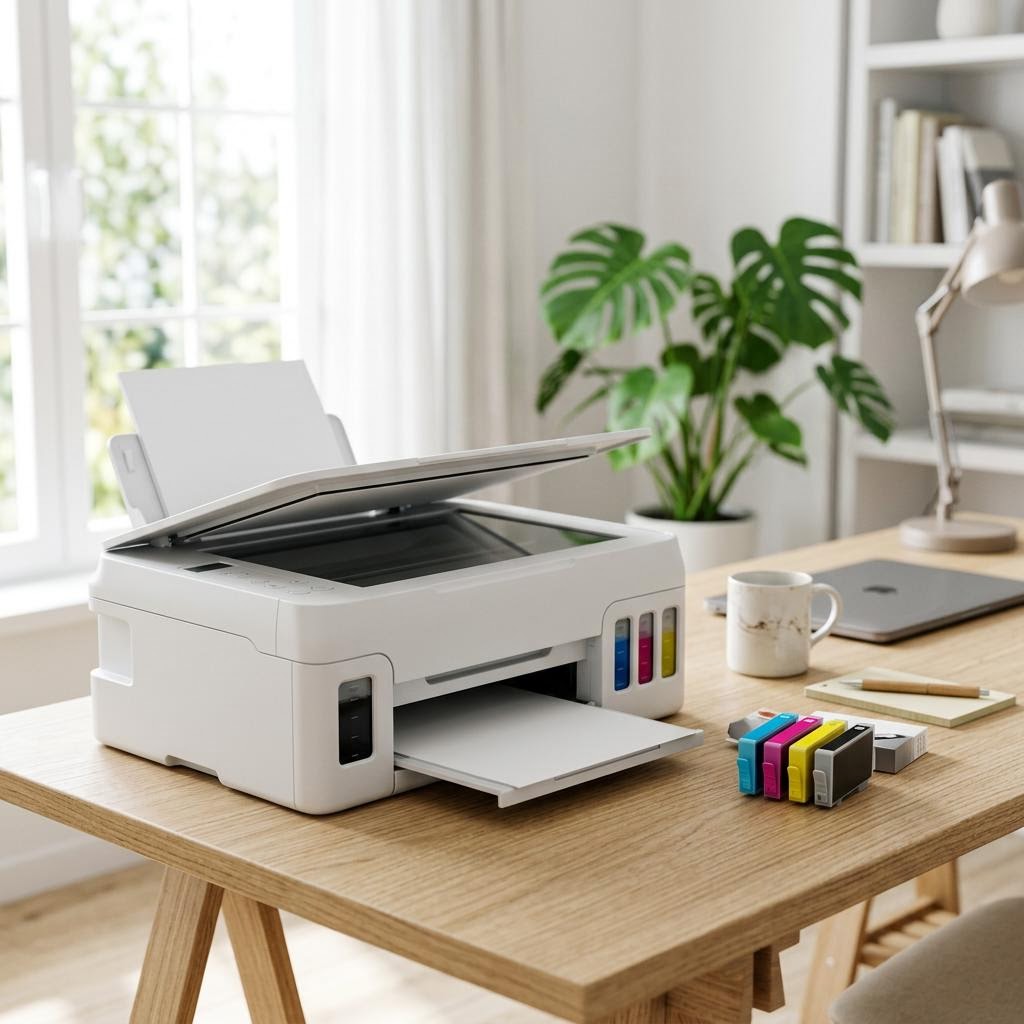
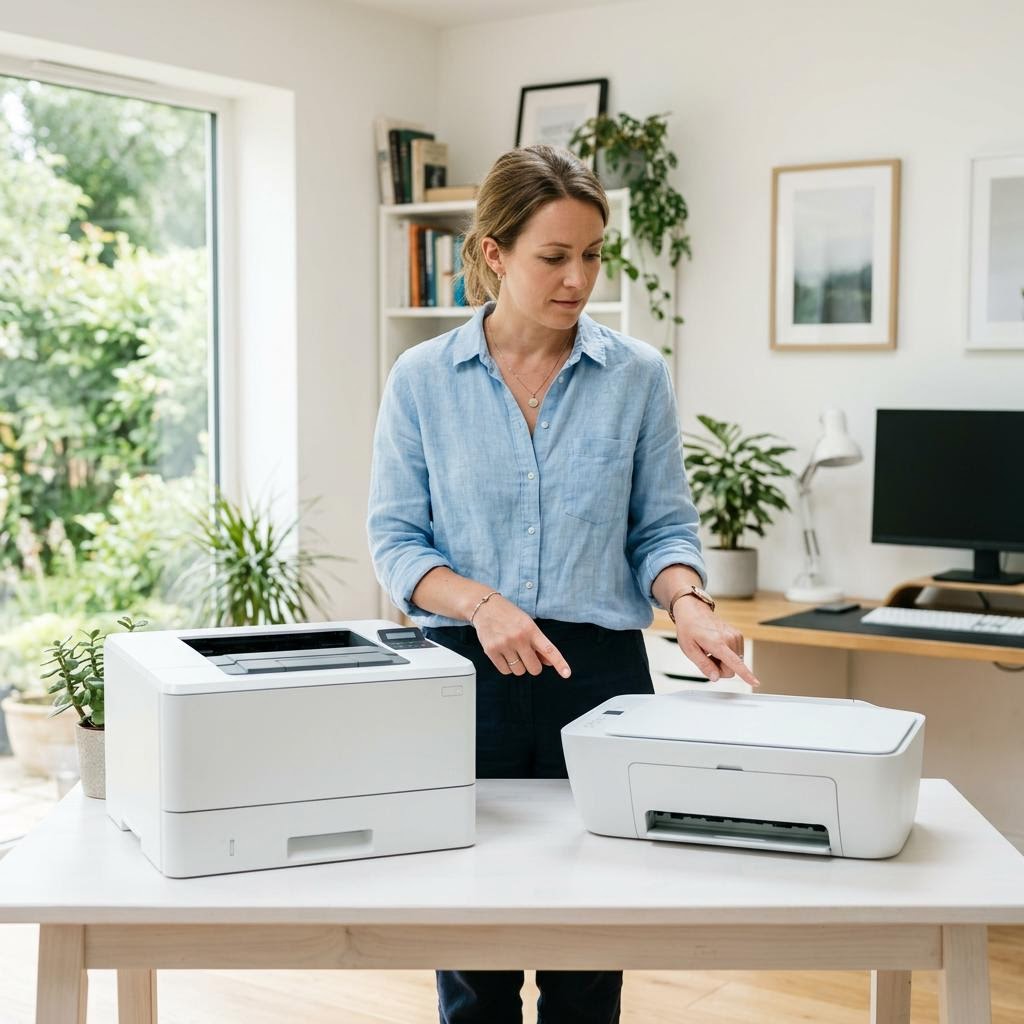
Frequently Asked Questions
Common questions about print quality.
Helpful Resources
General knowledge to help you get the most from your printer.