
Search Results
12 results for "Print Quality"
Guides

How to Fix a Printer Printing Blank Pages
Your printer feeds the paper, hums through the motions, and hands you a completely blank sheet. This guide walks you from the quickest checks — ink levels and protective tape — through nozzle cleaning, driver settings, and laser toner faults, so pages come out with ink on them again.
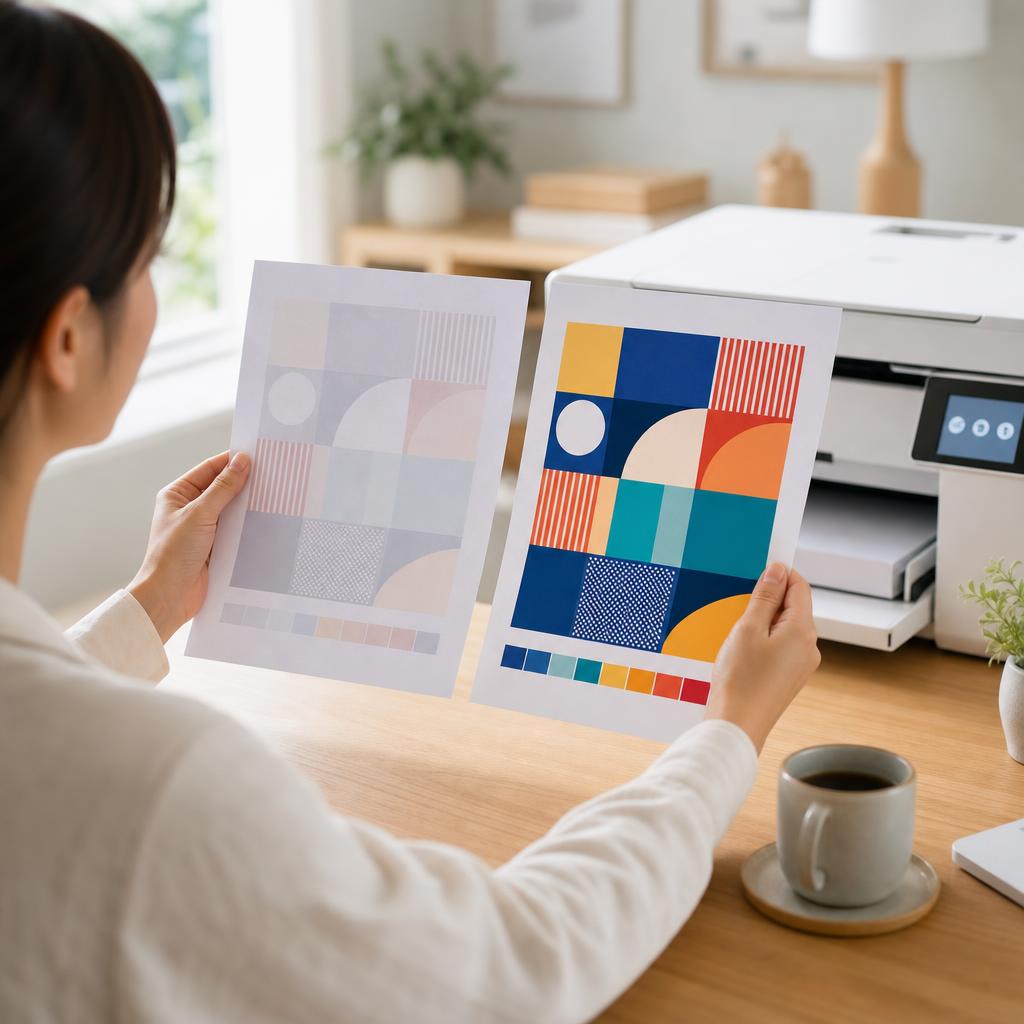
How to Fix a Printer Printing Faded or Light Pages
Pale, washed-out prints usually come down to low ink or toner, an economy print setting, a clogged printhead, or damp paper. This guide walks you through each cause in plain language, from the quickest checks to the deeper fixes, so your pages come out crisp and dark again.
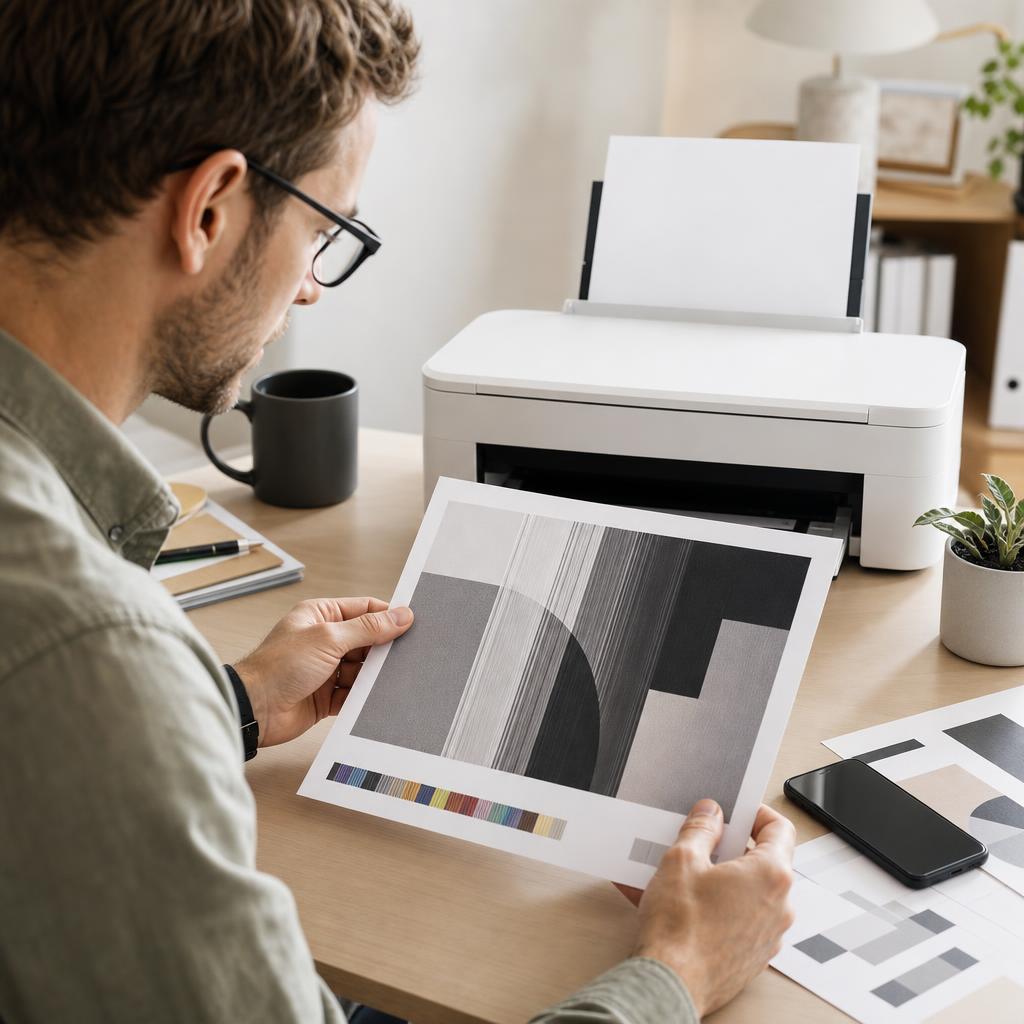
How to Fix Printer Streaks, Lines and Banding
Streaks, lines and banding across your prints almost always point to a clogged nozzle, a dirty paper path, or a worn drum — not a broken printer. This guide helps you read the pattern, clean the right part, and get back to crisp, even pages.
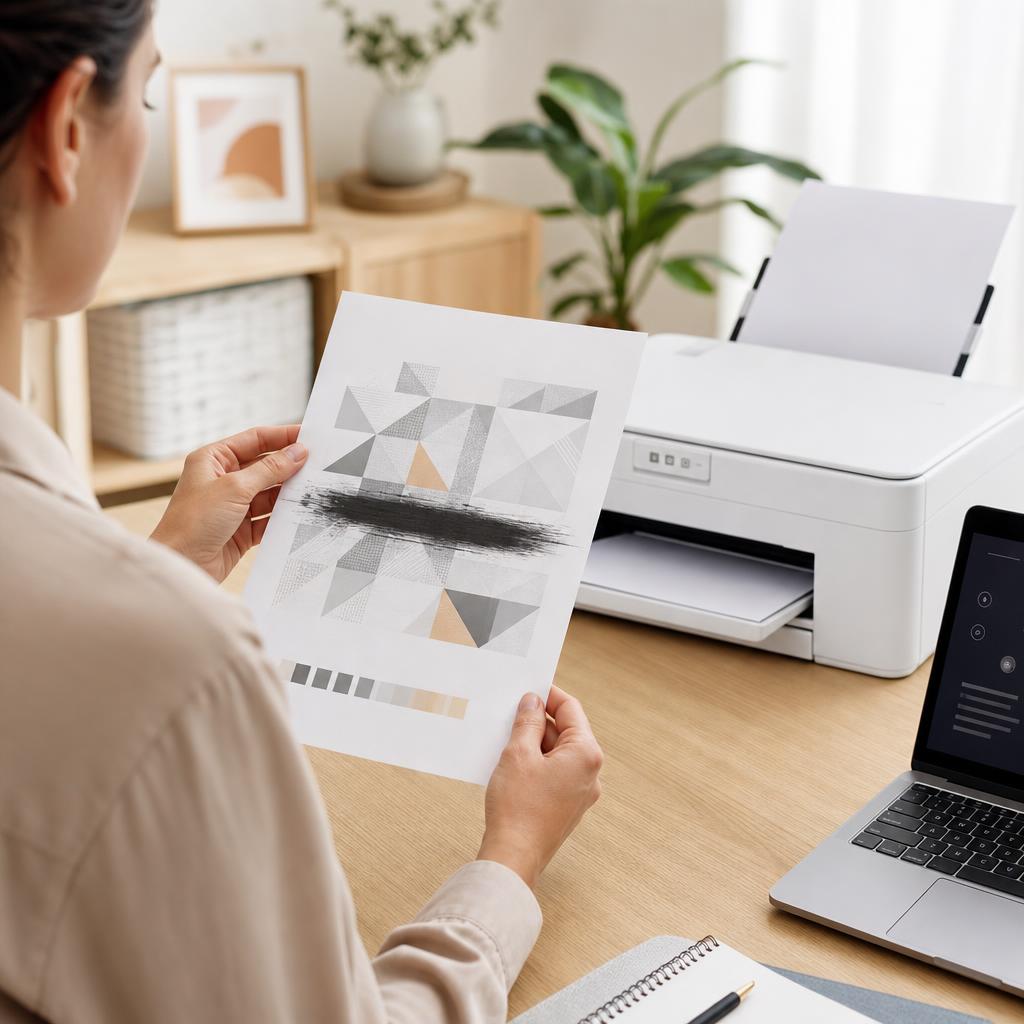
How to Fix Printer Smudges, Toner Marks and Ink Smears
Smudges, toner marks and wet ink smears usually come from ink that hasn’t dried, the wrong paper, or a dirty paper path rather than a broken printer. This guide walks you through drying times, paper choice, and cleaning the rollers, cartridge area and fuser safely so your pages come out crisp and clean.
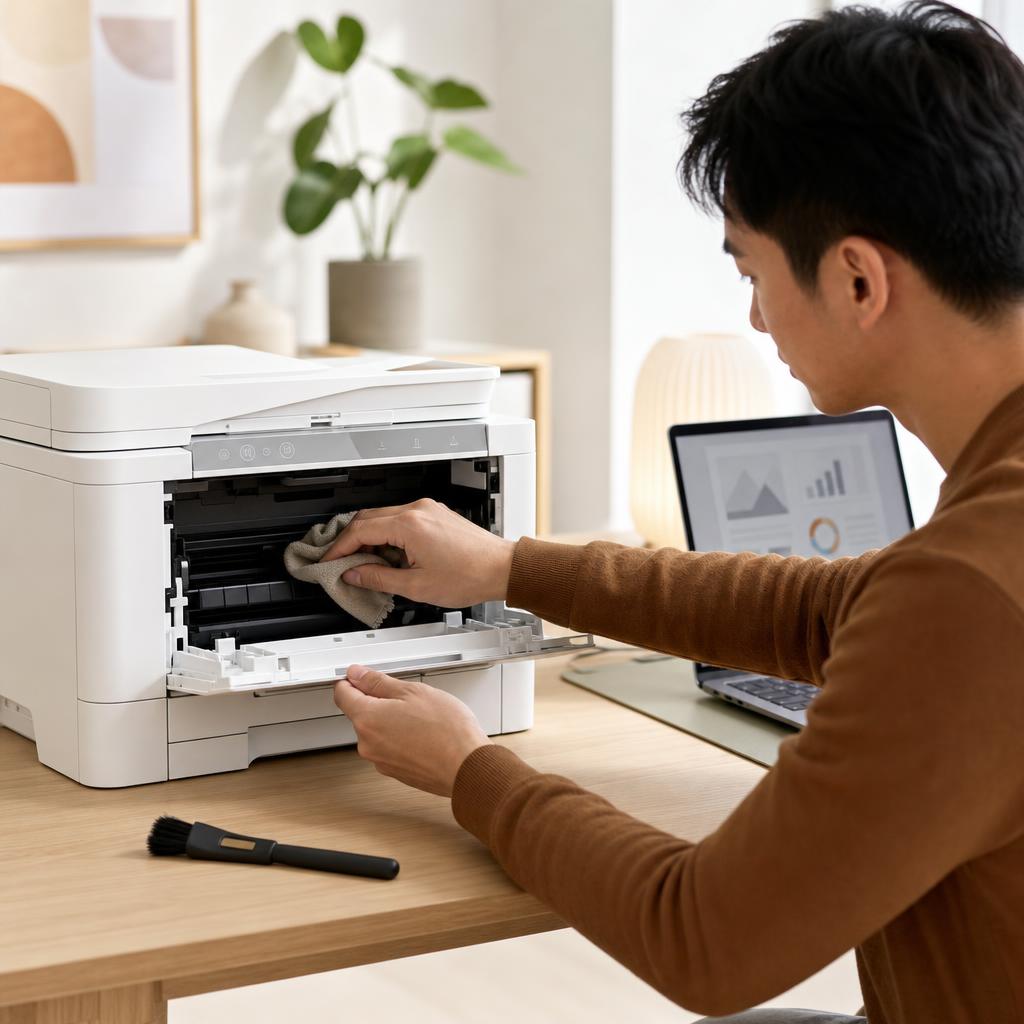
How to Clean and Maintain Your Printer (Complete Printer Maintenance Guide)
A little regular cleaning keeps a printer reliable, prints sharp, and paper feeding smoothly. This beginner-friendly guide walks you through safe, routine maintenance for both inkjet and laser printers — from wiping the outside and cleaning the rollers to printhead cleaning, toner care, and a simple upkeep schedule.

How to Print from Windows (Complete Windows Printing Guide)
Printing from Windows should be as simple as pressing Ctrl+P — and once you know your way around the print dialog, printing preferences, and the print queue, it usually is. This guide walks you through printing from any app on Windows 10 and Windows 11, choosing the right printer and settings, setting a sensible default, and managing jobs when they stack up, so a document goes from screen to paper on the first attempt.
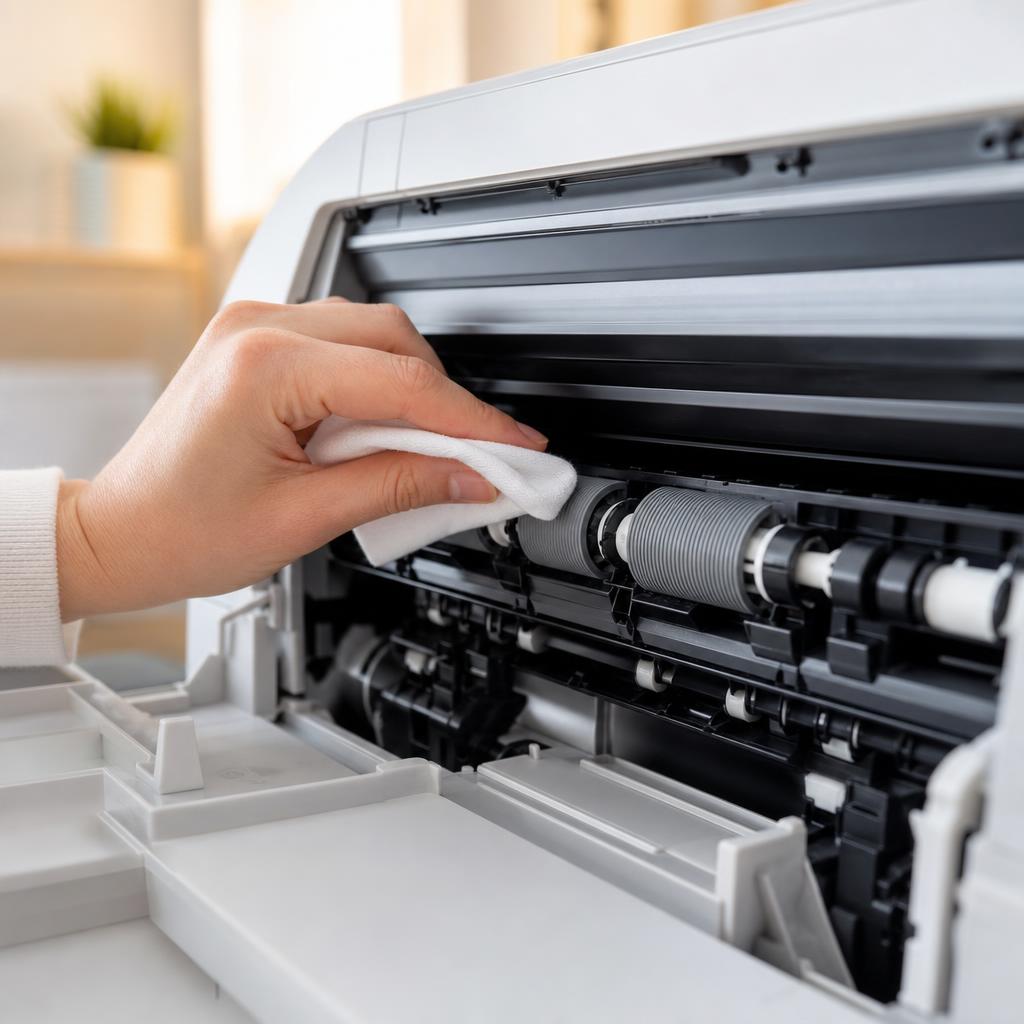
How to Clean Printer Rollers: Fix Paper Jams and Misfeeds
Dirty or glazed paper-feed rollers cause most repeat paper jams and misfeeds. This guide shows you how to locate the feed and pickup rollers on your printer, clean them safely without removing parts, and know when cleaning is no longer enough.
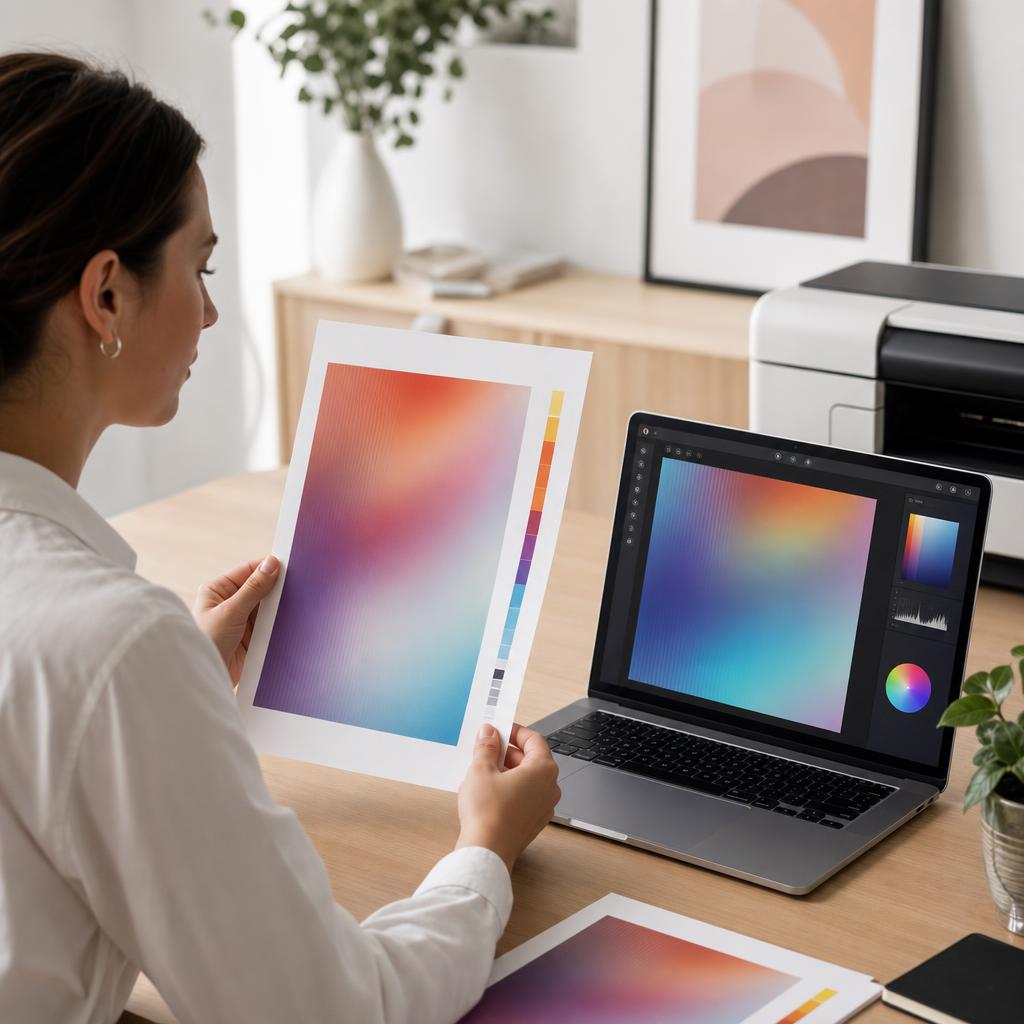
How to Fix Printer Colour Problems
When your prints come out with the wrong colours, a missing colour, or a shade that doesn’t match what’s on screen, the cause is usually simple — a low cartridge, a clogged nozzle, or a driver setting. This guide walks you through every check in plain language, from ink levels to colour calibration and alignment, so your prints look the way you expect.
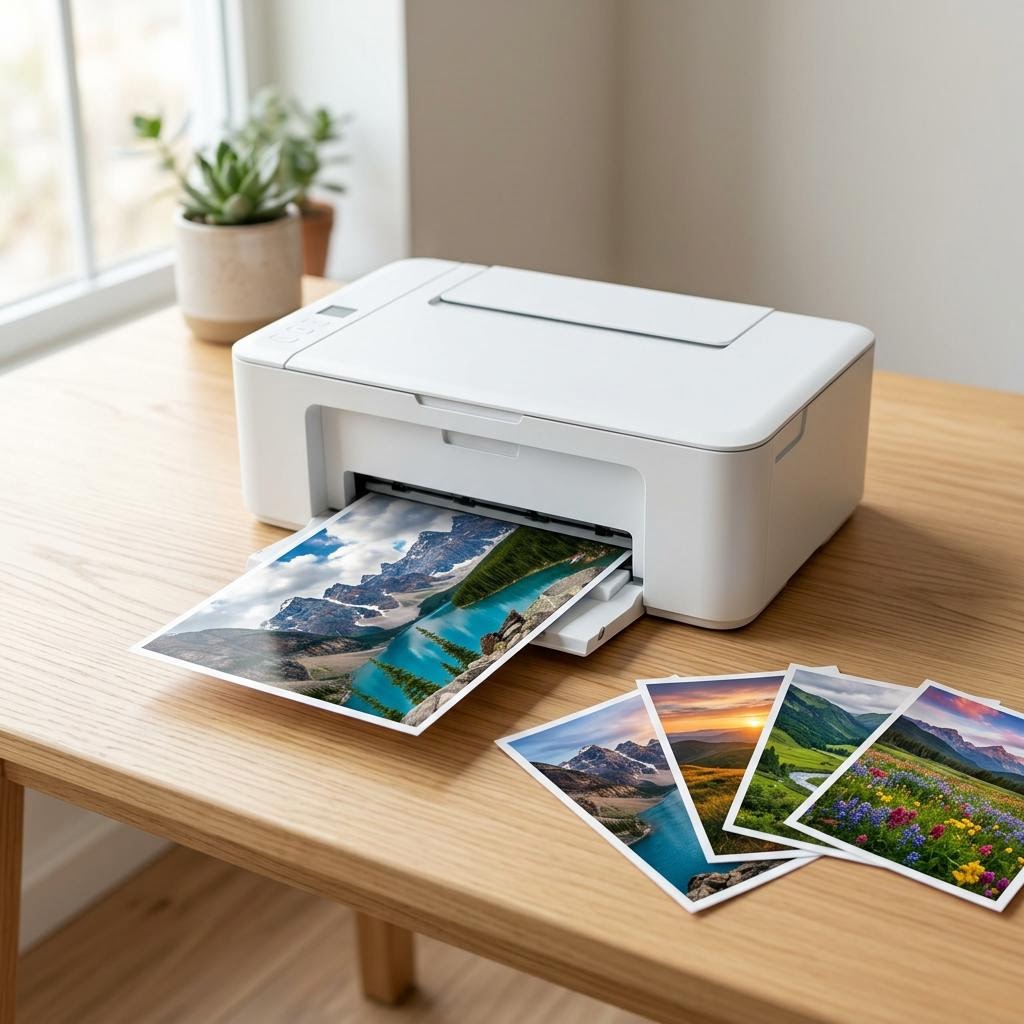
How to Choose a Photo Printer: What Actually Matters for Great Prints
Want prints that do your photos justice without overpaying? This beginner-friendly guide explains what really matters when choosing a photo printer — dye versus pigment ink in plain English, how many ink colours help, borderless printing, paper sizes and types, why more dpi stops mattering past a point, speed versus quality, dedicated photo printers versus photo-capable all-in-ones, the true cost per photo, colour accuracy basics, and when a print shop is simply cheaper.
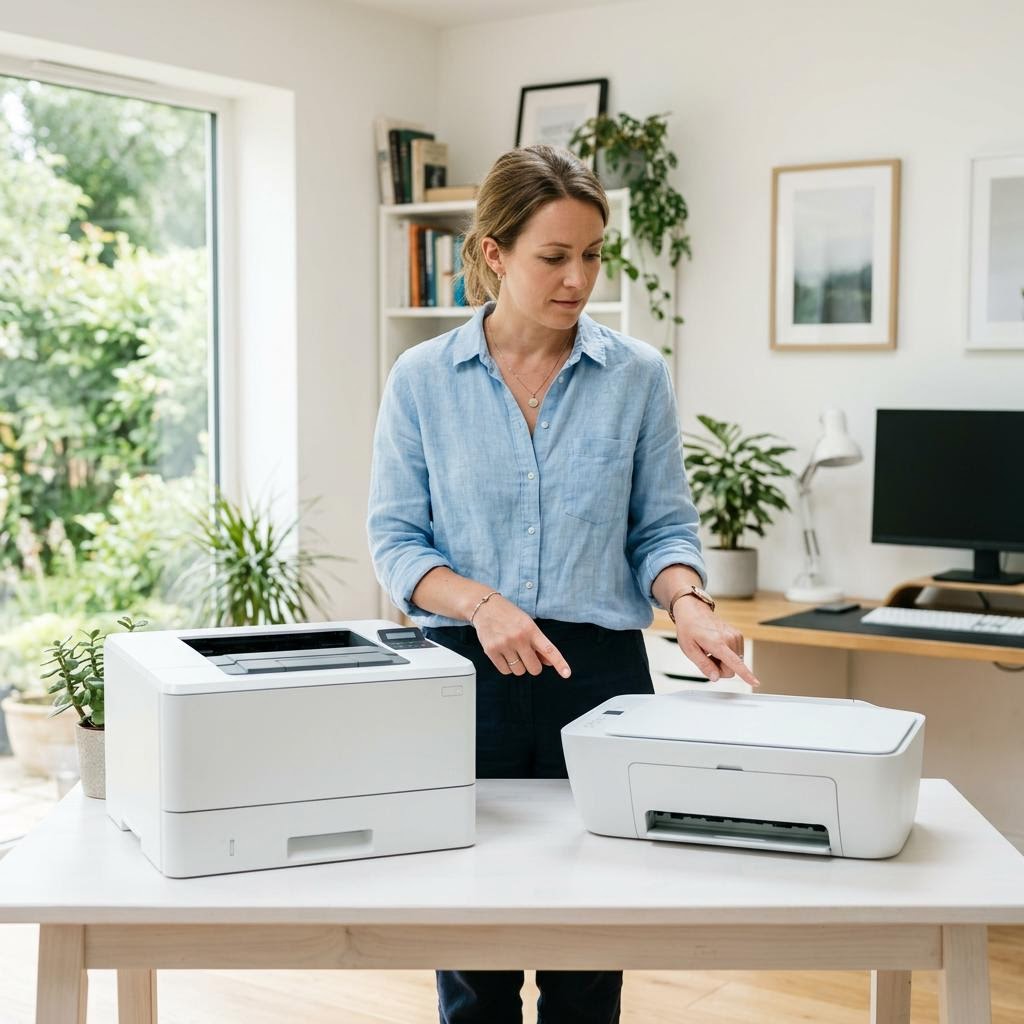
Inkjet vs Laser Printers: Which Should You Buy?
Torn between an inkjet and a laser printer? This beginner-friendly buying guide compares the two head to head — print volume, cost per page, photo versus text quality, speed, size, and the maintenance quirks of each — so you can match the right technology to how you actually print.
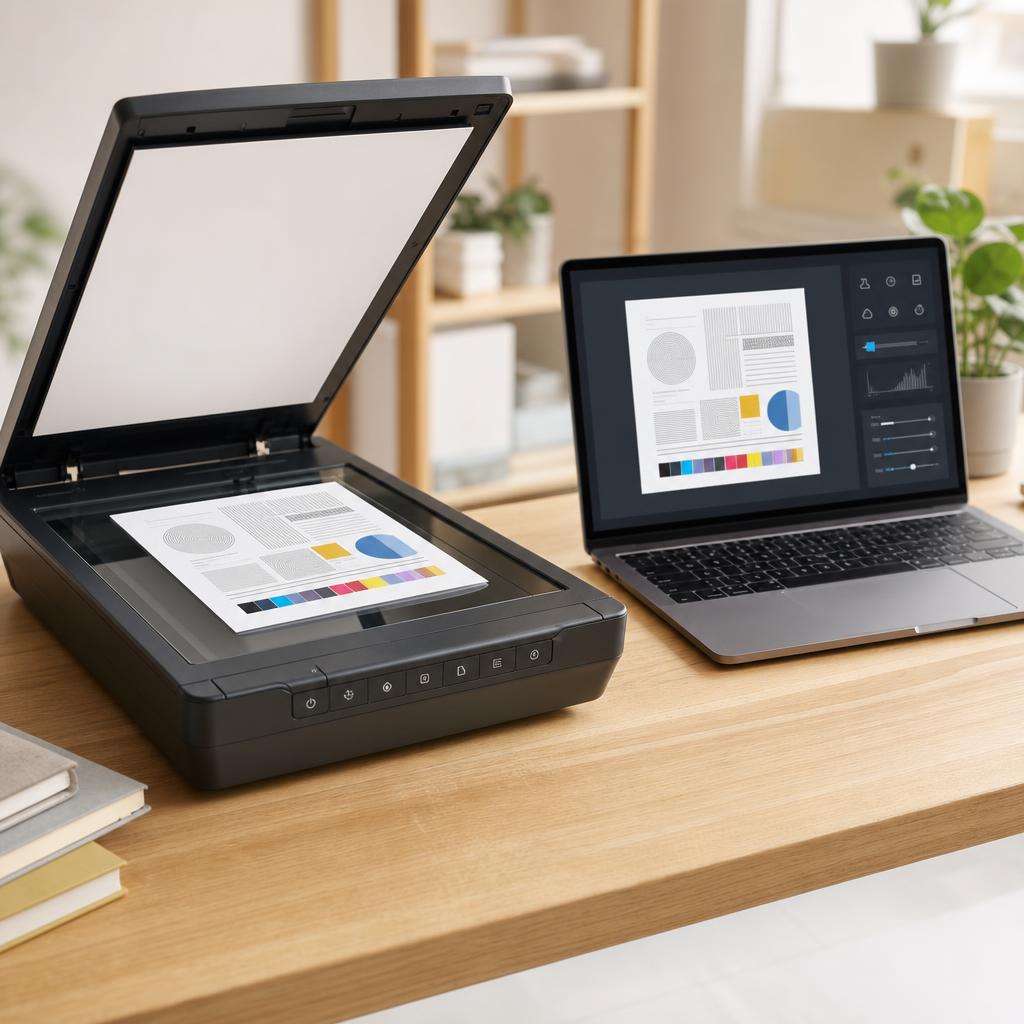
How to Scan Documents to PDF
Turning a paper document into a clean, shareable PDF is one of the most useful things an all-in-one printer can do — yet the results range from a crisp, readable file to a blurry, bloated one depending on a handful of settings most people never touch. This guide walks you through scanning to PDF on both Windows and macOS, choosing resolution and colour honestly, keeping file size sensible, and naming and filing your scans so you can actually find them again.
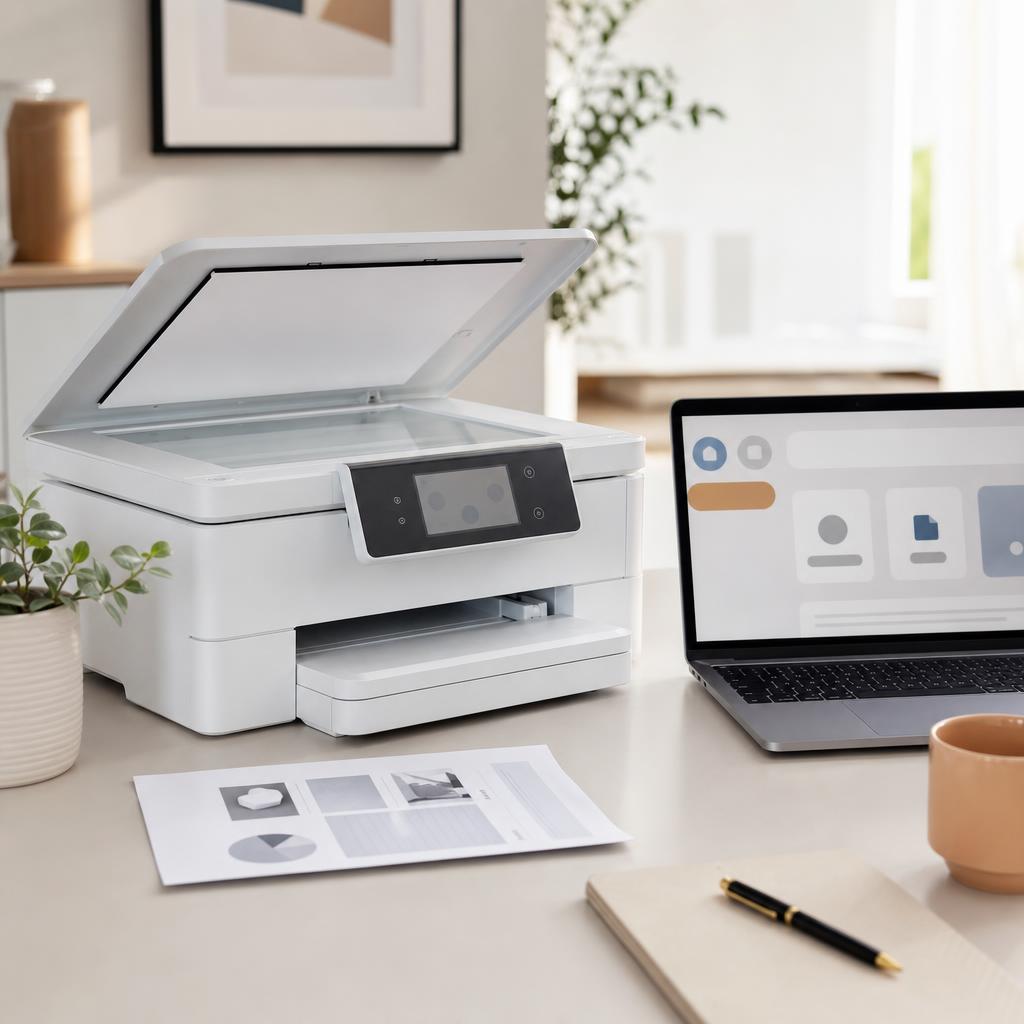
How to Fix a Scanner That Is Not Working (Complete Scanner Troubleshooting & Setup Guide)
When your scanner won’t scan or your computer can’t find it, the cause is almost always the connection, the driver, or the scanning software. This beginner-friendly guide explains how printer scanners work and walks you through fixing a scanner that isn’t detected, won’t scan, or produces poor-quality images on Windows and macOS.