
Search Results
8 results for "Paper Feed"
Guides
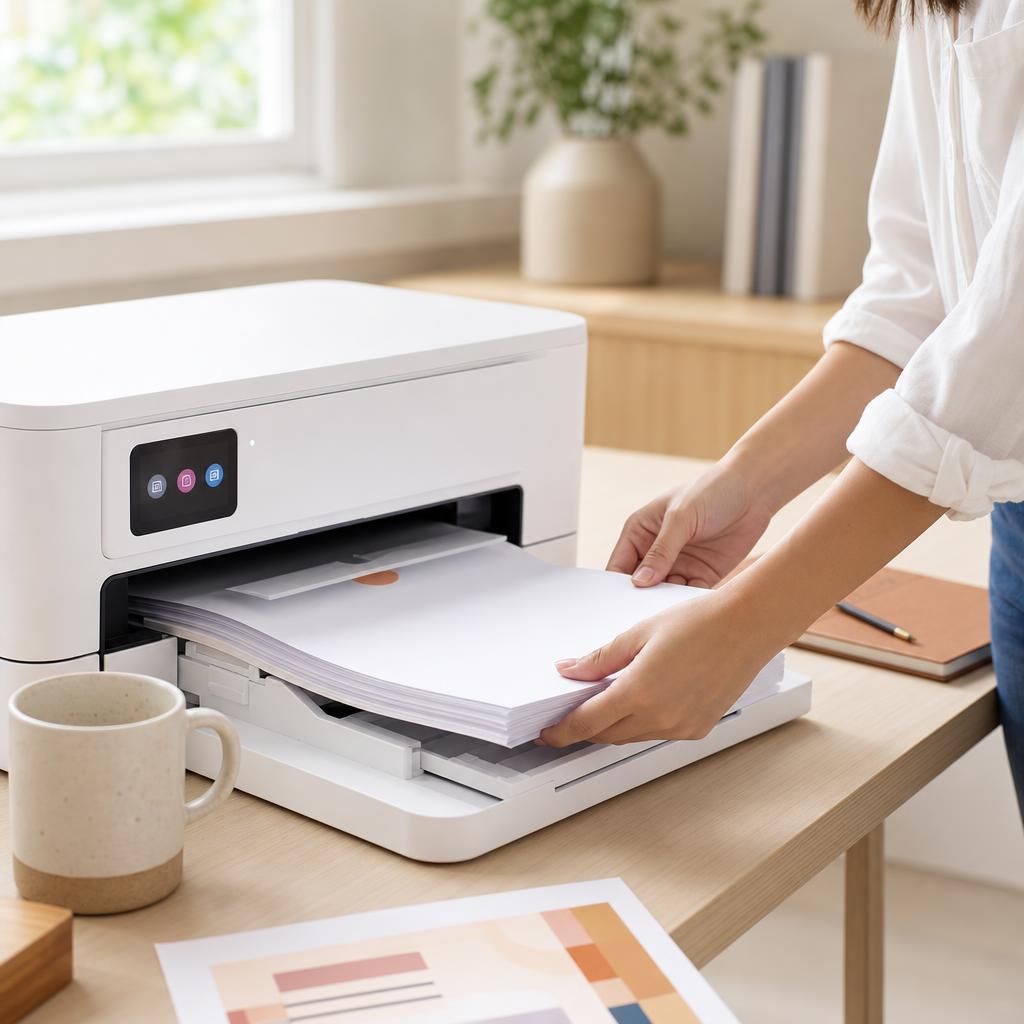
How to Fix Paper Feed Problems
When your printer won’t grab paper, pulls several sheets at once, or feeds pages crooked, the cause is nearly always the paper, the guides, or the pickup rollers. This guide walks you through fanning and squaring the stack, setting the guides, cleaning the rollers, and loading paper correctly so pages feed one at a time, straight and reliably.
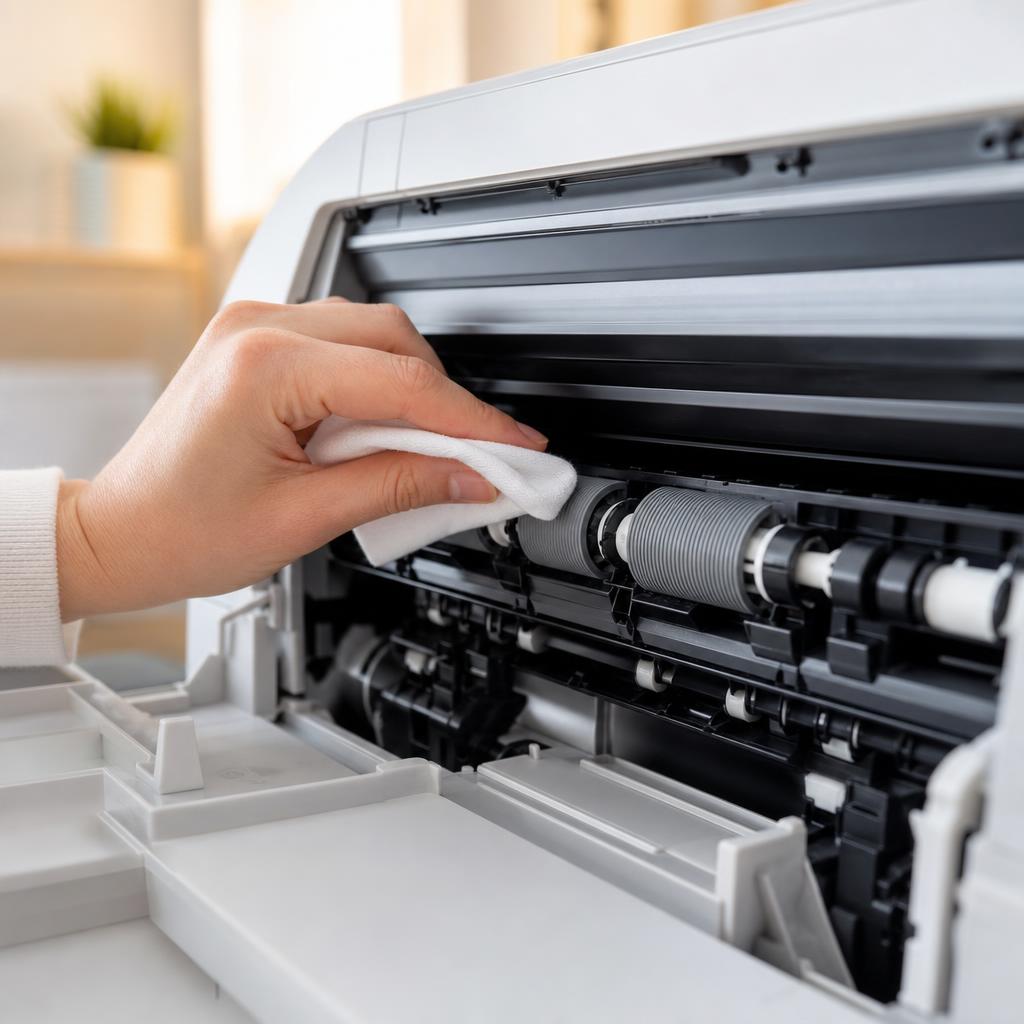
How to Clean Printer Rollers: Fix Paper Jams and Misfeeds
Dirty or glazed paper-feed rollers cause most repeat paper jams and misfeeds. This guide shows you how to locate the feed and pickup rollers on your printer, clean them safely without removing parts, and know when cleaning is no longer enough.
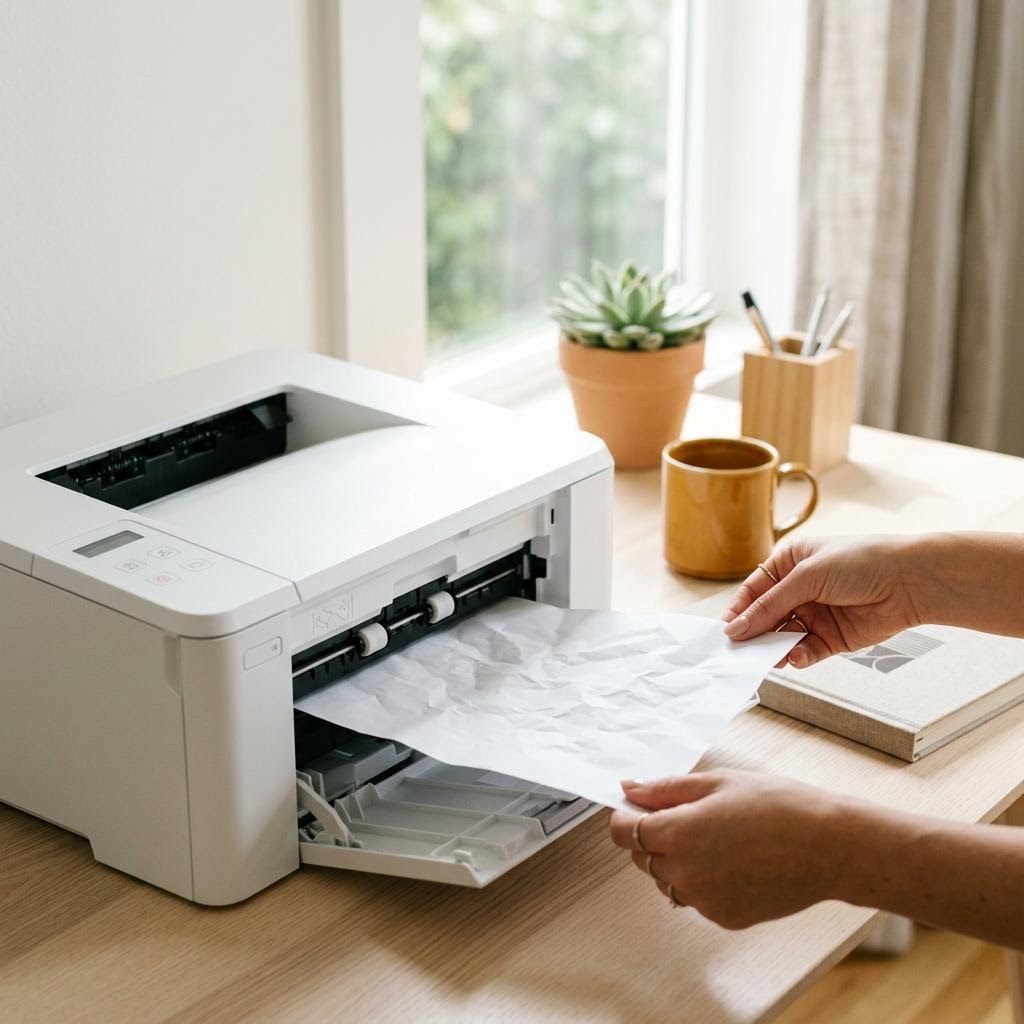
What Causes Paper Jams? The Science Behind the Crunch
A paper jam is not bad luck — it is physics. This explainer walks the paper path from tray to output, shows exactly where and why sheets snag, and separates the causes you control (paper, loading, humidity) from the ones that need maintenance (worn rollers, tired separation pads, sensor faults). Read this to understand why your printer jams, so the fixes in our step-by-step guides actually stick instead of the jam coming straight back.
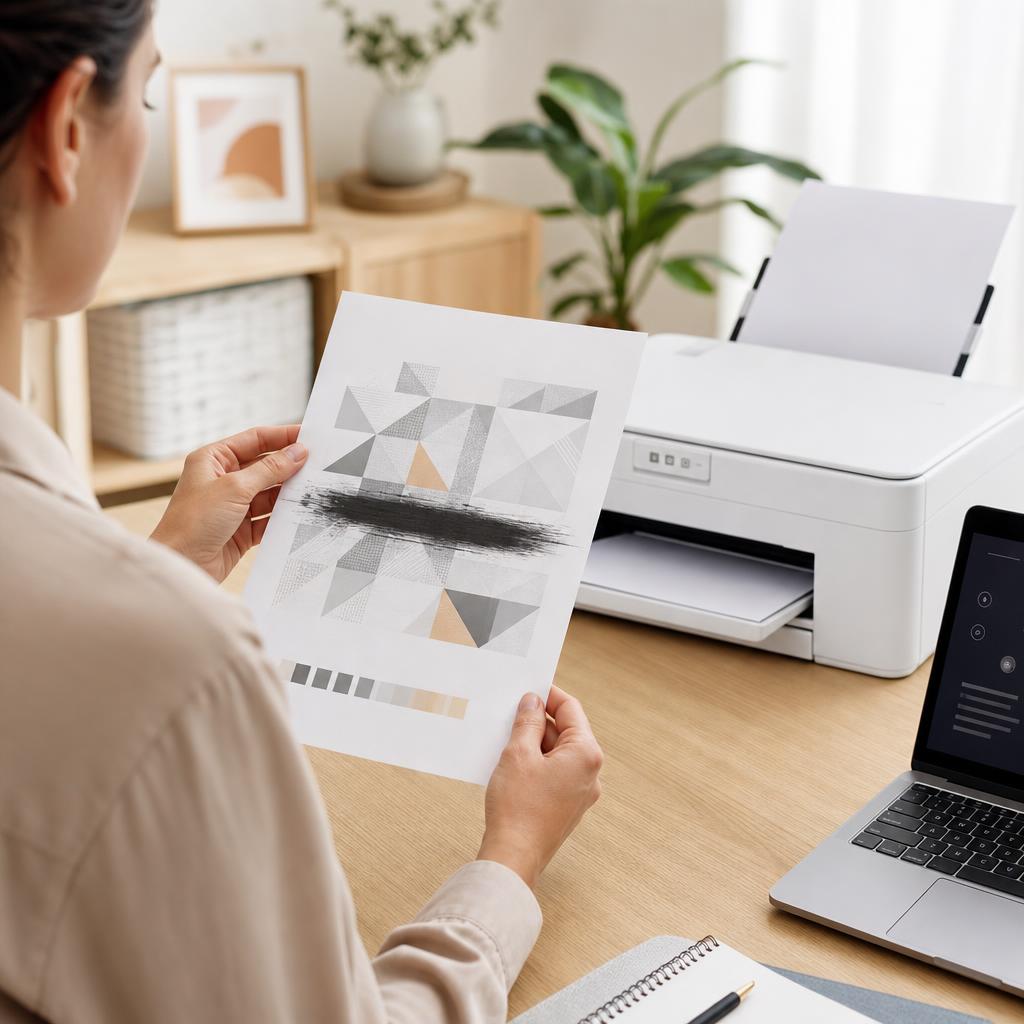
How to Fix Printer Smudges, Toner Marks and Ink Smears
Smudges, toner marks and wet ink smears usually come from ink that hasn’t dried, the wrong paper, or a dirty paper path rather than a broken printer. This guide walks you through drying times, paper choice, and cleaning the rollers, cartridge area and fuser safely so your pages come out crisp and clean.
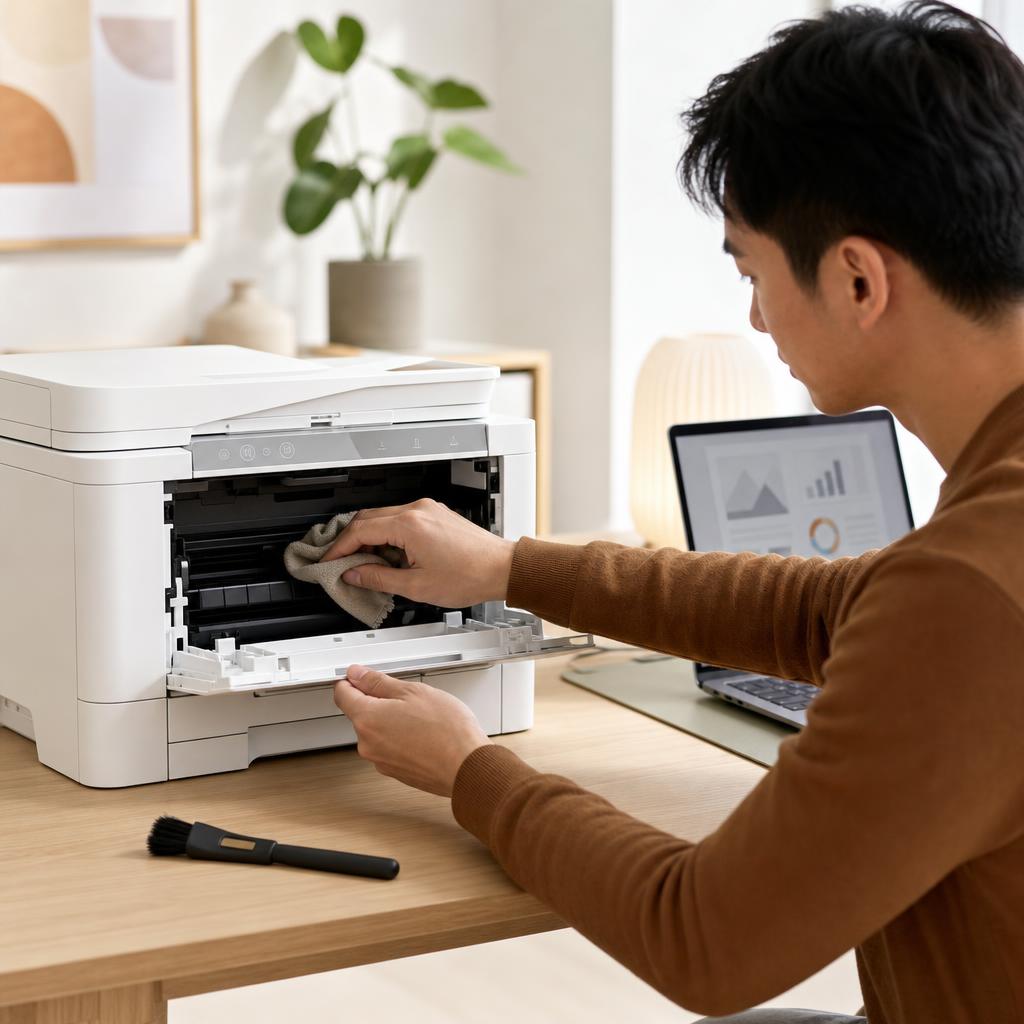
How to Clean and Maintain Your Printer (Complete Printer Maintenance Guide)
A little regular cleaning keeps a printer reliable, prints sharp, and paper feeding smoothly. This beginner-friendly guide walks you through safe, routine maintenance for both inkjet and laser printers — from wiping the outside and cleaning the rollers to printhead cleaning, toner care, and a simple upkeep schedule.
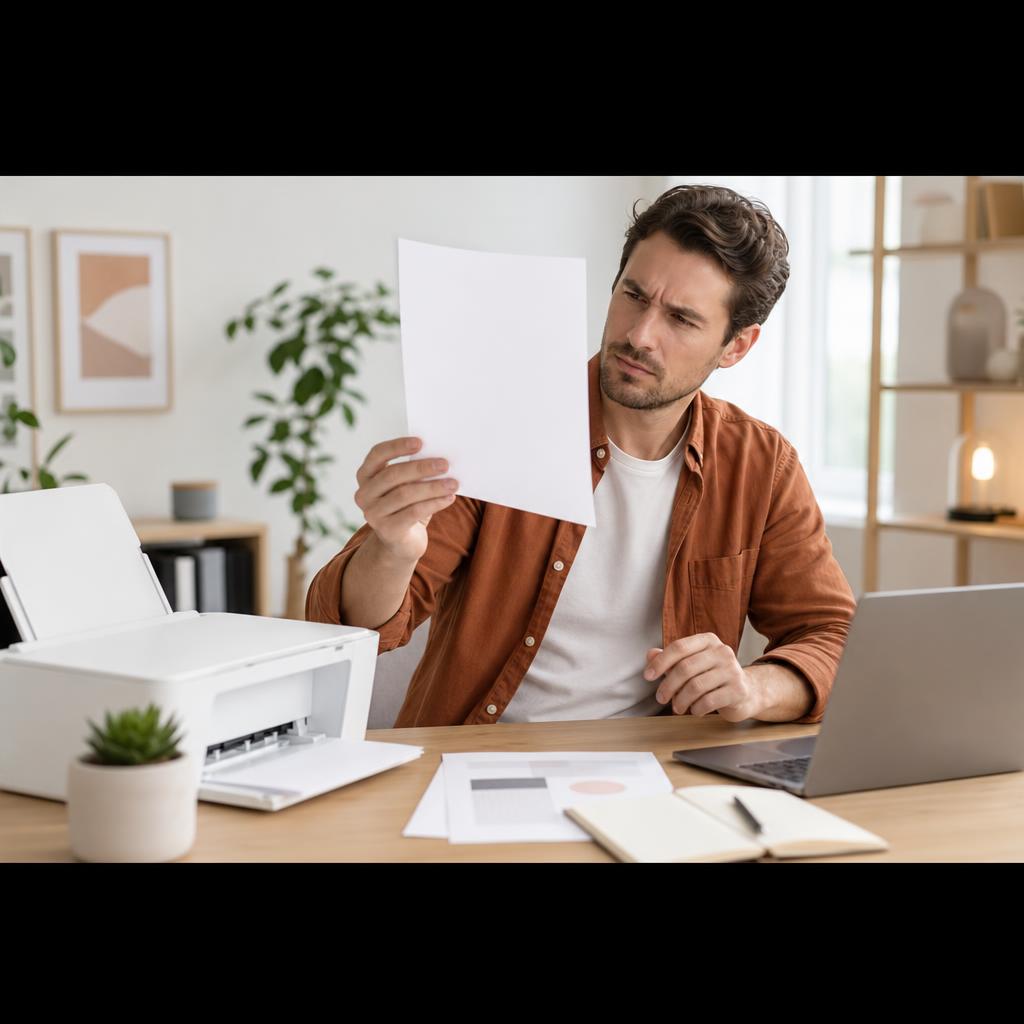
How to Fix a Printer Printing Blank Pages
Your printer feeds the paper, hums through the motions, and hands you a completely blank sheet. This guide walks you from the quickest checks — ink levels and protective tape — through nozzle cleaning, driver settings, and laser toner faults, so pages come out with ink on them again.
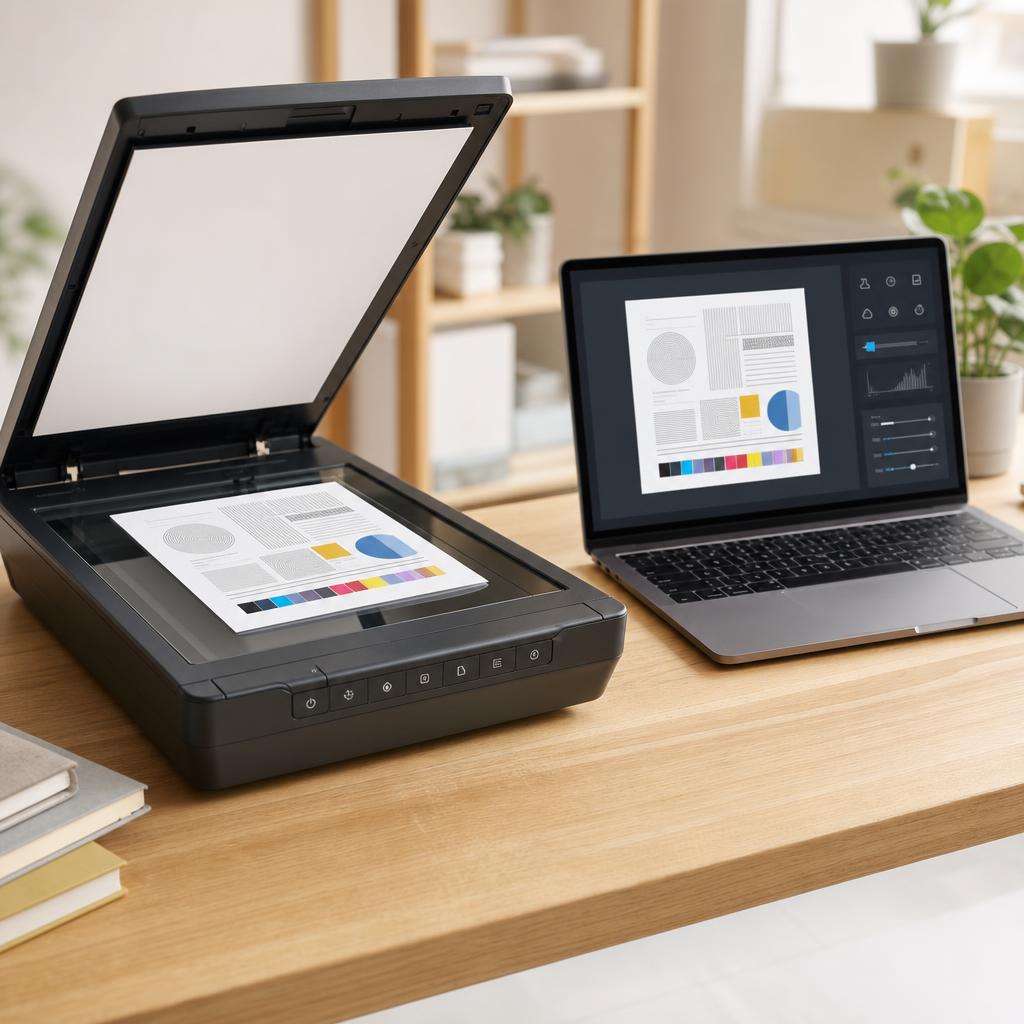
How to Scan Documents to PDF
Turning a paper document into a clean, shareable PDF is one of the most useful things an all-in-one printer can do — yet the results range from a crisp, readable file to a blurry, bloated one depending on a handful of settings most people never touch. This guide walks you through scanning to PDF on both Windows and macOS, choosing resolution and colour honestly, keeping file size sensible, and naming and filing your scans so you can actually find them again.
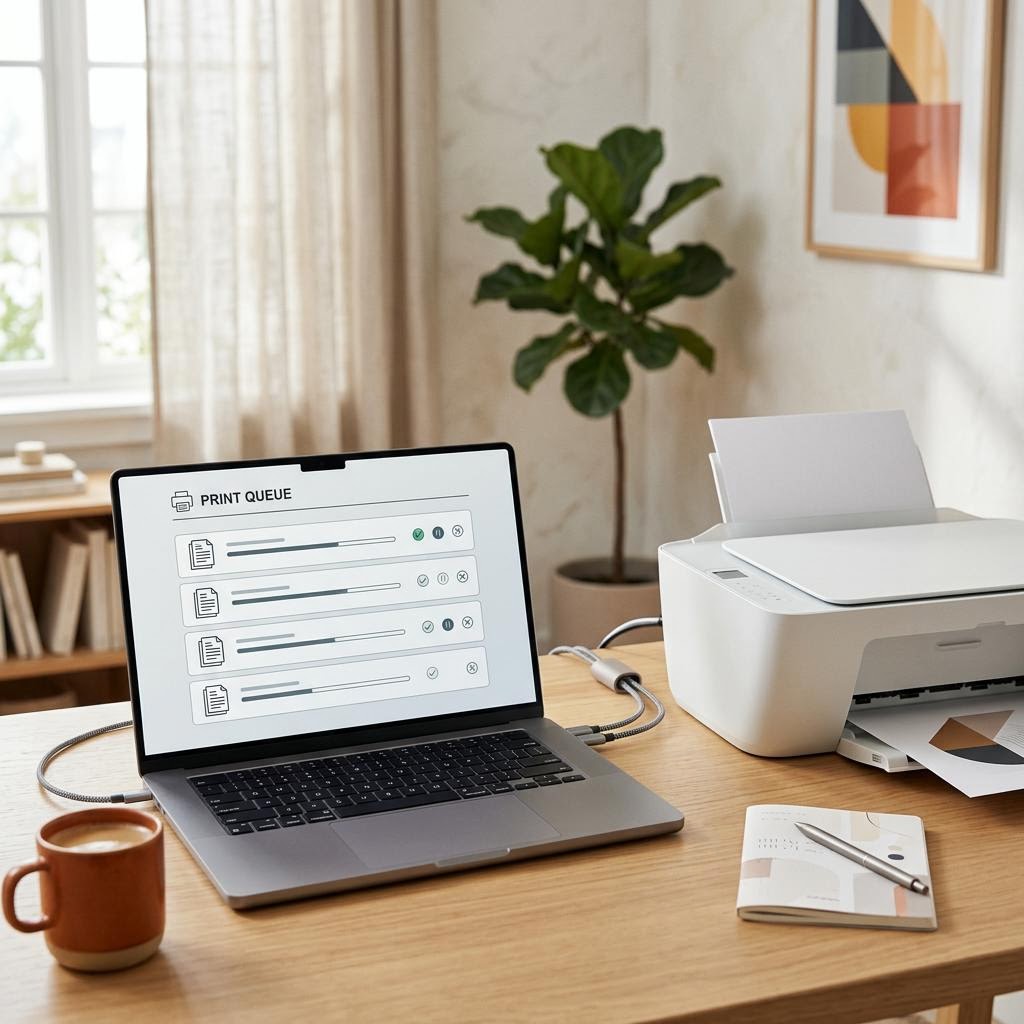
What Is a Print Spooler? The Queue Behind Every Print Job
A print spooler is the software middleman that catches your print jobs, lines them up in a queue and feeds them to the printer one at a time so your apps do not have to wait. This plain-English guide explains what the spooler does, why it exists, the stages a job passes through from click to paper, and how the queue behaves when jobs get stuck, pause or pile up. It is an educational explainer, not a specific fix — but understanding the spooler is the single best way to make sense of stuck jobs, offline printers and the classic "clear the queue and restart" advice you see everywhere.