
Search Results
9 results for "Connect Printer Wi-Fi"
Guides
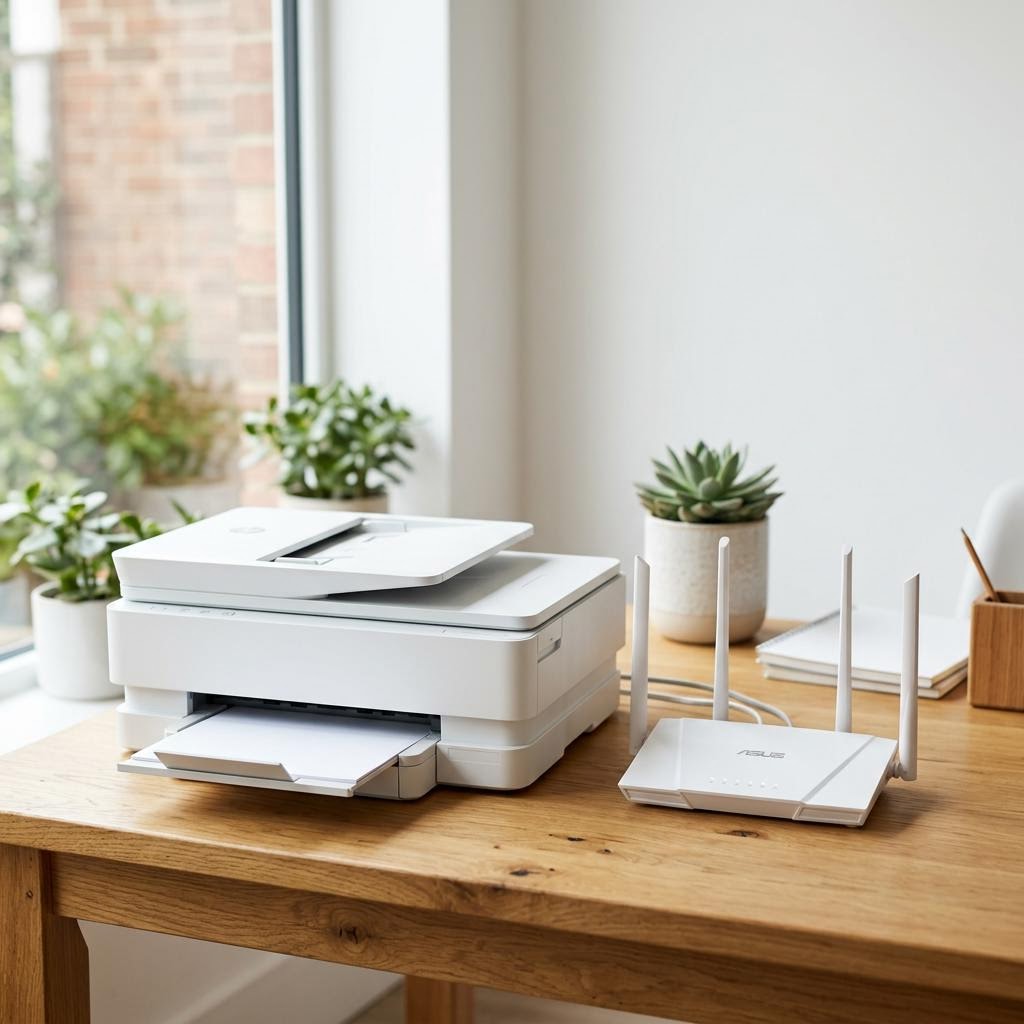
How to Connect Any Printer to Wi-Fi
A universal guide to connecting any wireless printer to a Wi-Fi network — using the printer's touchscreen menu, WPS button, manufacturer app, or a USB setup assistant — with troubleshooting for the most common connection failures.
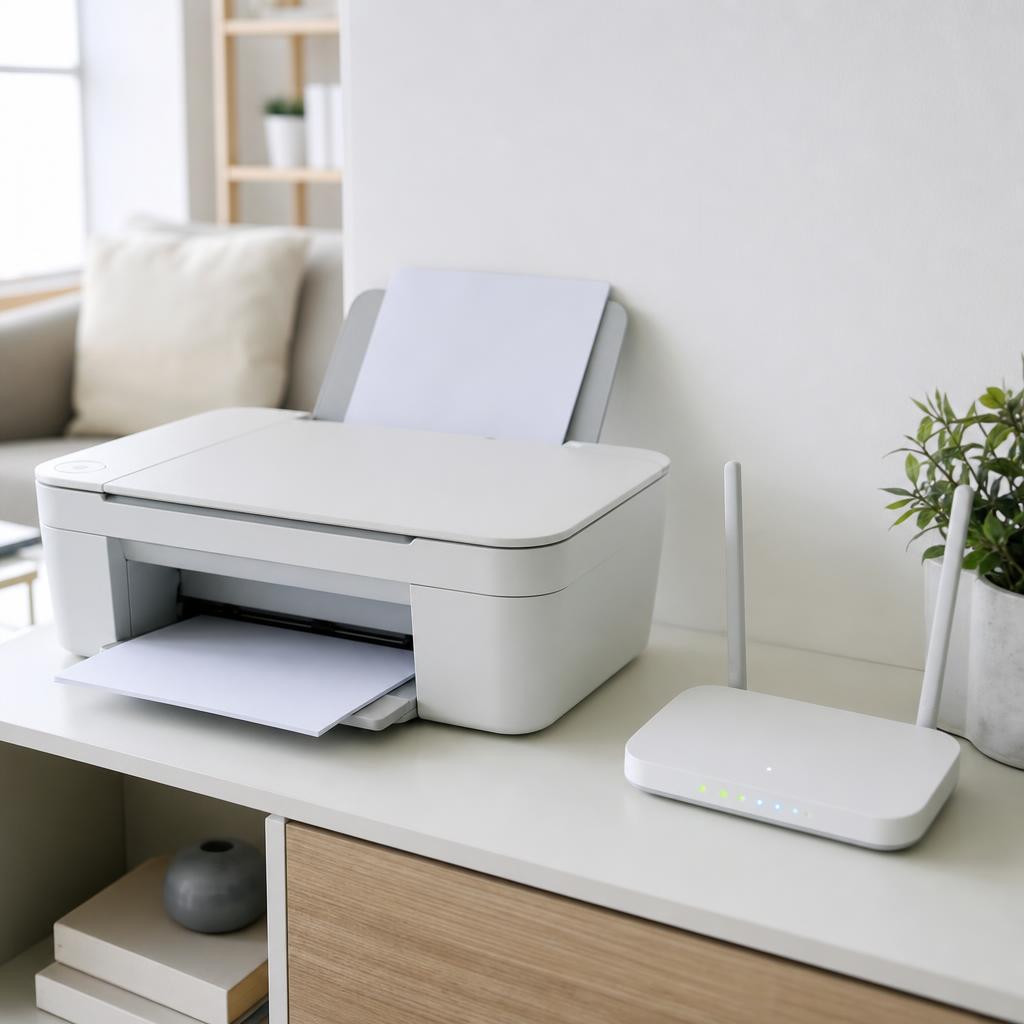
Reconnecting a Printer That Shows Offline: Wi-Fi, USB & Spooler Fixes
A structured reconnection checklist for printers that show Offline — covering wireless dropouts, USB breaks, spooler stalls, IP address mismatches, and macOS printing system resets.
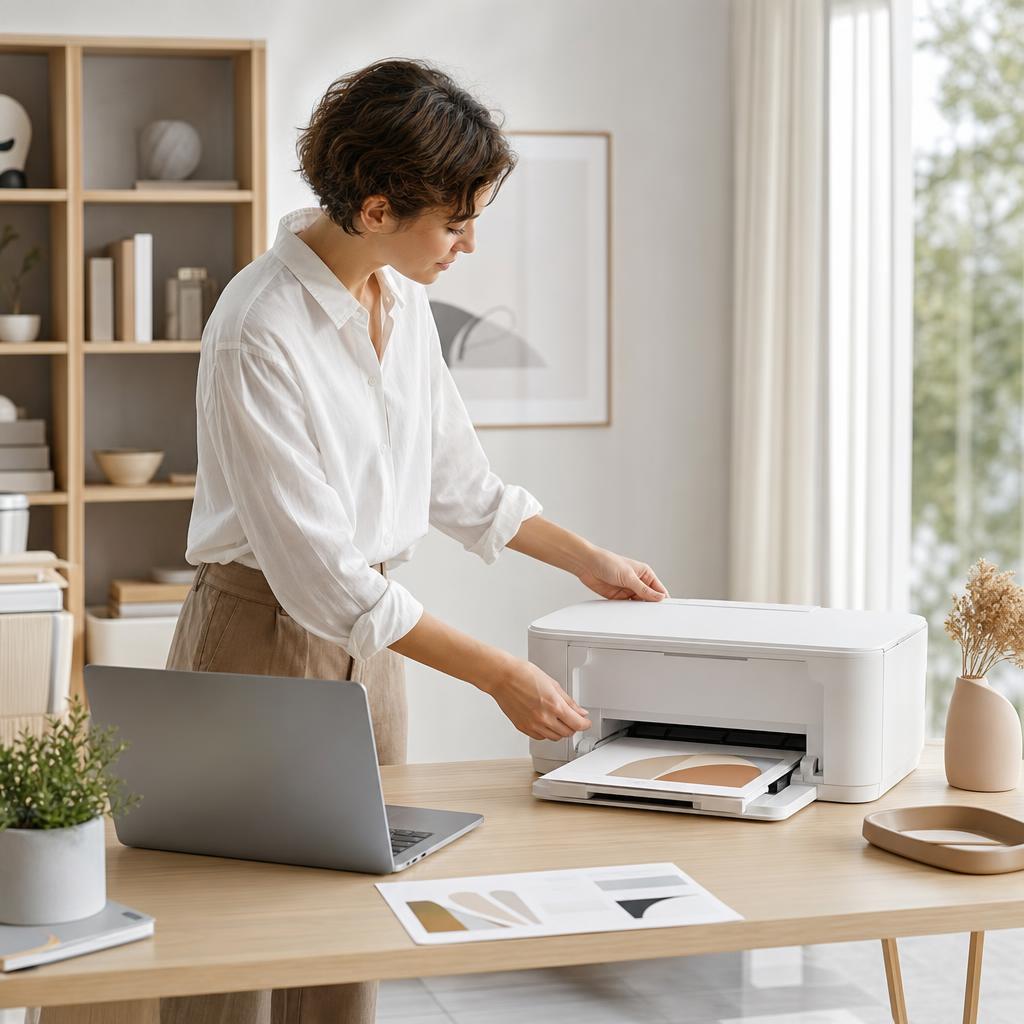
How to Connect a Printer to macOS (Mac Setup Guide)
Adding a printer to a Mac is usually far simpler than people expect — modern printers speak AirPrint, so your Mac often finds and sets them up in seconds with no driver to download. This guide walks you through every route (AirPrint, USB, and network printers by IP), shows you exactly where the settings live on both new and older macOS versions, and fixes the classic Mac printing snags like a paused queue or an “unable to communicate” message.
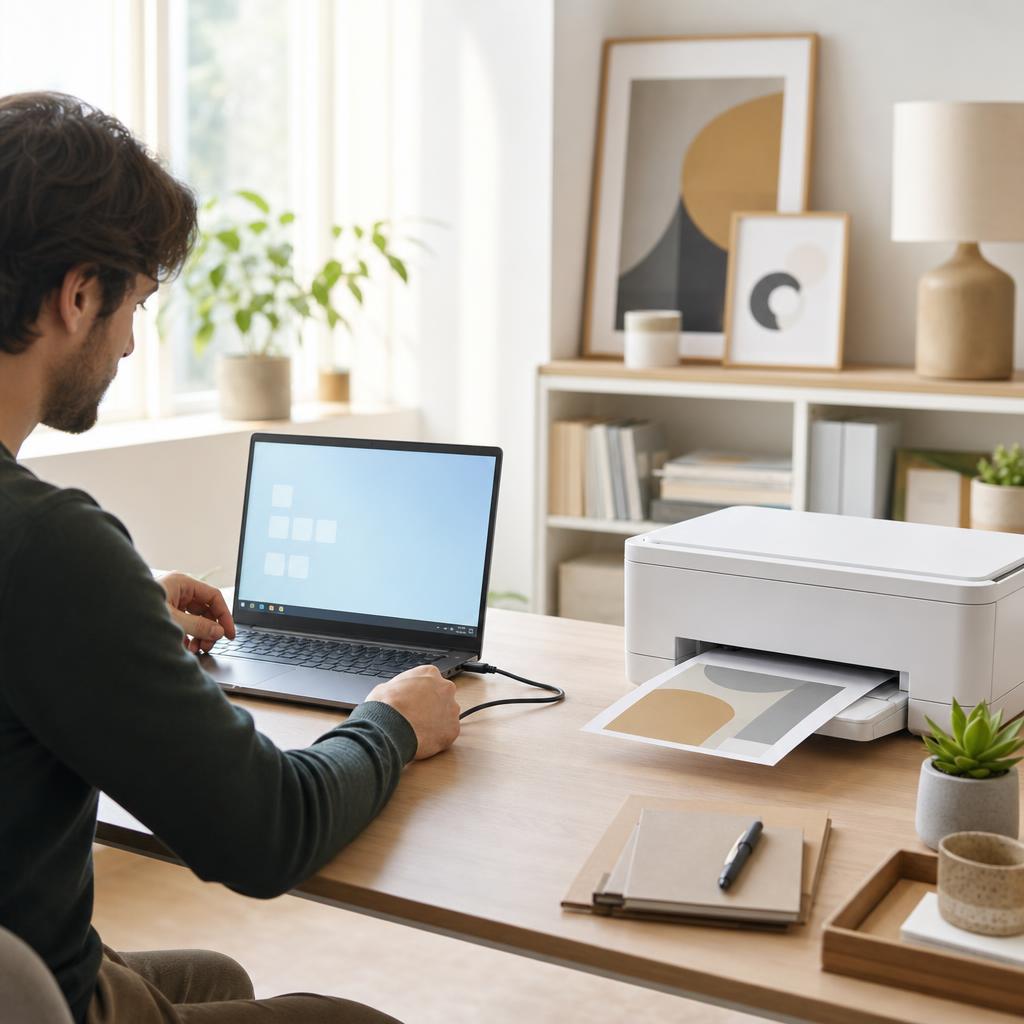
How to Connect a Printer to Windows 10 & 11
Getting a printer talking to a Windows PC should take a few minutes, whether you plug it in with a USB cable or add it over Wi-Fi. This guide walks you through both routes on Windows 10 and Windows 11, shows you exactly where the menus live, and covers what to do when the printer that you want isn’t listed — so you finish with a printer set as default and a clean test page in the tray.
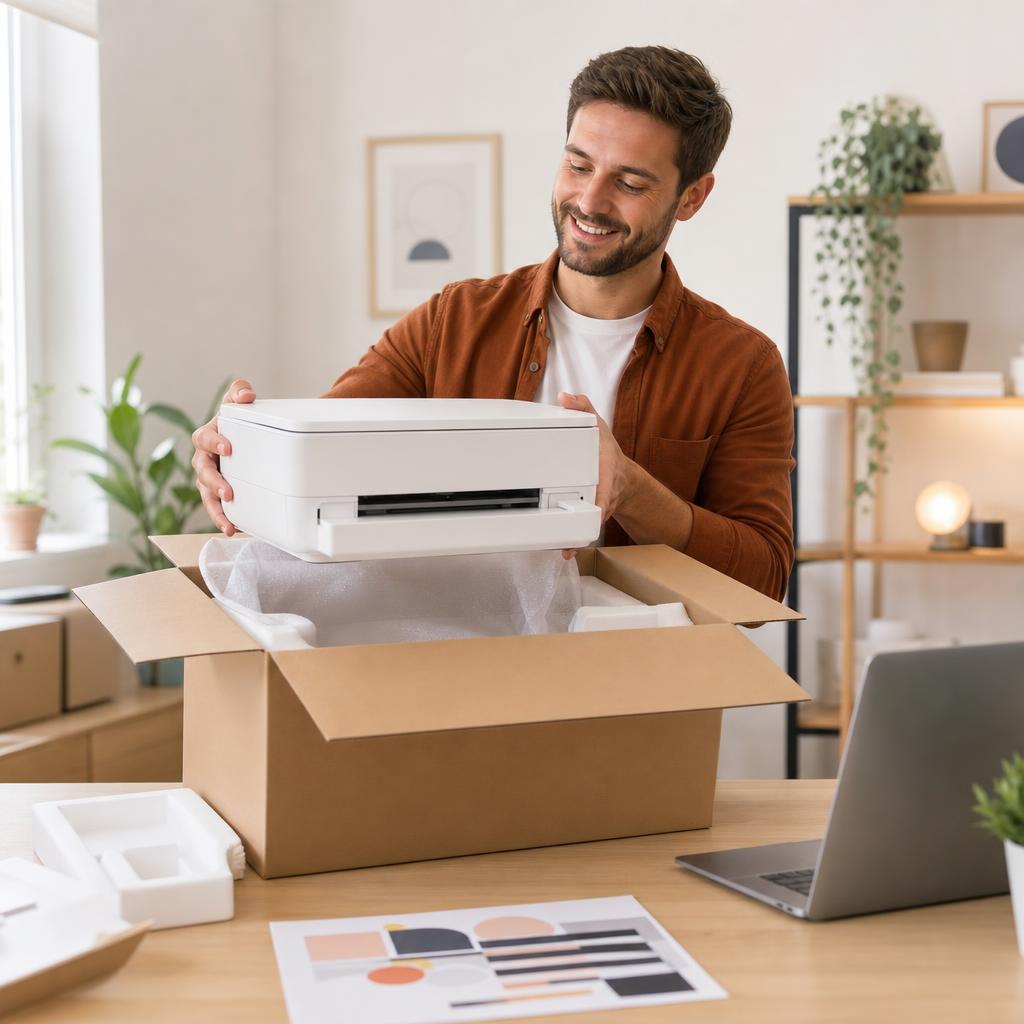
How to Set Up a New Printer (First-Time Setup Guide)
A new printer works beautifully once it’s set up properly — but rushed unboxing, forgotten shipping tape, and a wrongly seated cartridge cause most first-day headaches. This guide walks you calmly through every step, from lifting the printer out of the box to installing ink or toner, loading paper, and printing a clean first test page, so your printer is ready before you ever connect it to a computer or phone.
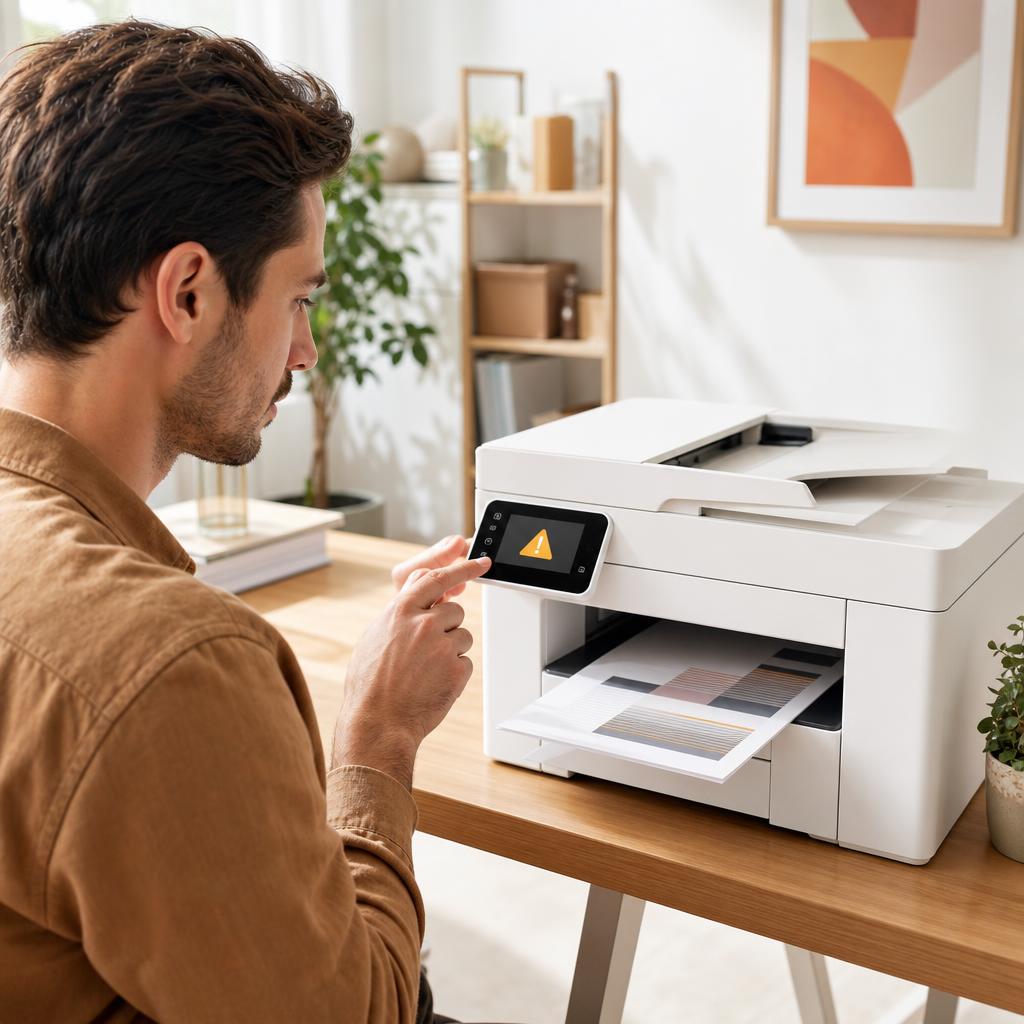
How to Fix Printer Error Codes (Complete Troubleshooting Guide)
A printer error code is simply your printer’s way of naming a fault it has run into — a jam, a cartridge it can’t read, a lost connection, or something deeper inside. Most codes are far less alarming than they look, and a calm, methodical routine clears the great majority of them. This guide shows you how to identify the exact code, work through a general fix that resolves most errors, and recognise the few codes that genuinely mean a repair is due.
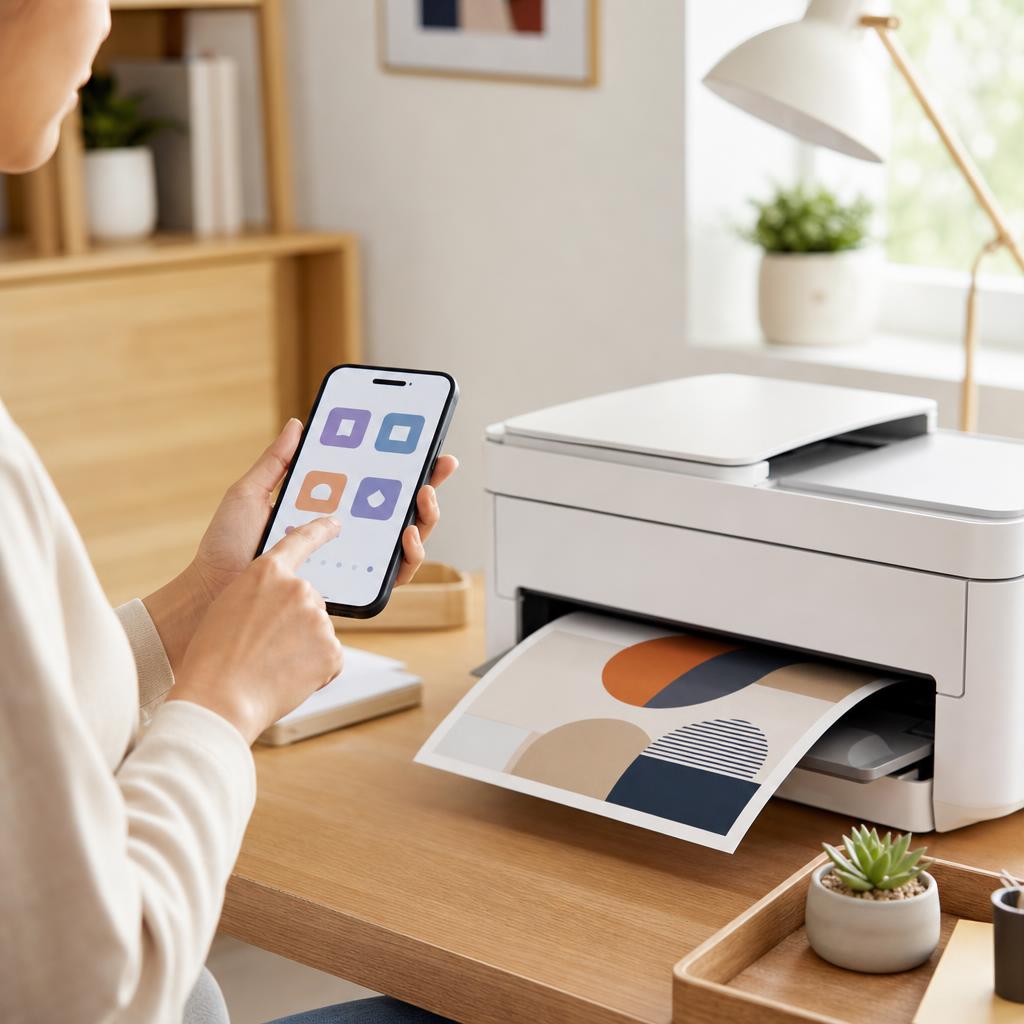
How to Print from an Android Phone or Tablet
Printing from an Android phone or tablet is usually a two-tap job once the groundwork is right — but only if your phone and printer share the same Wi-Fi network and the built-in print service is switched on. This guide walks you through Android’s Default Print Service, printing over Wi-Fi, when a manufacturer app such as HP Smart is worth installing, and how to fall back to Wi-Fi Direct, with clear fixes for when nothing appears.
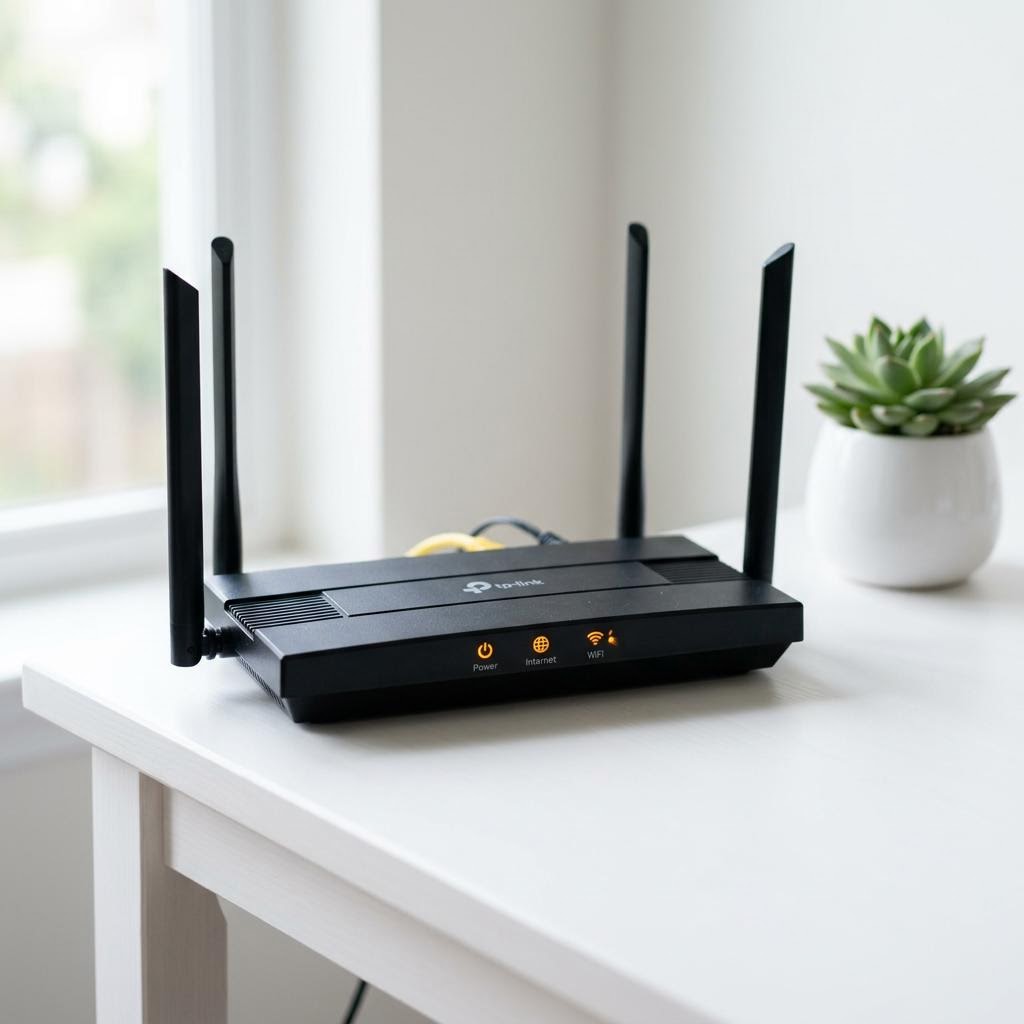
Common Wi-Fi Problems and How to Fix Them
A practical guide to the most common home Wi-Fi problems — slow speeds, devices that disconnect, no internet despite a Wi-Fi connection, dead zones, and forgotten passwords — with clear step-by-step fixes for each.
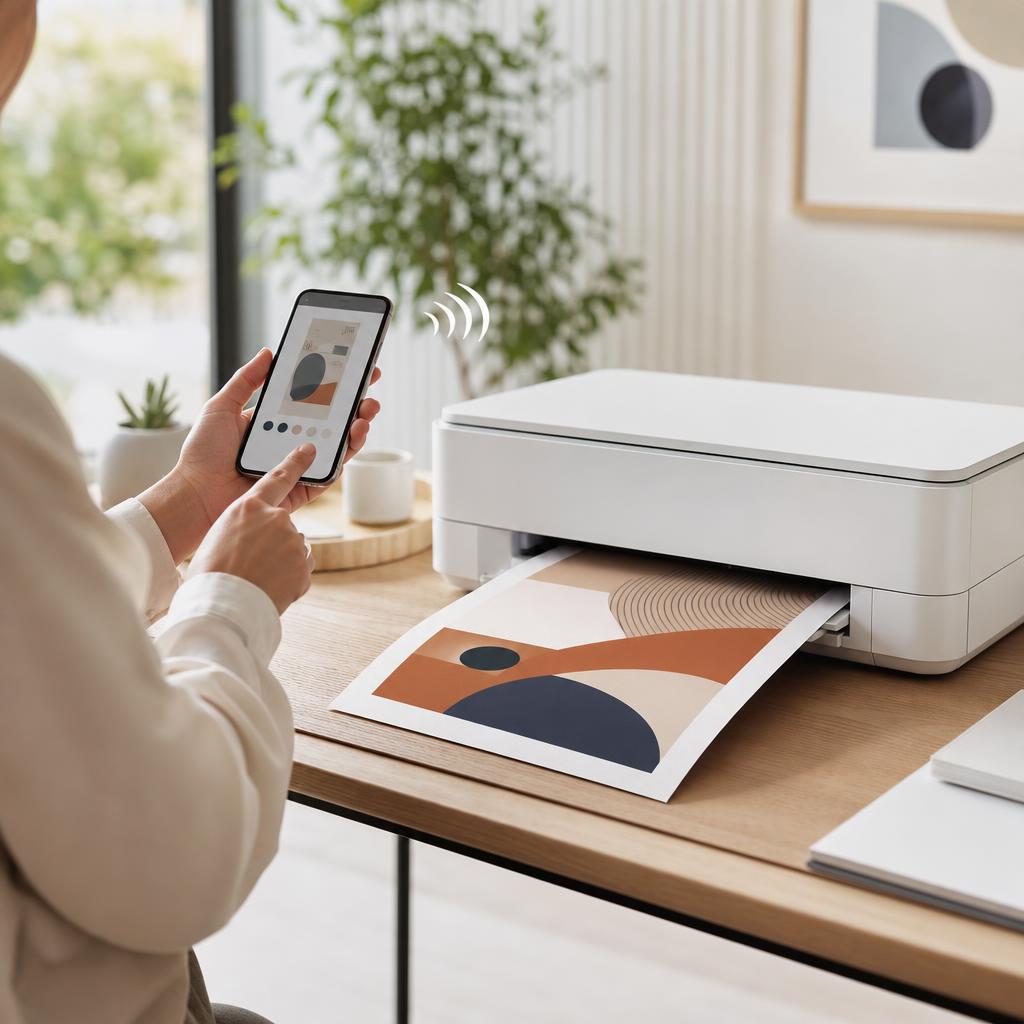
How to Print from an iPhone or iPad (AirPrint Guide)
Your iPhone and iPad can print to almost any modern Wi-Fi printer with no app, driver, or cable to install, thanks to a built-in feature called AirPrint. This guide shows you exactly how to print a photo, web page, or document from the Share sheet, how to find and choose your printer, and what to do when the “No AirPrint Printers Found” message appears.