
Search Results
6 results for "Windows Setup"
Guides
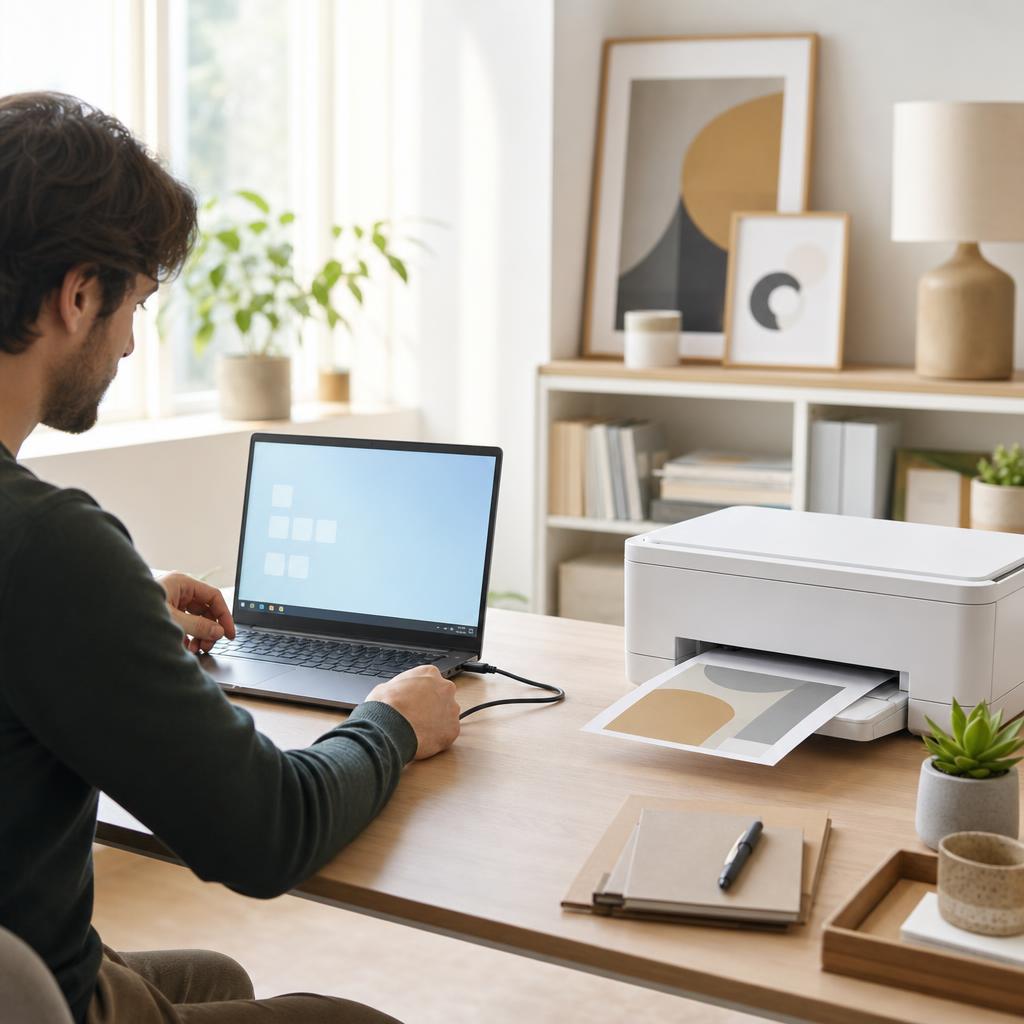
How to Connect a Printer to Windows 10 & 11
Getting a printer talking to a Windows PC should take a few minutes, whether you plug it in with a USB cable or add it over Wi-Fi. This guide walks you through both routes on Windows 10 and Windows 11, shows you exactly where the menus live, and covers what to do when the printer that you want isn’t listed — so you finish with a printer set as default and a clean test page in the tray.

How to Print from Windows (Complete Windows Printing Guide)
Printing from Windows should be as simple as pressing Ctrl+P — and once you know your way around the print dialog, printing preferences, and the print queue, it usually is. This guide walks you through printing from any app on Windows 10 and Windows 11, choosing the right printer and settings, setting a sensible default, and managing jobs when they stack up, so a document goes from screen to paper on the first attempt.
How to Uninstall and Reinstall a Printer Driver (Windows & Mac)
When a printer driver becomes corrupted or causes conflicts, a clean uninstall followed by a fresh install is the most reliable fix. This guide walks through fully removing an old driver on Windows and macOS, then installing a fresh copy from the manufacturer.
How to Fix a Scanner That Is Not Working (Complete Scanner Troubleshooting & Setup Guide)
When your scanner won’t scan or your computer can’t find it, the cause is almost always the connection, the driver, or the scanning software. This beginner-friendly guide explains how printer scanners work and walks you through fixing a scanner that isn’t detected, won’t scan, or produces poor-quality images on Windows and macOS.
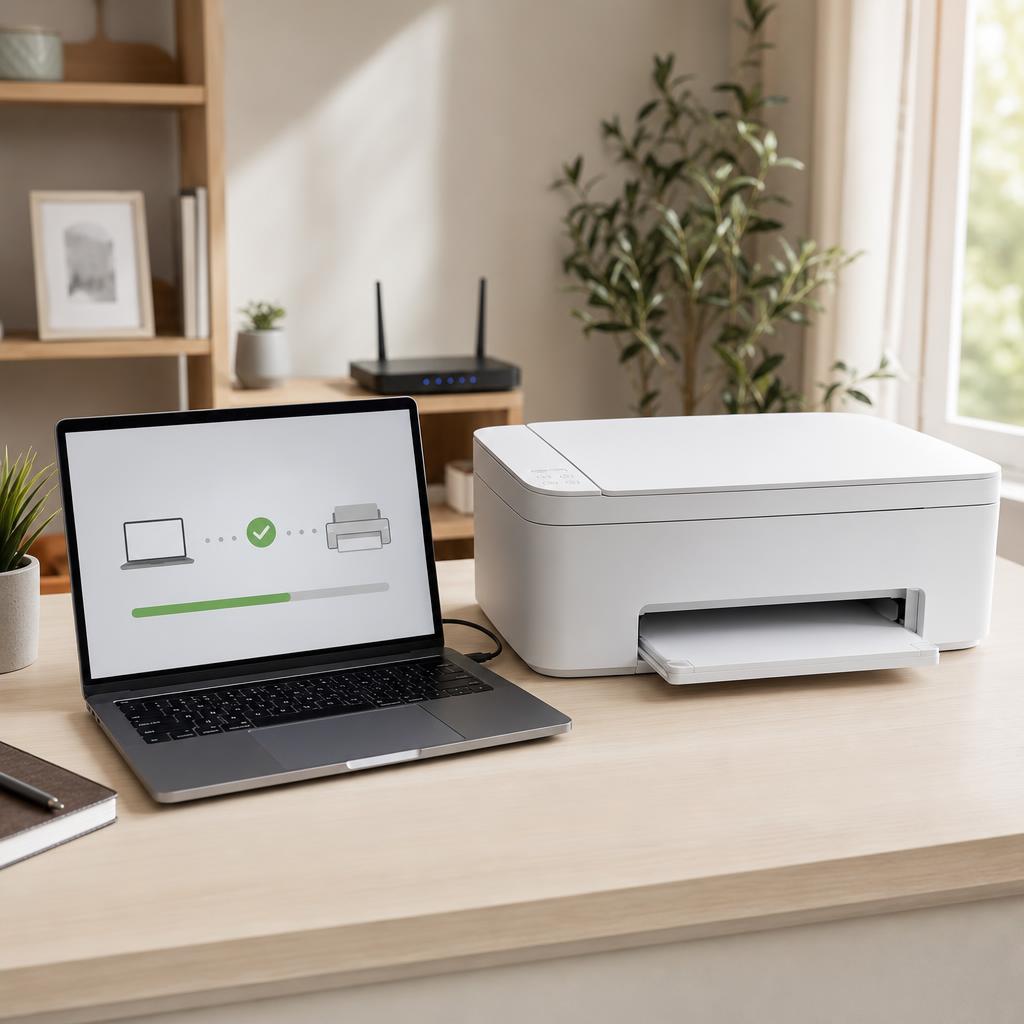
How to Fix a Printer That Is Not Detected (Complete Detection & Recognition Troubleshooting Guide)
When your computer or phone simply can’t find your printer, printing grinds to a halt. This beginner-friendly guide explains why detection fails and walks you through fixing an undetected USB, wireless, or network printer on Windows and macOS — from the quickest checks to advanced network fixes.
How to Scan Documents to PDF
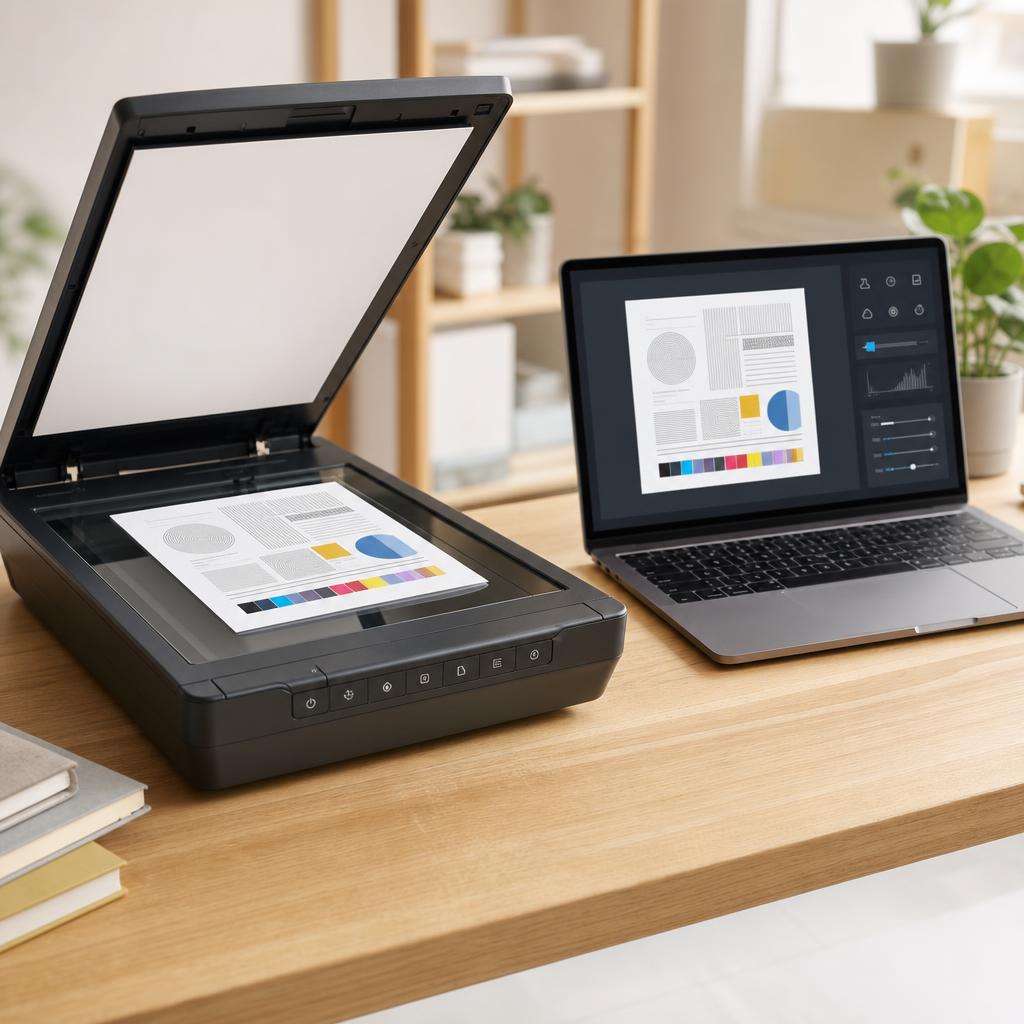
Turning a paper document into a clean, shareable PDF is one of the most useful things an all-in-one printer can do — yet the results range from a crisp, readable file to a blurry, bloated one depending on a handful of settings most people never touch. This guide walks you through scanning to PDF on both Windows and macOS, choosing resolution and colour honestly, keeping file size sensible, and naming and filing your scans so you can actually find them again.