
Search Results
6 results for "Printer Error"
Guides
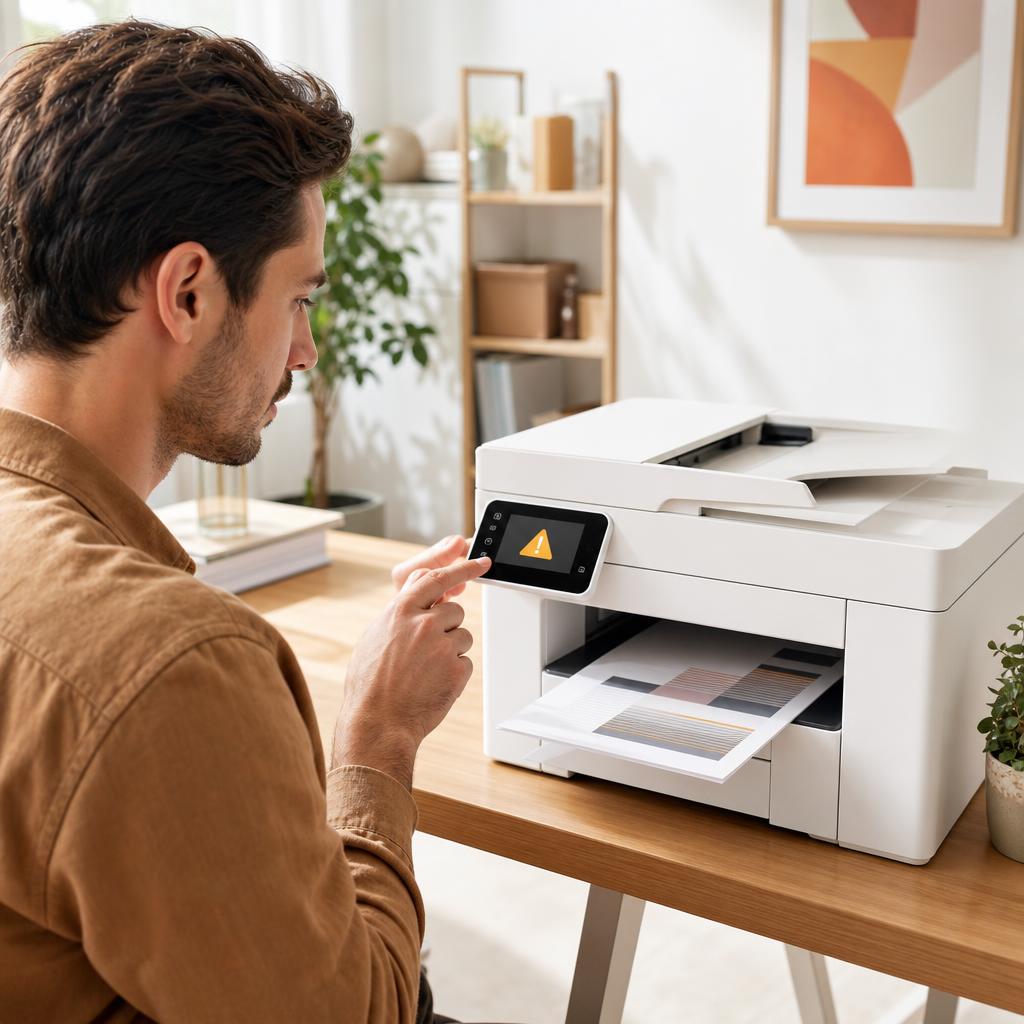
How to Fix Printer Error Codes (Complete Troubleshooting Guide)
A printer error code is simply your printer’s way of naming a fault it has run into — a jam, a cartridge it can’t read, a lost connection, or something deeper inside. Most codes are far less alarming than they look, and a calm, methodical routine clears the great majority of them. This guide shows you how to identify the exact code, work through a general fix that resolves most errors, and recognise the few codes that genuinely mean a repair is due.
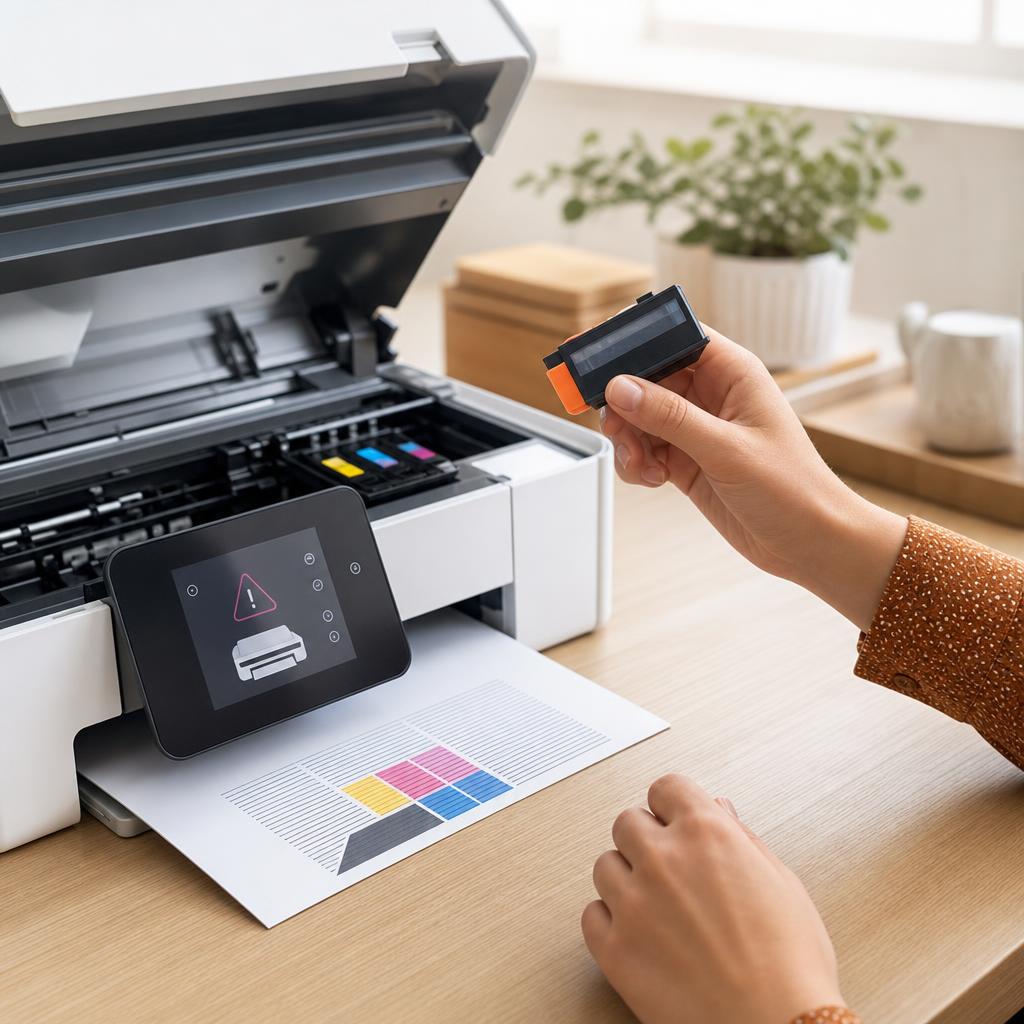
How to Fix a Printer That Says “Cartridge Not Recognized”
A “Cartridge Not Recognized” message means your printer can’t read a cartridge it should accept — usually because of a bit of protective tape left on, dirty electrical contacts, or a cartridge that hasn’t clicked fully into place. This guide walks you through inspecting, cleaning, and reseating both ink and toner cartridges safely, covers the firmware and compatibility catches that trip people up, and helps you tell the difference between a fixable fault and a genuinely dead cartridge.
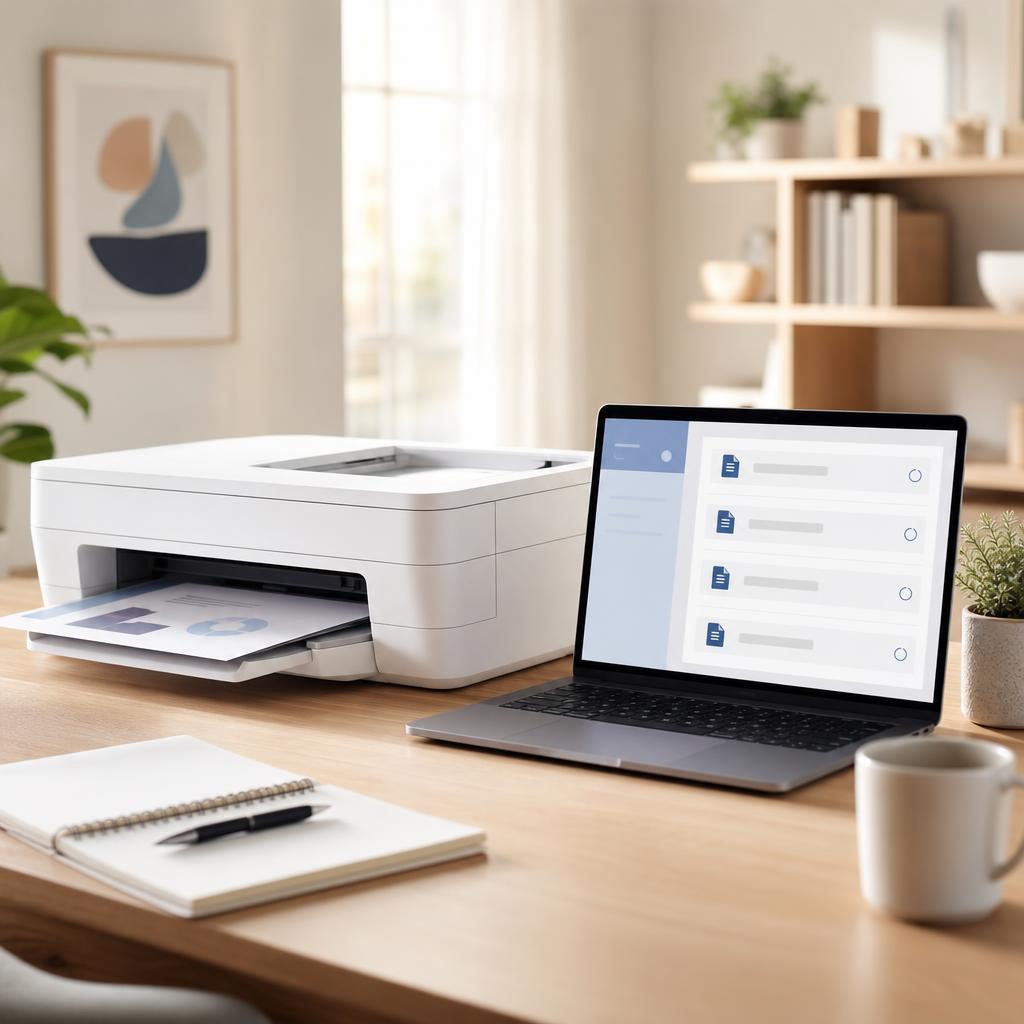
How to Fix a Stuck Printer Queue (Complete Print Queue & Print Spooler Troubleshooting Guide)
When documents pile up and refuse to print, a stuck print queue is almost always to blame. This beginner-friendly guide explains what the queue and print spooler do, why jobs get stuck, and how to clear them for good on Windows and macOS — from a quick cancel to a full spooler reset.
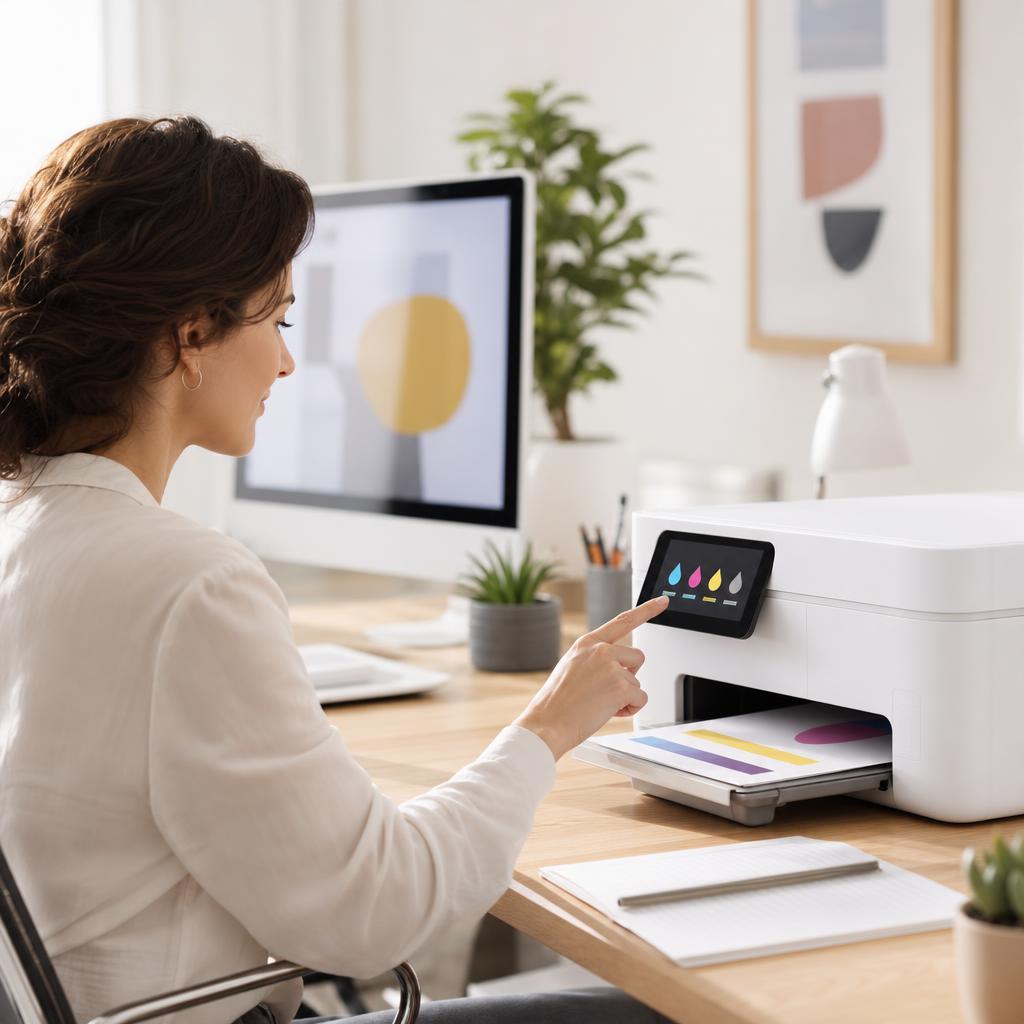
How to Fix Low Ink or Low Toner Warnings
That “low ink” or “low toner” message is an estimate, not a fuel gauge — and it often appears long before your cartridge is genuinely empty. This guide explains how printers really work out those levels, how to check what’s actually left, and how to keep printing safely without wasting a cartridge that still has plenty of pages in it.
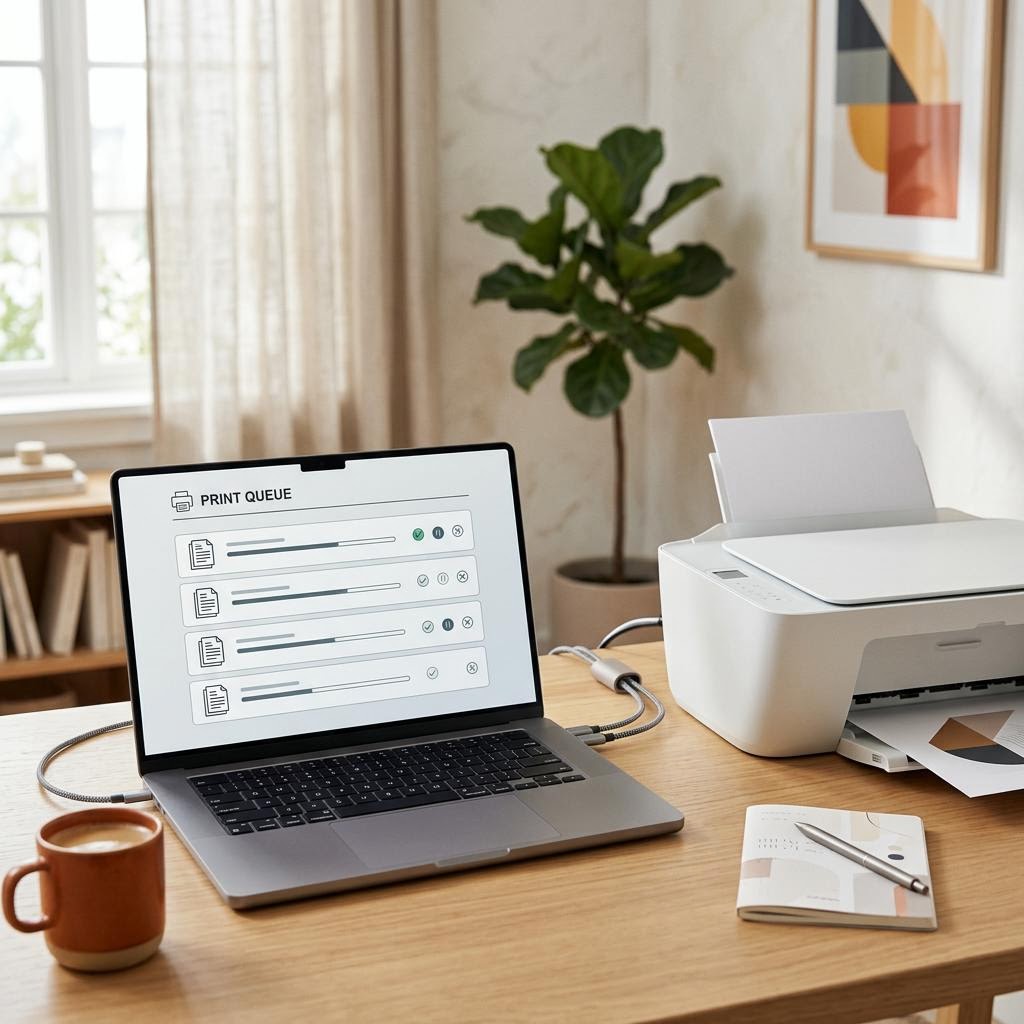
What Is a Print Spooler? The Queue Behind Every Print Job
A print spooler is the software middleman that catches your print jobs, lines them up in a queue and feeds them to the printer one at a time so your apps do not have to wait. This plain-English guide explains what the spooler does, why it exists, the stages a job passes through from click to paper, and how the queue behaves when jobs get stuck, pause or pile up. It is an educational explainer, not a specific fix — but understanding the spooler is the single best way to make sense of stuck jobs, offline printers and the classic "clear the queue and restart" advice you see everywhere.