
Search Results
5 results for "Use Printer Offline"
Guides
Why Is My Printer Showing as Offline? Complete Fix Guide (Windows & Mac)
Your printer shows "Offline" even though it is powered on and connected. This guide explains every common cause and walks you through the fixes in order — from a quick restart to driver reinstallation.
How to Uninstall and Reinstall a Printer Driver (Windows & Mac)
When a printer driver becomes corrupted or causes conflicts, a clean uninstall followed by a fresh install is the most reliable fix. This guide walks through fully removing an old driver on Windows and macOS, then installing a fresh copy from the manufacturer.
How to Fix a Stuck Printer Queue (Complete Print Queue & Print Spooler Troubleshooting Guide)
When documents pile up and refuse to print, a stuck print queue is almost always to blame. This beginner-friendly guide explains what the queue and print spooler do, why jobs get stuck, and how to clear them for good on Windows and macOS — from a quick cancel to a full spooler reset.

How to Print from macOS (Complete Mac Printing Guide)
Printing on a Mac looks simple until an option is hidden, a preset is missing, or a document quietly slips into a paused queue. This complete guide walks you through the macOS print dialog and its expanded view, how to save presets you can reuse in one click, what AirPrint really does, how to drive the print queue, and how to fix the everyday snags — including the honest truth about resetting the printing system.
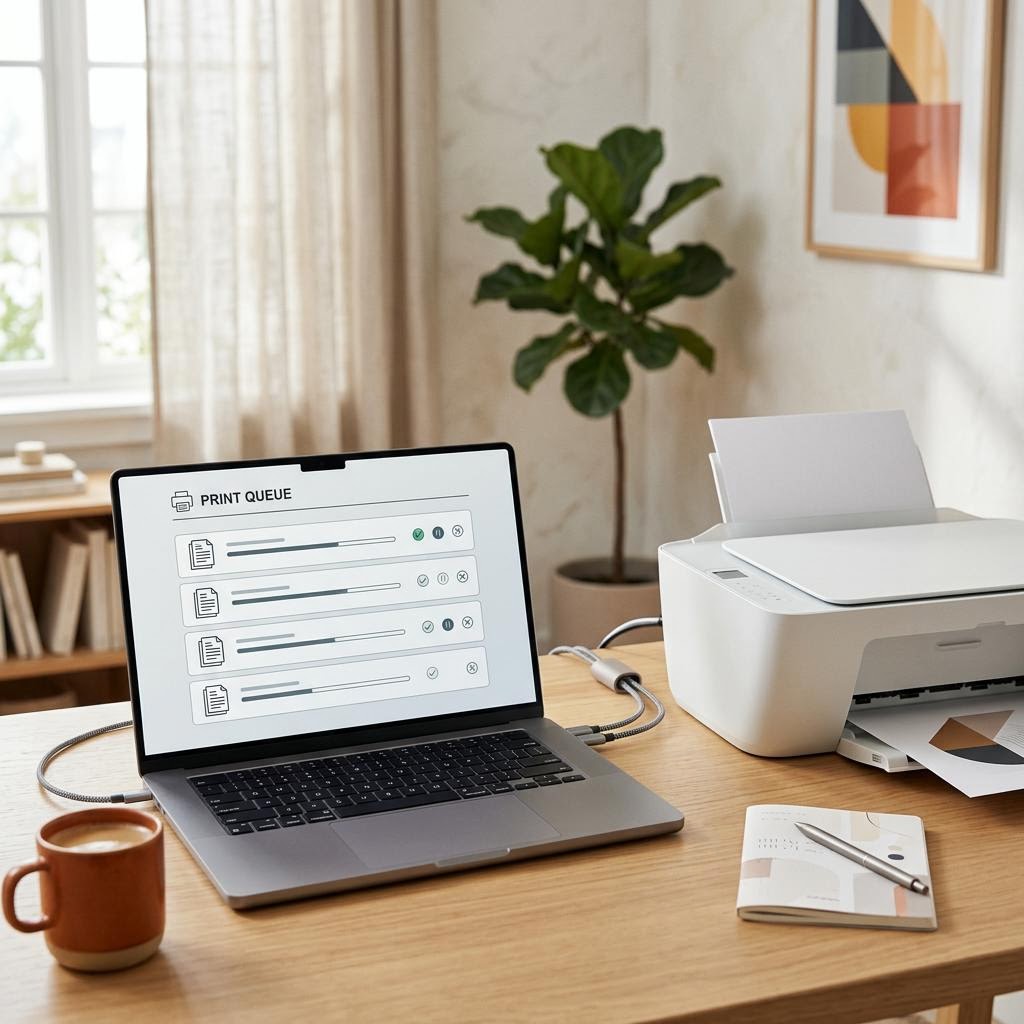
What Is a Print Spooler? The Queue Behind Every Print Job
A print spooler is the software middleman that catches your print jobs, lines them up in a queue and feeds them to the printer one at a time so your apps do not have to wait. This plain-English guide explains what the spooler does, why it exists, the stages a job passes through from click to paper, and how the queue behaves when jobs get stuck, pause or pile up. It is an educational explainer, not a specific fix — but understanding the spooler is the single best way to make sense of stuck jobs, offline printers and the classic "clear the queue and restart" advice you see everywhere.