
Search Results
5 results for "Clean Printhead"
Guides
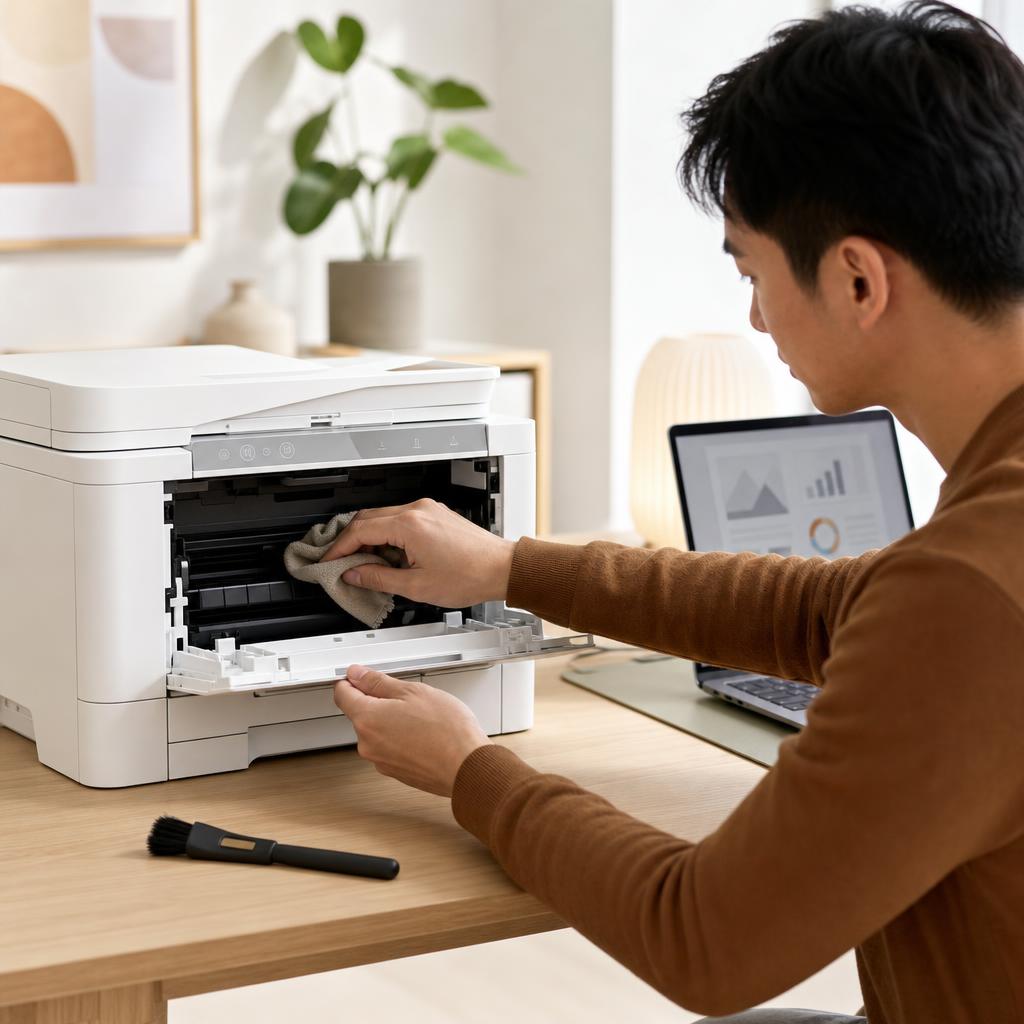
How to Clean and Maintain Your Printer (Complete Printer Maintenance Guide)
A little regular cleaning keeps a printer reliable, prints sharp, and paper feeding smoothly. This beginner-friendly guide walks you through safe, routine maintenance for both inkjet and laser printers — from wiping the outside and cleaning the rollers to printhead cleaning, toner care, and a simple upkeep schedule.

How to Fix a Printer Printing Blank Pages
Your printer feeds the paper, hums through the motions, and hands you a completely blank sheet. This guide walks you from the quickest checks — ink levels and protective tape — through nozzle cleaning, driver settings, and laser toner faults, so pages come out with ink on them again.
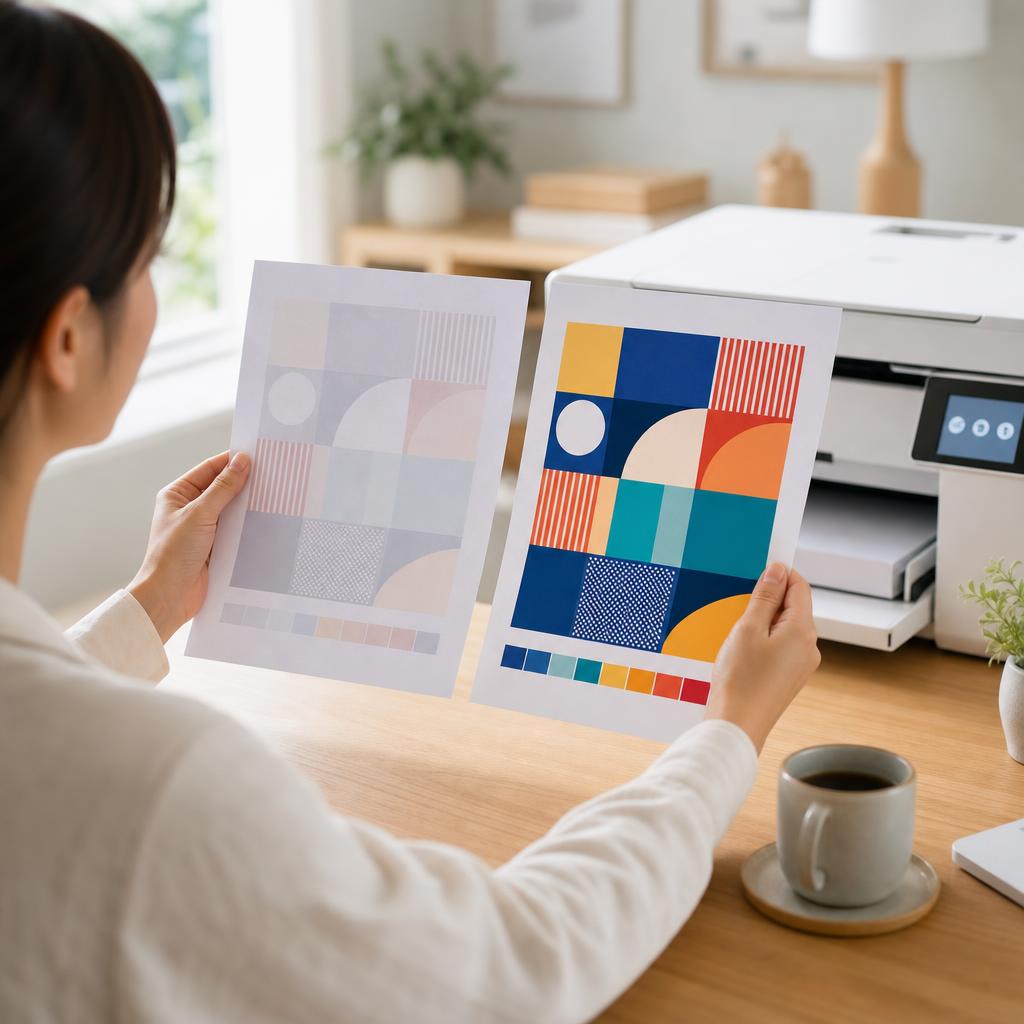
How to Fix a Printer Printing Faded or Light Pages
Pale, washed-out prints usually come down to low ink or toner, an economy print setting, a clogged printhead, or damp paper. This guide walks you through each cause in plain language, from the quickest checks to the deeper fixes, so your pages come out crisp and dark again.
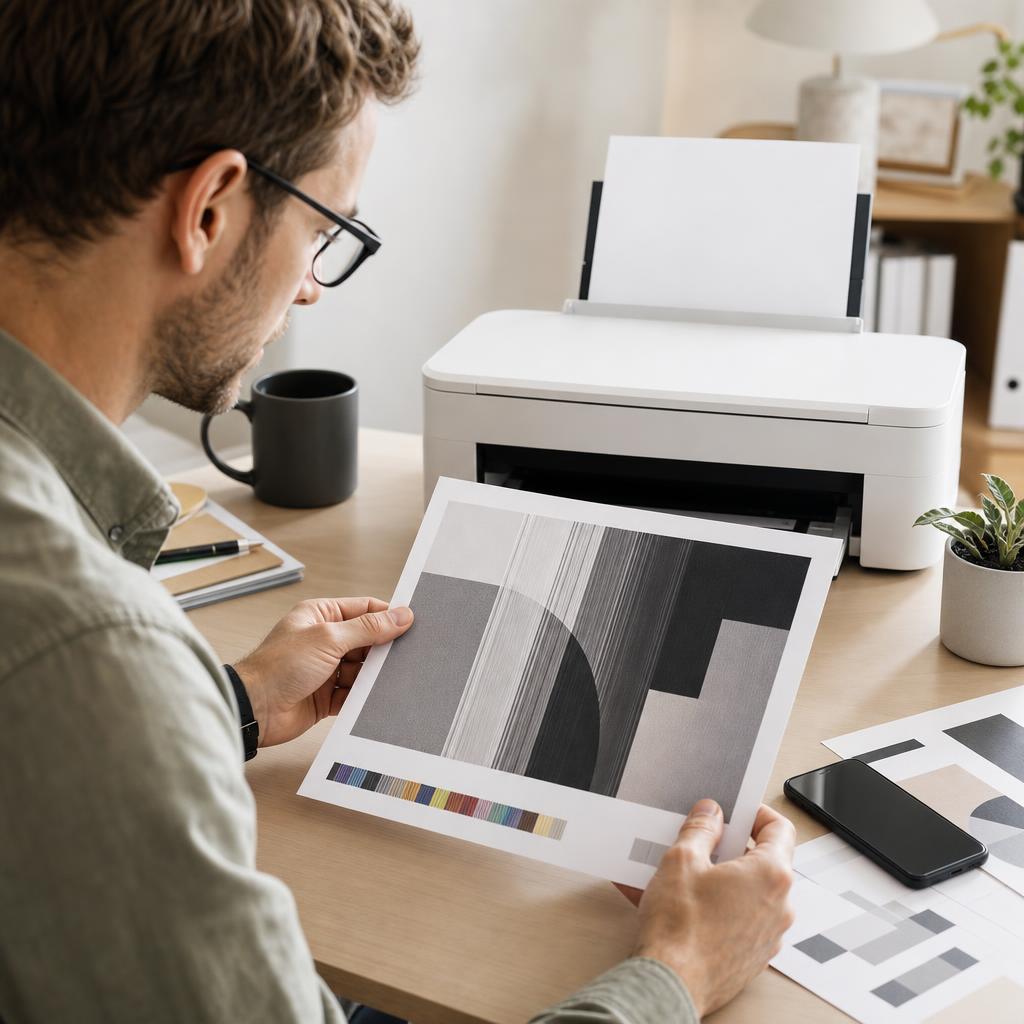
How to Fix Printer Streaks, Lines and Banding
Streaks, lines and banding across your prints almost always point to a clogged nozzle, a dirty paper path, or a worn drum — not a broken printer. This guide helps you read the pattern, clean the right part, and get back to crisp, even pages.
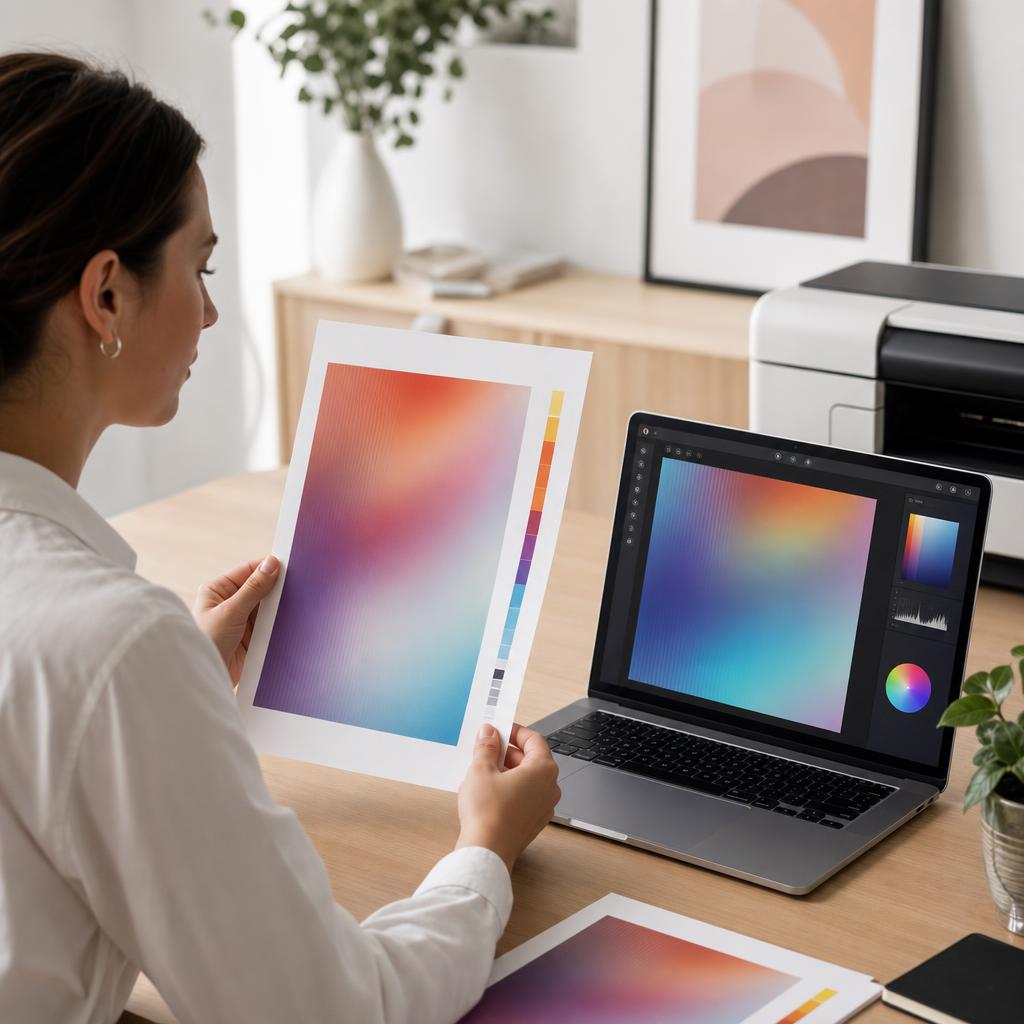
How to Fix Printer Colour Problems
When your prints come out with the wrong colours, a missing colour, or a shade that doesn’t match what’s on screen, the cause is usually simple — a low cartridge, a clogged nozzle, or a driver setting. This guide walks you through every check in plain language, from ink levels to colour calibration and alignment, so your prints look the way you expect.