
Printer Errors & Error Codes
Every blinking light and cryptic code means something. Learn what your printer is trying to tell you and exactly how to clear it.
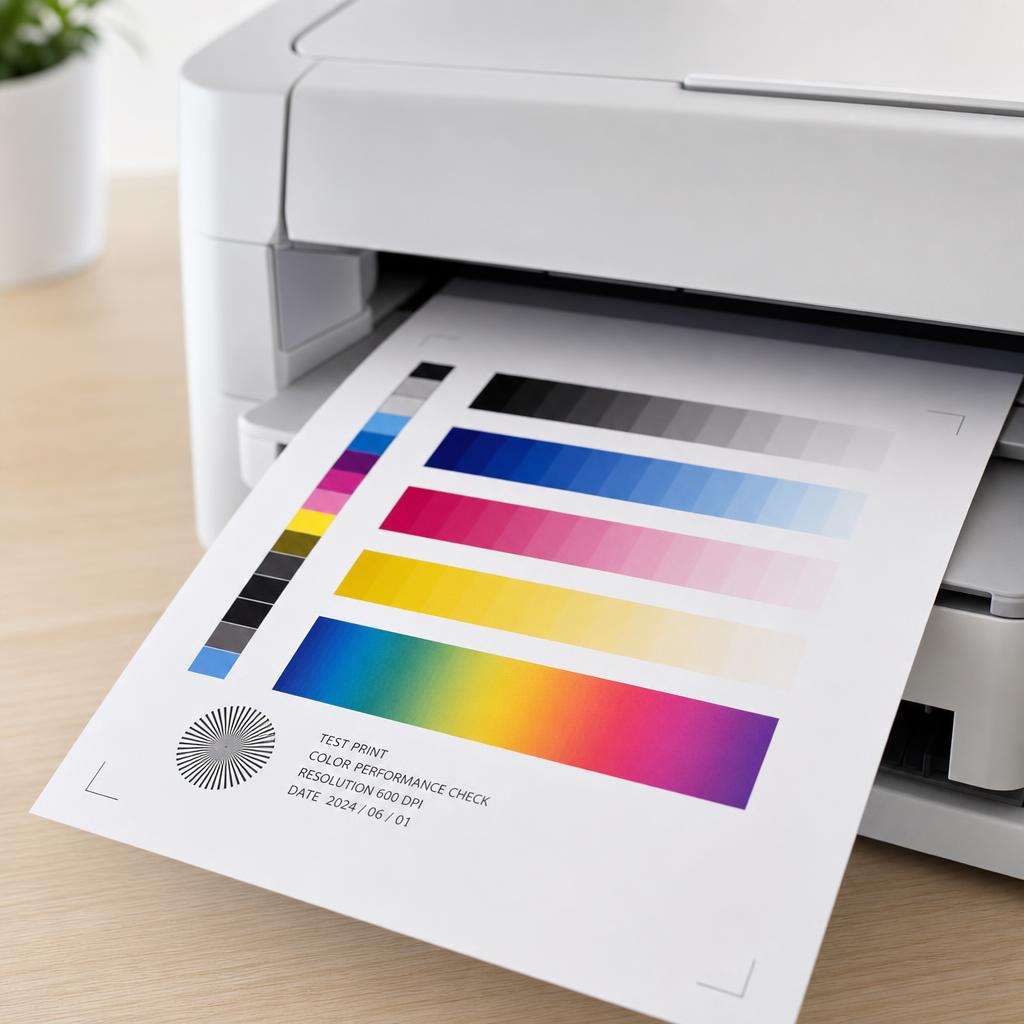
Turn confusing codes into clear next steps
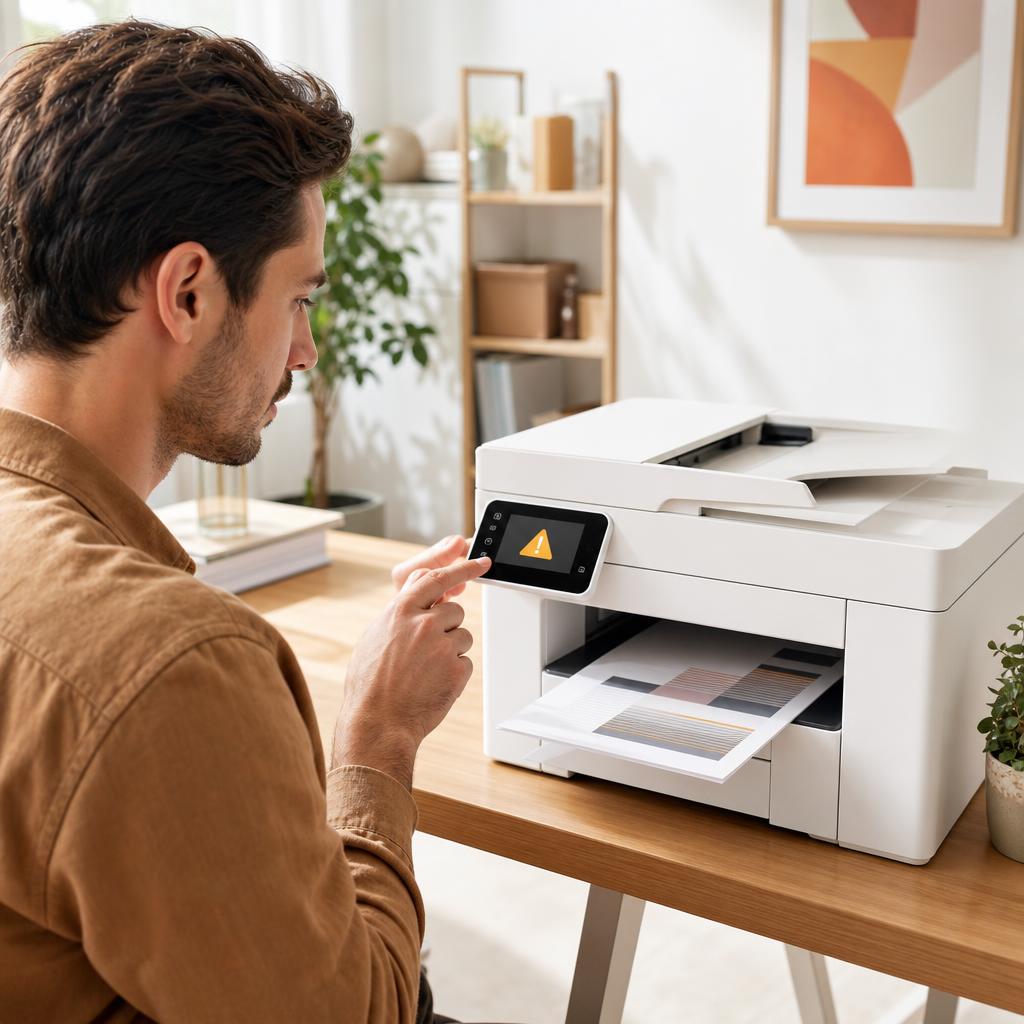
Printer error codes are shorthand for a specific fault — a sensor that tripped, a door that is open, or a component that needs attention. The trouble is that manufacturers rarely explain them in plain English, leaving you staring at something like "Error 0x610000f6" with no idea what to do next.
This category translates those messages into everyday language and walks you through the safe, ordered checks that resolve them. Start with the quick resets that clear most transient errors, then move to the targeted fixes for hardware and firmware faults.
What you'll learn
- Identify whether a code points to hardware, software, or a simple sensor trip
- Follow the correct reset order before opening the printer
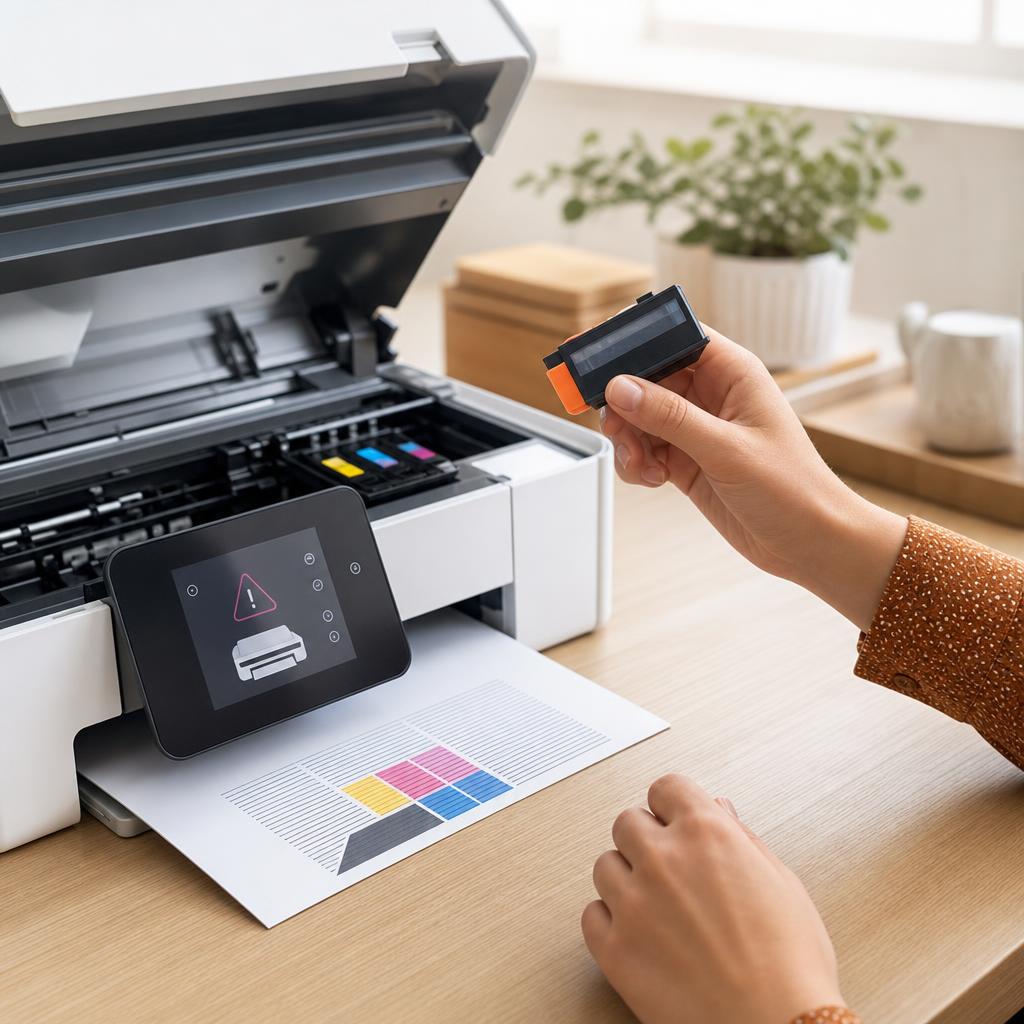
- Know when an error is safe to clear yourself and when it needs service
- Prevent the most common recurring errors with routine care
All Printer Errors Guides
Every guide we've published on printer errors — from quick fixes to in-depth walkthroughs.
Common Problems
The issues readers run into most with printer errors — and where to start.
Featured Guides
Hand-picked walkthroughs covering this category in depth.
Buying Guides
Plain-English comparisons and pre-purchase checklists — find the right printer before you buy.
Frequently Asked Questions
Common questions about printer errors.
Helpful Resources
General knowledge to help you get the most from your printer.