
Search Results
4 results for "Clean Rollers"
Guides
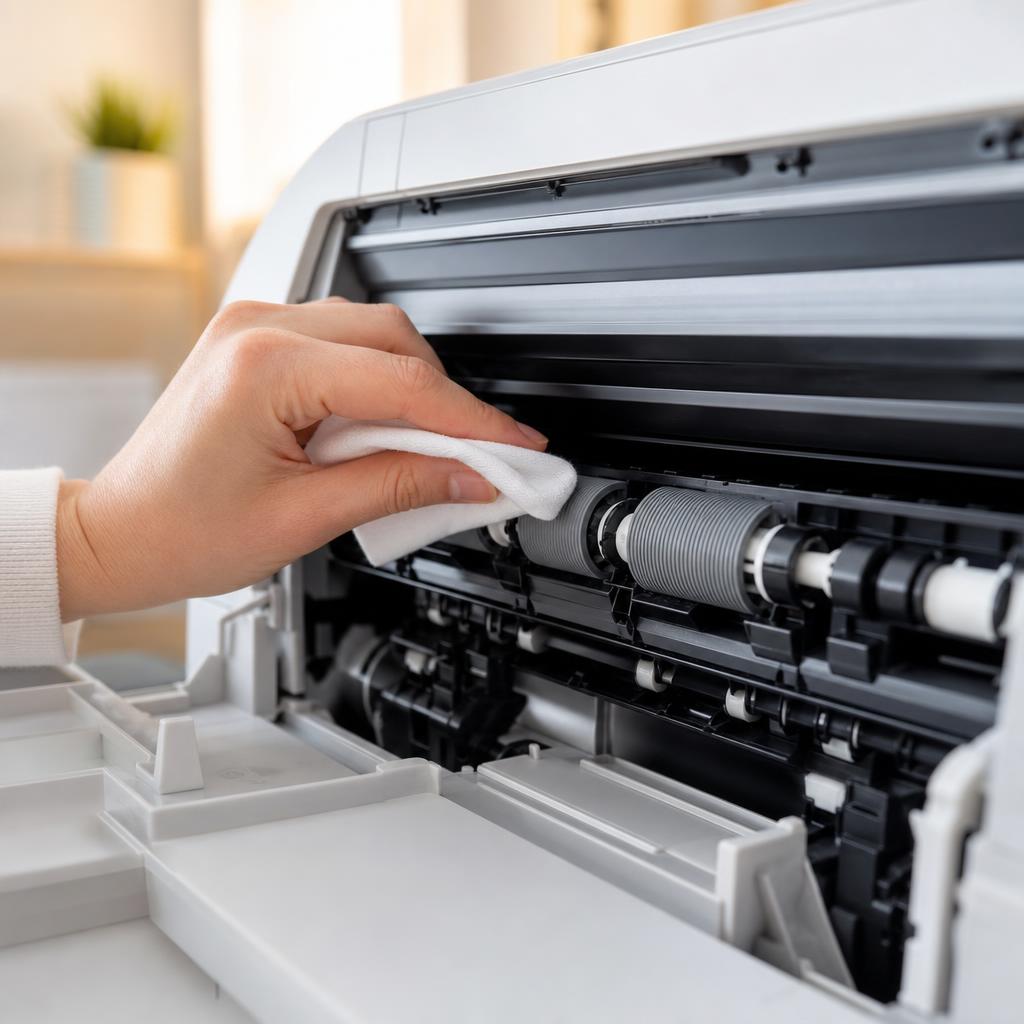
How to Clean Printer Rollers: Fix Paper Jams and Misfeeds
Dirty or glazed paper-feed rollers cause most repeat paper jams and misfeeds. This guide shows you how to locate the feed and pickup rollers on your printer, clean them safely without removing parts, and know when cleaning is no longer enough.
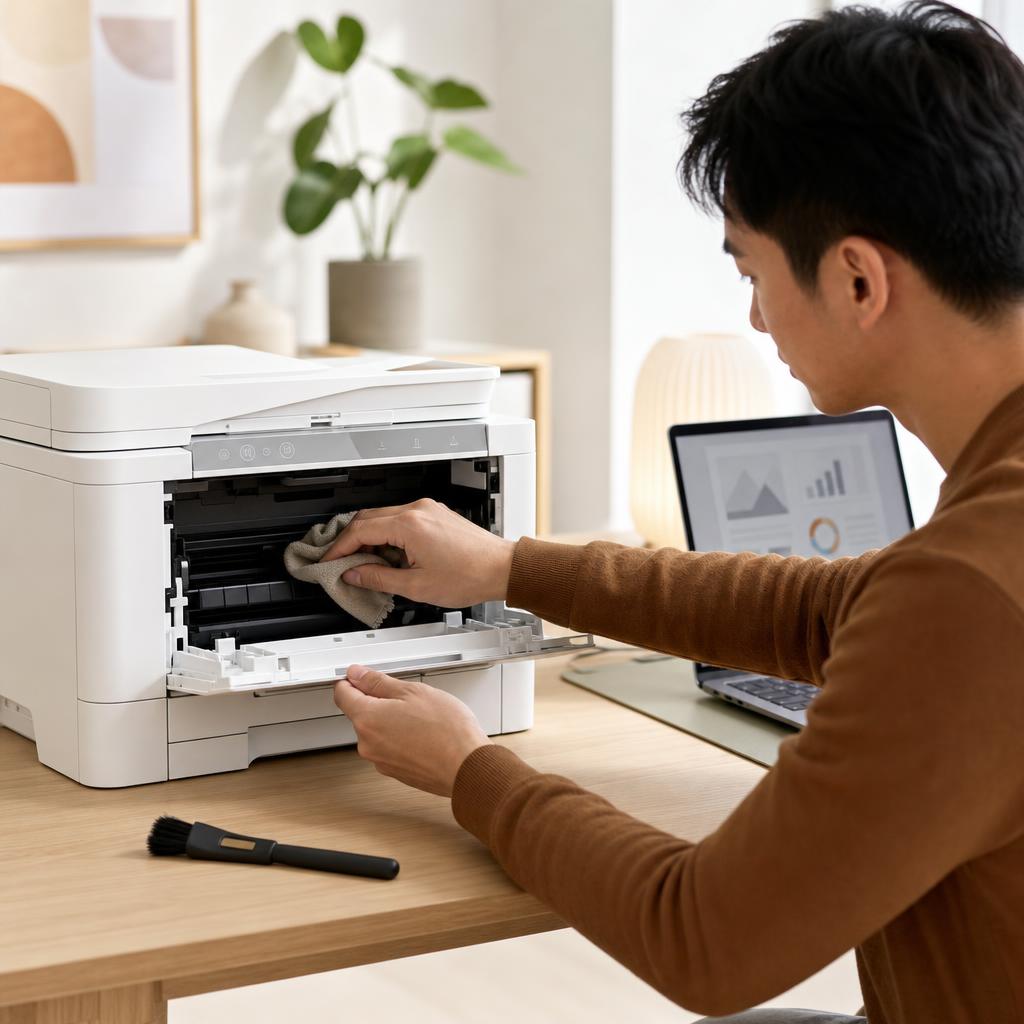
How to Clean and Maintain Your Printer (Complete Printer Maintenance Guide)
A little regular cleaning keeps a printer reliable, prints sharp, and paper feeding smoothly. This beginner-friendly guide walks you through safe, routine maintenance for both inkjet and laser printers — from wiping the outside and cleaning the rollers to printhead cleaning, toner care, and a simple upkeep schedule.
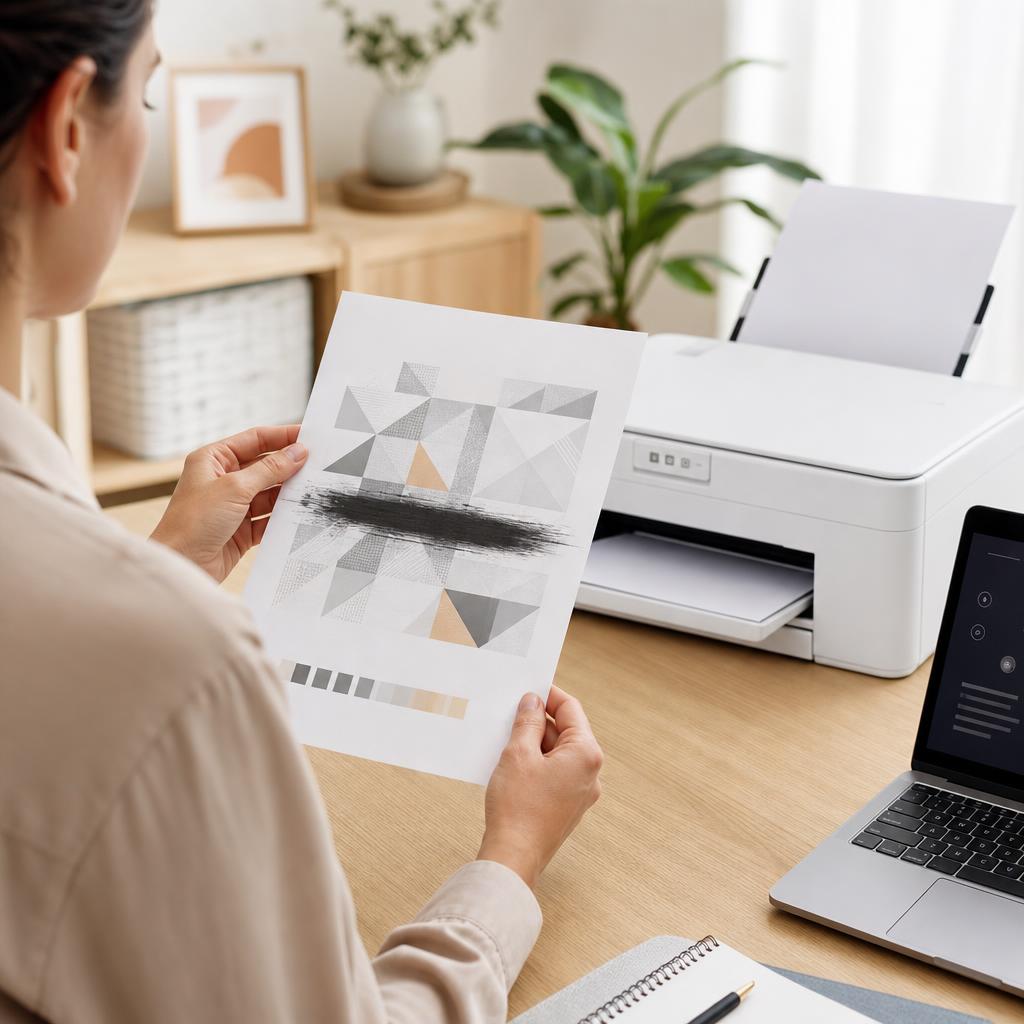
How to Fix Printer Smudges, Toner Marks and Ink Smears
Smudges, toner marks and wet ink smears usually come from ink that hasn’t dried, the wrong paper, or a dirty paper path rather than a broken printer. This guide walks you through drying times, paper choice, and cleaning the rollers, cartridge area and fuser safely so your pages come out crisp and clean.
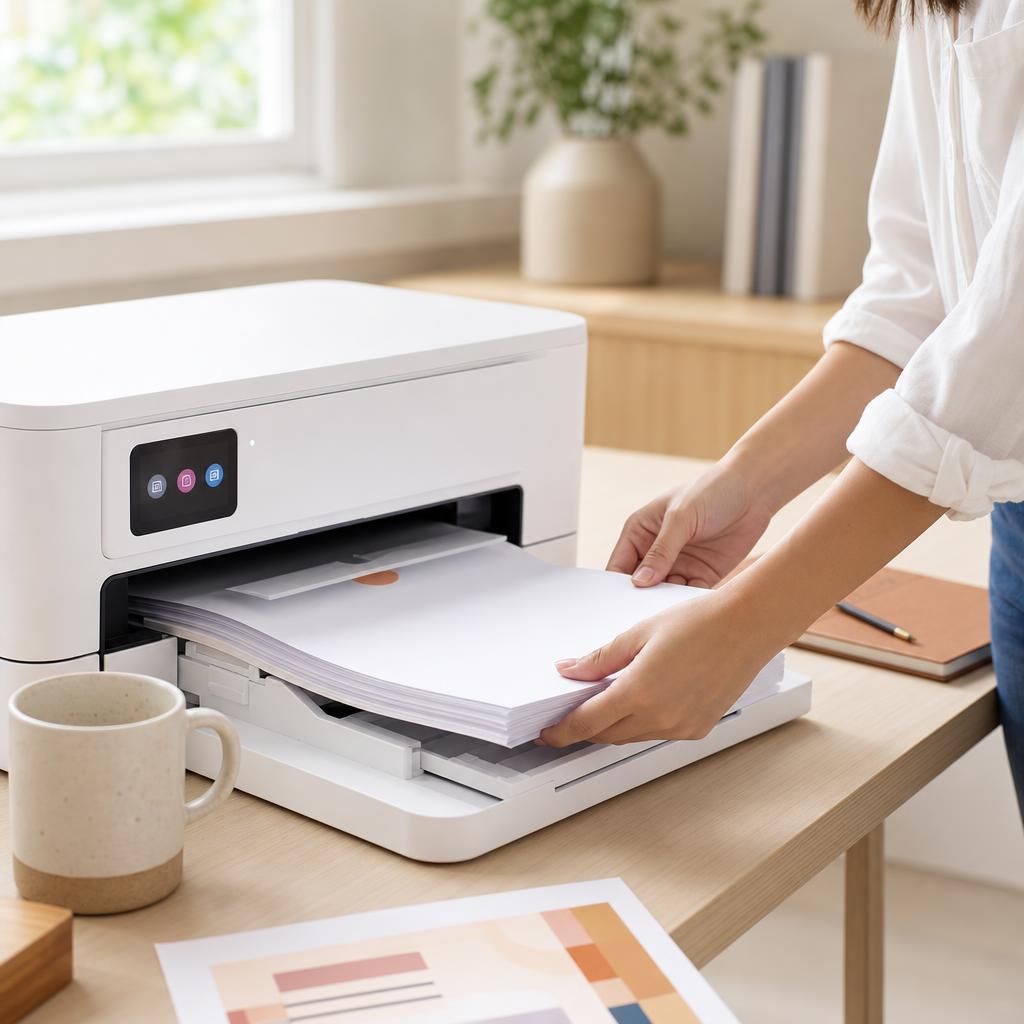
How to Fix Paper Feed Problems
When your printer won’t grab paper, pulls several sheets at once, or feeds pages crooked, the cause is nearly always the paper, the guides, or the pickup rollers. This guide walks you through fanning and squaring the stack, setting the guides, cleaning the rollers, and loading paper correctly so pages feed one at a time, straight and reliably.