
Search Results
3 results for "Replace Ink"
Guides
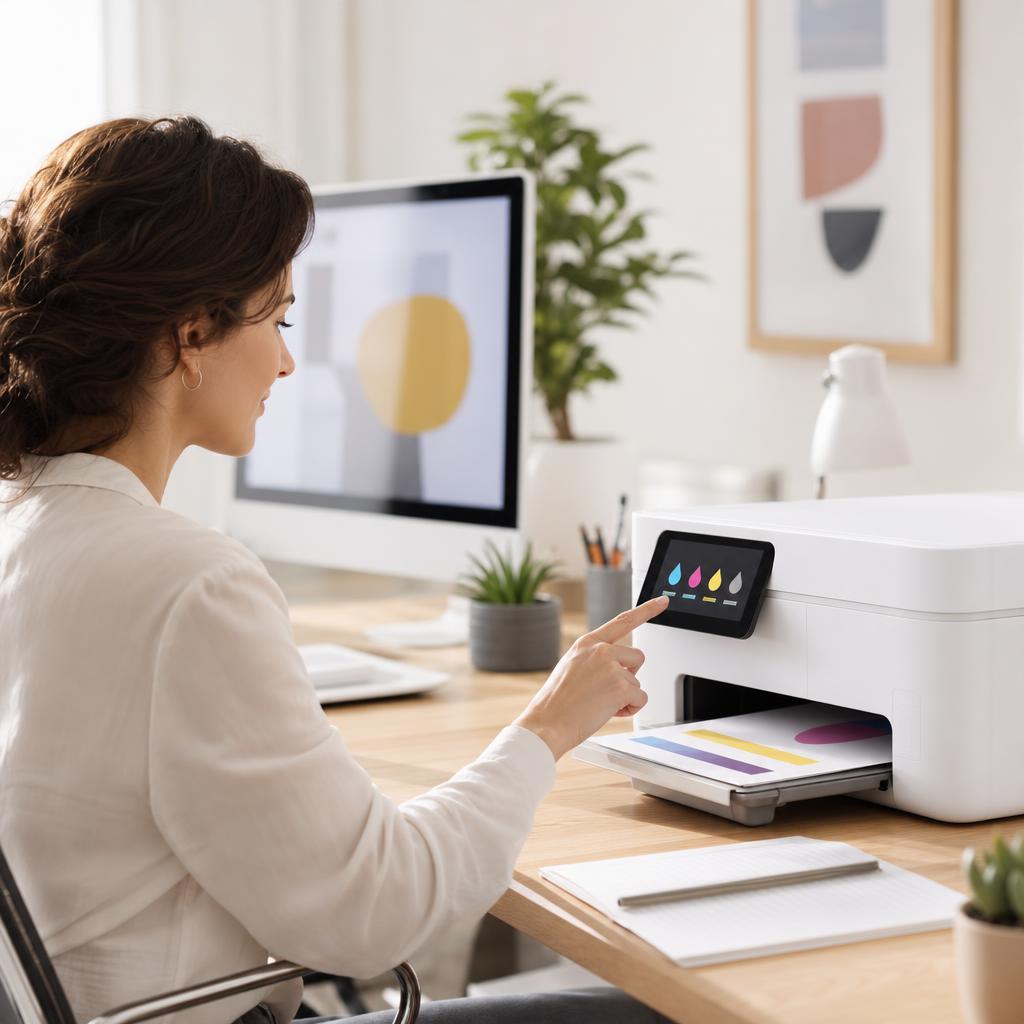
How to Fix Low Ink or Low Toner Warnings
That “low ink” or “low toner” message is an estimate, not a fuel gauge — and it often appears long before your cartridge is genuinely empty. This guide explains how printers really work out those levels, how to check what’s actually left, and how to keep printing safely without wasting a cartridge that still has plenty of pages in it.
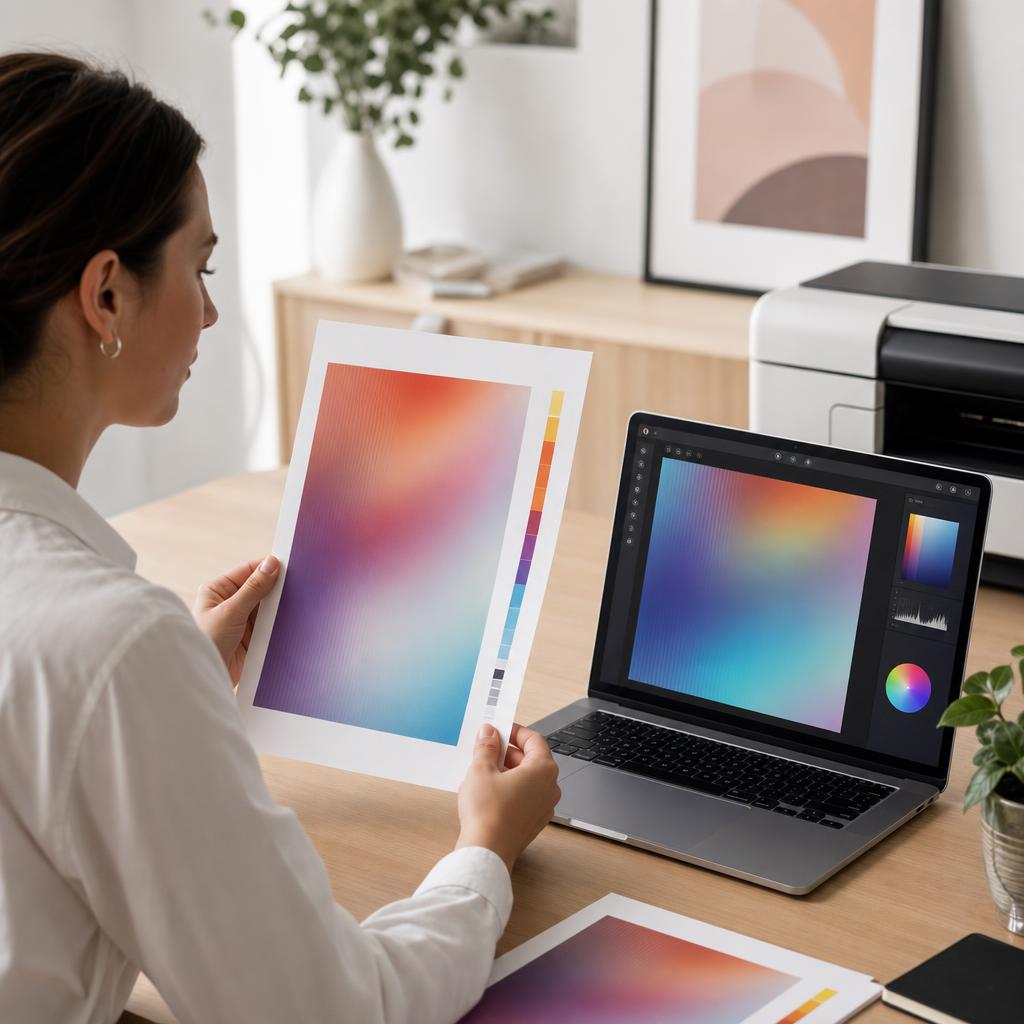
How to Fix Printer Colour Problems
When your prints come out with the wrong colours, a missing colour, or a shade that doesn’t match what’s on screen, the cause is usually simple — a low cartridge, a clogged nozzle, or a driver setting. This guide walks you through every check in plain language, from ink levels to colour calibration and alignment, so your prints look the way you expect.
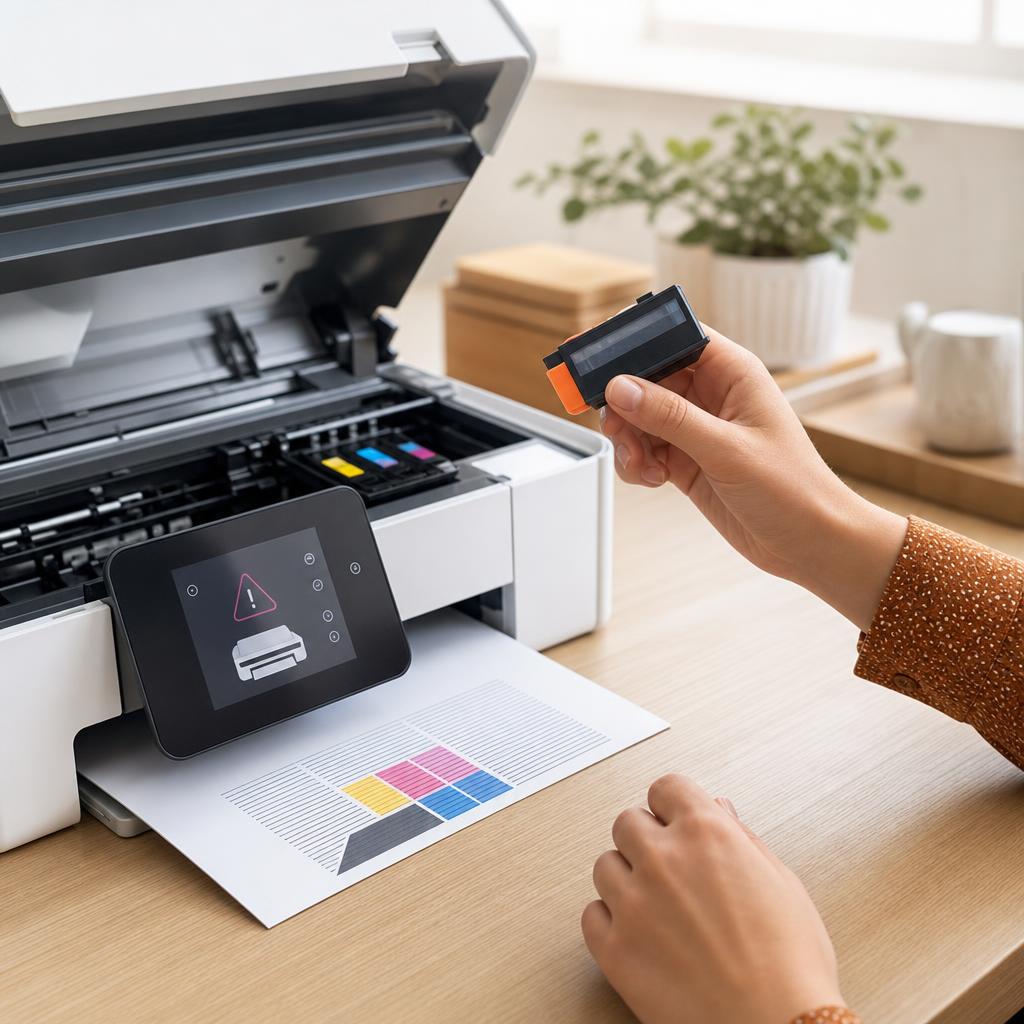
How to Fix a Printer That Says “Cartridge Not Recognized”
A “Cartridge Not Recognized” message means your printer can’t read a cartridge it should accept — usually because of a bit of protective tape left on, dirty electrical contacts, or a cartridge that hasn’t clicked fully into place. This guide walks you through inspecting, cleaning, and reseating both ink and toner cartridges safely, covers the firmware and compatibility catches that trip people up, and helps you tell the difference between a fixable fault and a genuinely dead cartridge.