
Search Results
3 results for "Firmware Update"
Guides
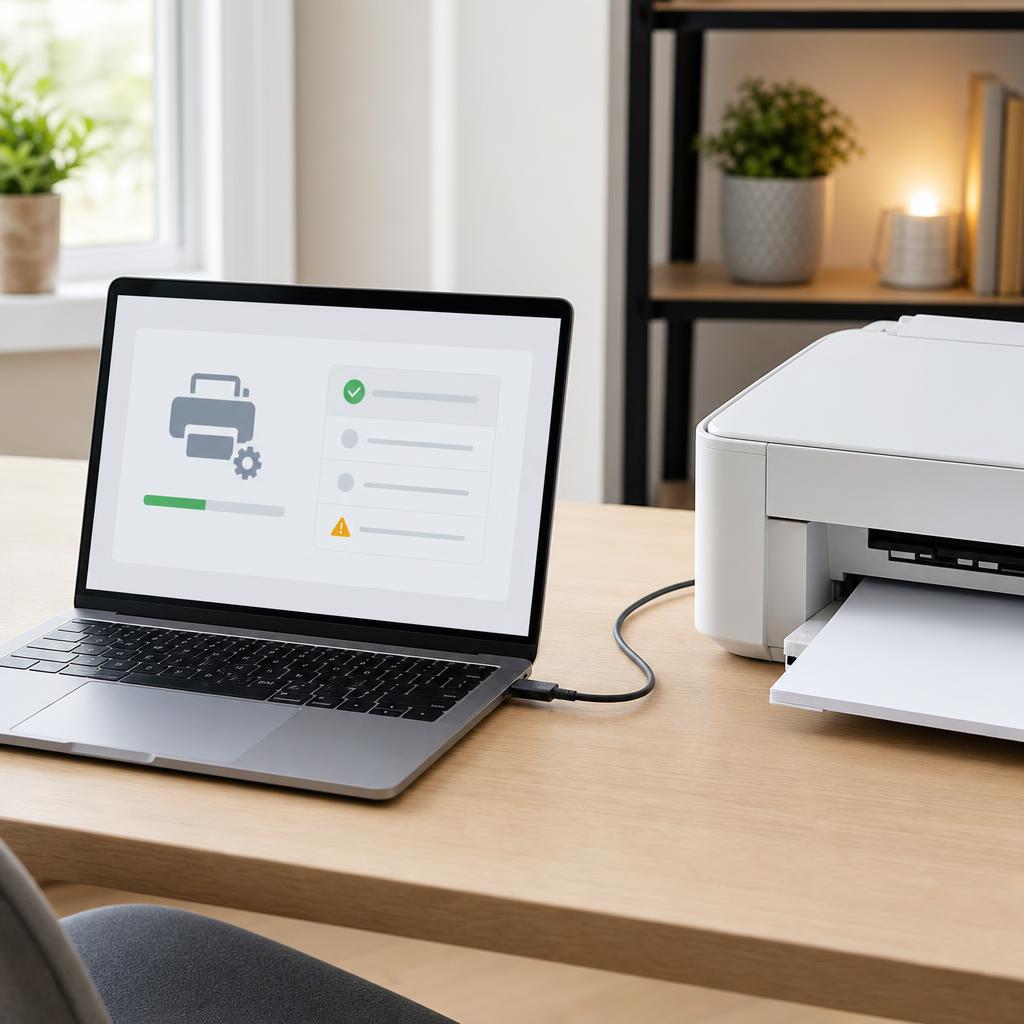
How to Install or Update a Printer Driver (Complete Driver Installation & Troubleshooting Guide)
Installing a printer for the first time, updating an old driver, or fixing one that won’t work? This beginner-friendly guide walks through installing, updating, and reinstalling a printer driver on Windows and macOS — and troubleshooting the problems that stop a printer being detected.
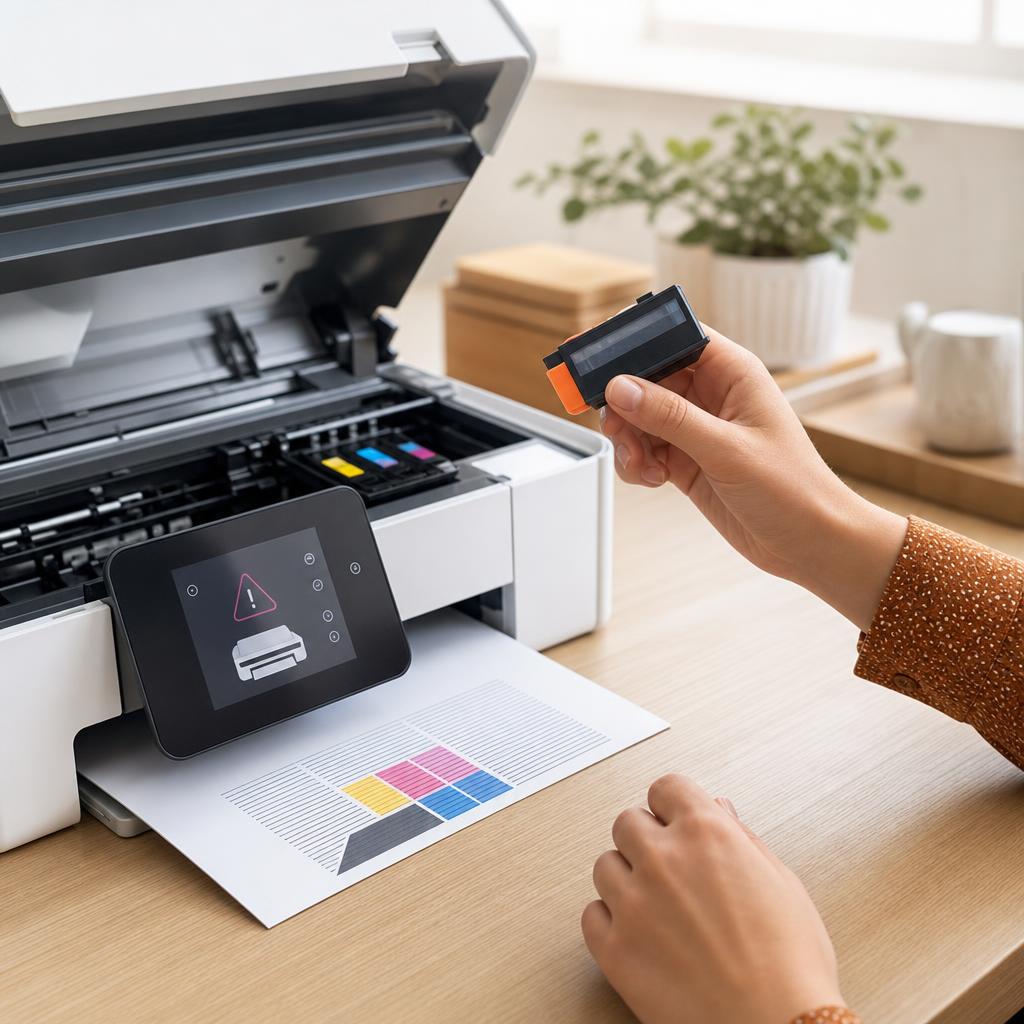
How to Fix a Printer That Says “Cartridge Not Recognized”
A “Cartridge Not Recognized” message means your printer can’t read a cartridge it should accept — usually because of a bit of protective tape left on, dirty electrical contacts, or a cartridge that hasn’t clicked fully into place. This guide walks you through inspecting, cleaning, and reseating both ink and toner cartridges safely, covers the firmware and compatibility catches that trip people up, and helps you tell the difference between a fixable fault and a genuinely dead cartridge.
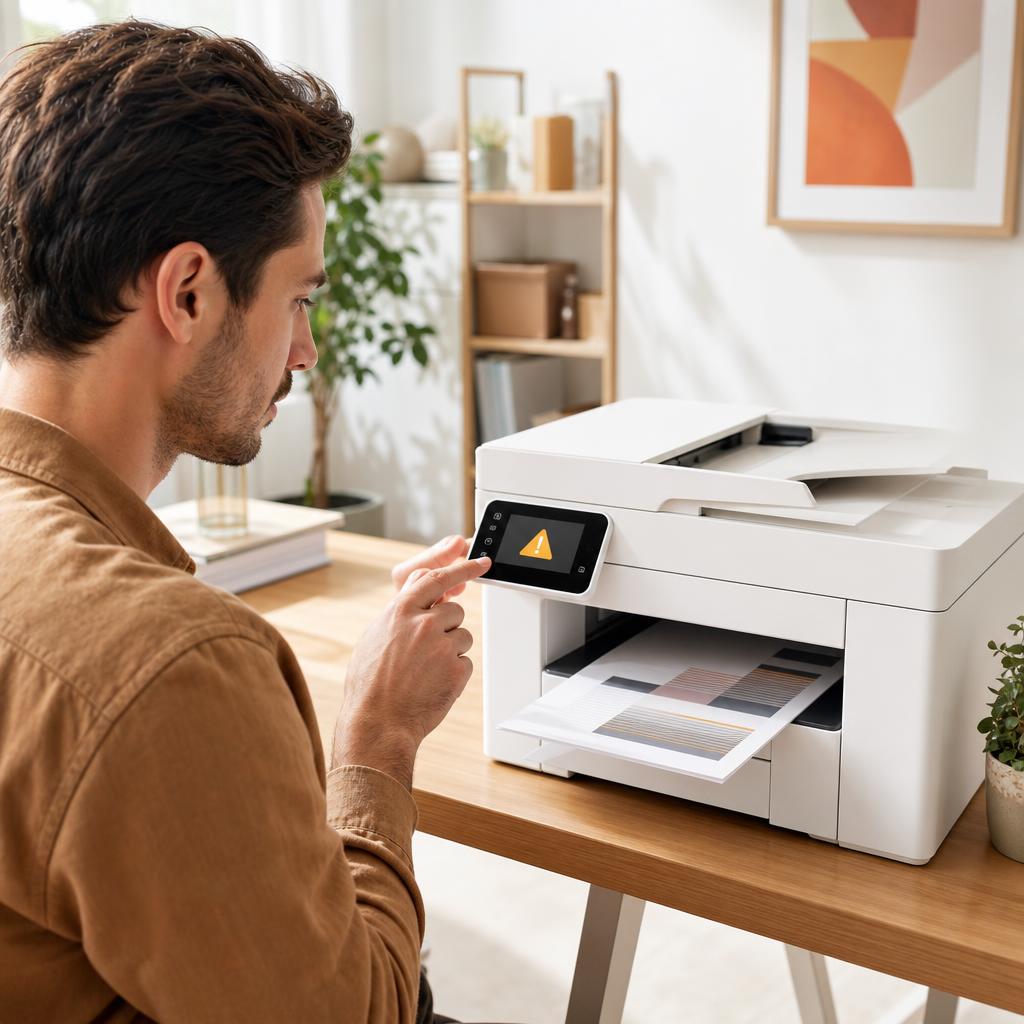
How to Fix Printer Error Codes (Complete Troubleshooting Guide)
A printer error code is simply your printer’s way of naming a fault it has run into — a jam, a cartridge it can’t read, a lost connection, or something deeper inside. Most codes are far less alarming than they look, and a calm, methodical routine clears the great majority of them. This guide shows you how to identify the exact code, work through a general fix that resolves most errors, and recognise the few codes that genuinely mean a repair is due.