
Windows Updates
Understand how Windows Update works, why updates sometimes get stuck, and how to keep your PC current without the confusion.

Keep Windows current without the stress
Windows Update keeps your PC secure and working correctly by delivering security patches, bug fixes, and new features. Most updates install quietly in the background, but occasionally one gets stuck, downloads slowly, or prompts a restart at an inconvenient time.
These guides explain how the update process works, how to check what has been installed and what is pending, and what to do when something goes wrong — all without needing to dig into settings you have never seen before.
What you'll learn
- Understand the difference between quality updates, feature updates, and driver updates
- Check your update history to see what has recently been installed
- Fix updates that are stuck downloading or installing
- Manage optional updates so you only install what you need
All Windows Updates Guides
Every guide we've published on windows updates — from quick fixes to in-depth walkthroughs.


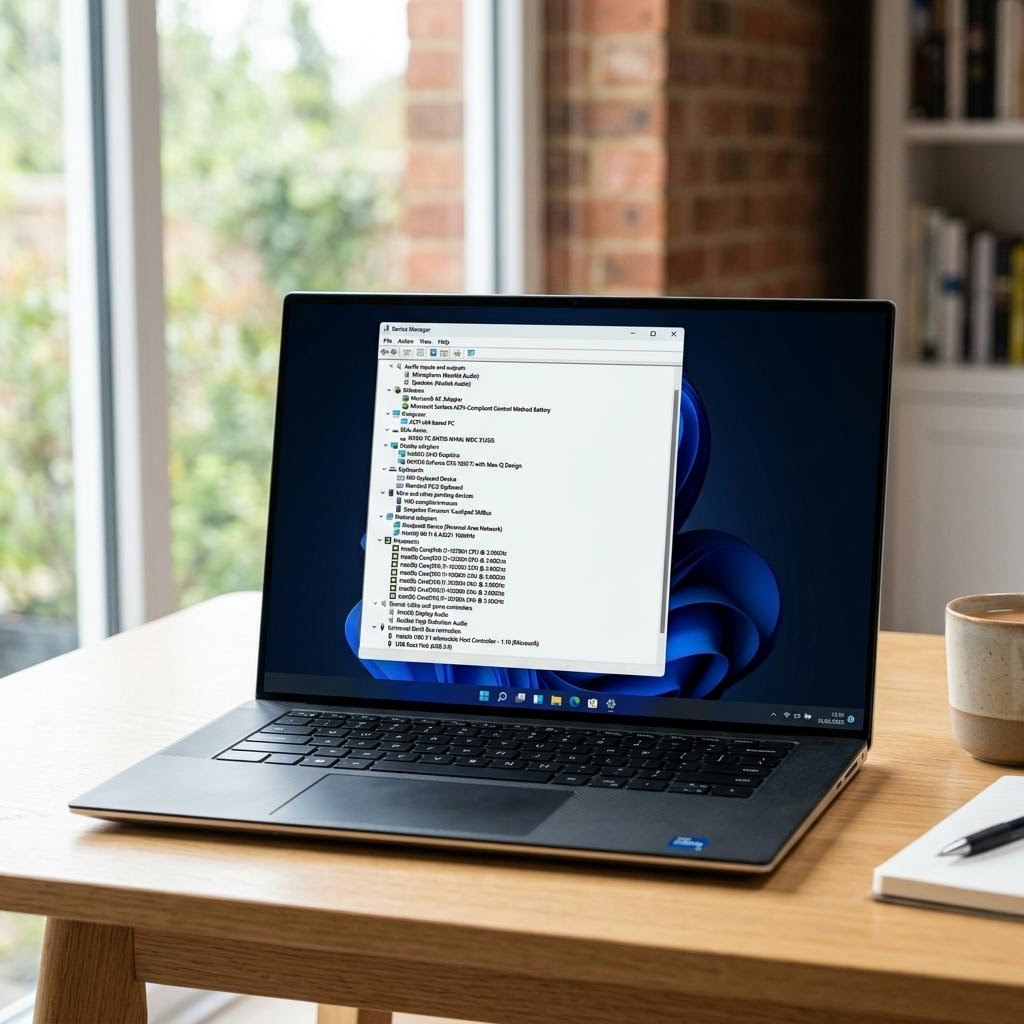
Common Problems
The issues readers run into most with windows updates — and where to start.
Featured Guides
Hand-picked walkthroughs covering this category in depth.
Buying Guides
Plain-English comparisons and pre-purchase checklists — find the right printer before you buy.

Frequently Asked Questions
Common questions about windows updates.
Helpful Resources
General knowledge to help you get the most from your printer.