Most people set up their home network once — plugging in the router their internet provider sent — and never think about it again until something stops working. A network that has been thoughtfully configured is faster, more reliable, more secure, and much easier to troubleshoot. This article covers the essential components and concepts every home network should include.
The Modem: Your Internet Gateway
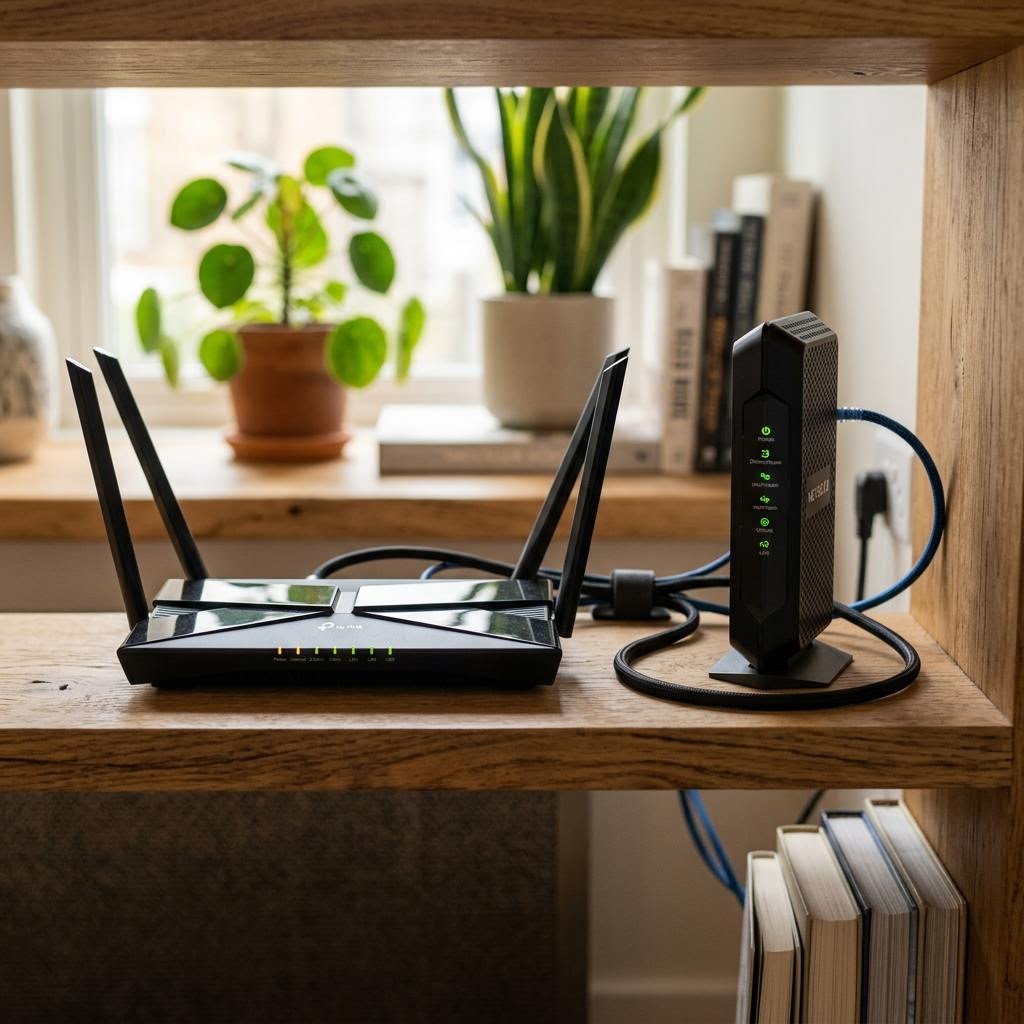
The modem connects your home to your internet service provider. It converts the signal arriving via cable, fibre, or telephone line into a format your home network can use. Without the modem, your router has nothing to route.
Many providers supply a combined modem-router unit, which simplifies setup and reduces the number of devices to manage. A separate modem and router gives you more flexibility and can offer better performance, but requires slightly more configuration.
The Router: Your Network's Brain
The router creates your local network and manages all traffic within it. It assigns IP addresses to each connected device, directs data packets to the right destination, and acts as the gateway between your local network and the broader internet.
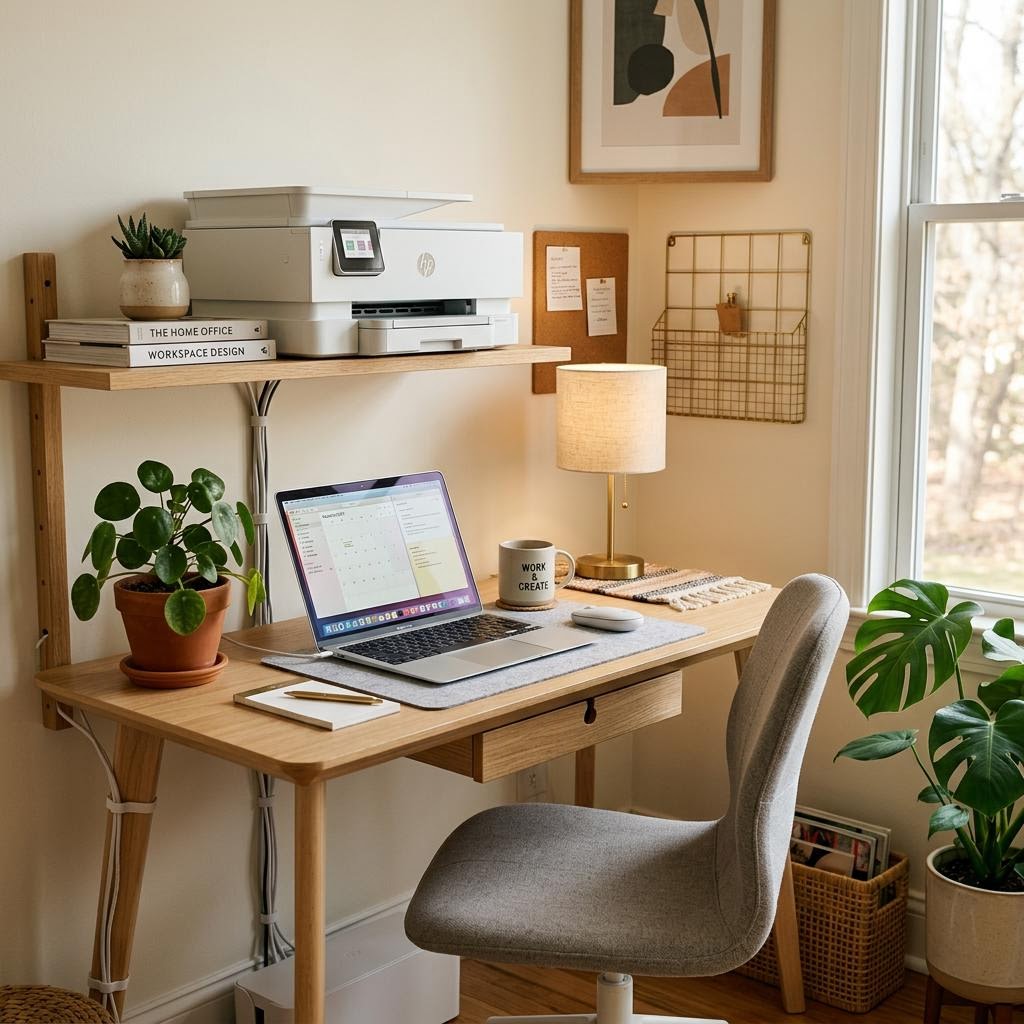
Modern routers include built-in Wi-Fi, handling both routing and wireless broadcasting in a single device. When you connect a printer to your Wi-Fi, the router coordinates every communication between that printer and your computers, phones, and tablets.
Understanding Wi-Fi Bands: 2.4 GHz vs 5 GHz
Most modern routers broadcast on two frequency bands simultaneously: 2.4 GHz and 5 GHz. Each has different characteristics that suit different situations.
The 2.4 GHz band travels further and penetrates walls and floors more effectively, but it is slower and more prone to interference. The 5 GHz band delivers faster speeds but has a shorter effective range, working best for devices close to the router.
Devices in fixed locations that are more than one or two rooms away from the router typically benefit from 2.4 GHz. Devices used right next to the router benefit from the higher speed of 5 GHz.
Router Placement and Signal Coverage
The position of your router has a larger impact on your network than almost any other factor. Routers should be placed centrally in the home, elevated on a shelf or desk, and away from walls, large metal objects, and other electronics that can absorb or interfere with the signal.
Placing a router inside a cabinet, behind a television, or on the floor significantly degrades coverage. A router placed centrally on a high shelf can often cover an entire floor that a wall-mounted router struggles to reach.
If you have persistent dead zones despite good router placement, a mesh Wi-Fi system — which uses multiple nodes distributed around the home to create a single seamless network — is typically more effective than a simple range extender.
Network Security Essentials
A home network with poor security is an entry point for attackers. The following are not optional extras — they are baseline protections every home network should have.
Change the default administrator password on your router immediately after setup. Default credentials are publicly documented and easily exploited. Use a long, unique password for the admin interface, separate from your Wi-Fi password.
Enable WPA3 encryption if your router and devices support it. WPA2-AES is the acceptable minimum. Avoid WEP and the original WPA, which have known vulnerabilities. Your Wi-Fi password should be long and not shared beyond your household.
Guest Networks
A guest network is a separate Wi-Fi network on your router that provides internet access without allowing access to your main local network. Visitors can browse the internet without being able to see your printers, computers, or network storage.
Guest networks are also valuable for smart home devices — smart speakers, thermostats, security cameras — which often have weaker security. Placing them on a separate network limits the potential damage if one of those devices is compromised.