
Slow Computer
Diagnose why your Windows PC has slowed down and take the right steps to speed it back up, without reinstalling everything.

Find the real reason your PC is slow
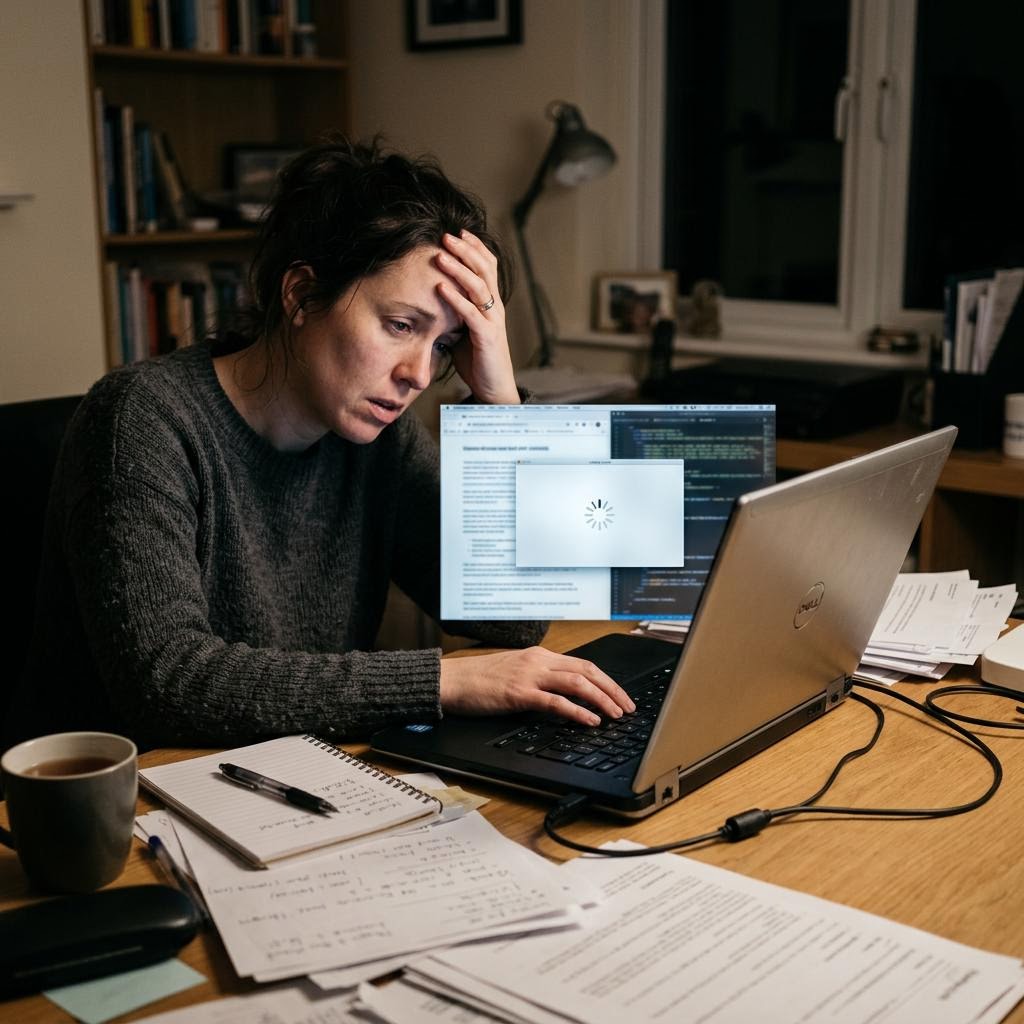
A slow computer is almost always caused by something specific: too many programs loading at startup, background apps consuming memory, low disk space, or outdated drivers. Identifying the actual cause means you can fix it precisely rather than trying everything at once.
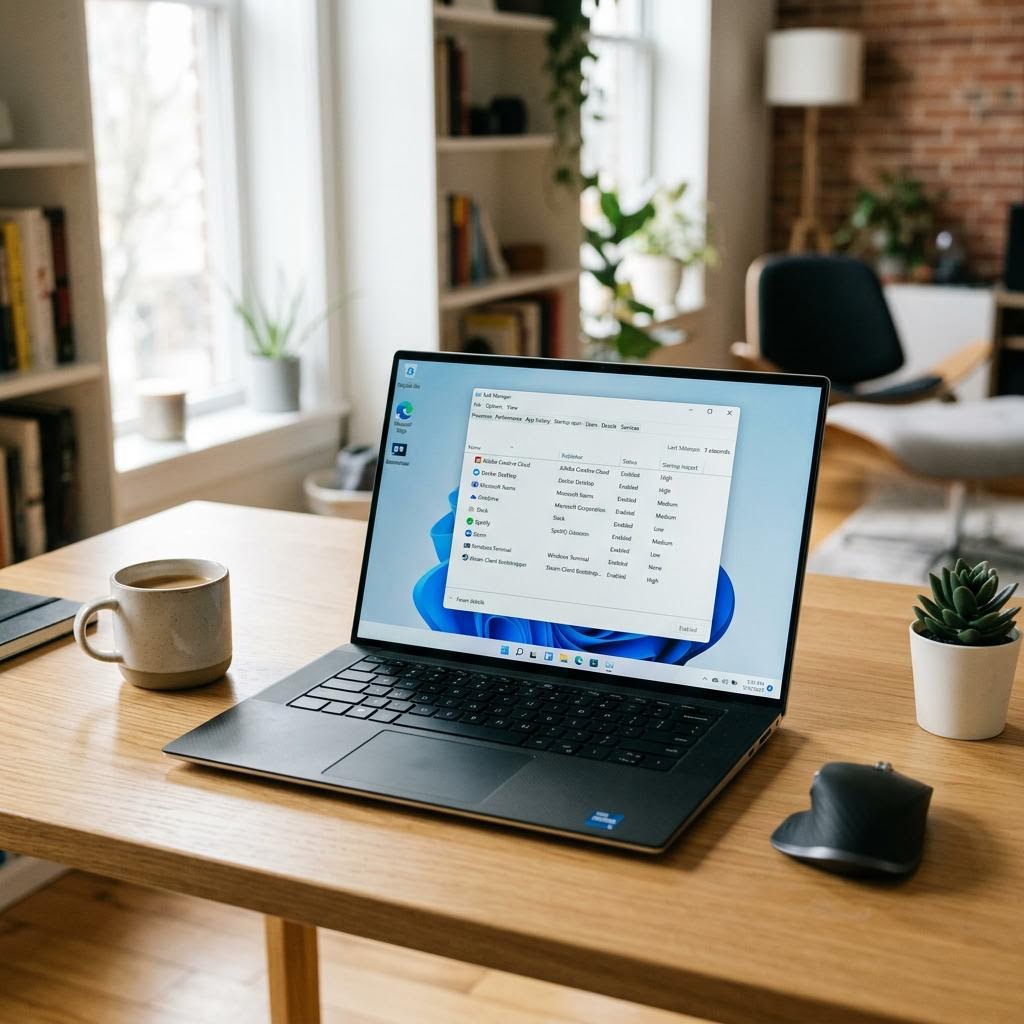
These guides teach you to use the tools already built into Windows — Task Manager, Settings, and the startup manager — to see exactly what is happening and take targeted action.
What you'll learn
- Use Task Manager to find which programs are using the most resources
- Manage startup programs so fewer things load when Windows boots
- Understand how RAM and storage affect everyday speed
- Identify background apps that run without your knowledge
All Slow Computer Guides
Every guide we've published on slow computer — from quick fixes to in-depth walkthroughs.
Common Problems
The issues readers run into most with slow computer — and where to start.
Featured Guides
Hand-picked walkthroughs covering this category in depth.
Buying Guides
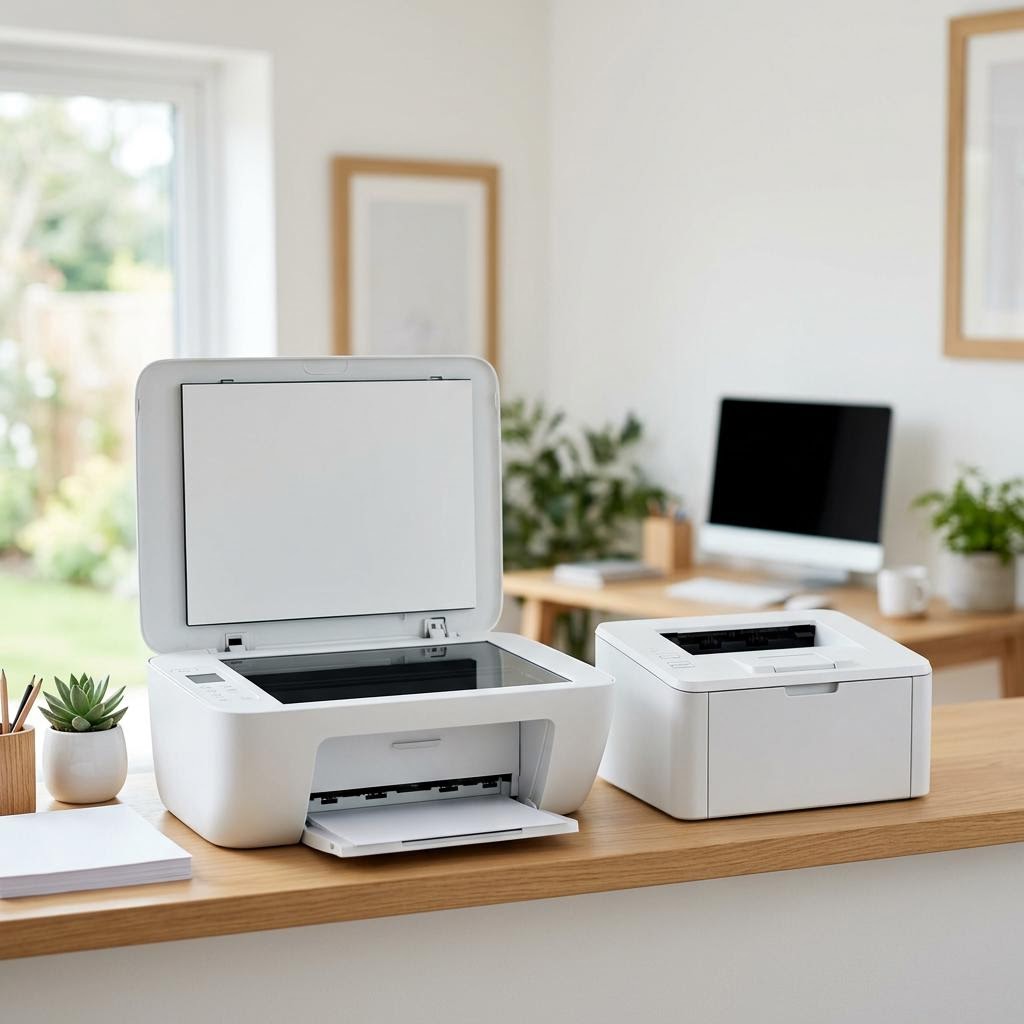
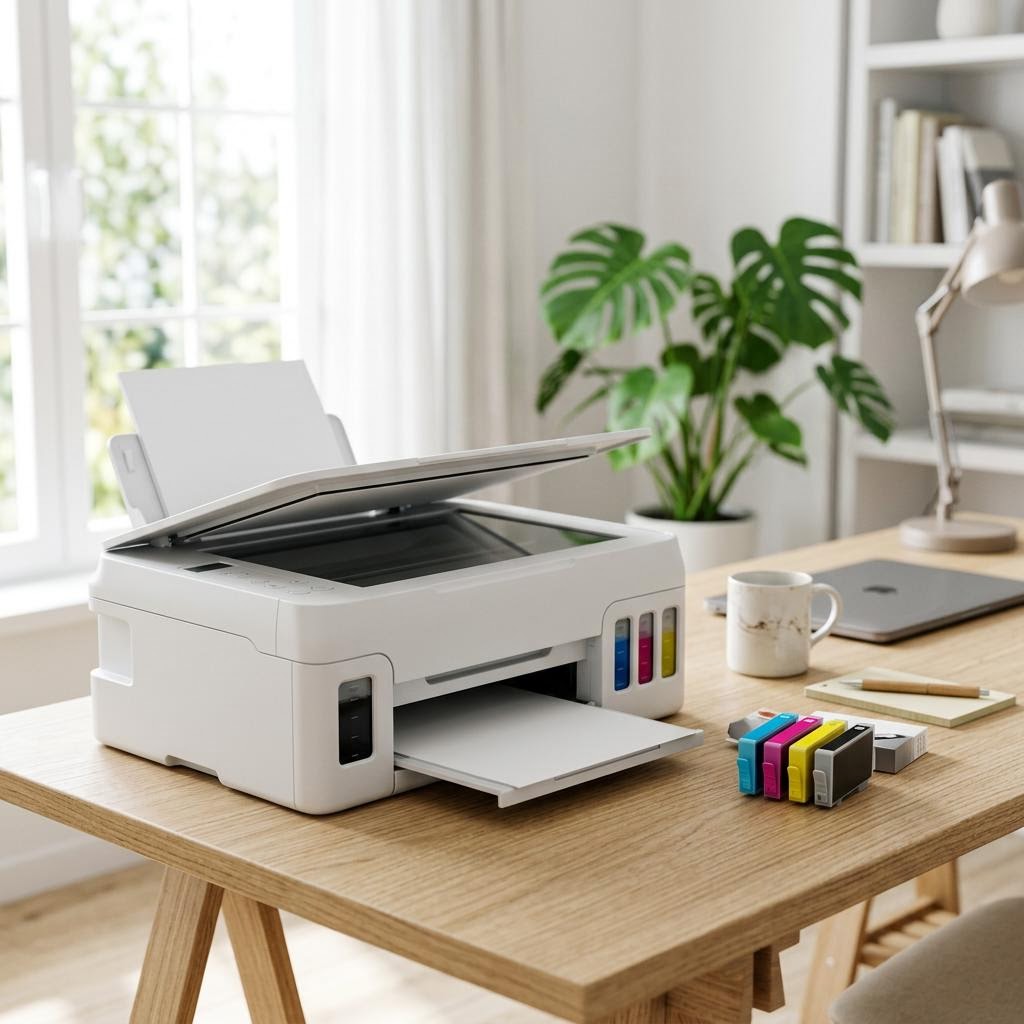
Plain-English comparisons and pre-purchase checklists — find the right printer before you buy.
Frequently Asked Questions
Common questions about slow computer.
Helpful Resources
General knowledge to help you get the most from your printer.