
Router & Wi-Fi
Understand how your home network works, set up a router from scratch, and fix the most common wireless problems step by step.
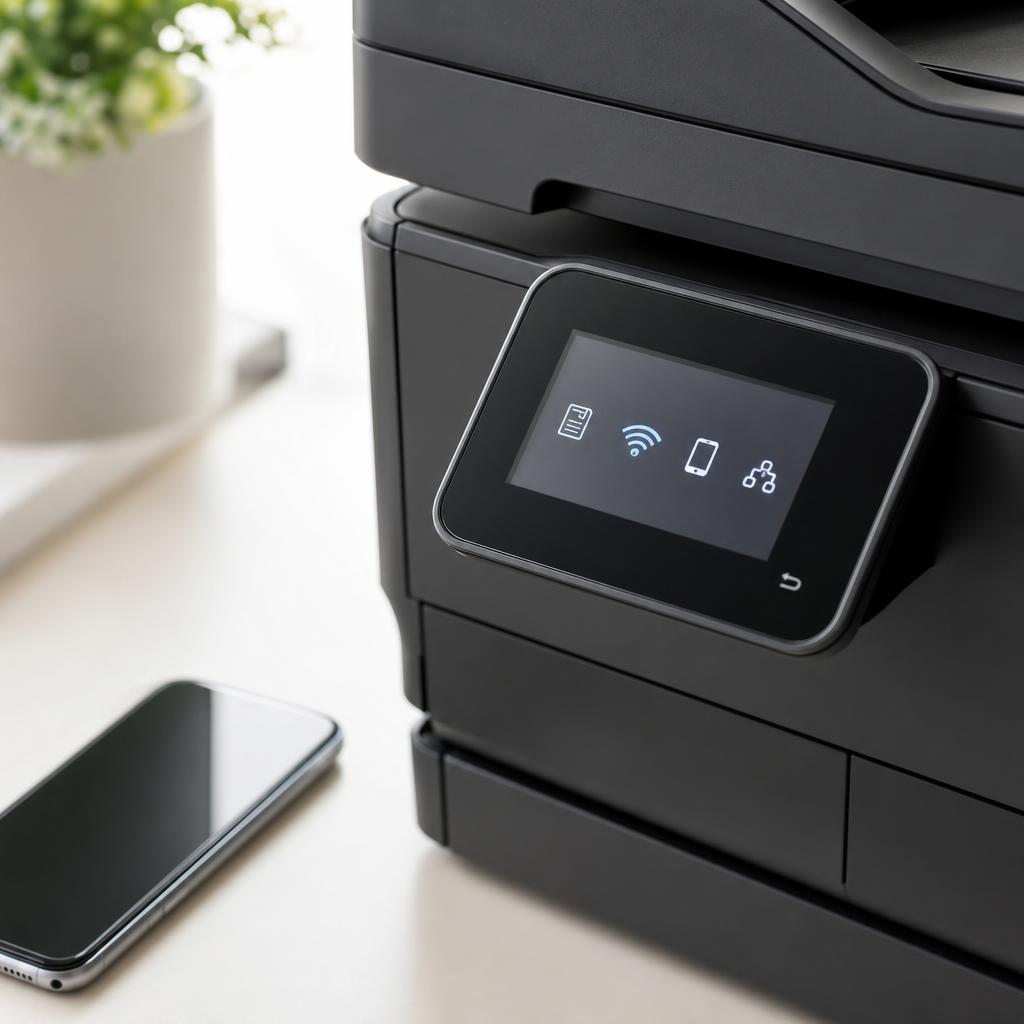
Home networking, explained plainly
Most networking problems have straightforward causes: the wrong Wi-Fi band, a router that needs a restart, or a device that has connected to the wrong network. Understanding the basics makes it easy to spot the issue and fix it without guessing.
These guides cover everything from setting up a router for the first time to understanding why 2.4 GHz and 5 GHz behave differently, how to connect a printer wirelessly, and what the blinking lights on your router actually mean.
What you'll learn
- Understand the difference between 2.4 GHz and 5 GHz Wi-Fi bands
- Set up a home router from scratch, step by step
- Connect printers and other devices to Wi-Fi reliably
- Read router status lights to diagnose connection problems
All Router & Wi-Fi Guides
Every guide we've published on router & wi-fi — from quick fixes to in-depth walkthroughs.

Common Problems
The issues readers run into most with router & wi-fi — and where to start.
Featured Guides
Hand-picked walkthroughs covering this category in depth.
Buying Guides
Plain-English comparisons and pre-purchase checklists — find the right printer before you buy.

Frequently Asked Questions
Common questions about router & wi-fi.
Helpful Resources
General knowledge to help you get the most from your printer.