
Paper Jams & Misfeeds
A jam is frustrating, but rushing it can bend a roller or tear a sensor flag. Learn the calm, correct way to clear stuck paper.
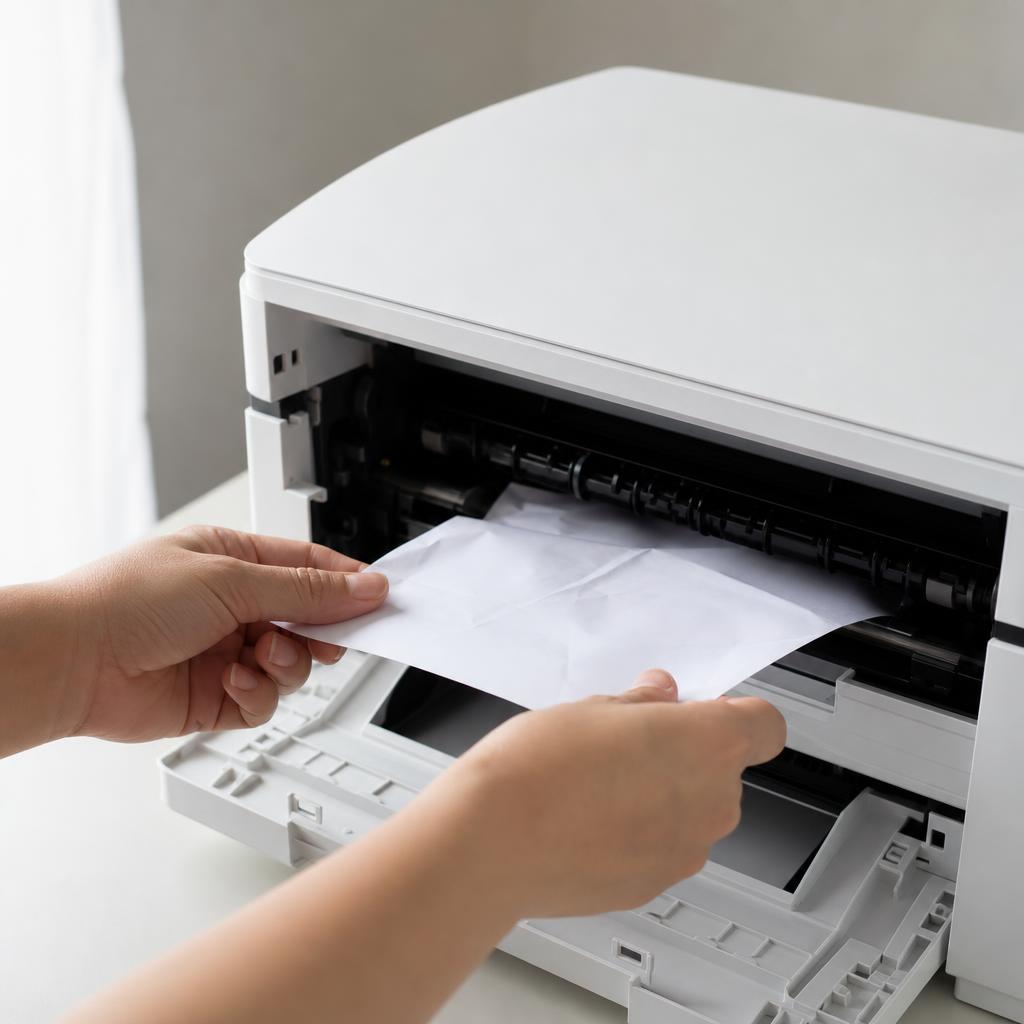
Clear the jam without creating a new problem
Paper jams happen when a sheet stops moving cleanly through the printer — because of misaligned guides, worn feed rollers, the wrong paper weight, or a stray scrap left behind from a previous jam. The instinct is to yank the paper out, but pulling against the mechanism is what damages rollers and sensors.
These guides show you how to power down, locate the jam, and remove paper in the direction of travel so nothing tears. They also cover the prevention habits — proper loading, correct paper type, and roller cleaning — that stop jams from becoming a weekly event.
What you'll learn
- Always pull jammed paper in the direction it normally feeds
- Find hidden scraps behind the duplexer and rear door
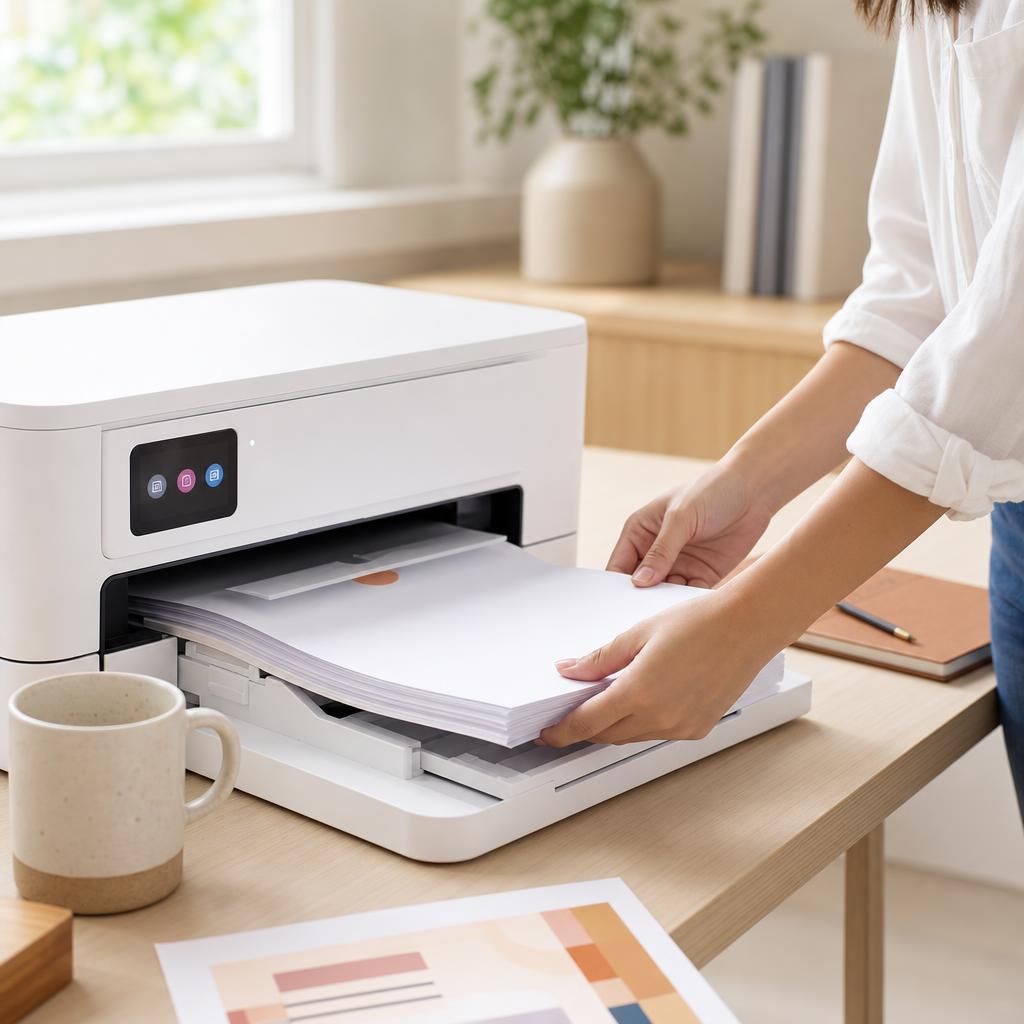
- Fan and align paper correctly before loading a tray
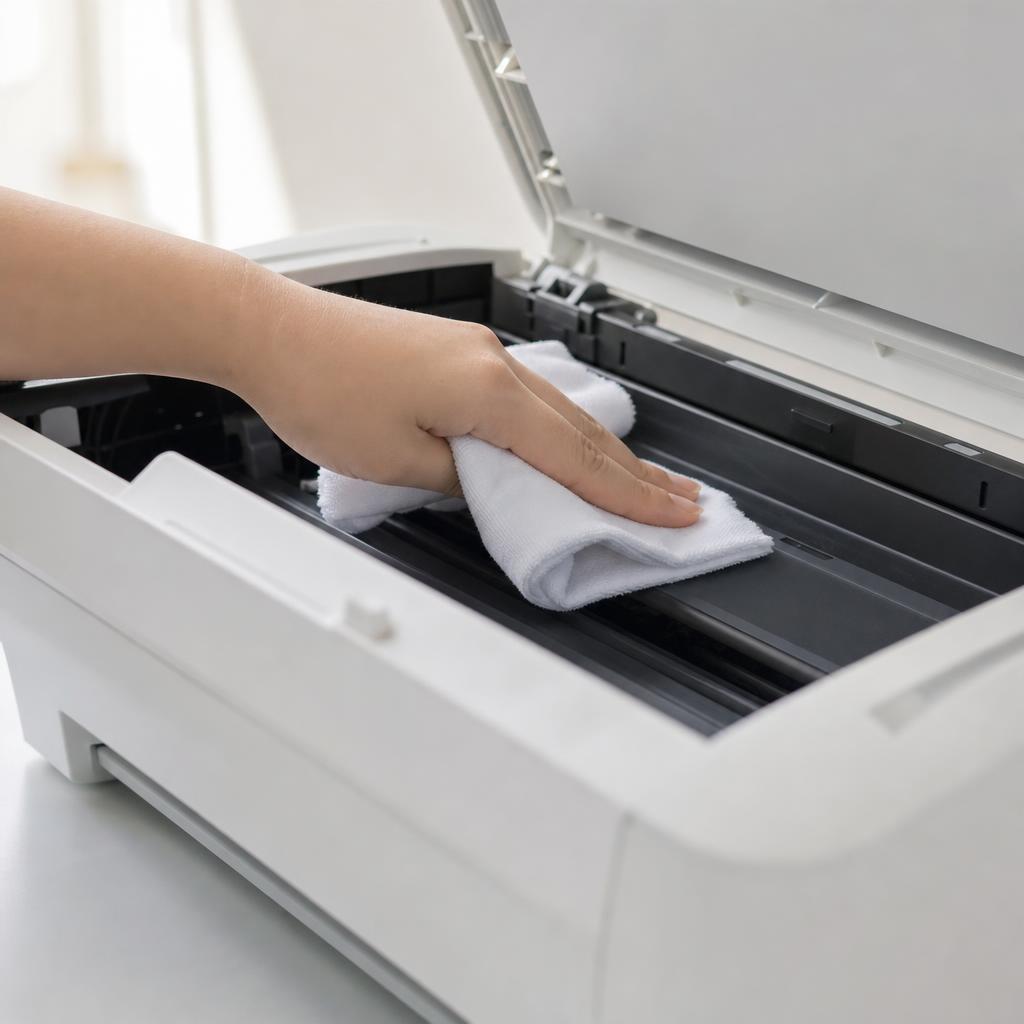
- Clean feed rollers to restore reliable paper pickup
All Paper Jam Guides
Every guide we've published on paper jam — from quick fixes to in-depth walkthroughs.
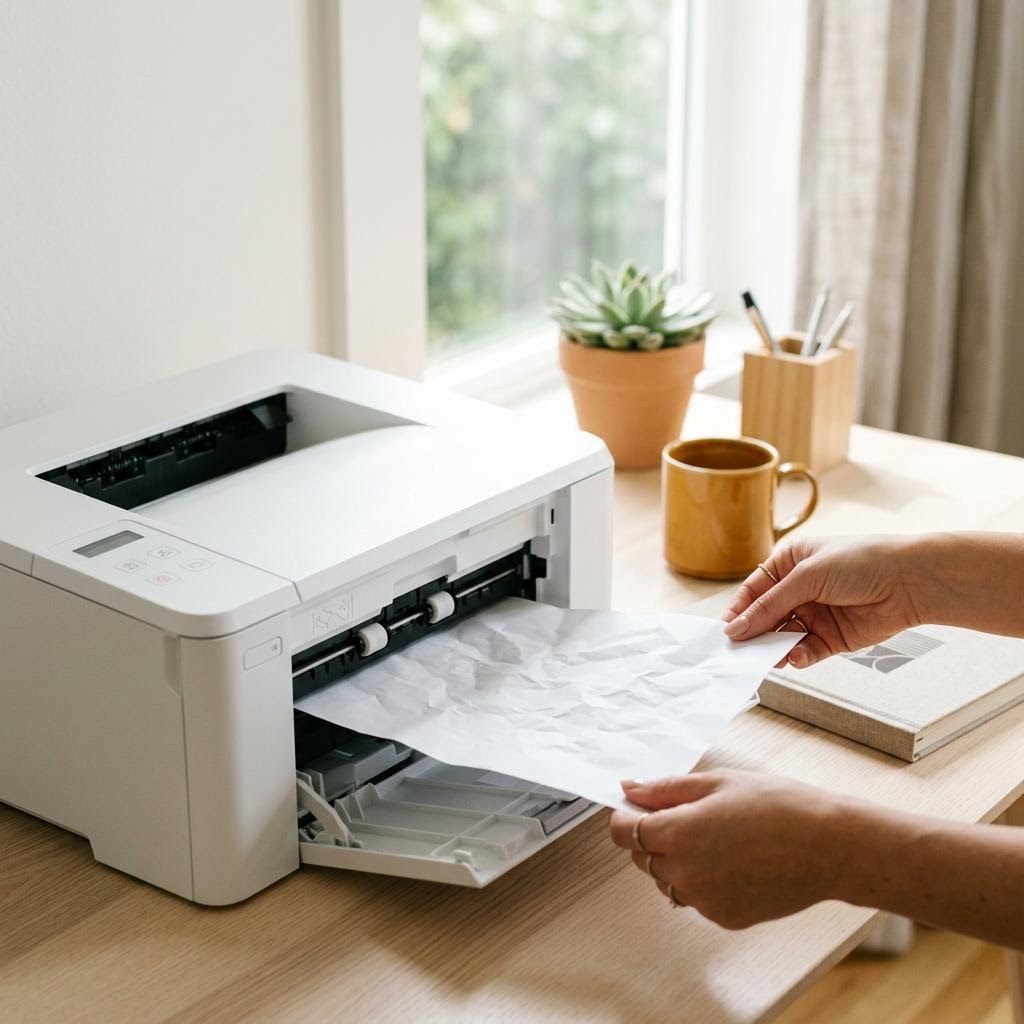
Common Problems
The issues readers run into most with paper jam — and where to start.
Featured Guides
Hand-picked walkthroughs covering this category in depth.
Buying Guides
Plain-English comparisons and pre-purchase checklists — find the right printer before you buy.
Frequently Asked Questions
Common questions about paper jam.
Helpful Resources
General knowledge to help you get the most from your printer.