Most people use whichever operating system came installed on their computer and never think much about it. But when it is time to buy new hardware, understand a device compatibility issue, or configure a printer, the differences between Windows and macOS start to matter. This article explains what each system is, what it does well, and how to think about which one fits your situation.
What Is an Operating System?
An operating system is the software layer that sits between you and your computer's hardware. It manages memory, processes, storage, and connected devices such as printers, keyboards, and displays. Without an operating system, a computer has no way to run applications or accept input.
Windows and macOS are the two dominant desktop operating systems. They do the same fundamental job but approach it very differently, and those differences shape every interaction you have with the machine.
Windows: Built for Broad Compatibility
Windows is made by Microsoft and runs on hardware from hundreds of different manufacturers. This openness is its defining strength. You can buy a Windows computer from Dell, HP, Lenovo, Asus, or build your own — at virtually any price point from a budget laptop to a high-end workstation.
Windows has the largest software library of any desktop platform. Nearly every business application, game, and specialist tool is available on Windows. Driver and hardware support is extensive. Most peripherals, including printers, are designed with Windows compatibility as the primary target, which means new devices almost always work out of the box.
macOS: Built Around Apple Hardware
macOS is made by Apple and runs exclusively on Apple hardware — MacBooks, iMacs, Mac Mini, Mac Studio, and Mac Pro. This tight integration between hardware and software is intentional. Apple controls both sides of the equation, enabling deep optimisation and a consistent experience across every machine.
macOS is well-regarded for its design consistency, build quality, and integration with other Apple devices. Features such as Handoff, AirDrop, and Universal Clipboard make it easy to move work between an iPhone, iPad, and Mac seamlessly.
Interface and Day-to-Day Experience
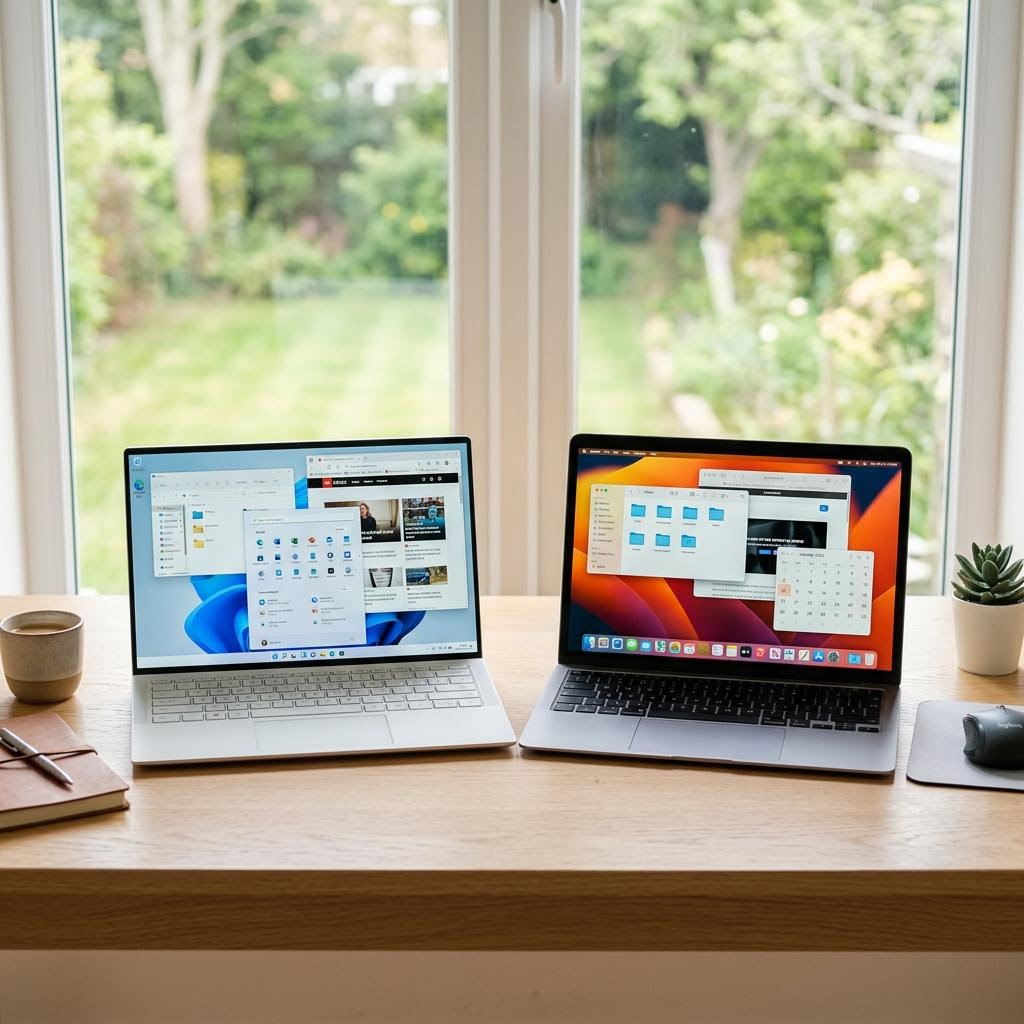
Windows uses a taskbar at the bottom of the screen with a Start menu for launching applications, managing open windows, and accessing system settings. macOS uses a Dock at the bottom and a persistent menu bar at the top of the screen that changes to show the active application's options.
Both interfaces are logical once you learn their conventions, but they have meaningfully different habits. Windows relies heavily on right-click context menus. macOS relies more on the top menu bar. Keyboard shortcuts differ between platforms, though they often map to equivalent functions — Ctrl on Windows becomes Cmd on Mac.
Software, Hardware, and Printing Compatibility
Windows has broader software compatibility, particularly for business, enterprise, and specialist applications. If you need industry-specific tools — accounting software, technical drawing packages, certain design platforms — the Windows version is more likely to be the most feature-complete.
macOS has strong creative software support. Applications like Final Cut Pro, Logic Pro, and many professional design tools are either exclusive to macOS or significantly better on it. This makes macOS the preferred platform for many designers, musicians, and video professionals.
For printing specifically, Windows tends to offer more granular driver support, especially for older printers. macOS relies heavily on AirPrint and built-in generic drivers, which work excellently with modern printers but may not expose all advanced features on older hardware.
Which Should You Choose?
Choose Windows if you want the widest hardware choice, the lowest price point, maximum software compatibility, or if you need specific business tools that are Windows-only. Windows also makes more sense if you are integrating with a Windows-based workplace environment.
Choose macOS if you are already invested in the Apple ecosystem (iPhone, iPad), work in creative fields, value consistent build quality and design, or prioritise seamless integration between Apple devices.
Both operating systems handle everyday tasks — web browsing, word processing, video calls, and printing — without significant compromise. The differences matter most as your needs become more specific.